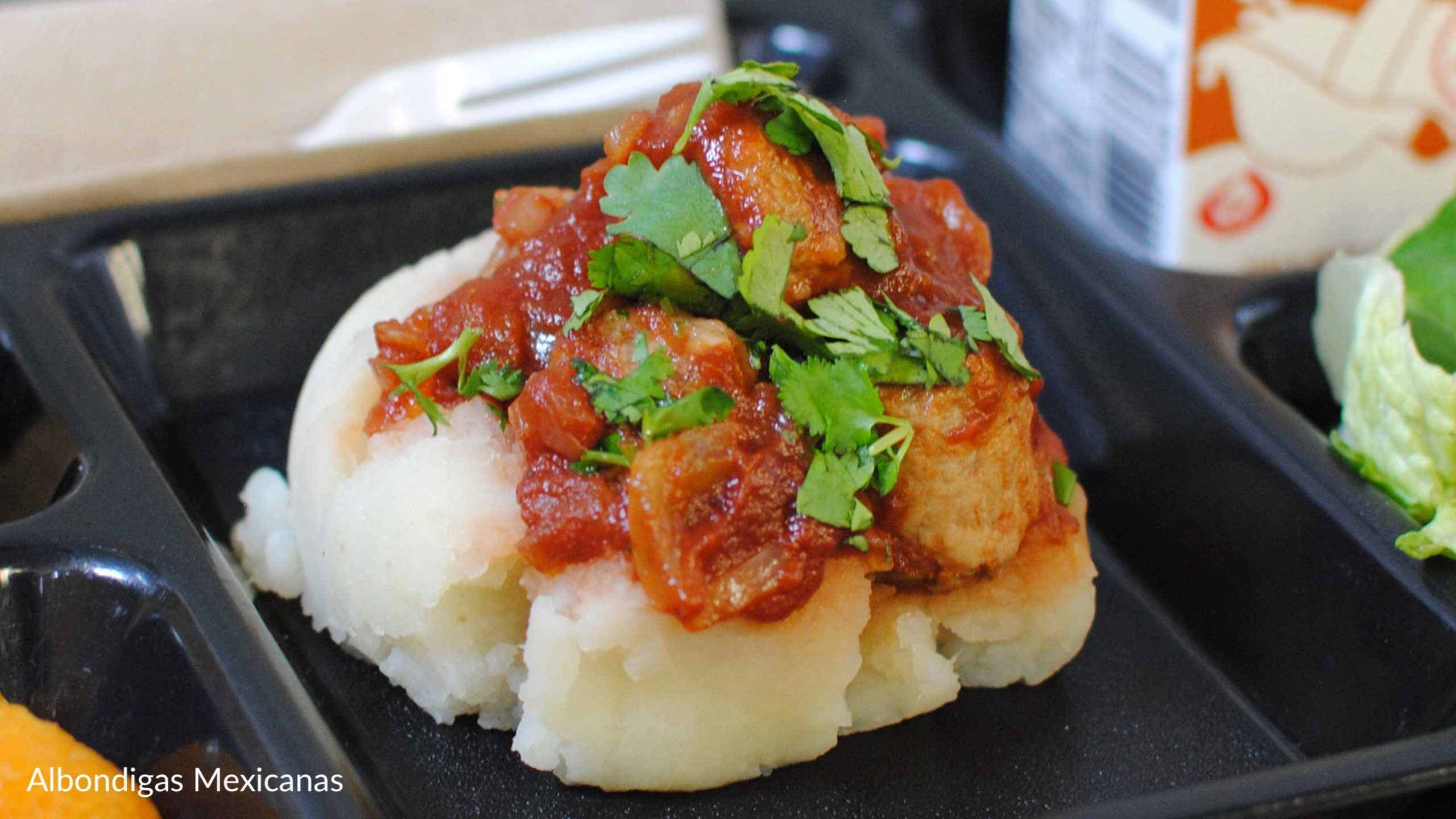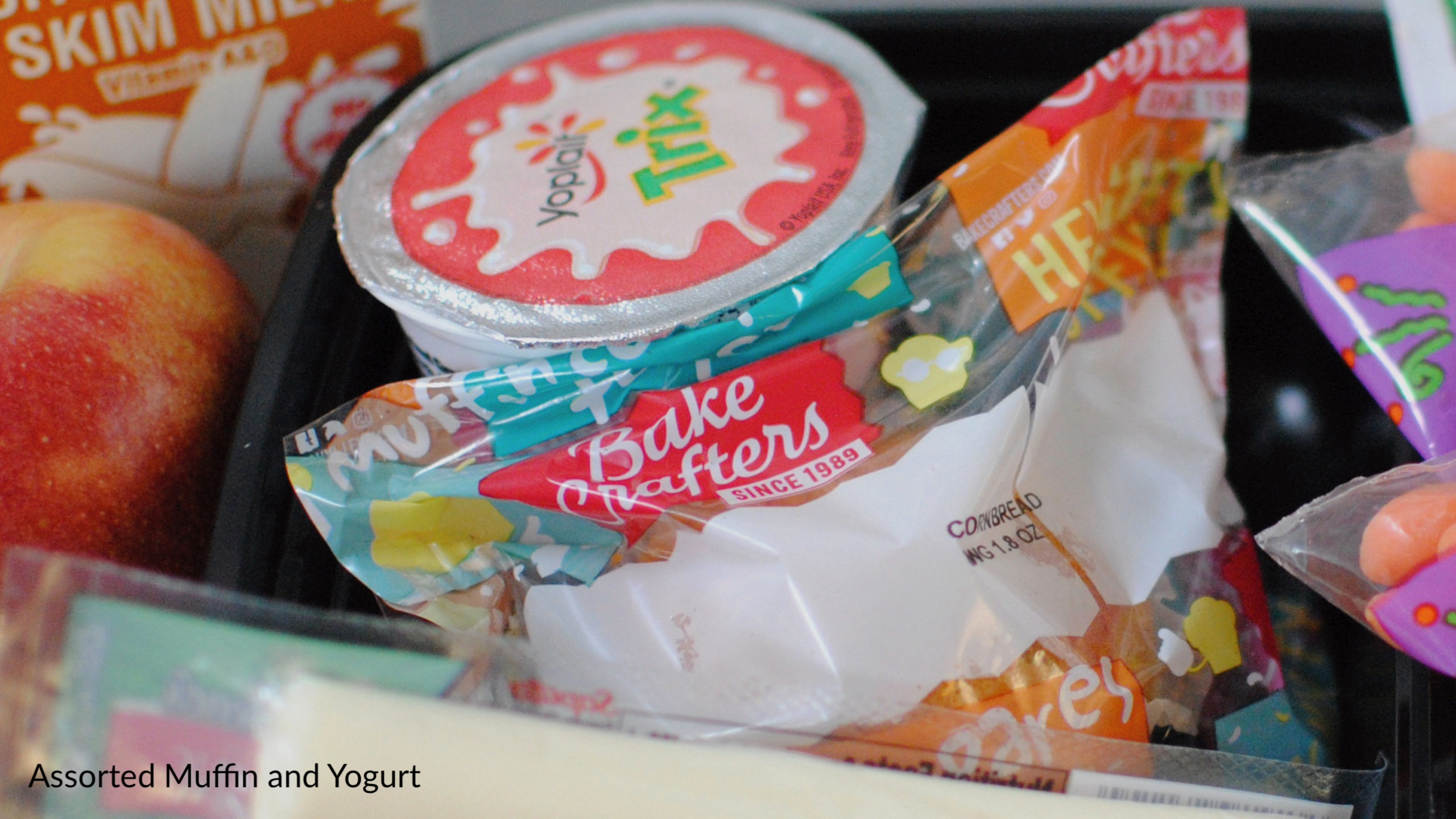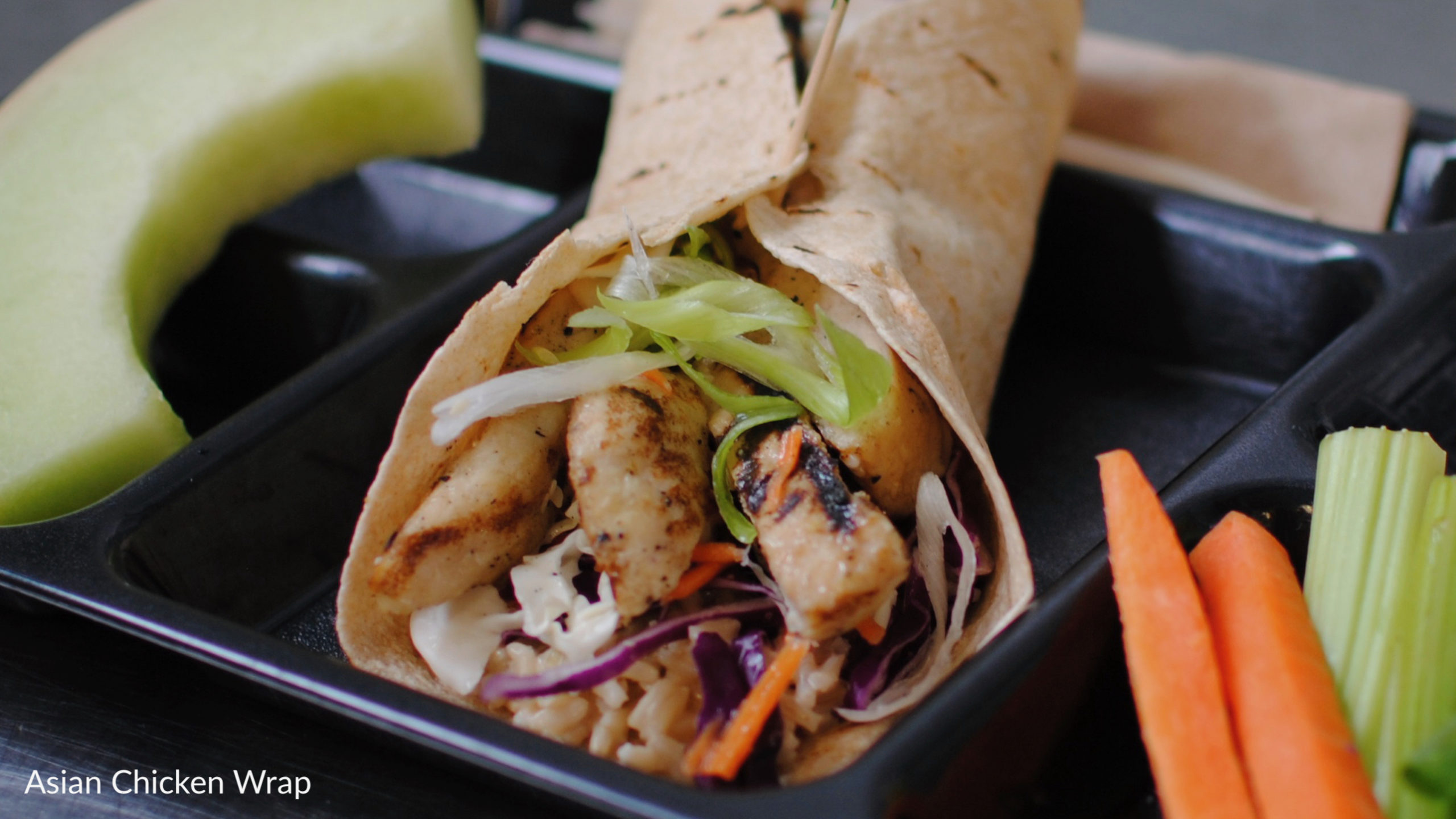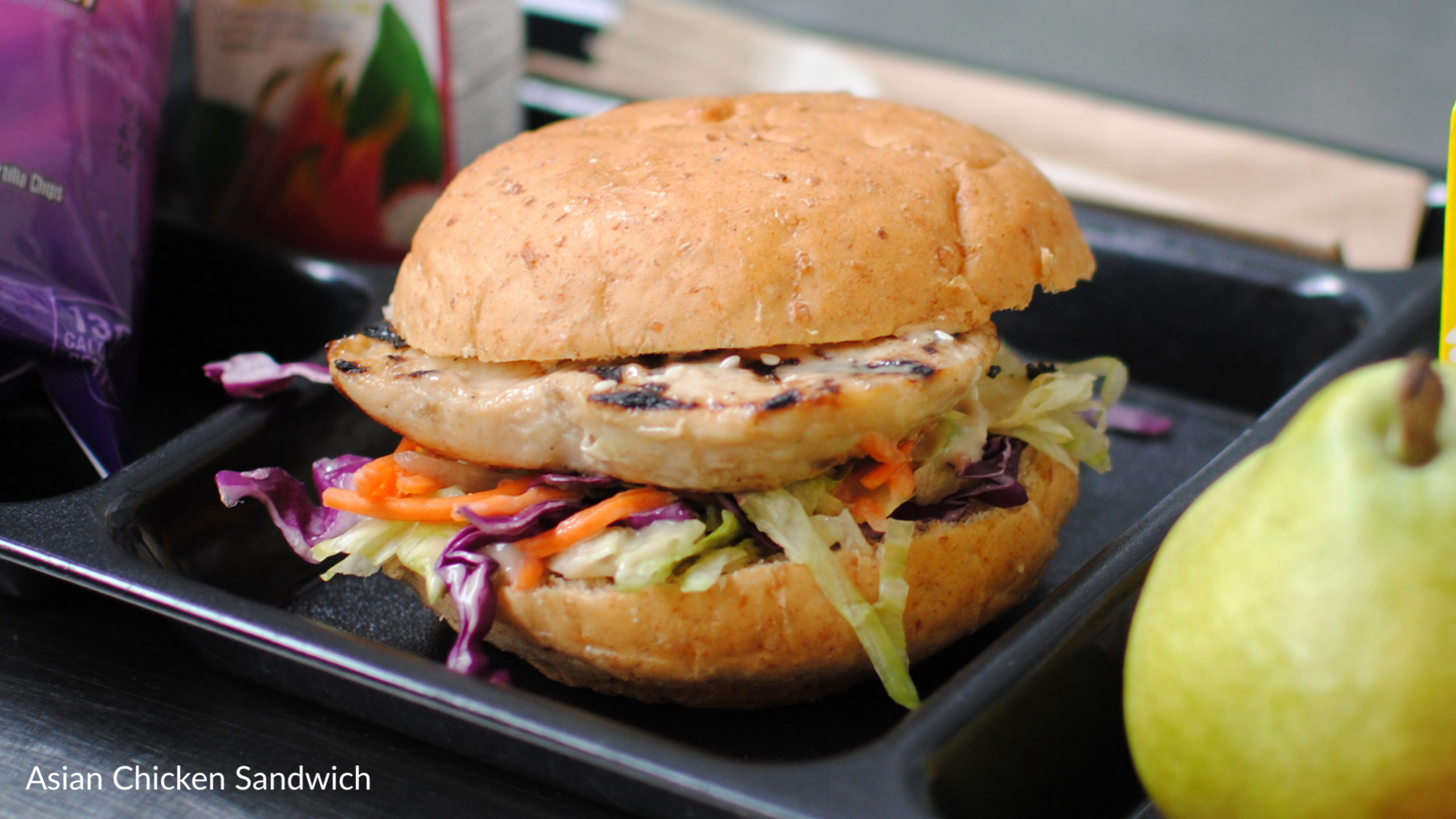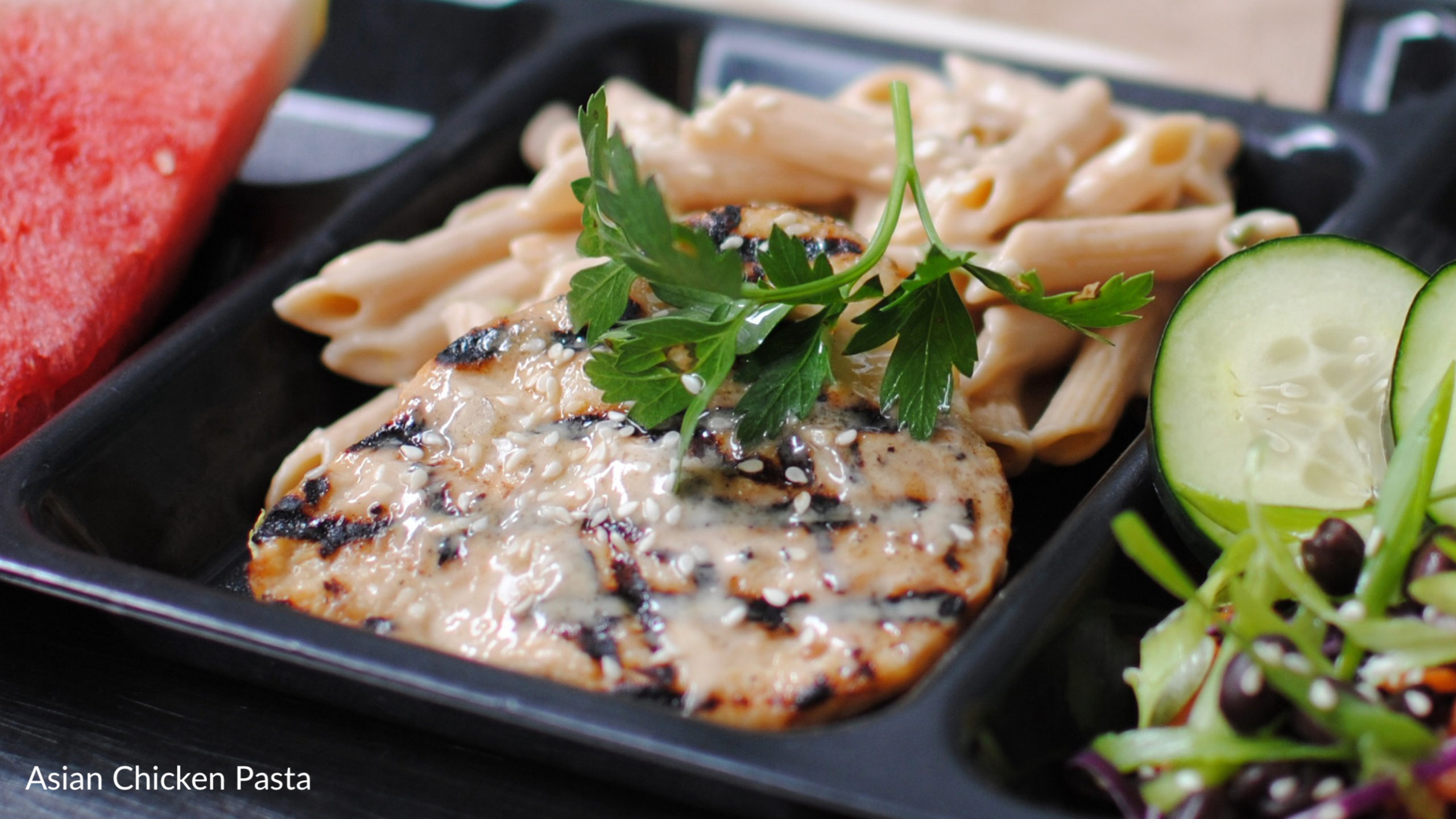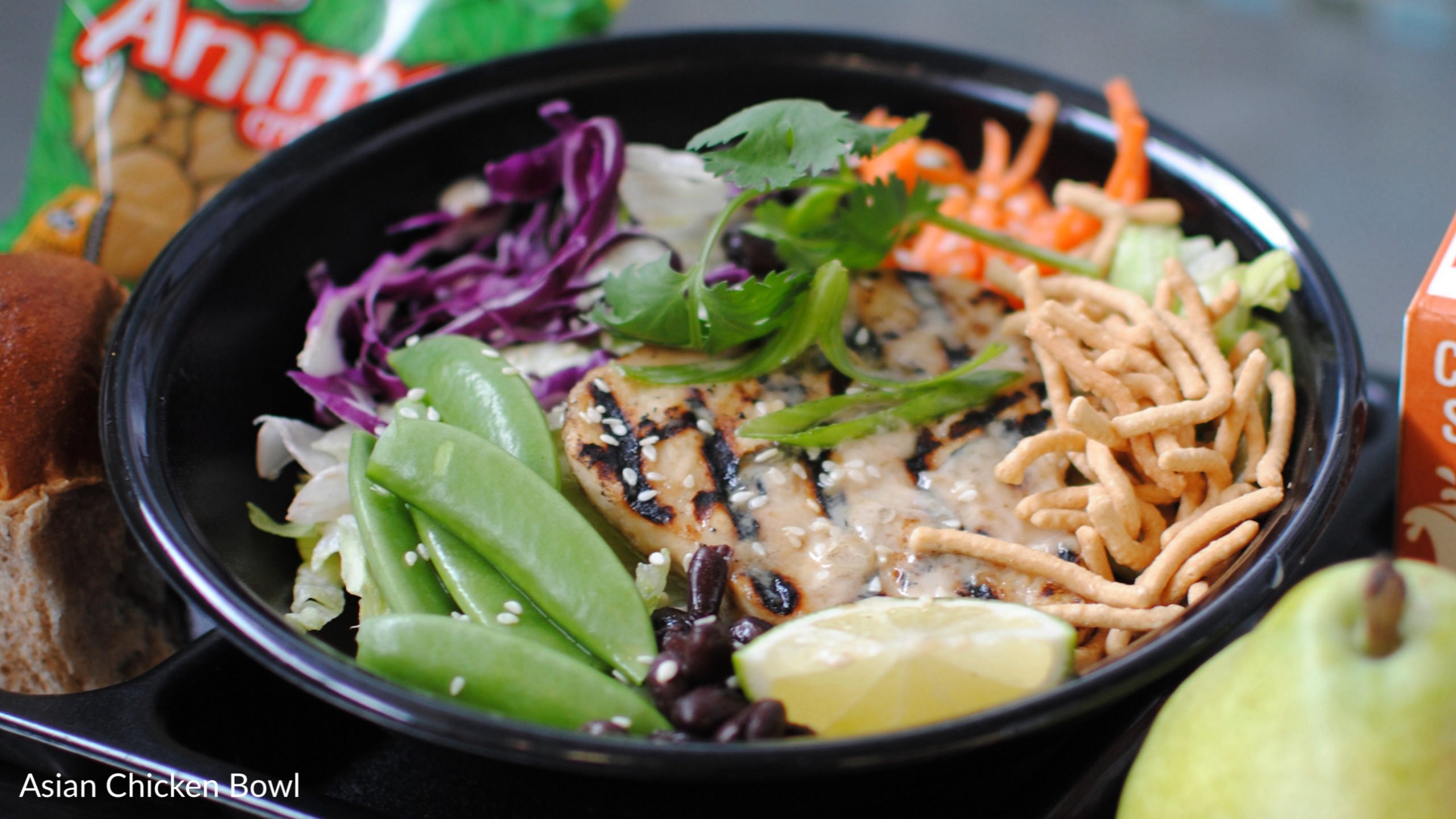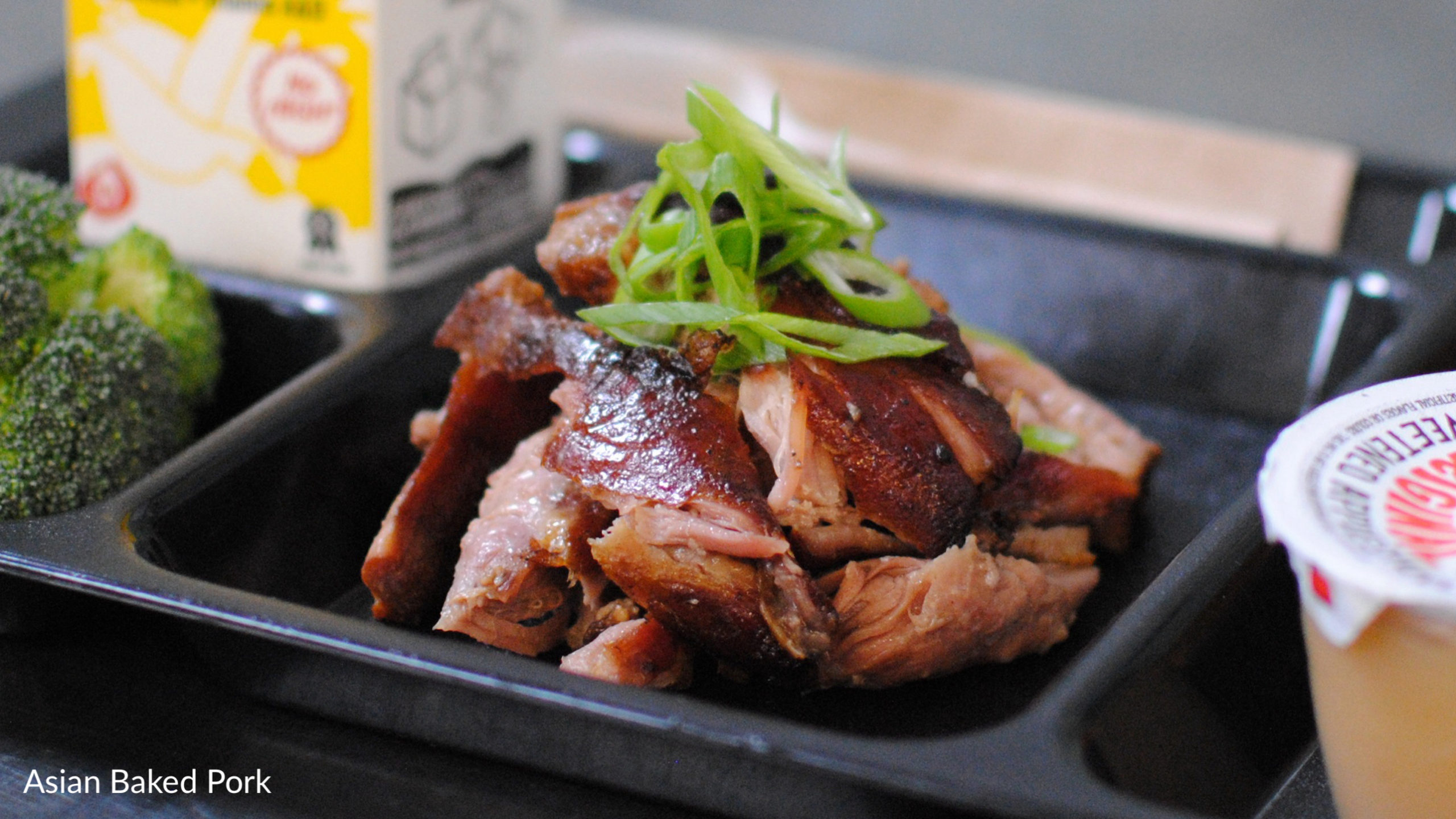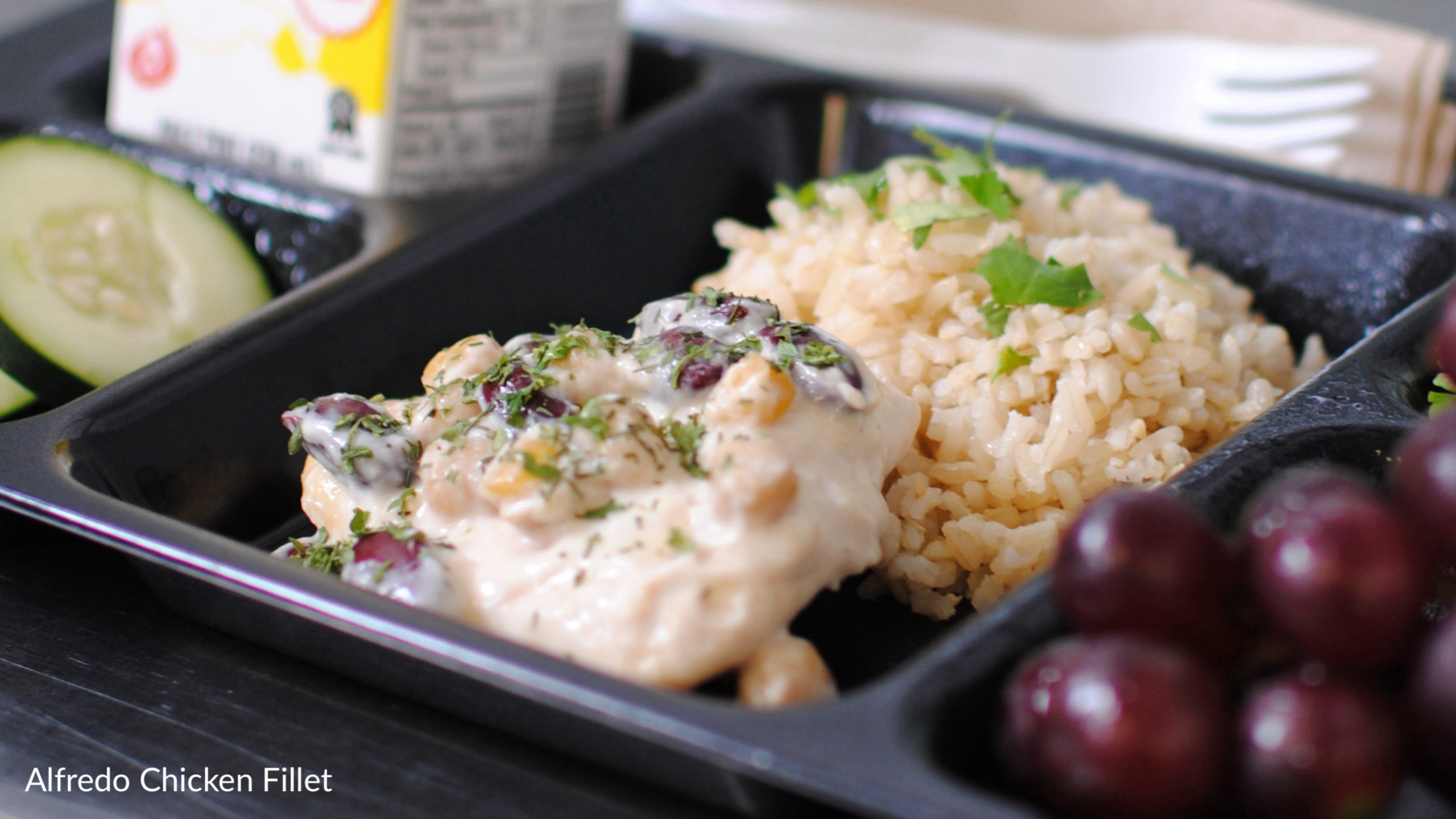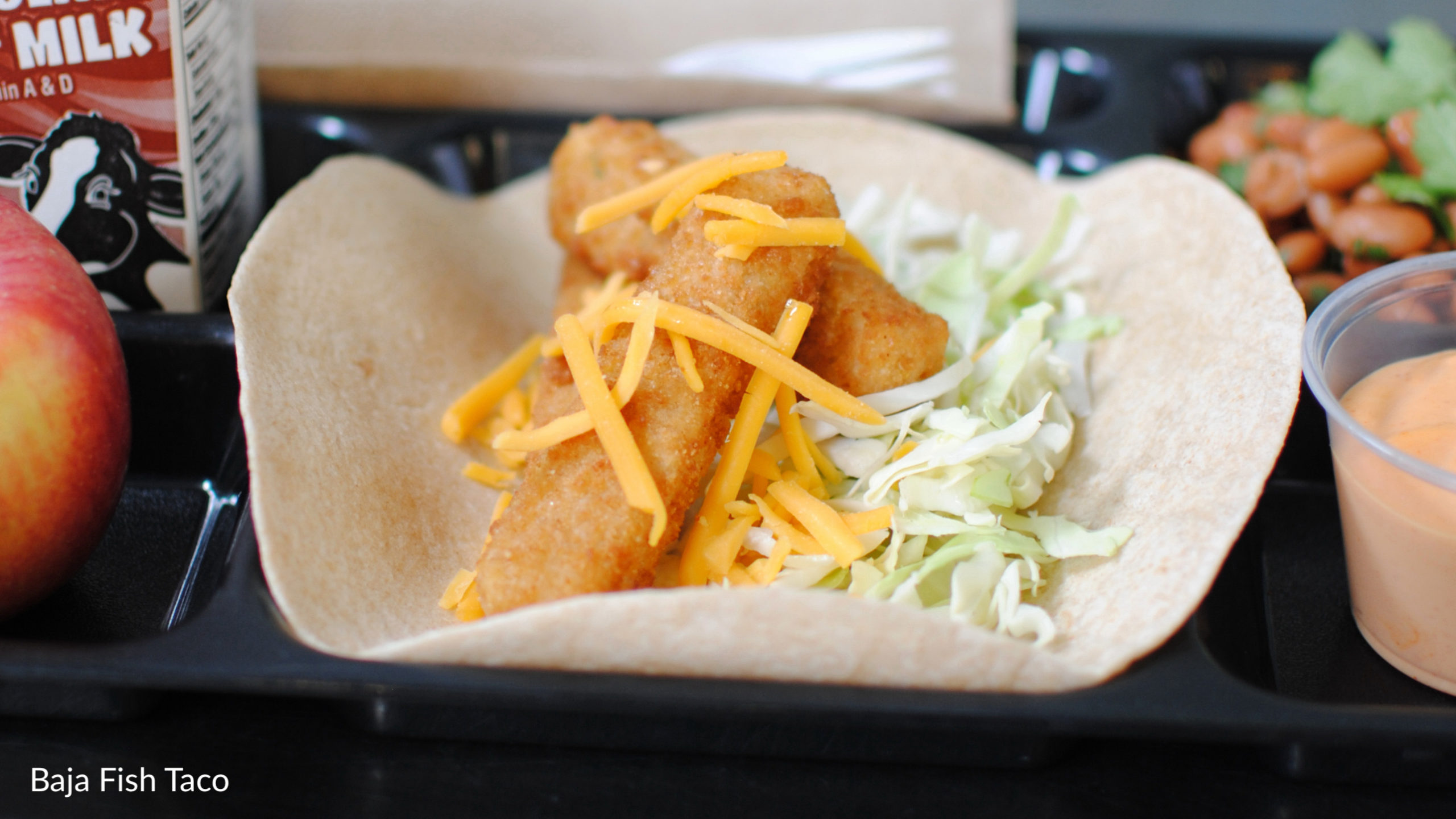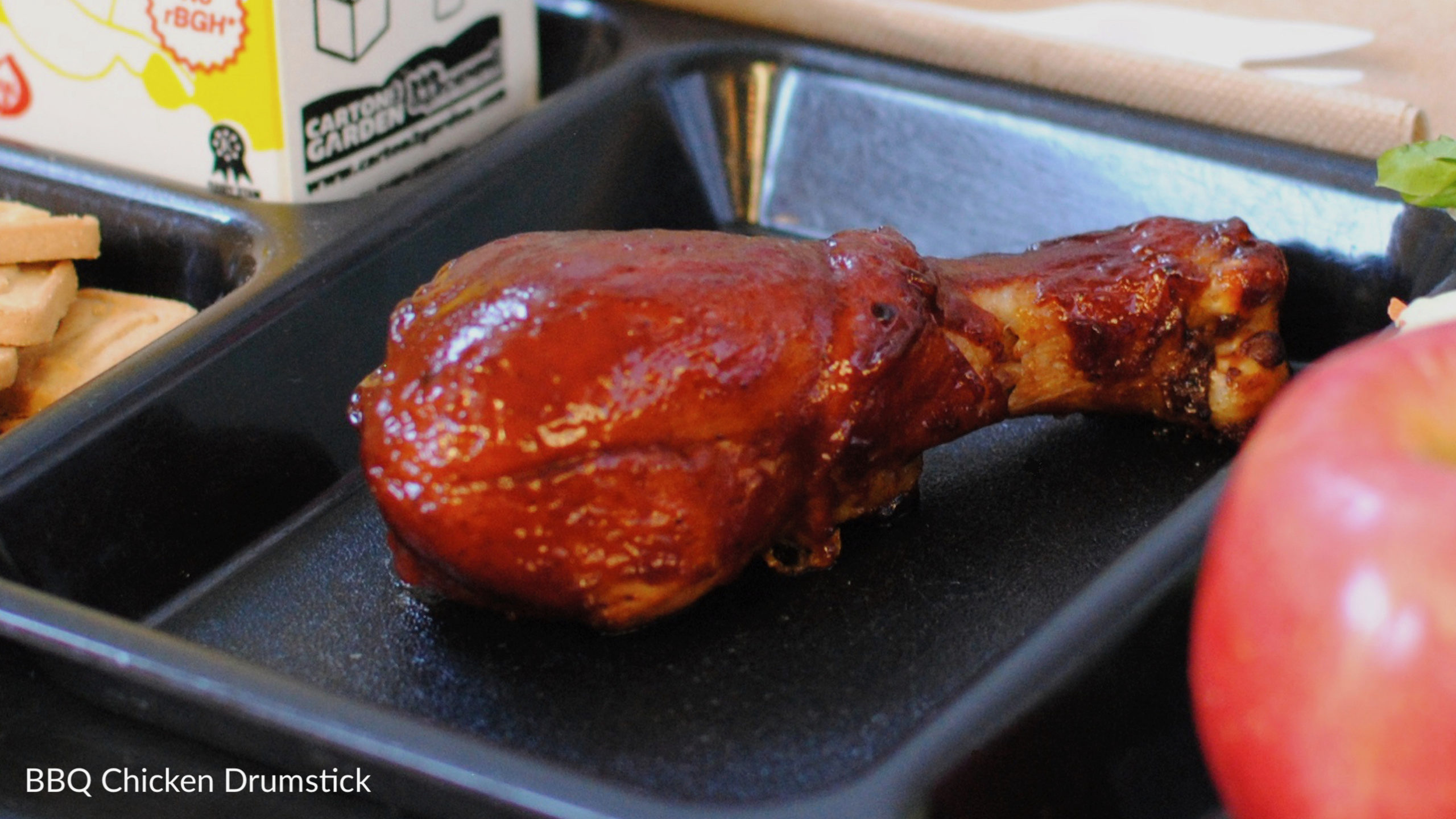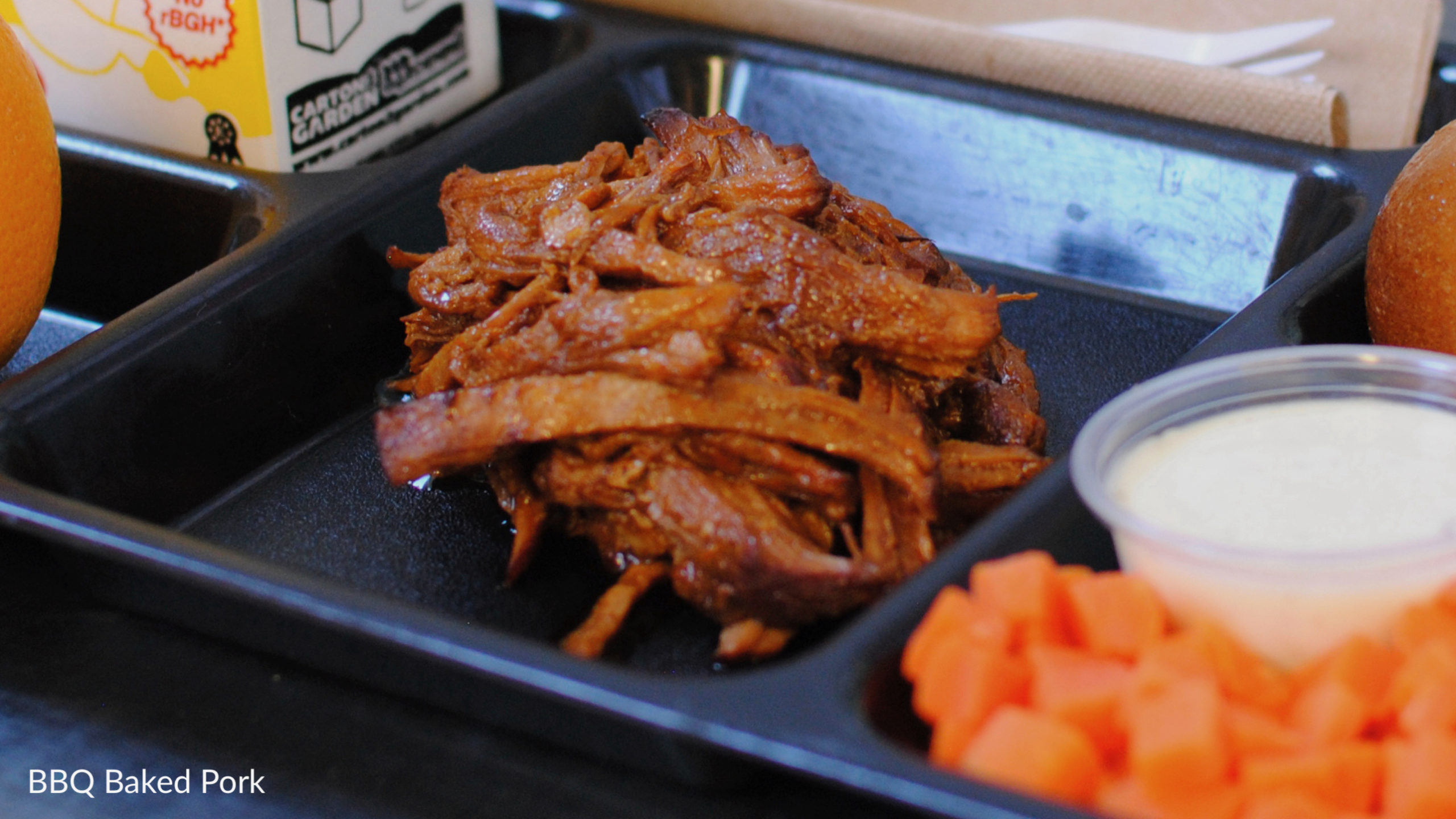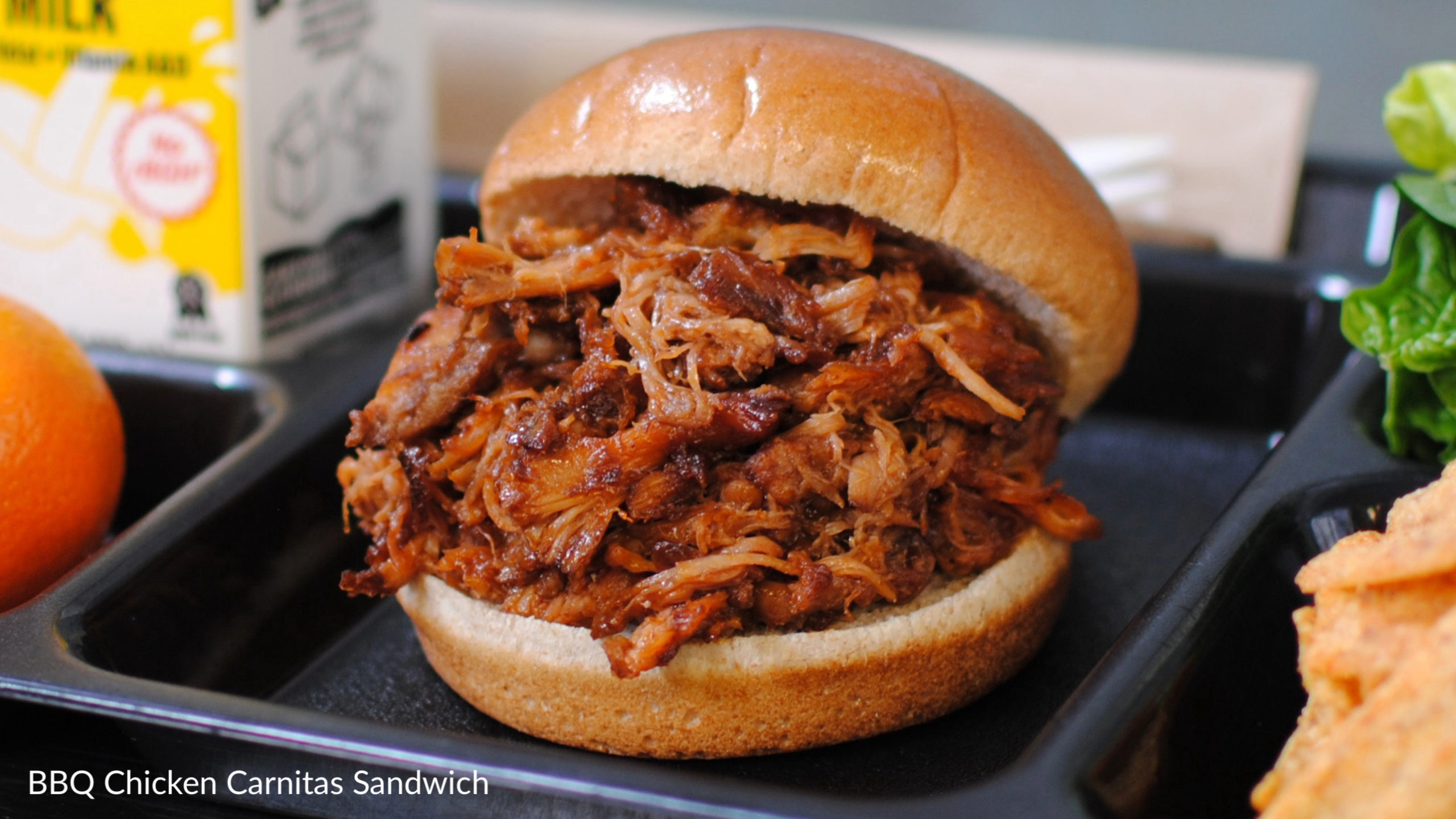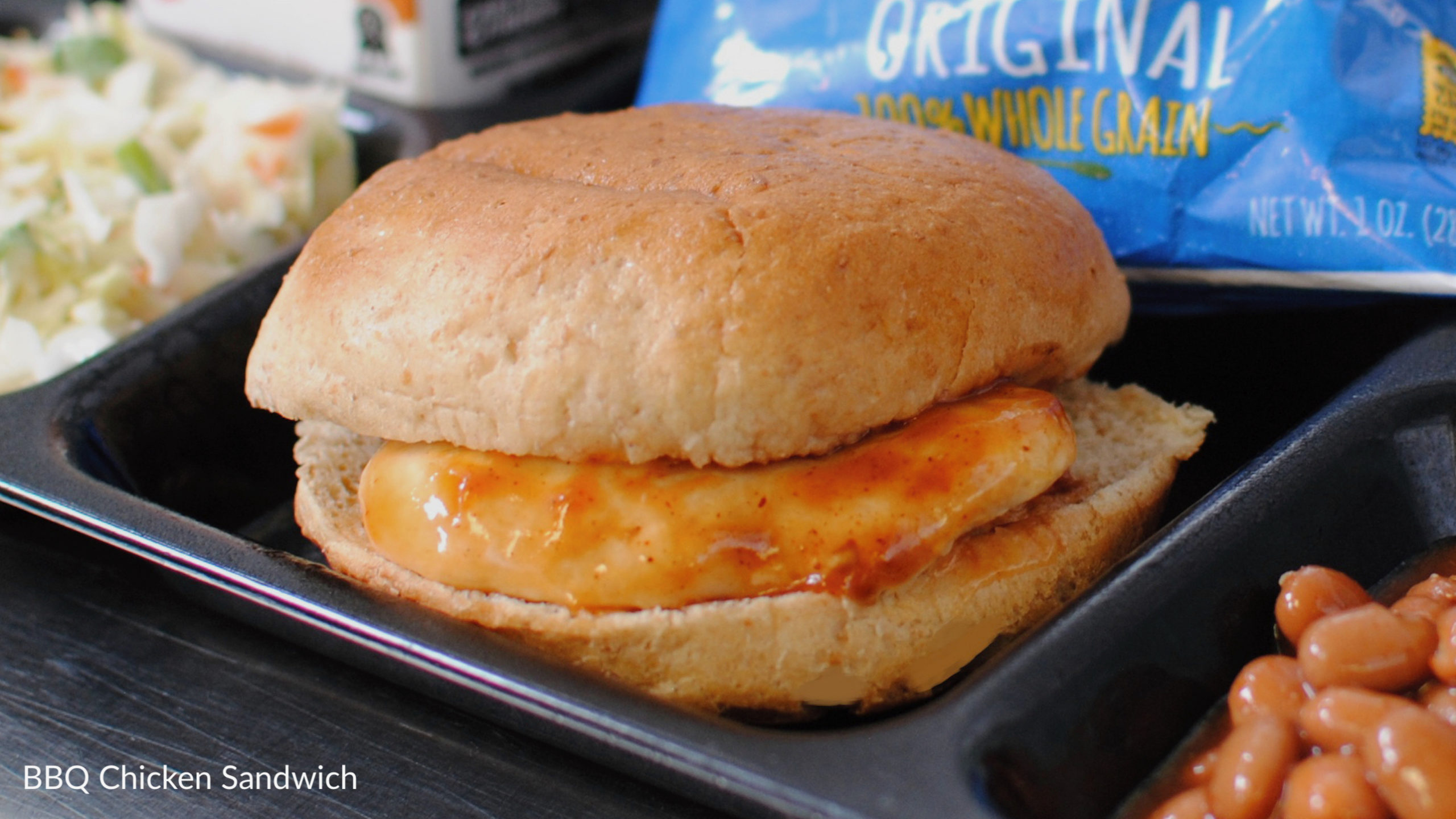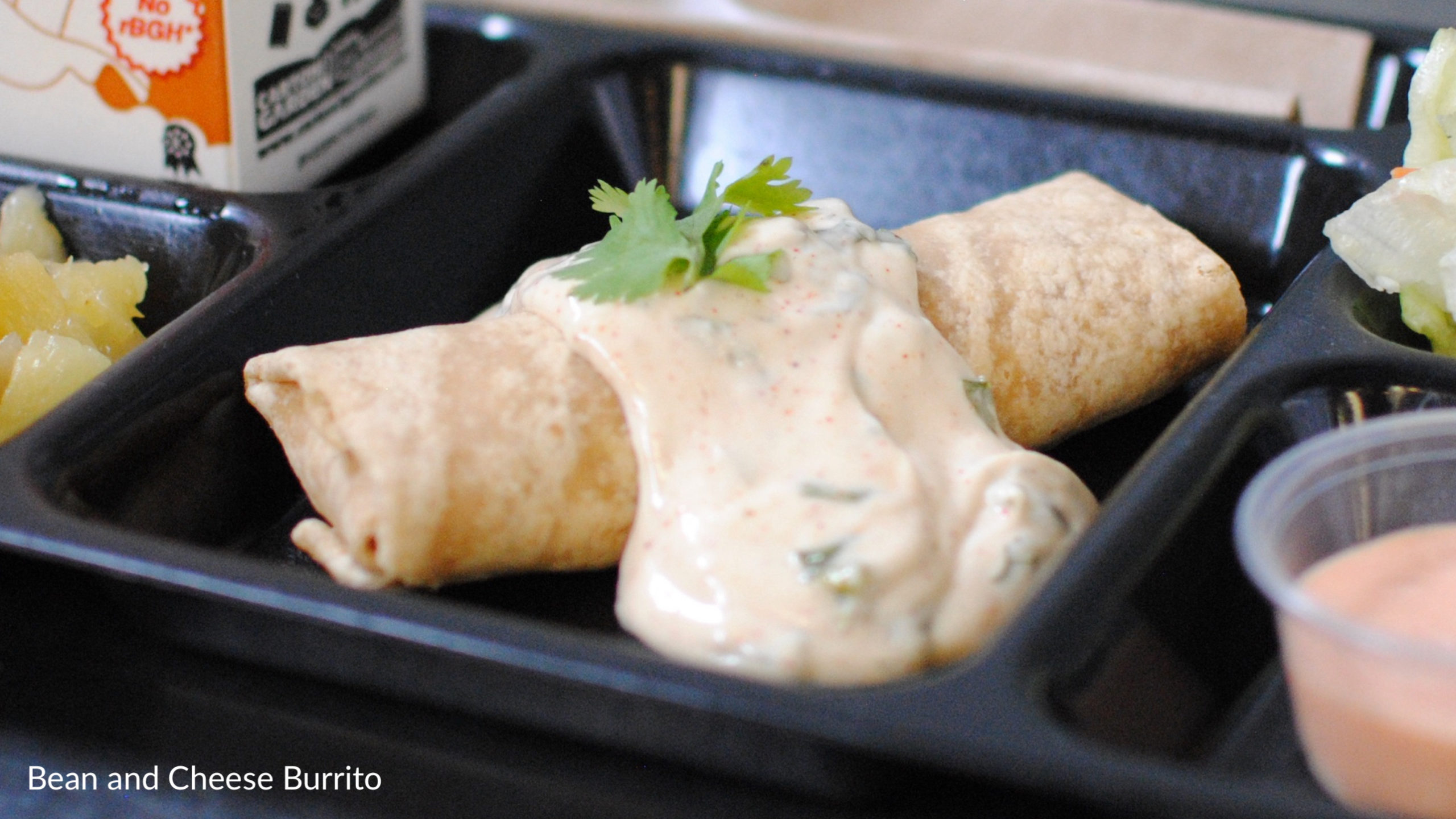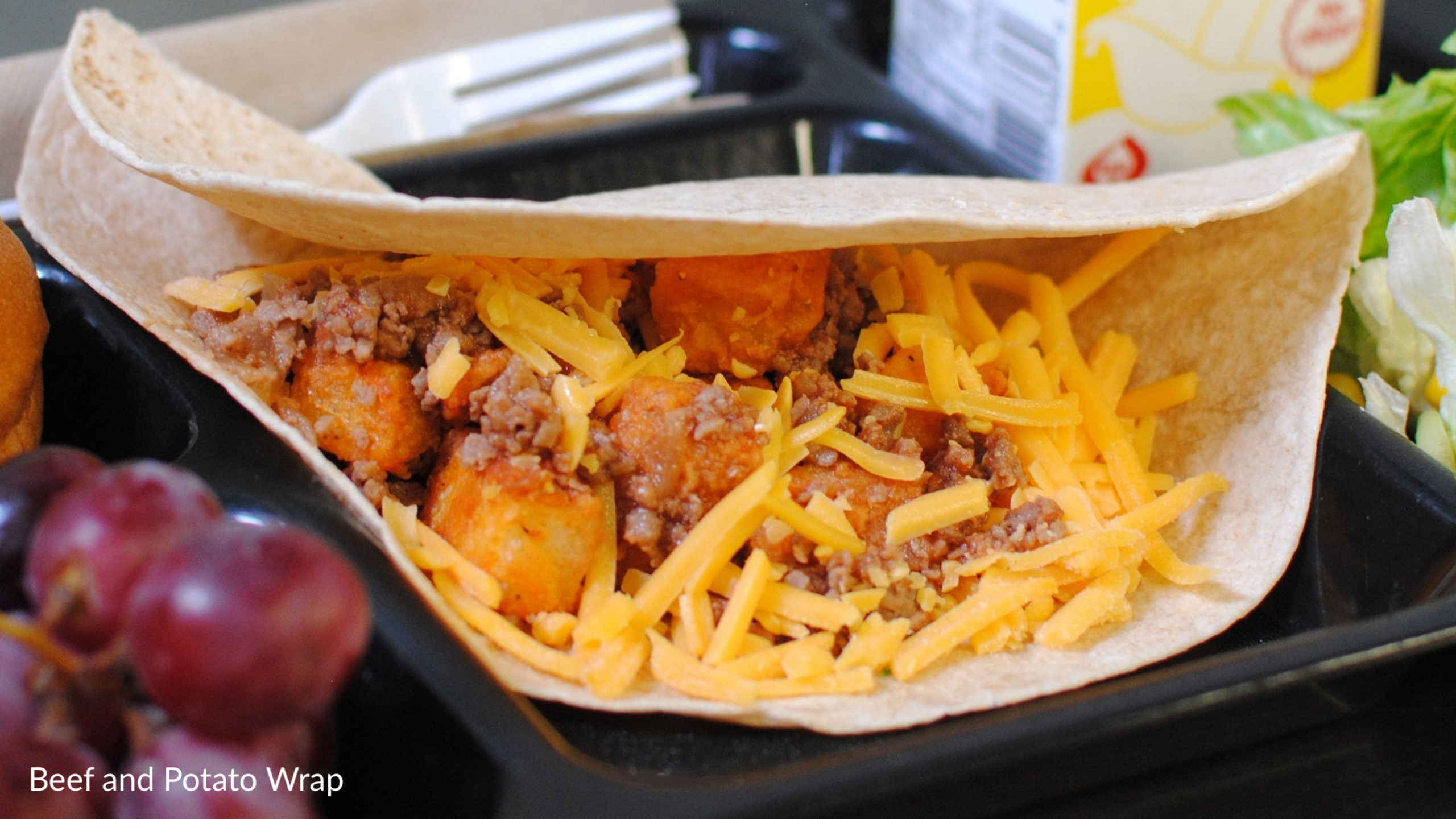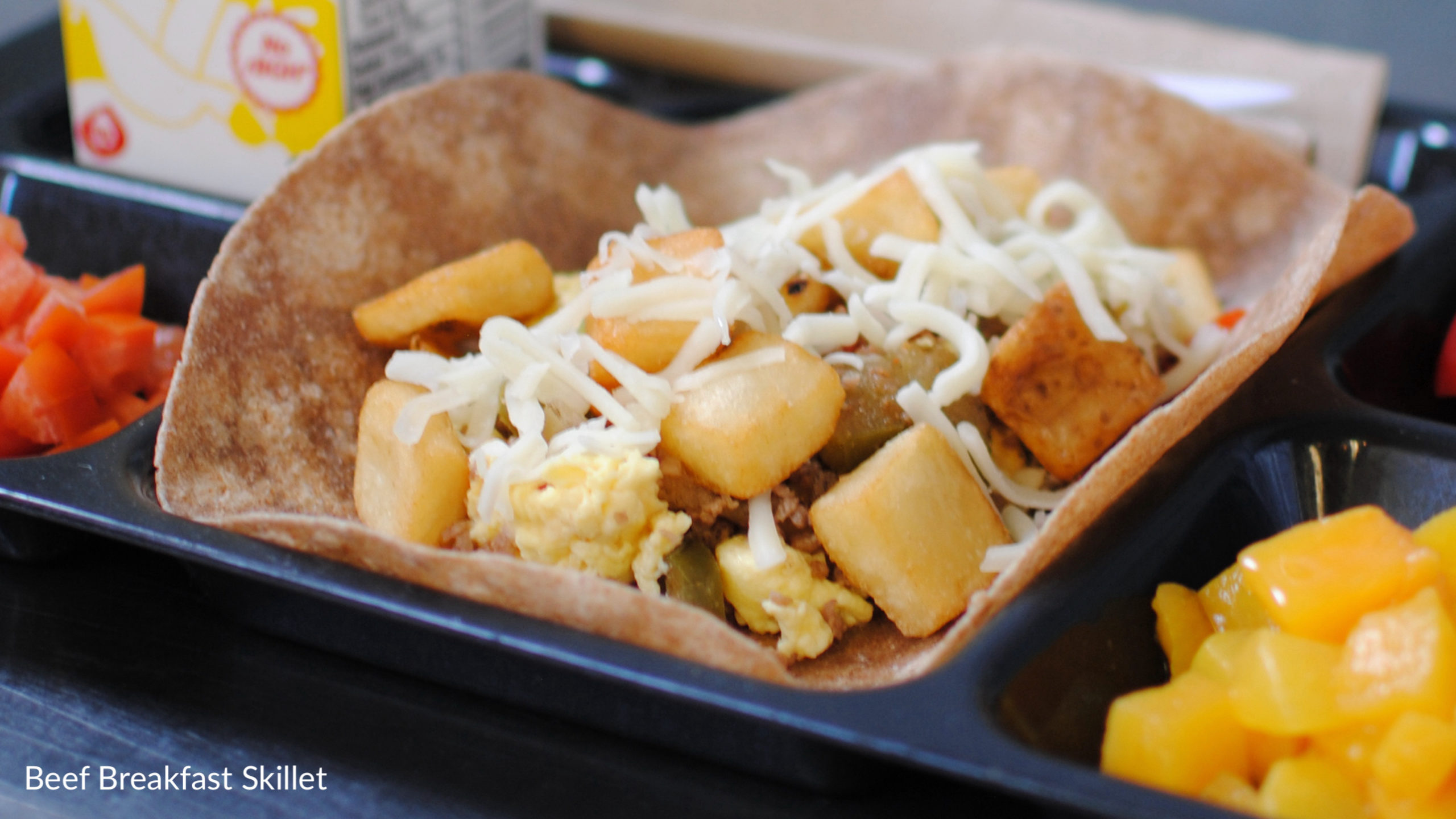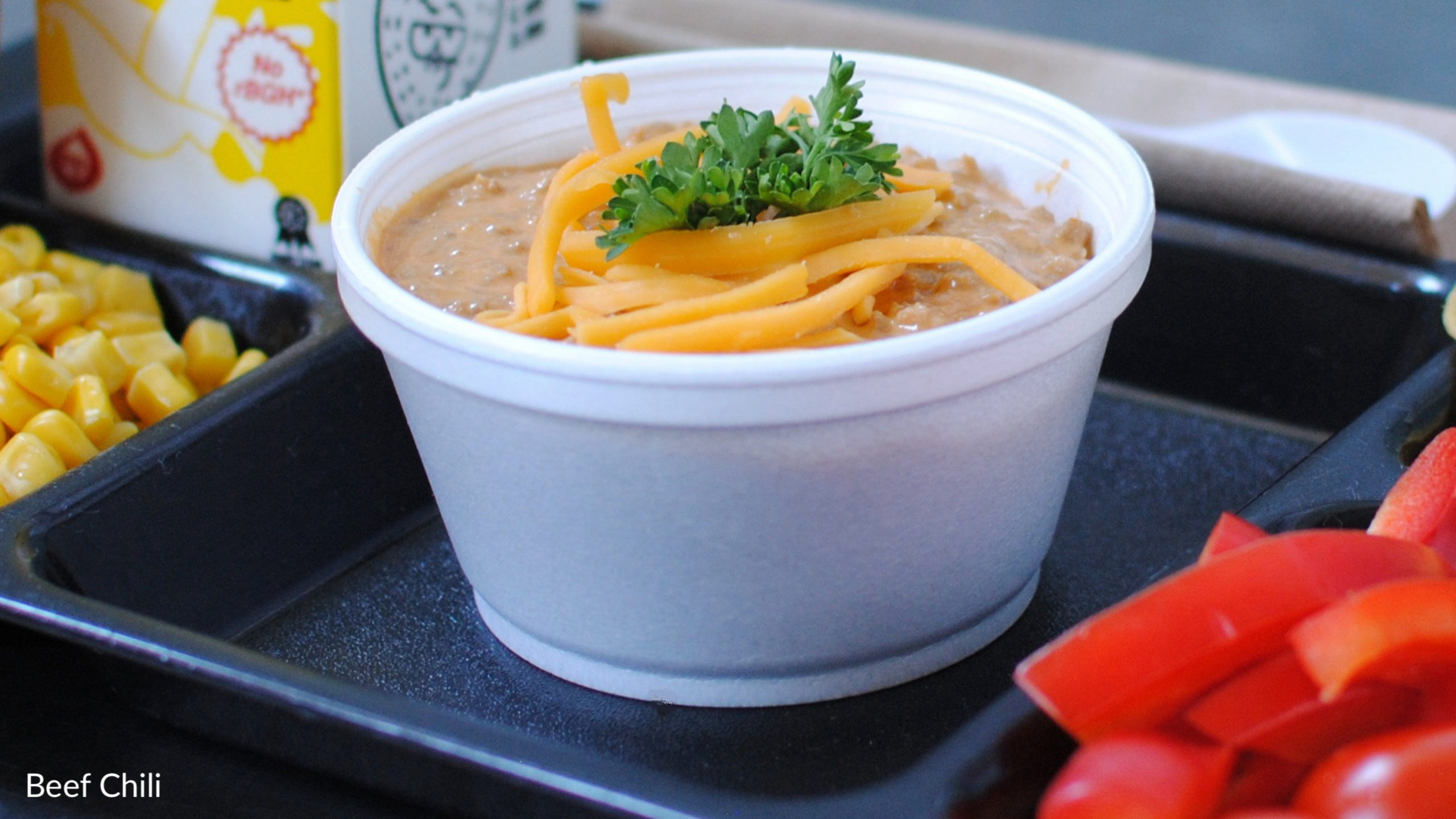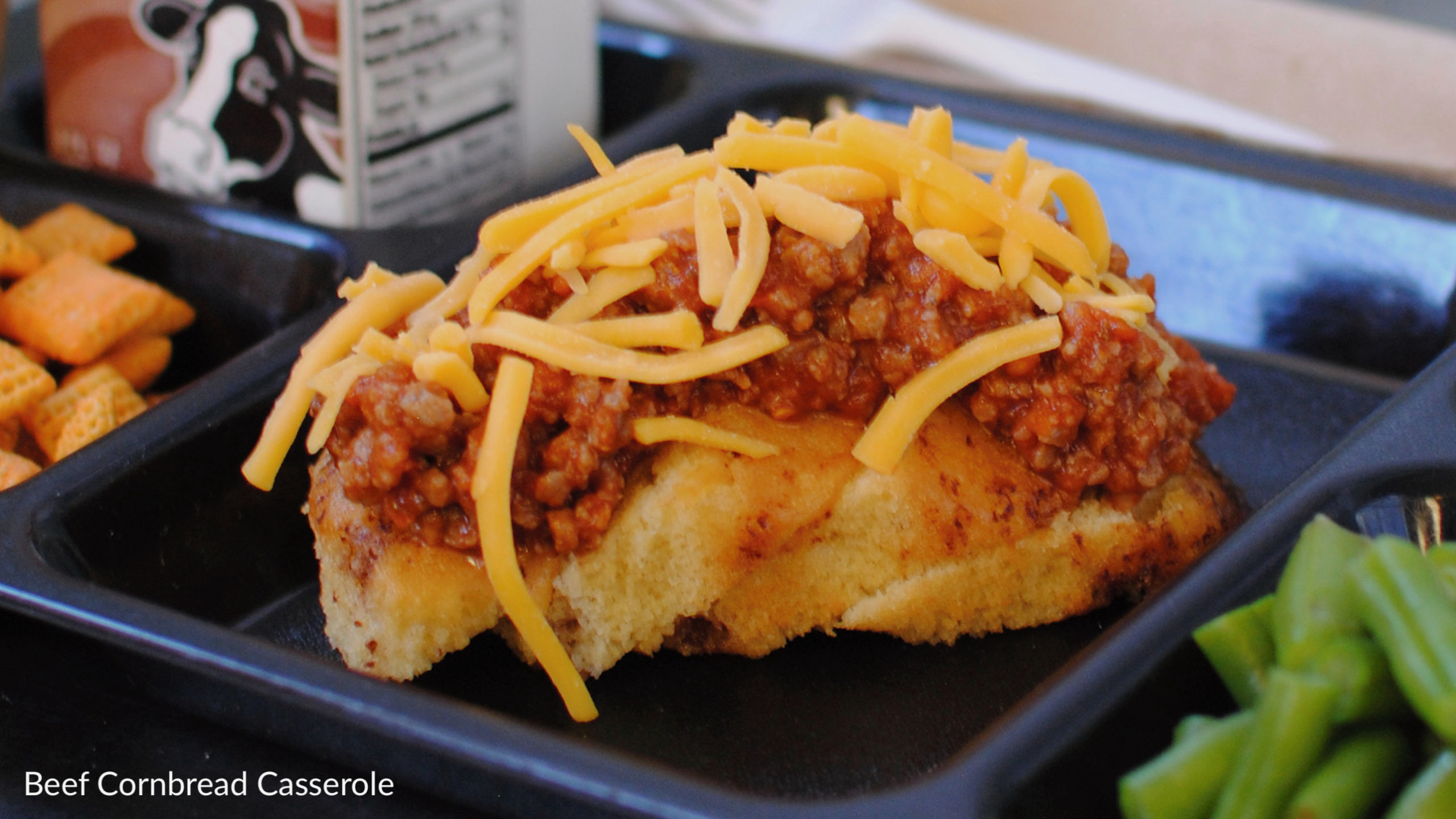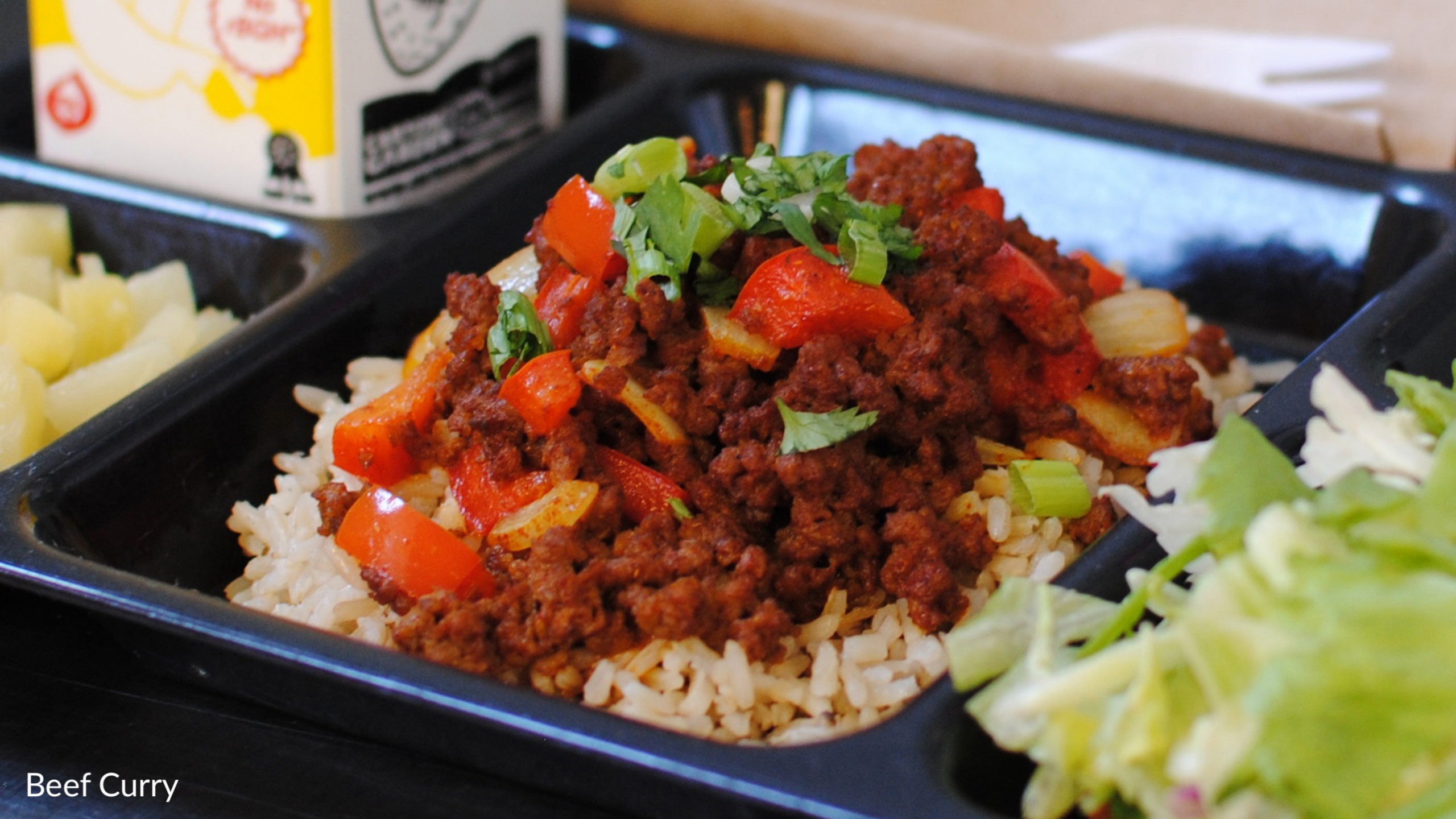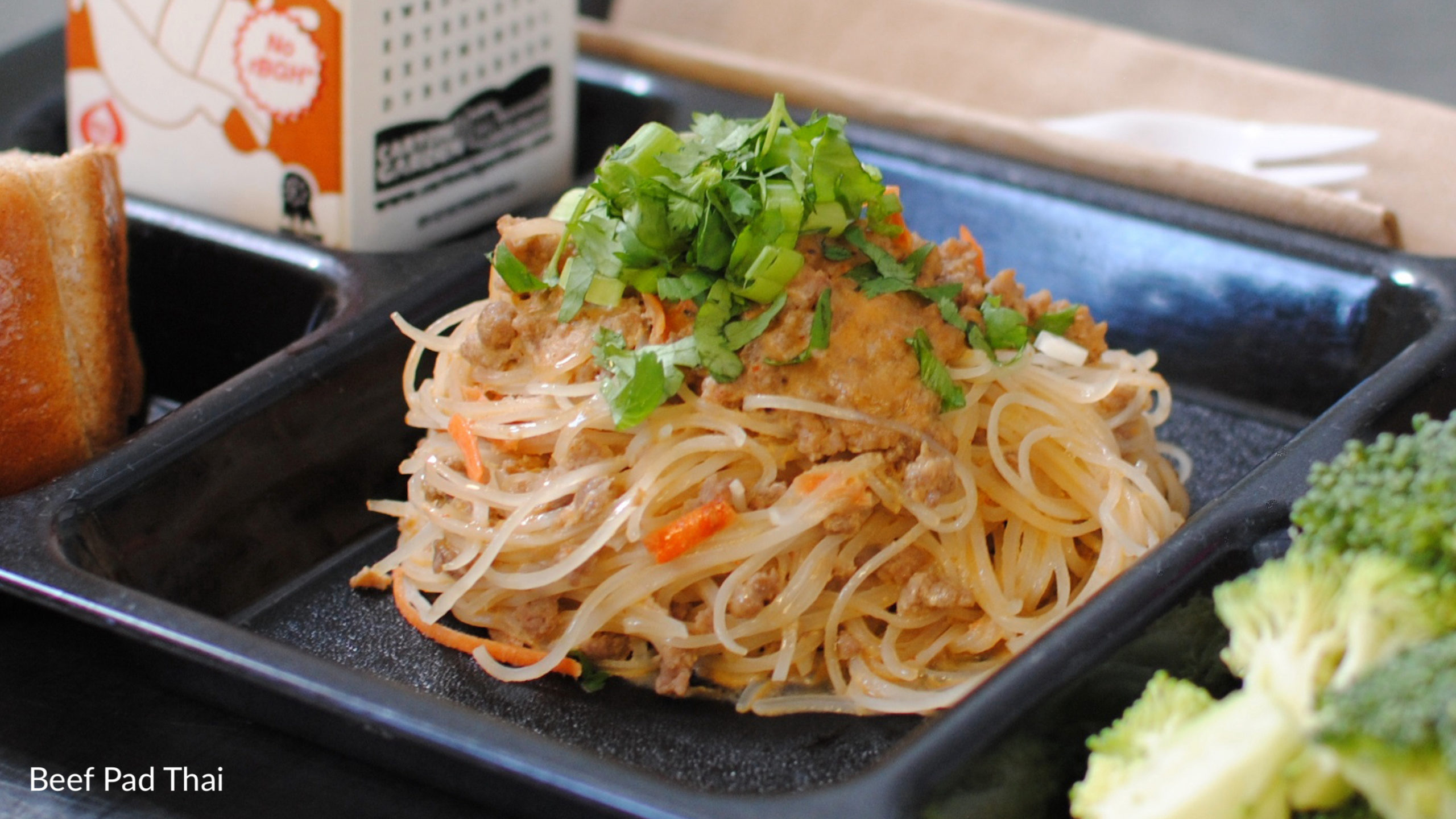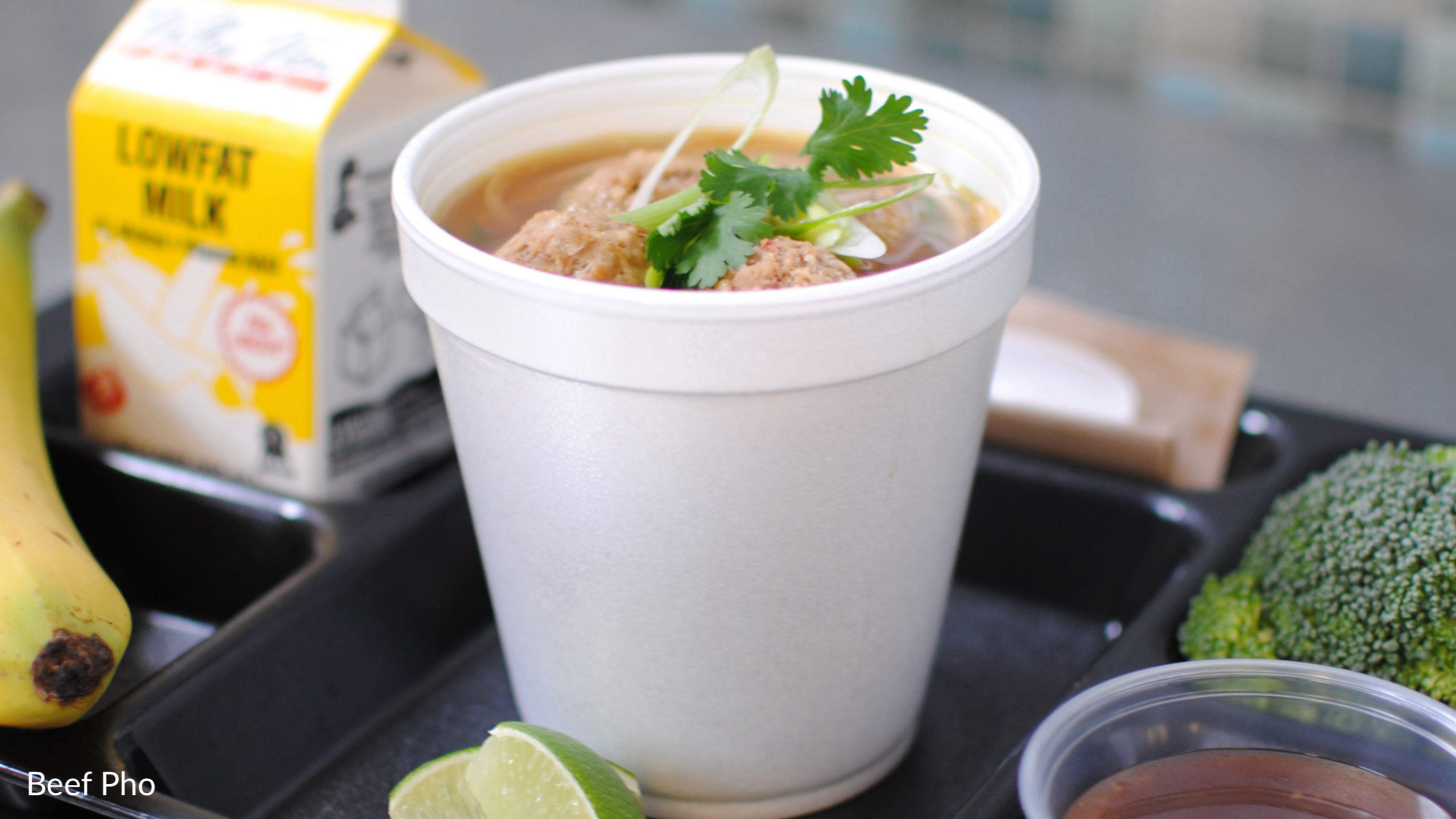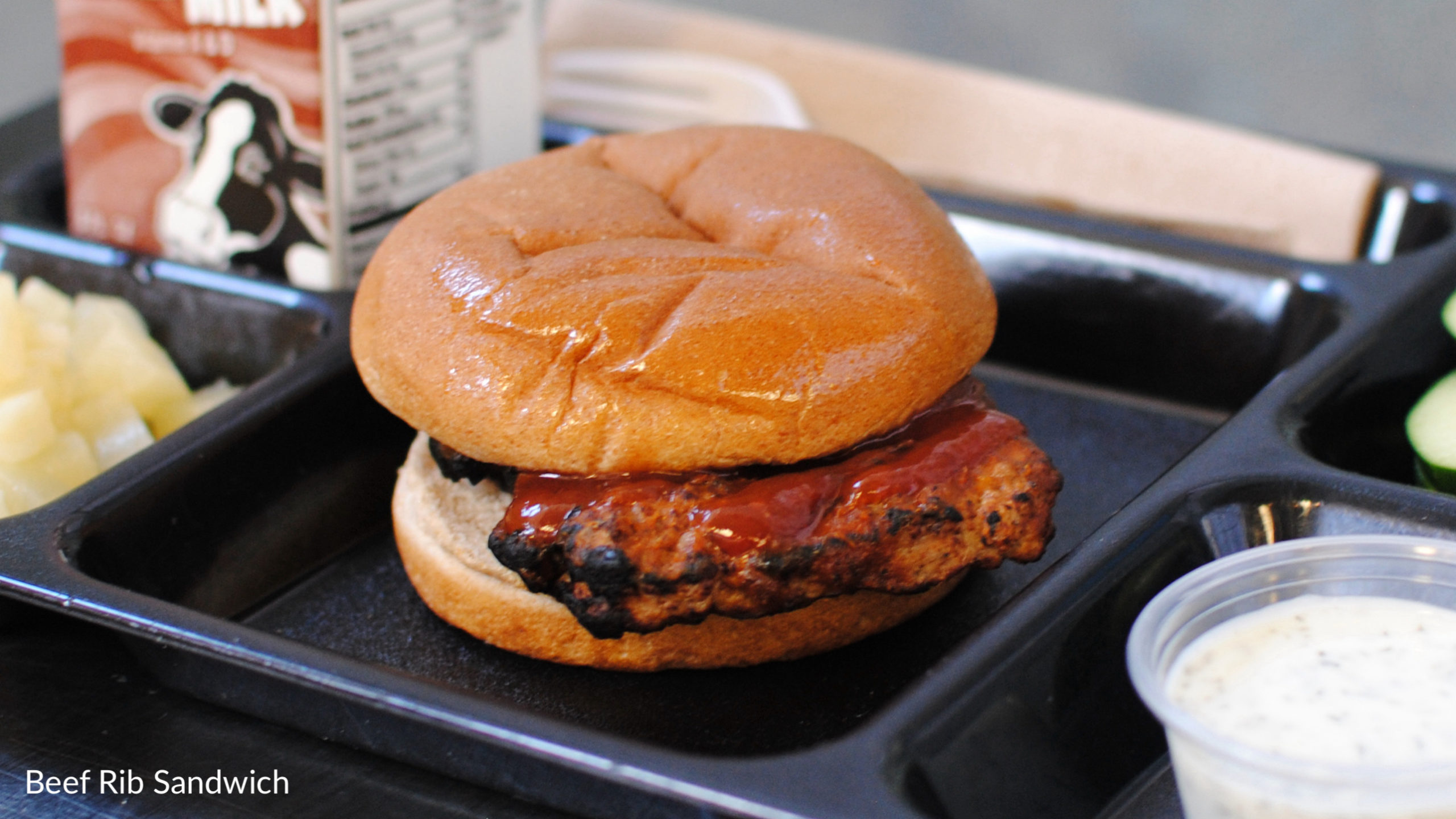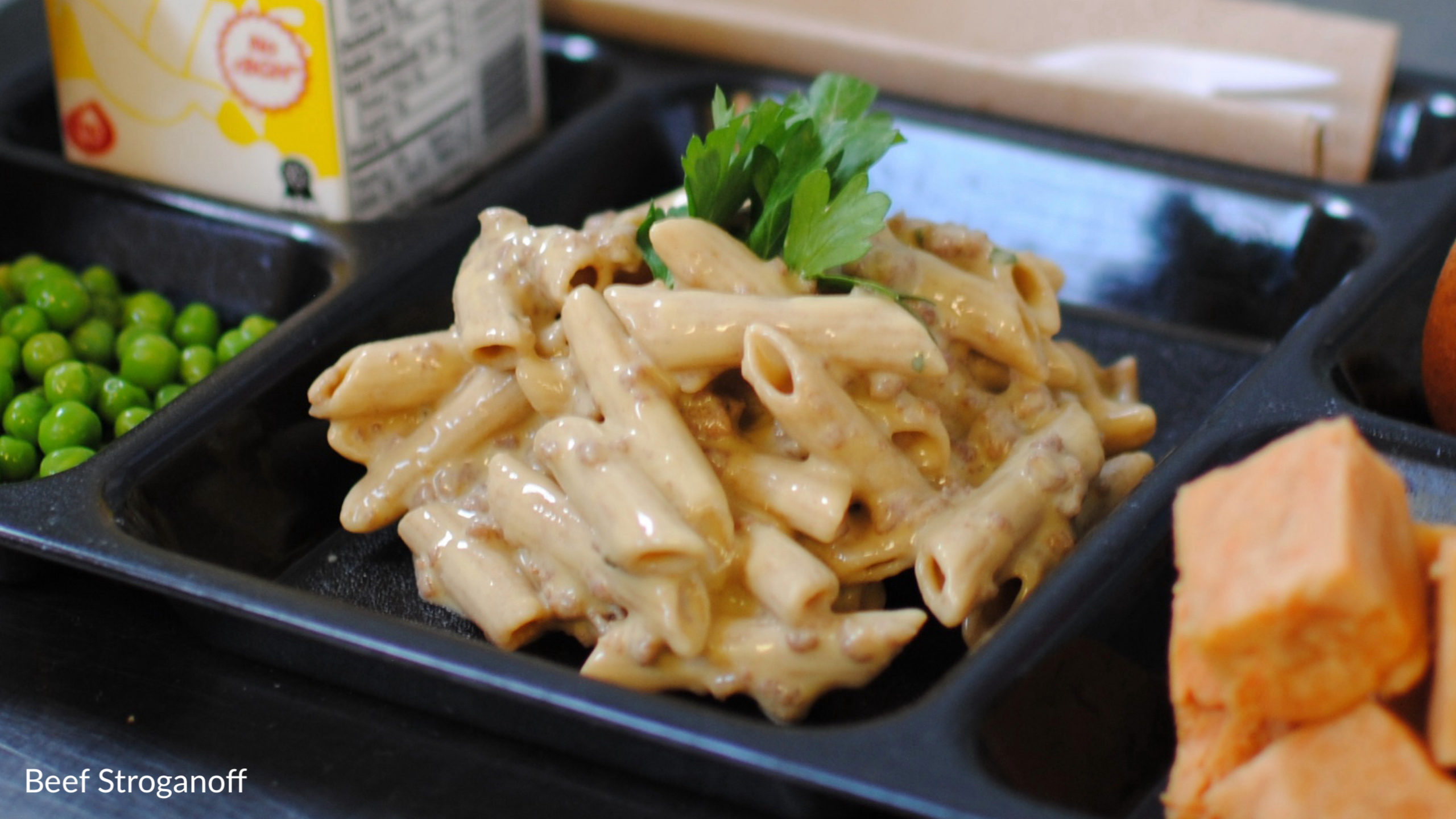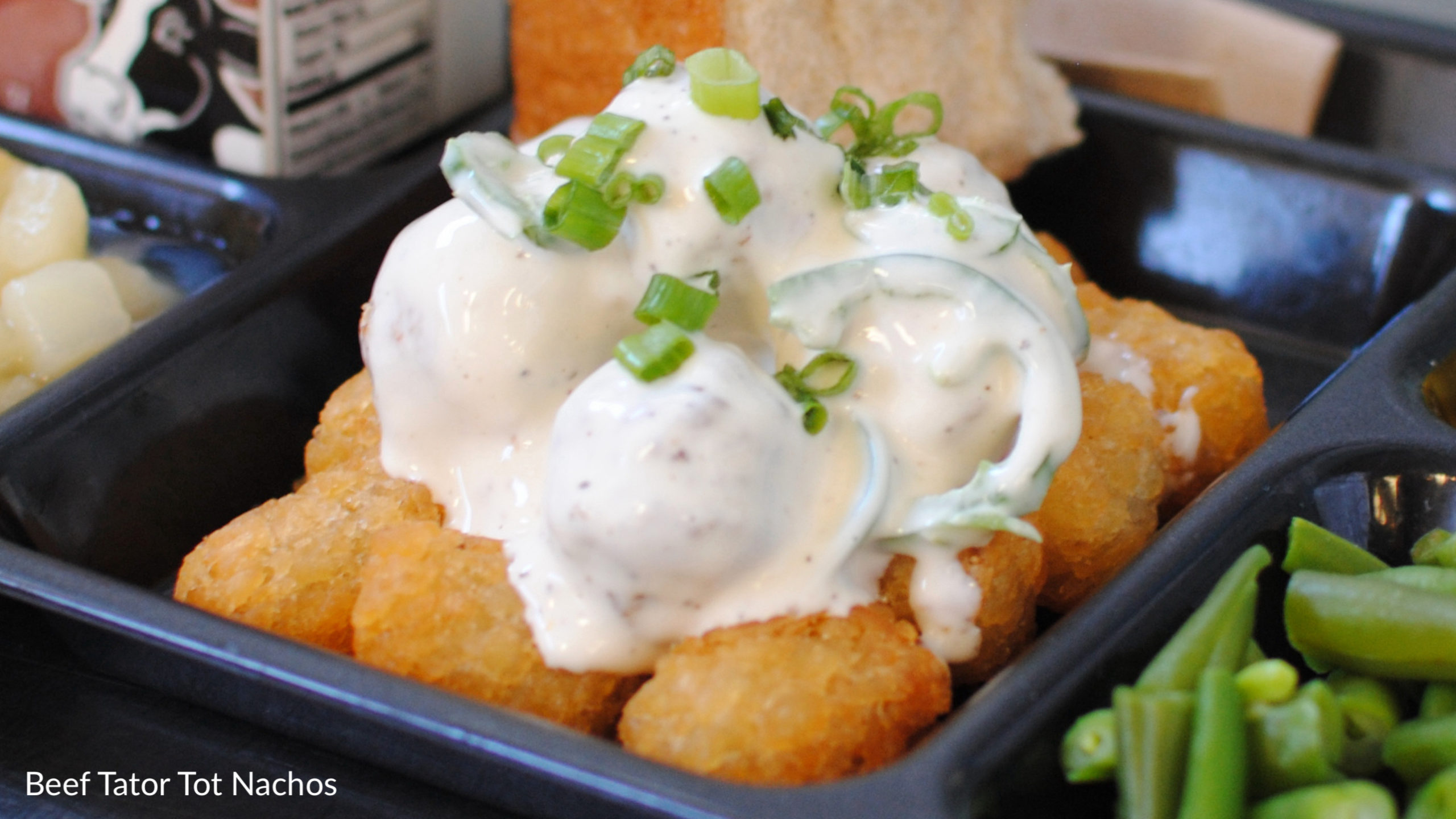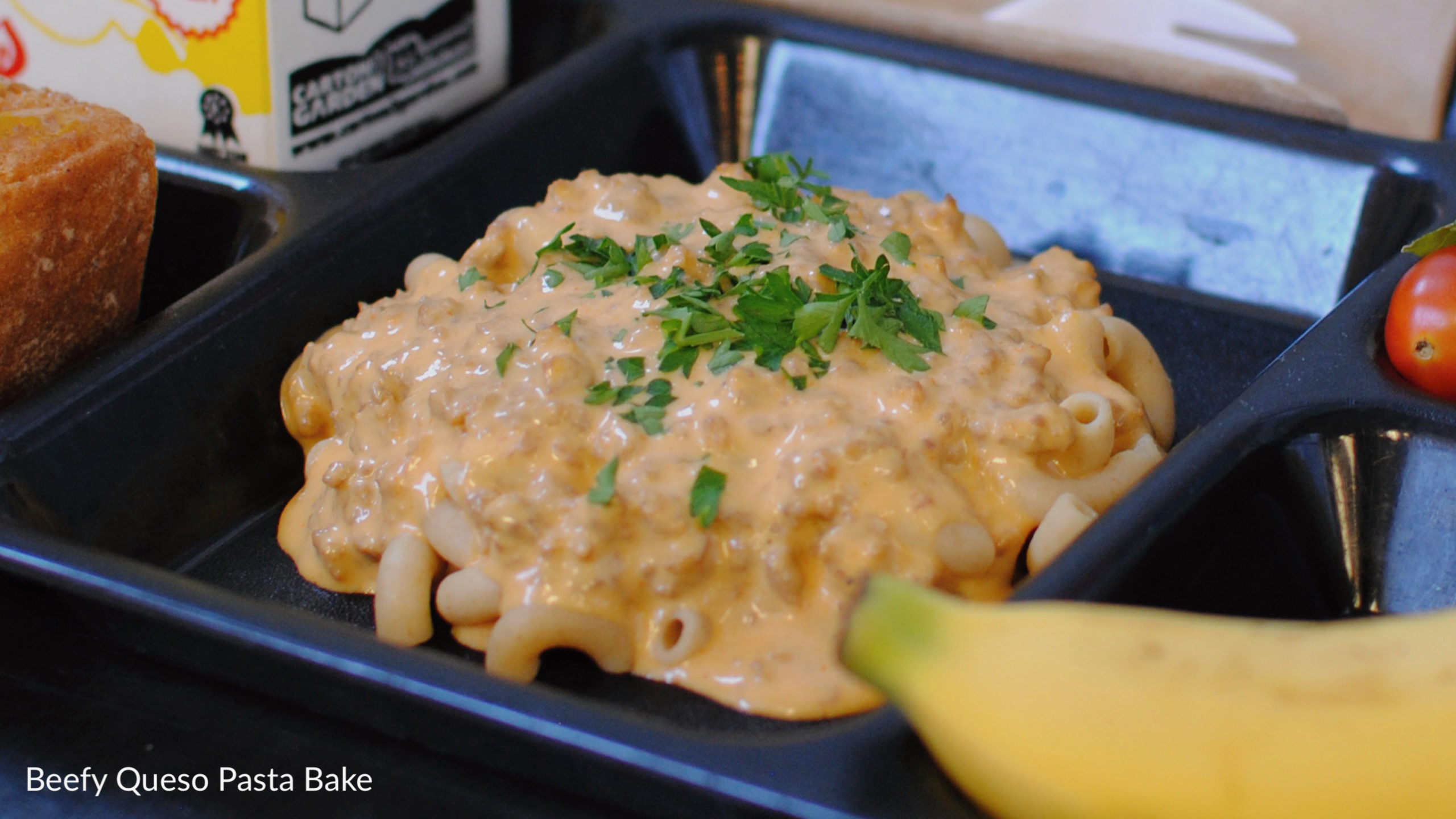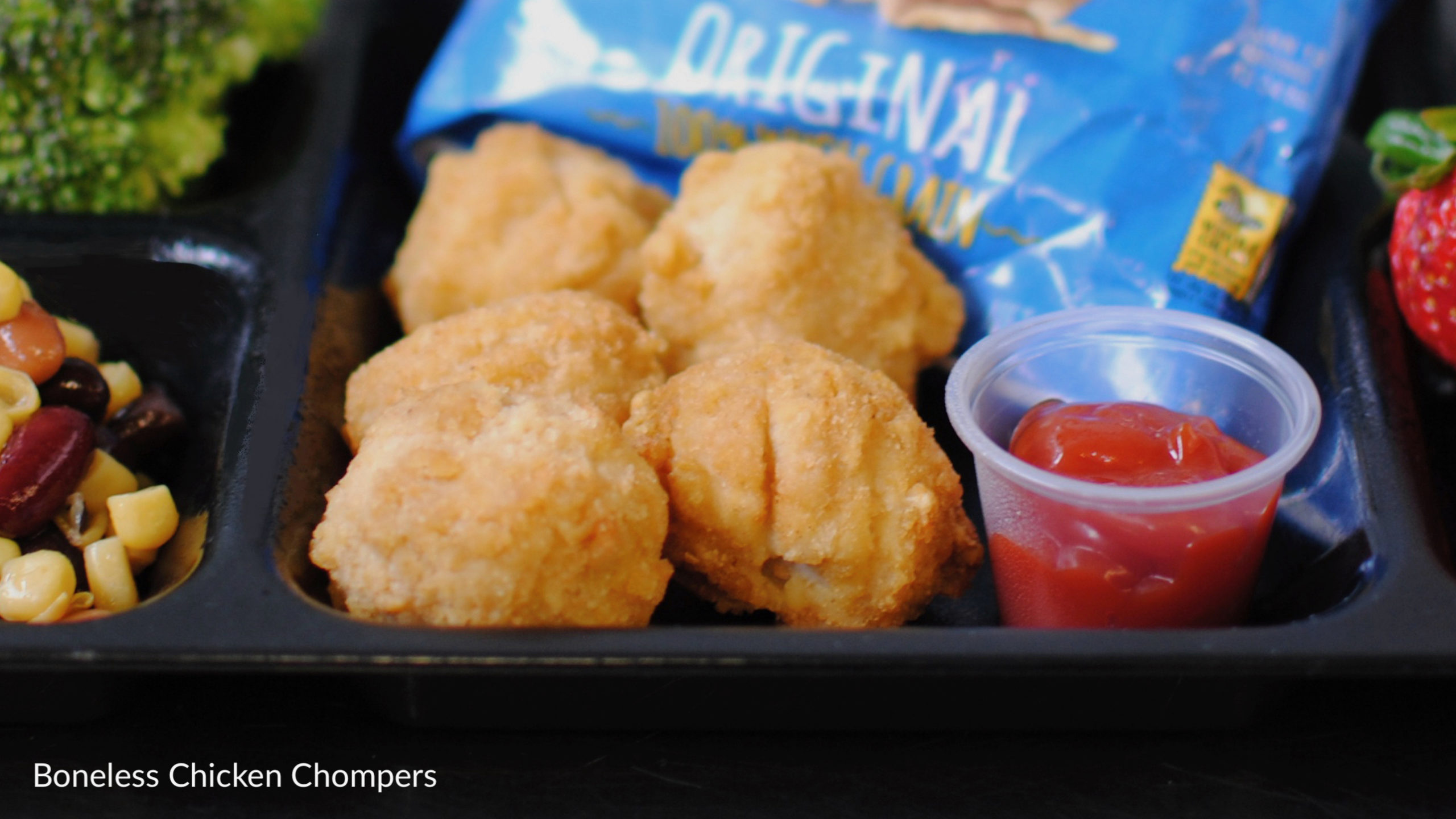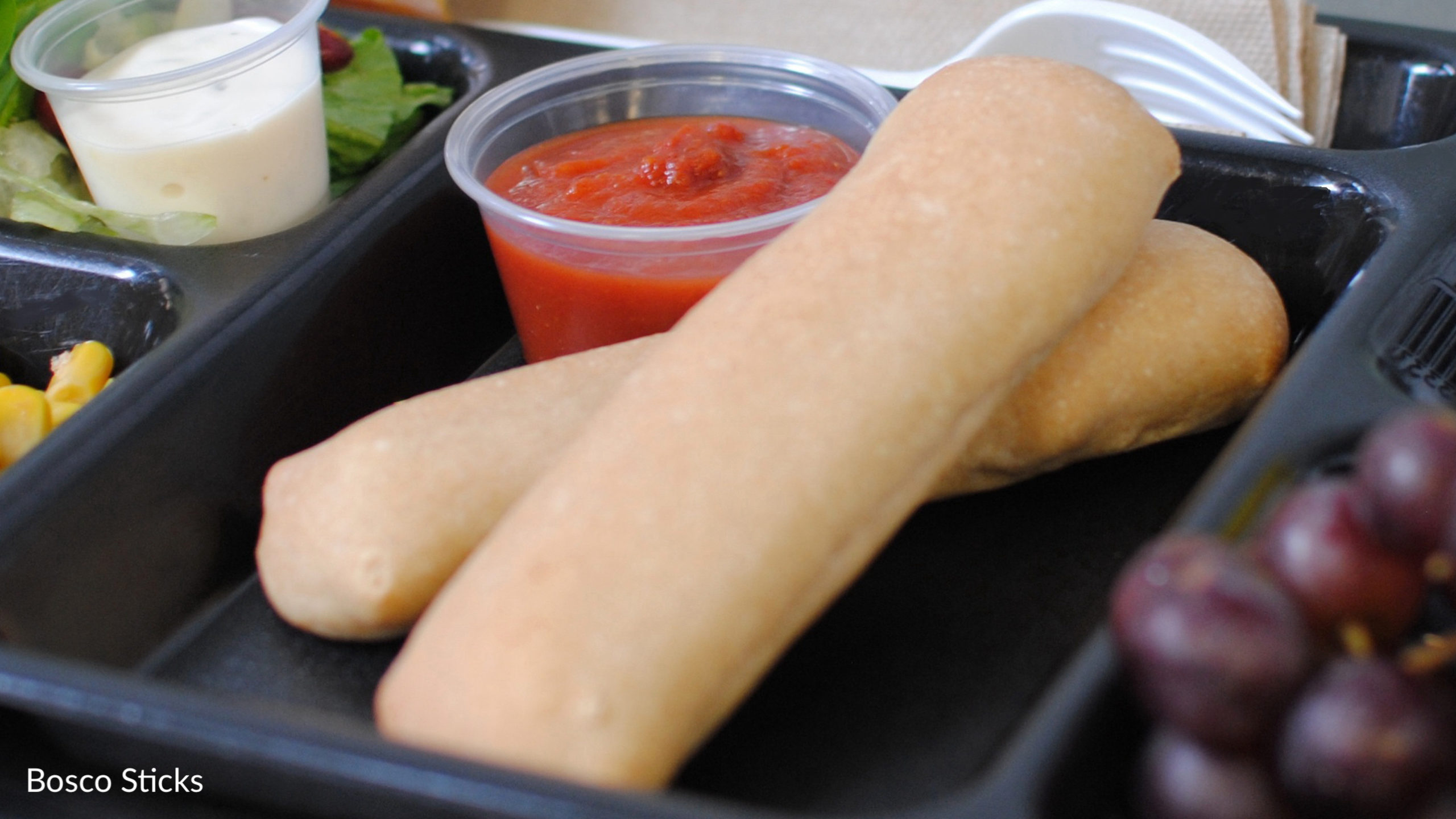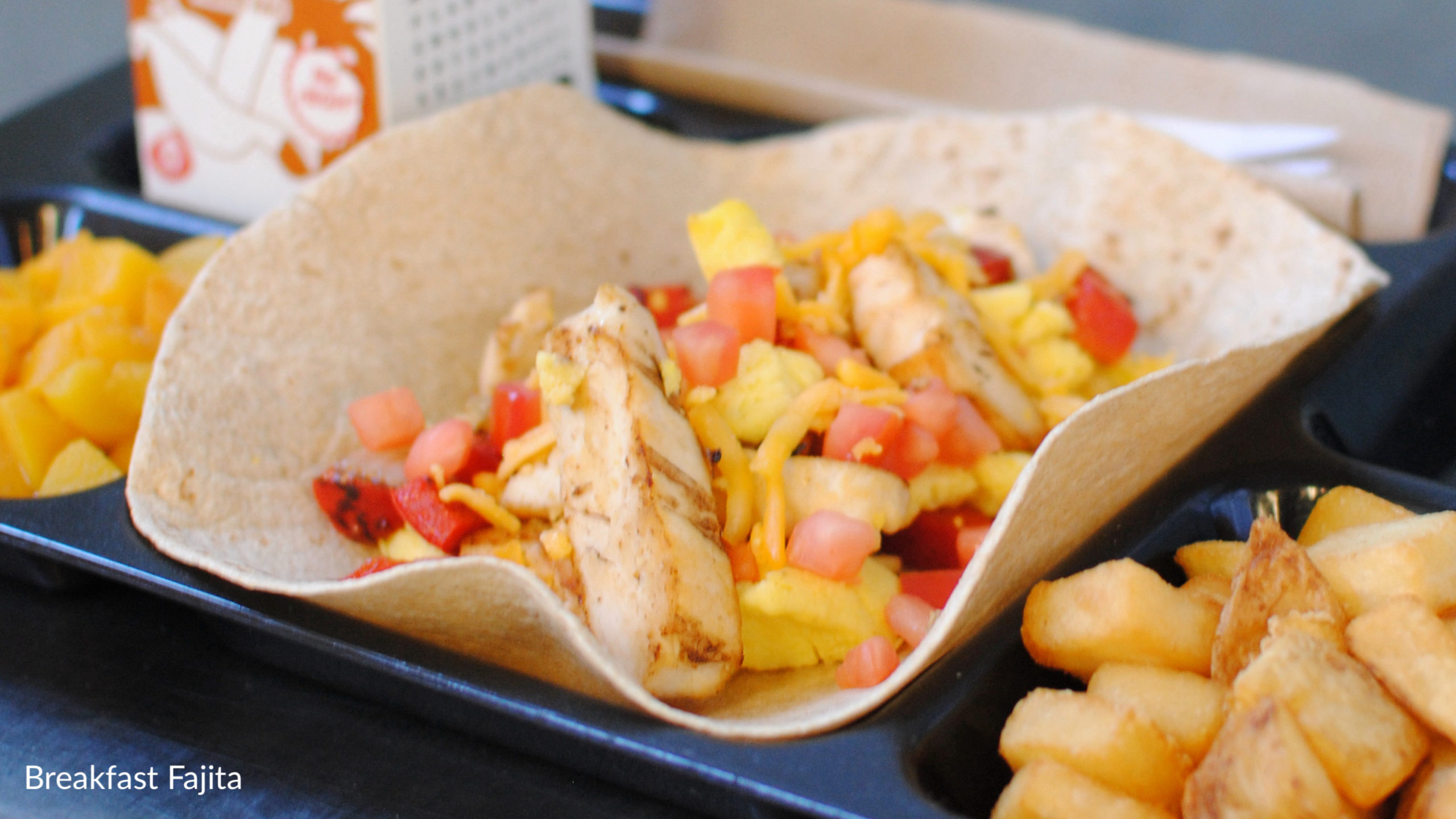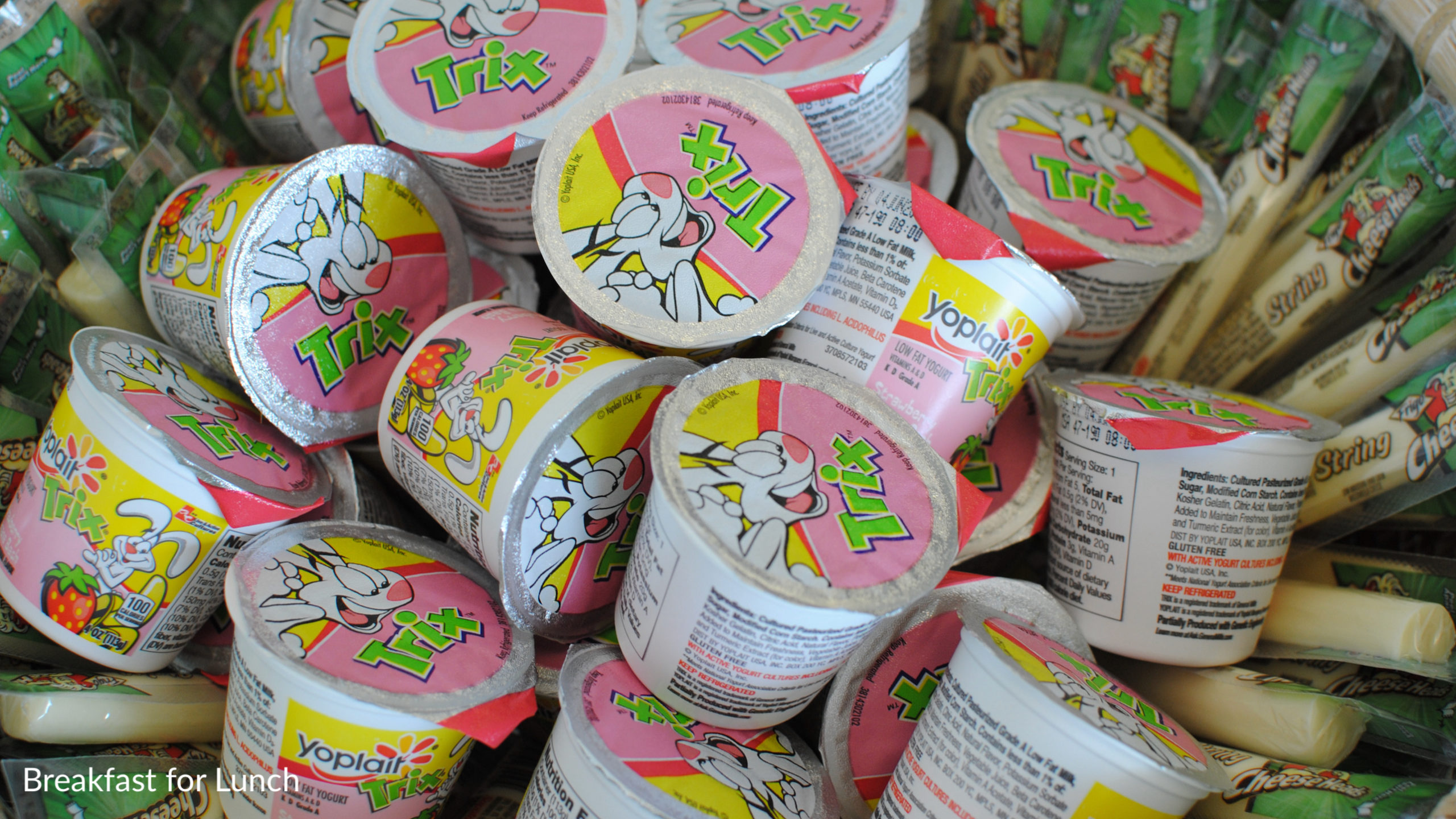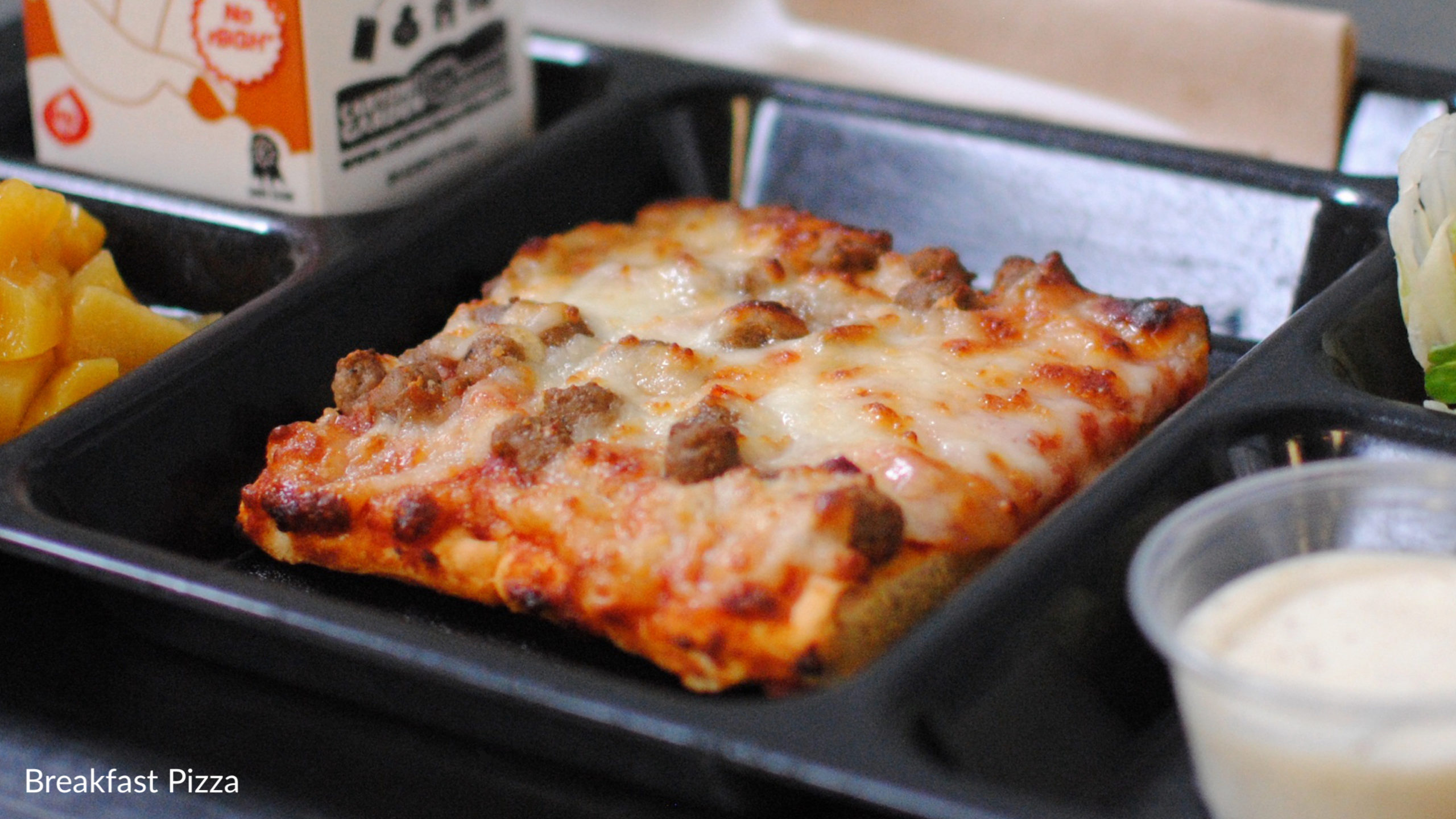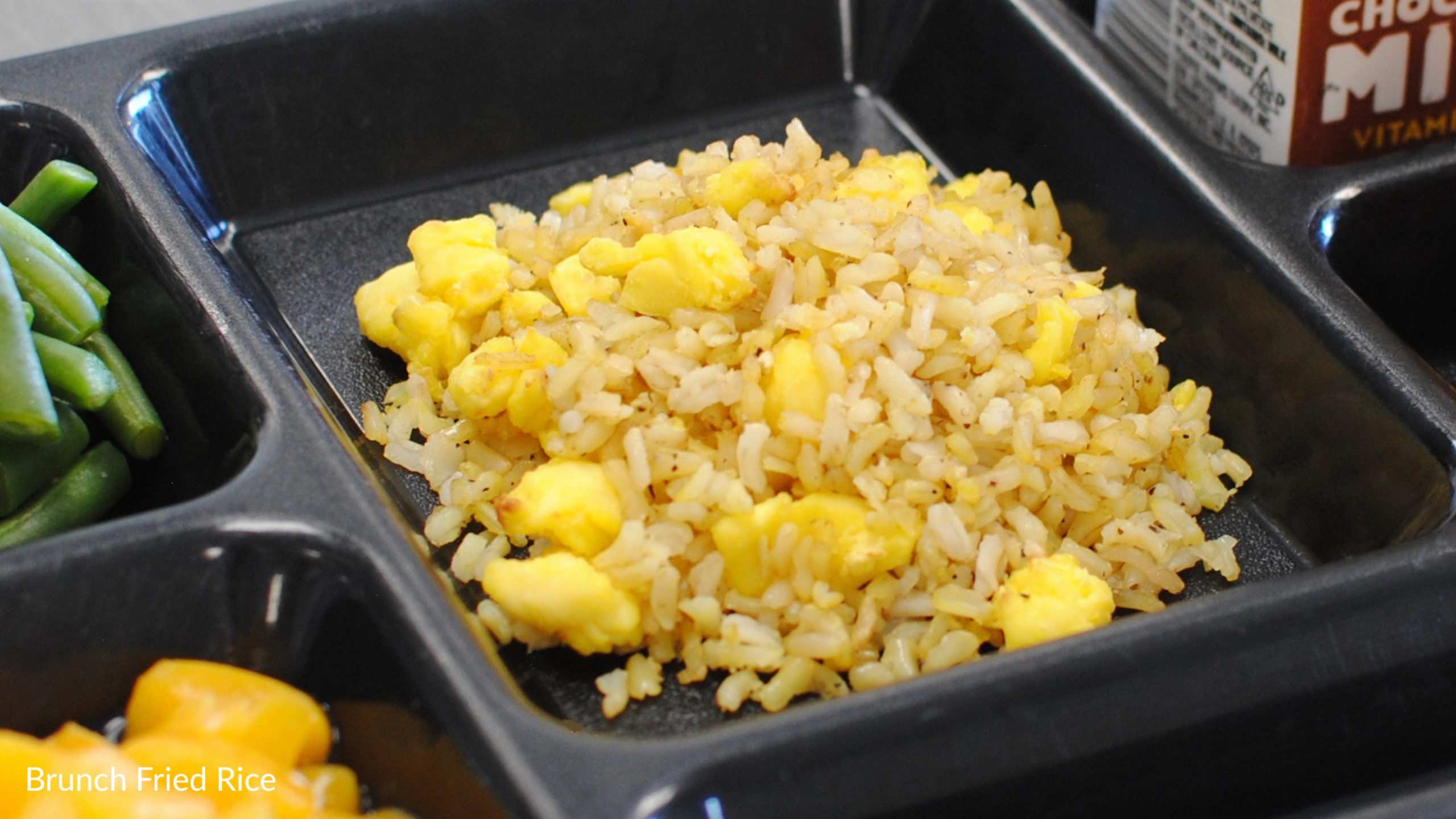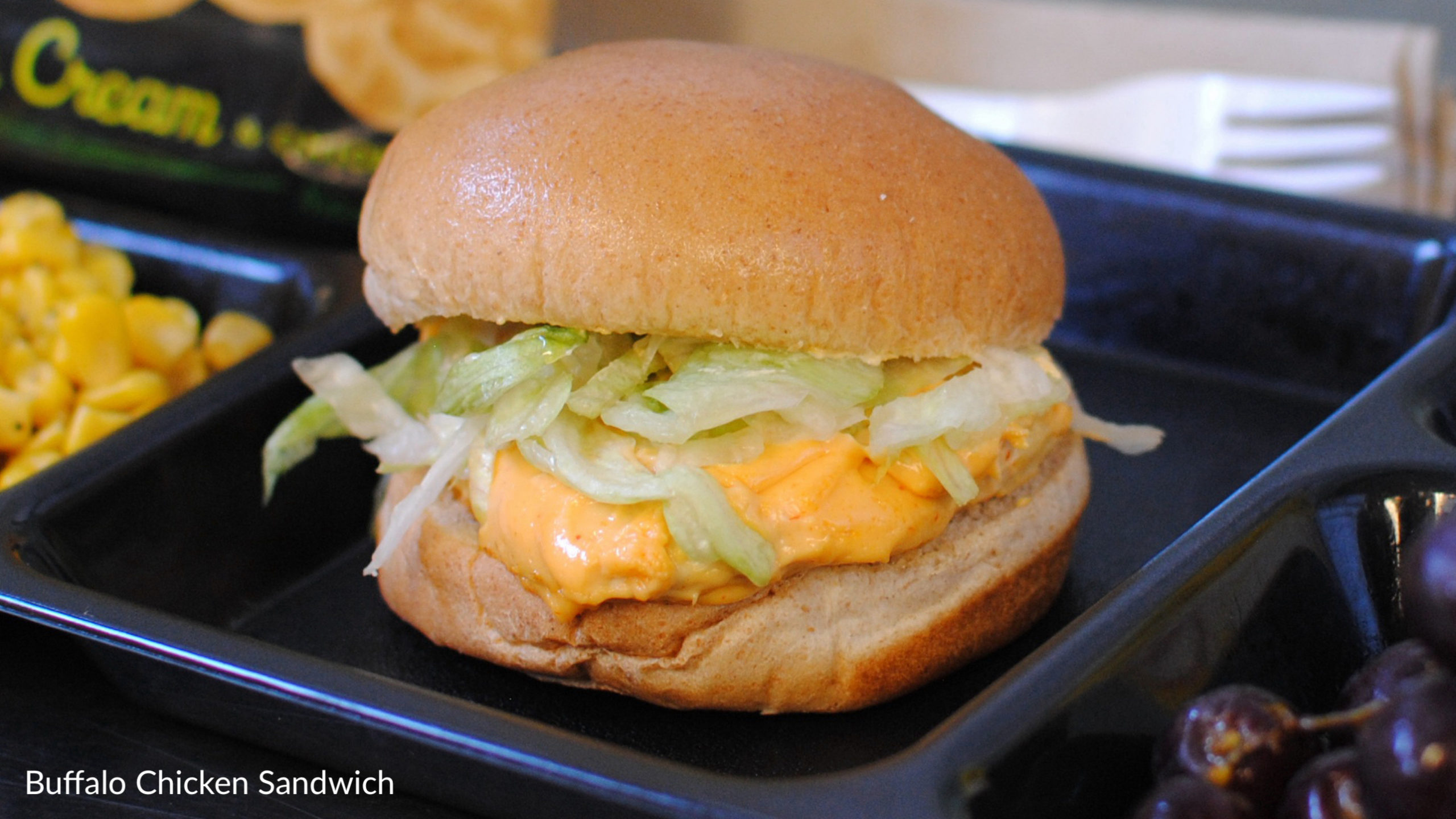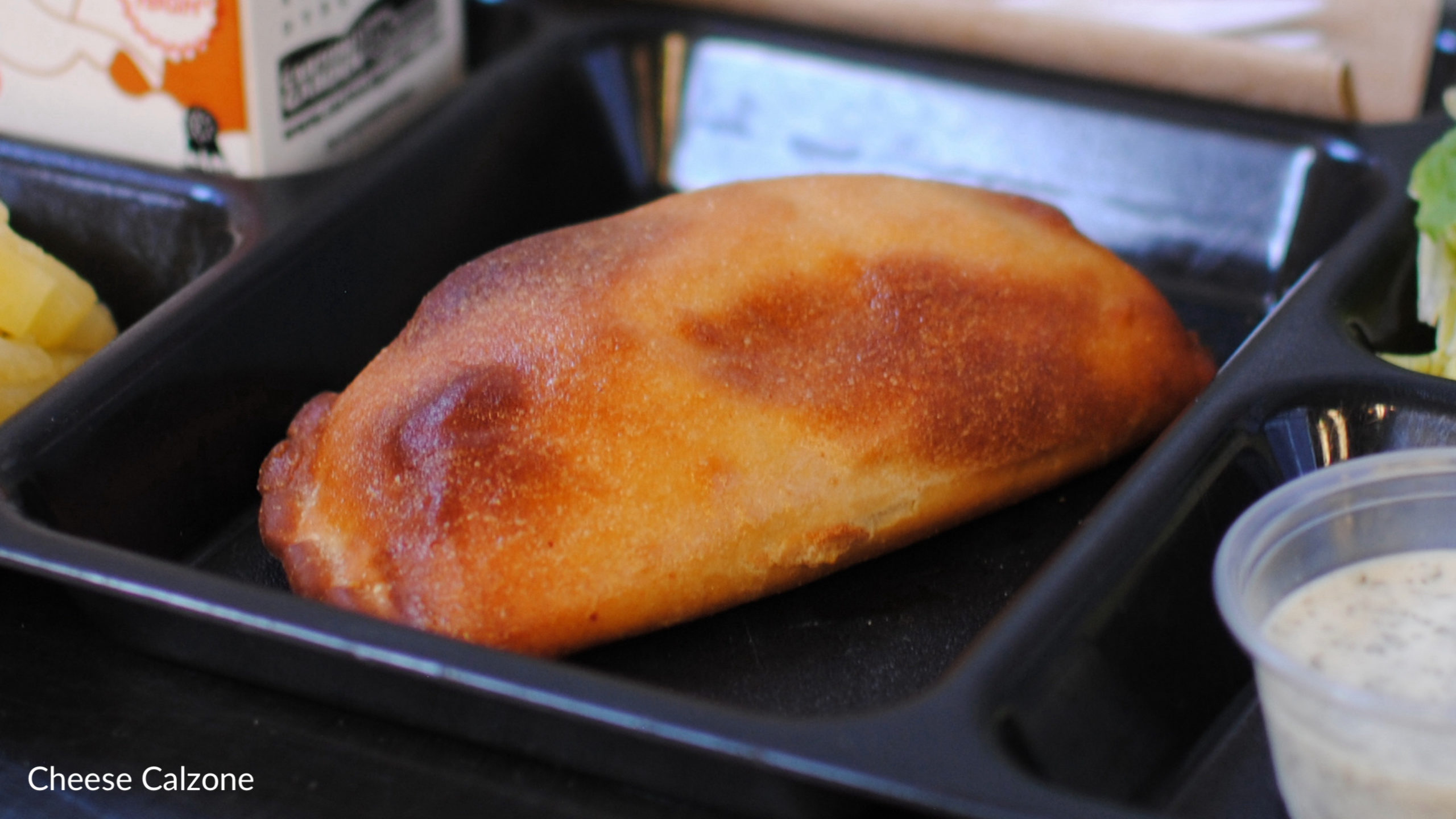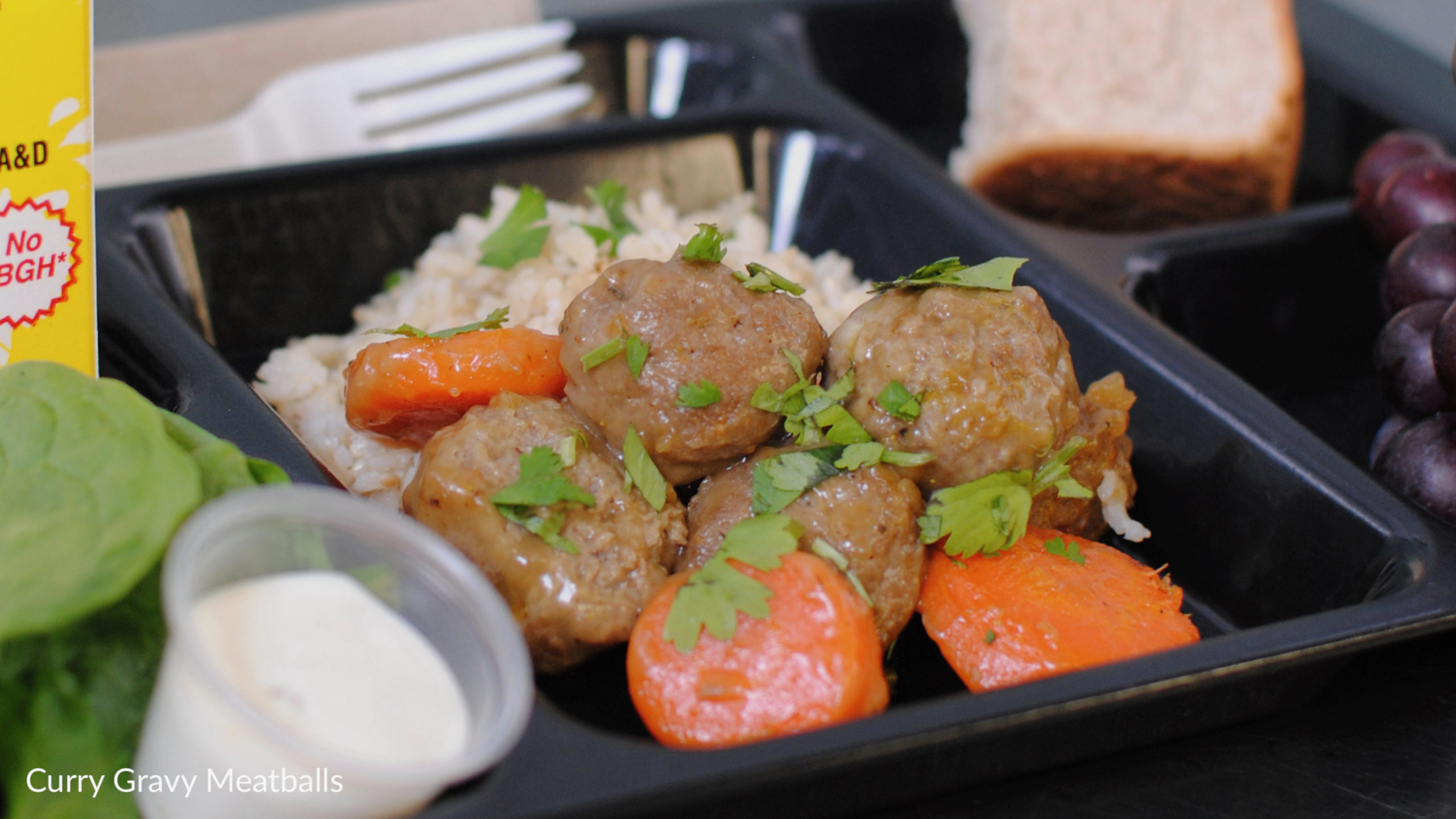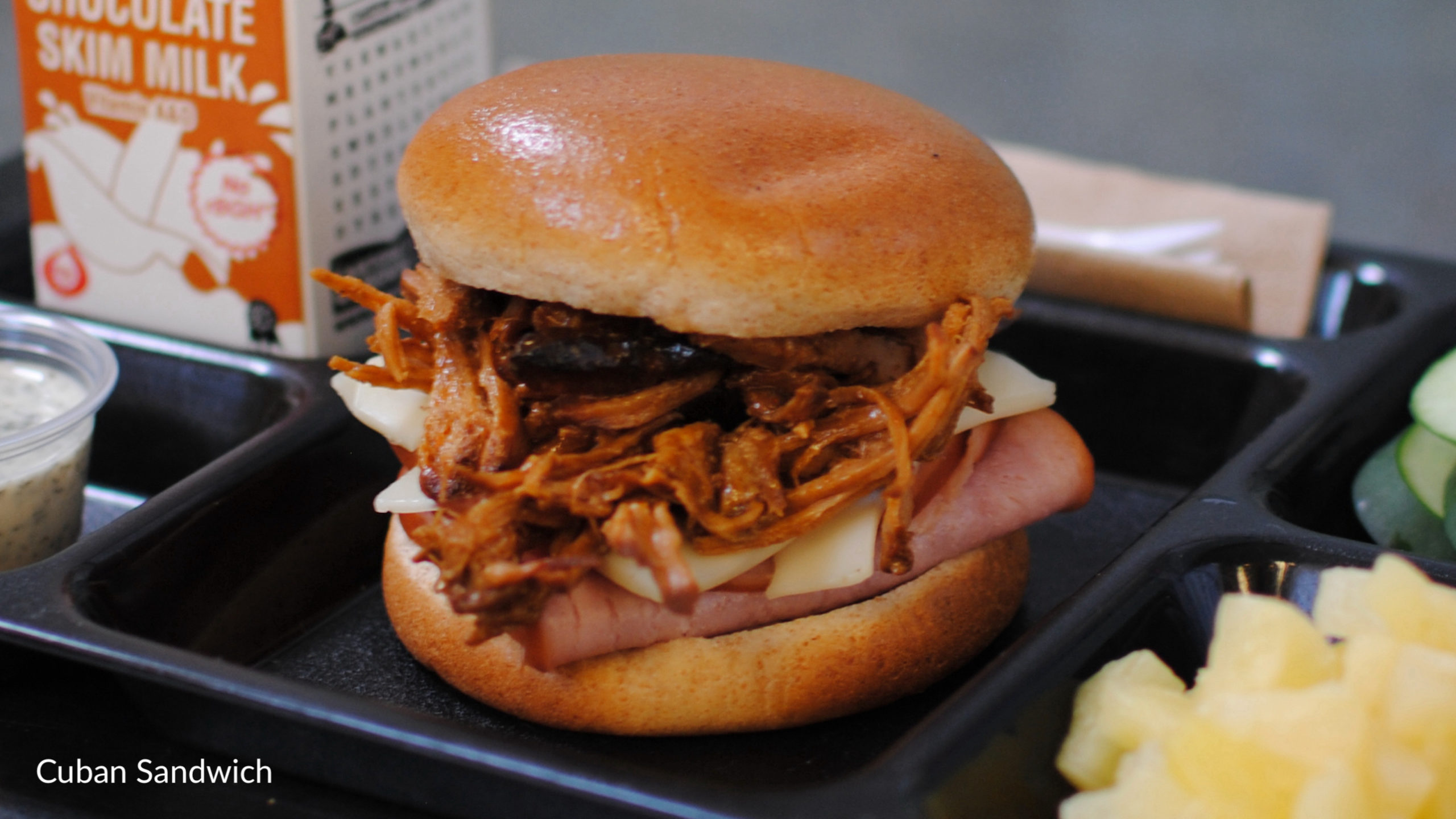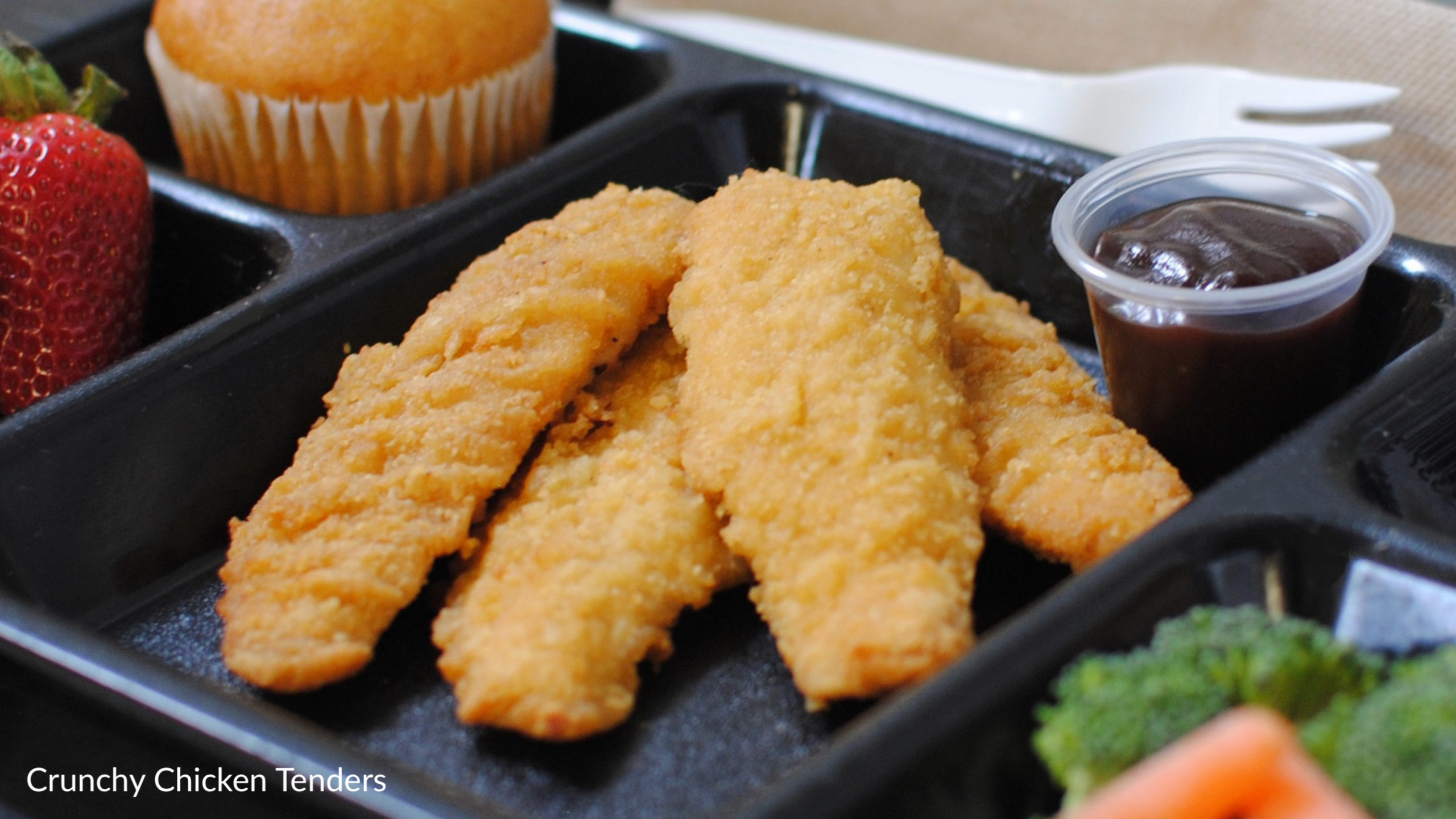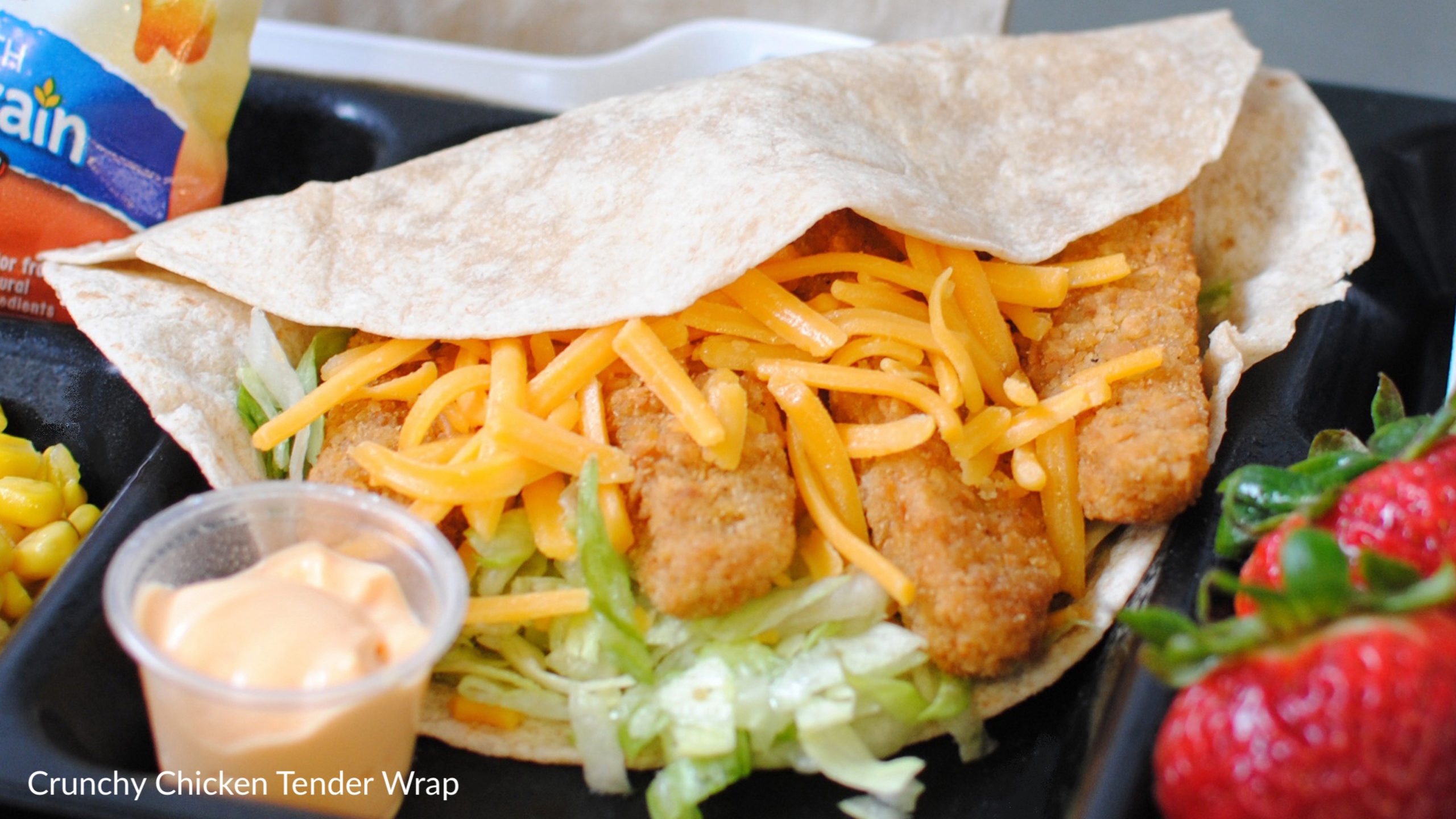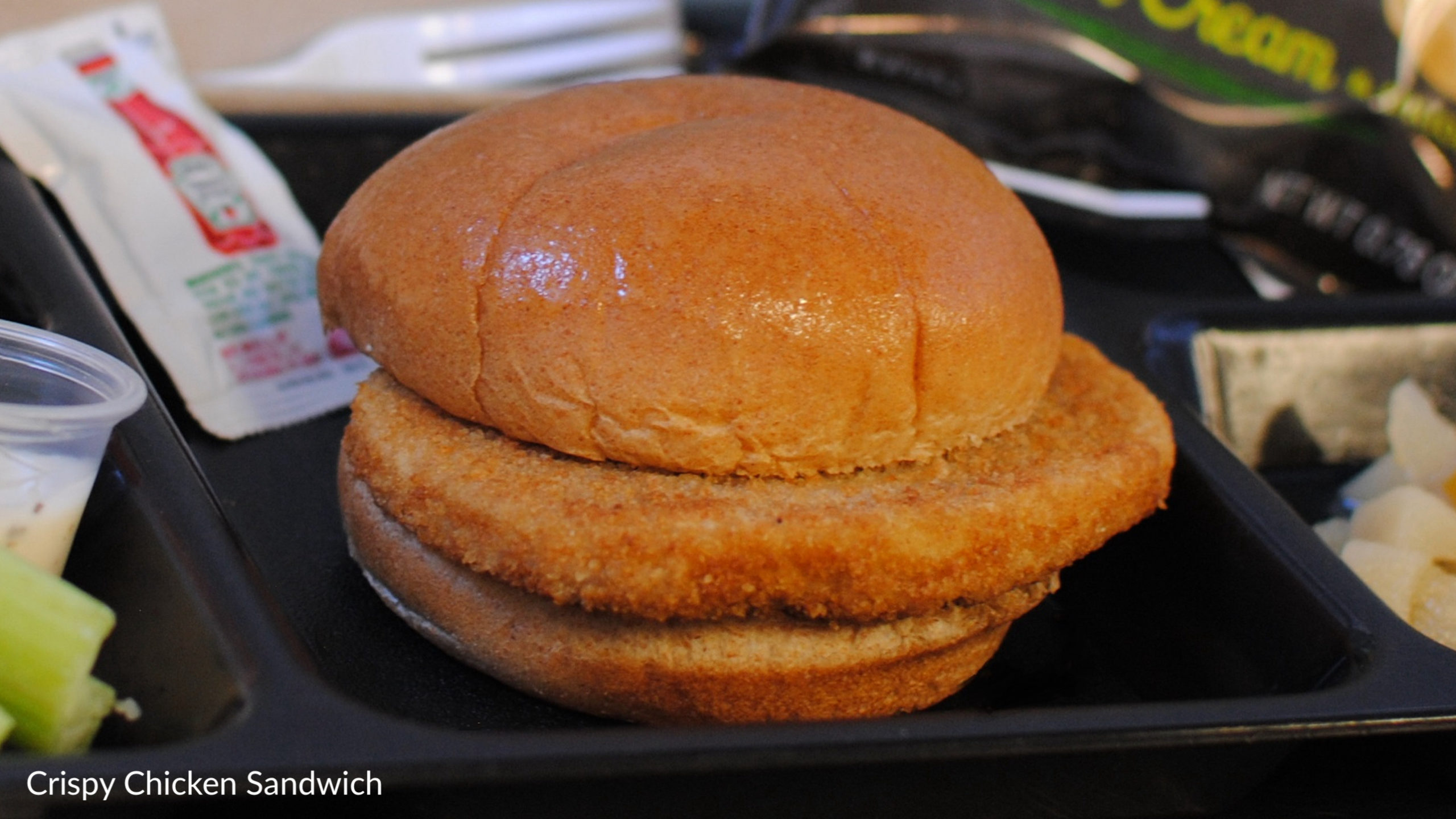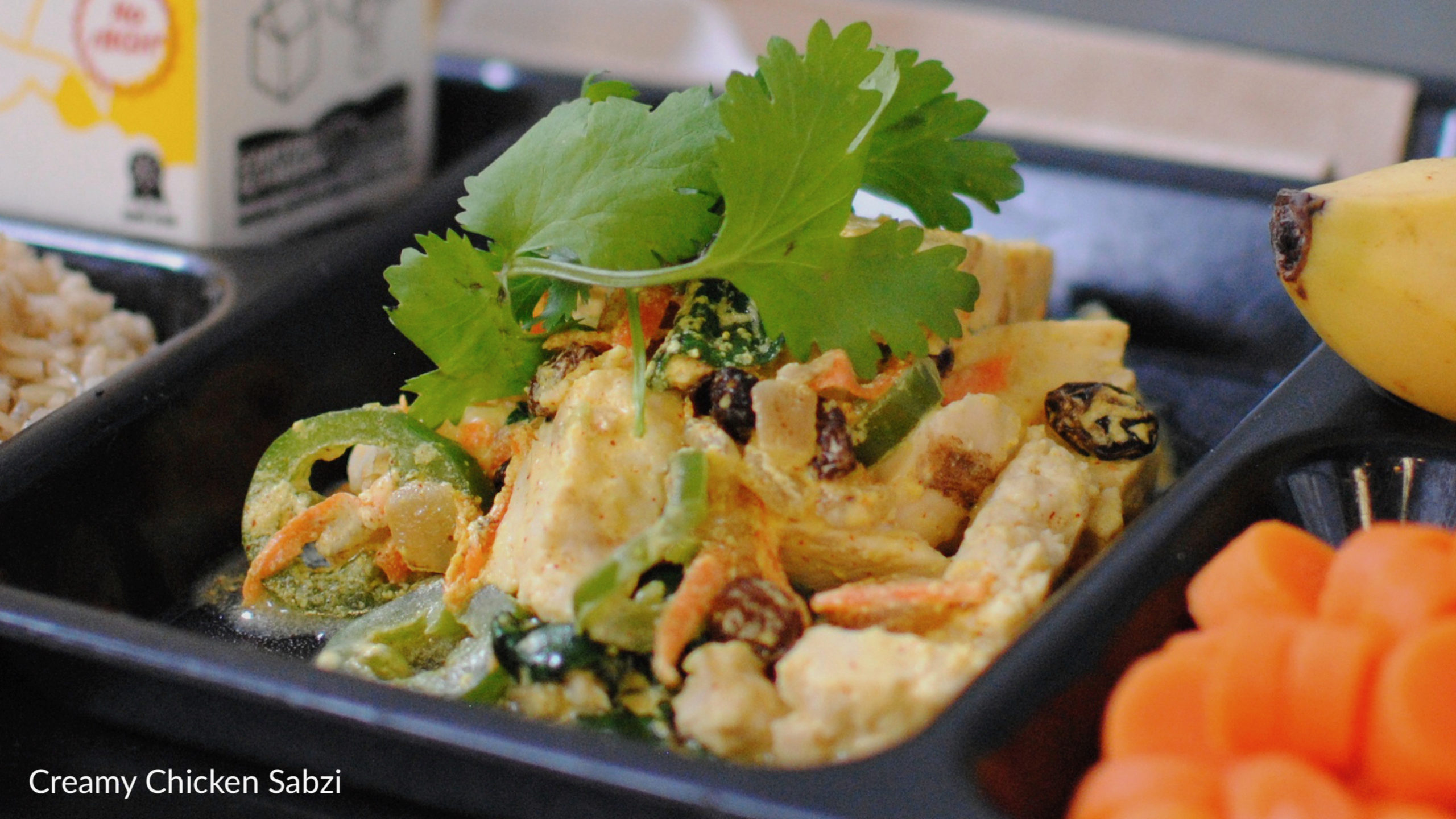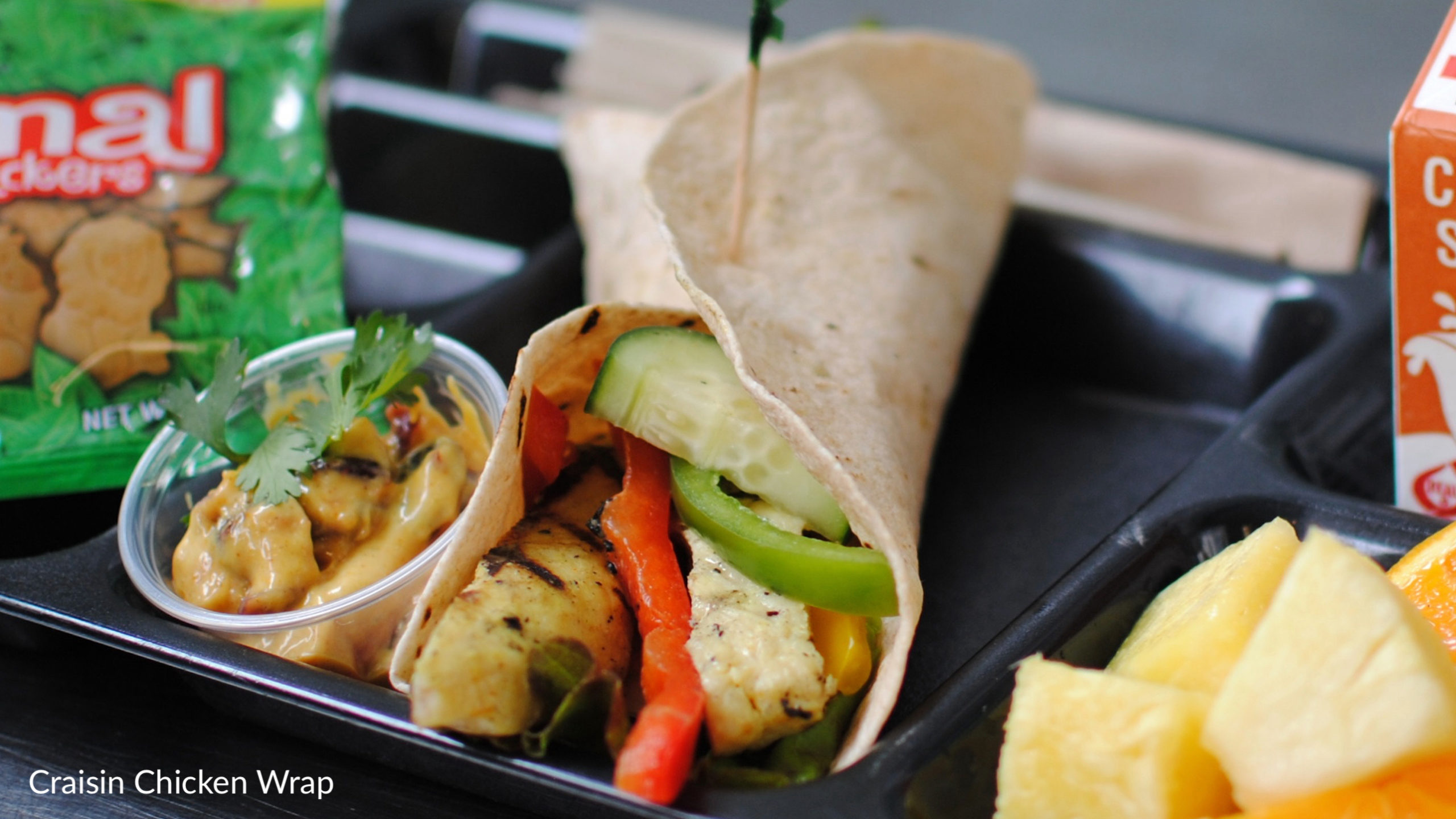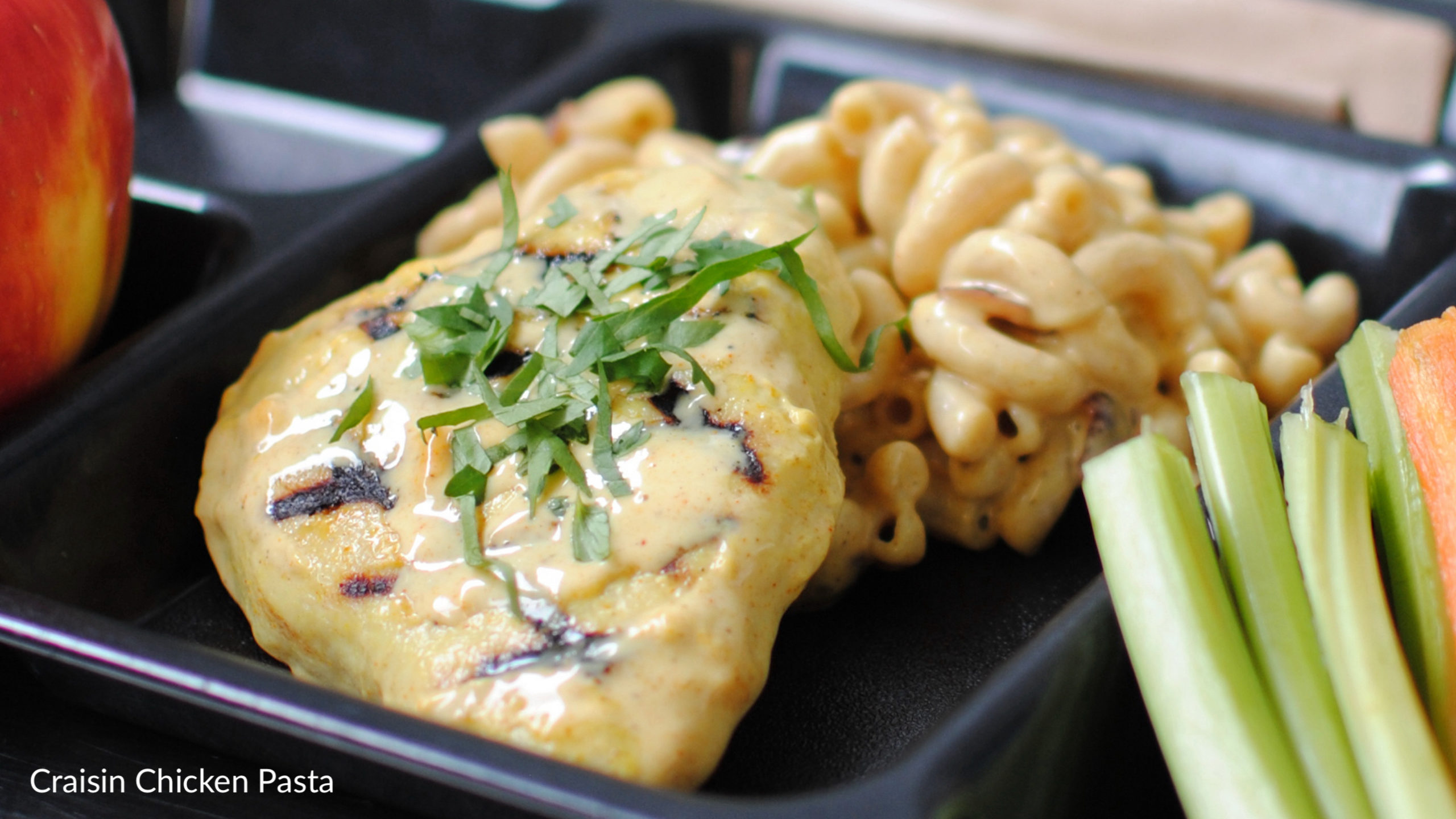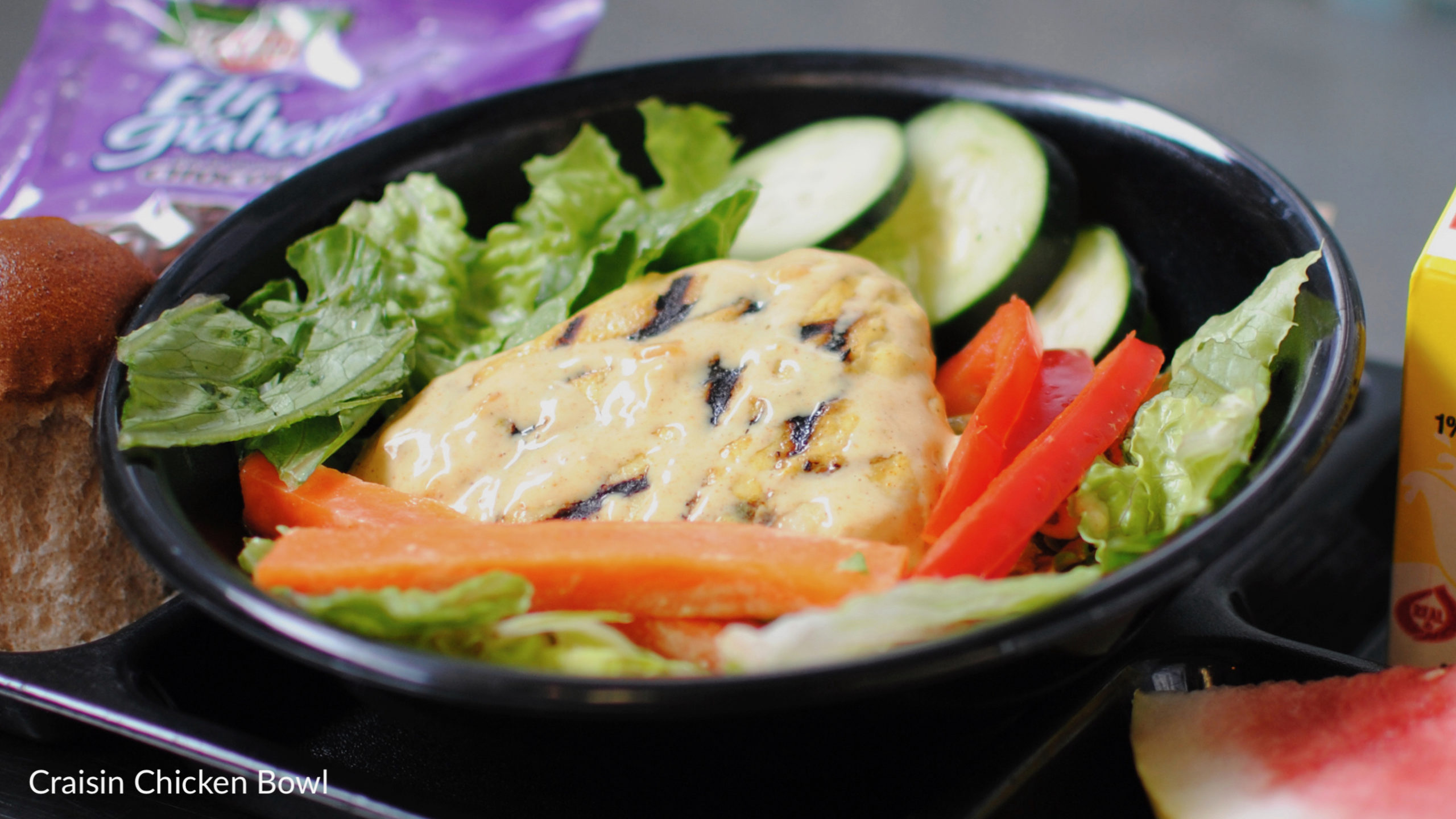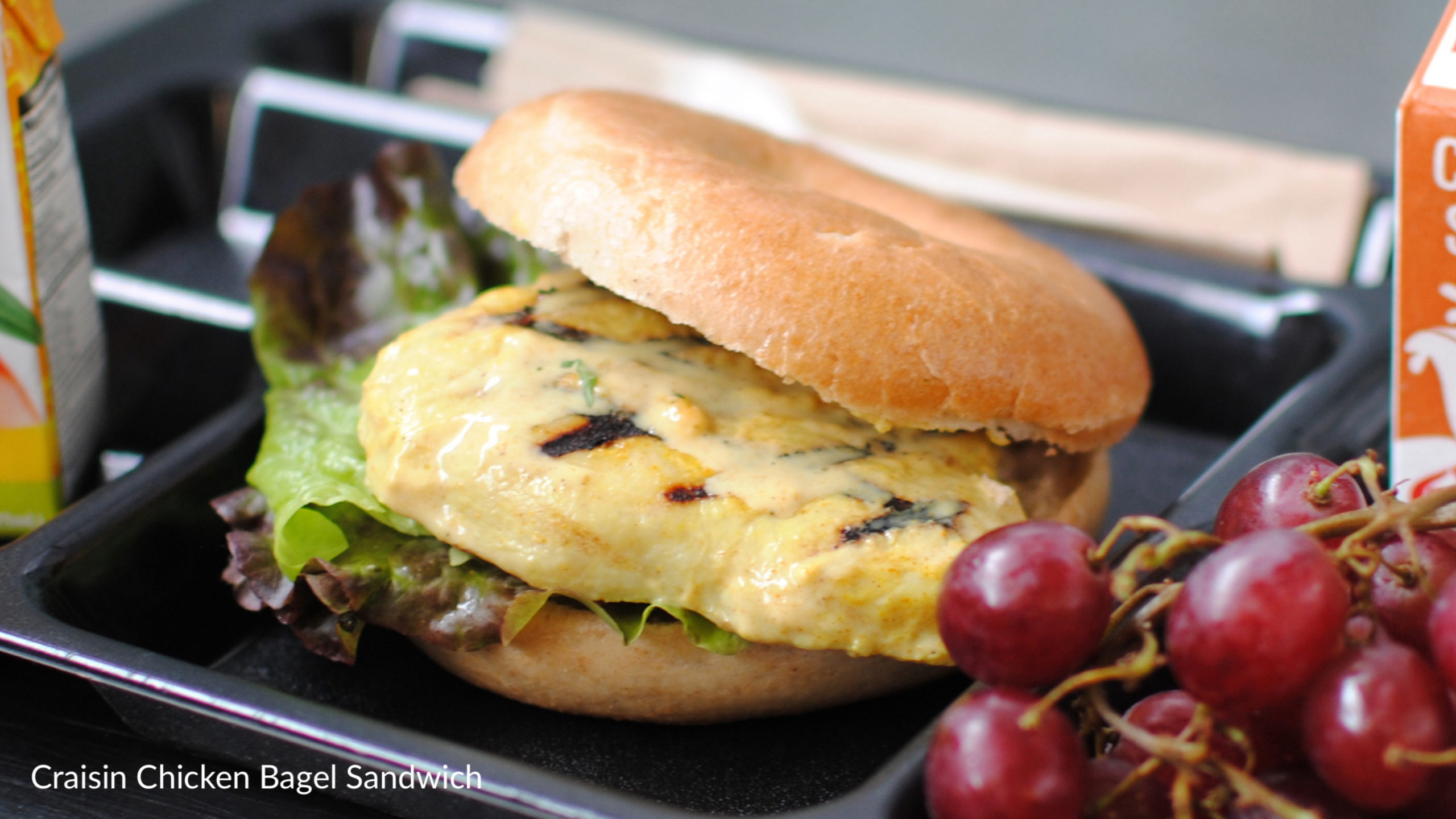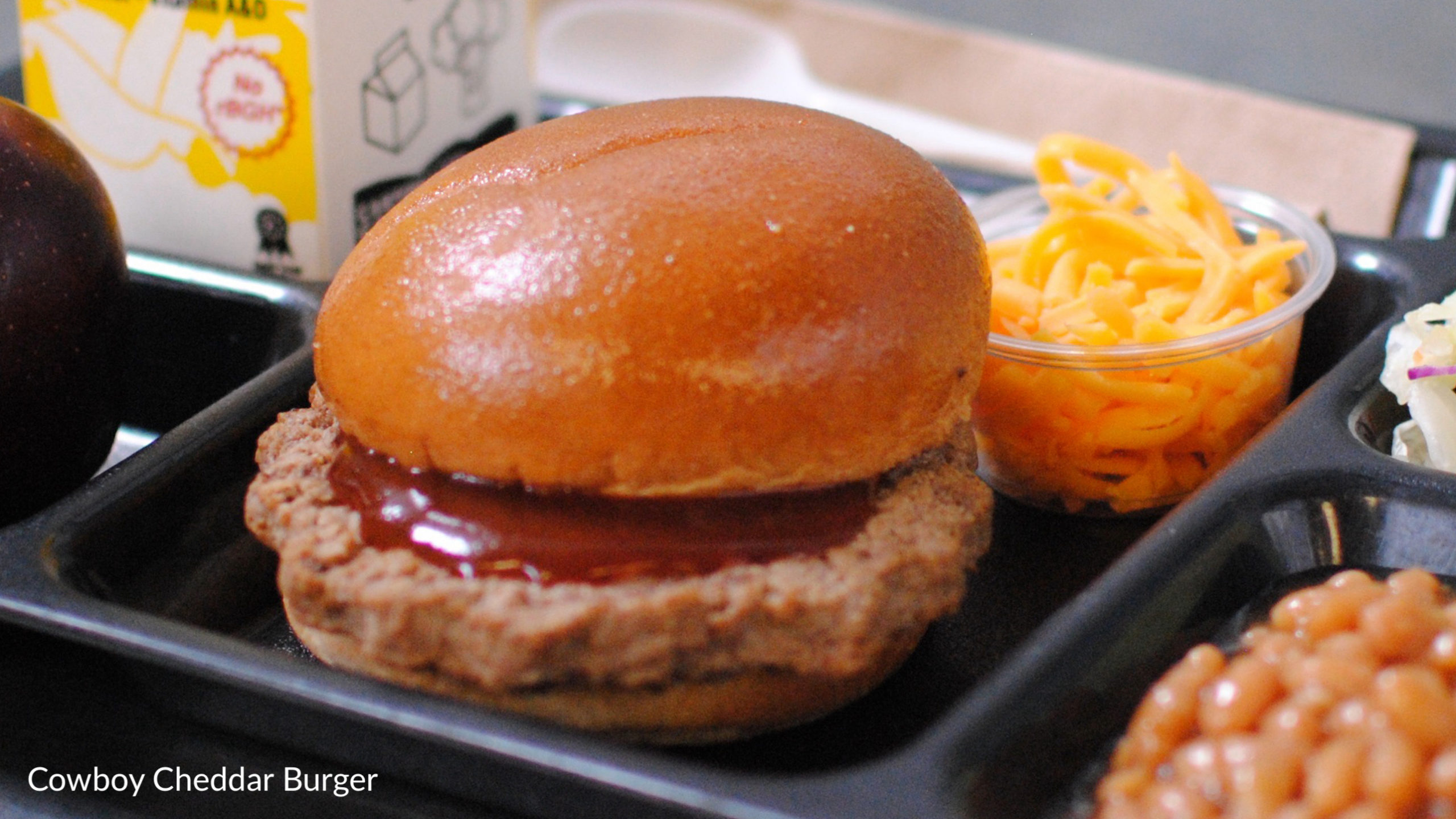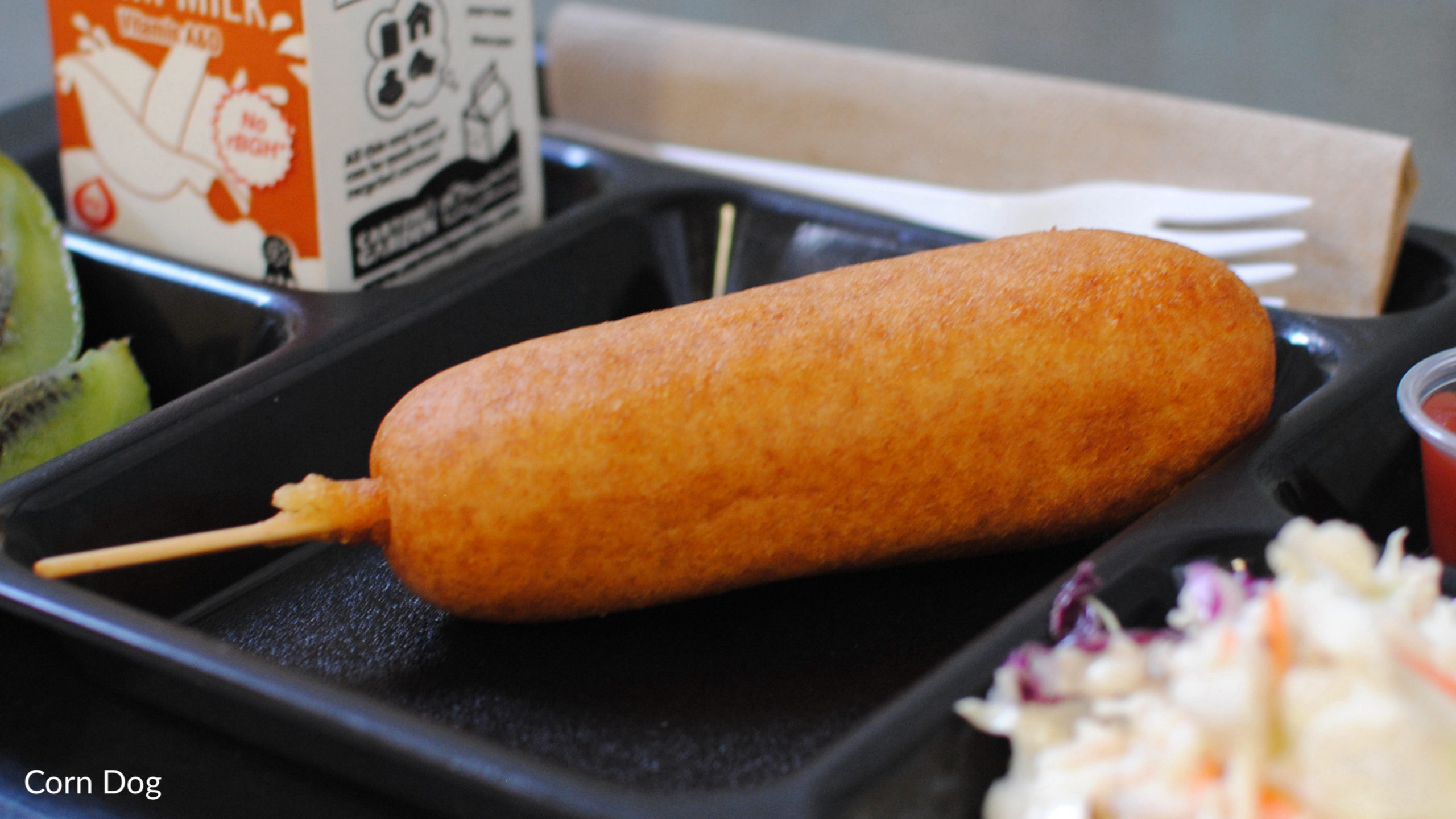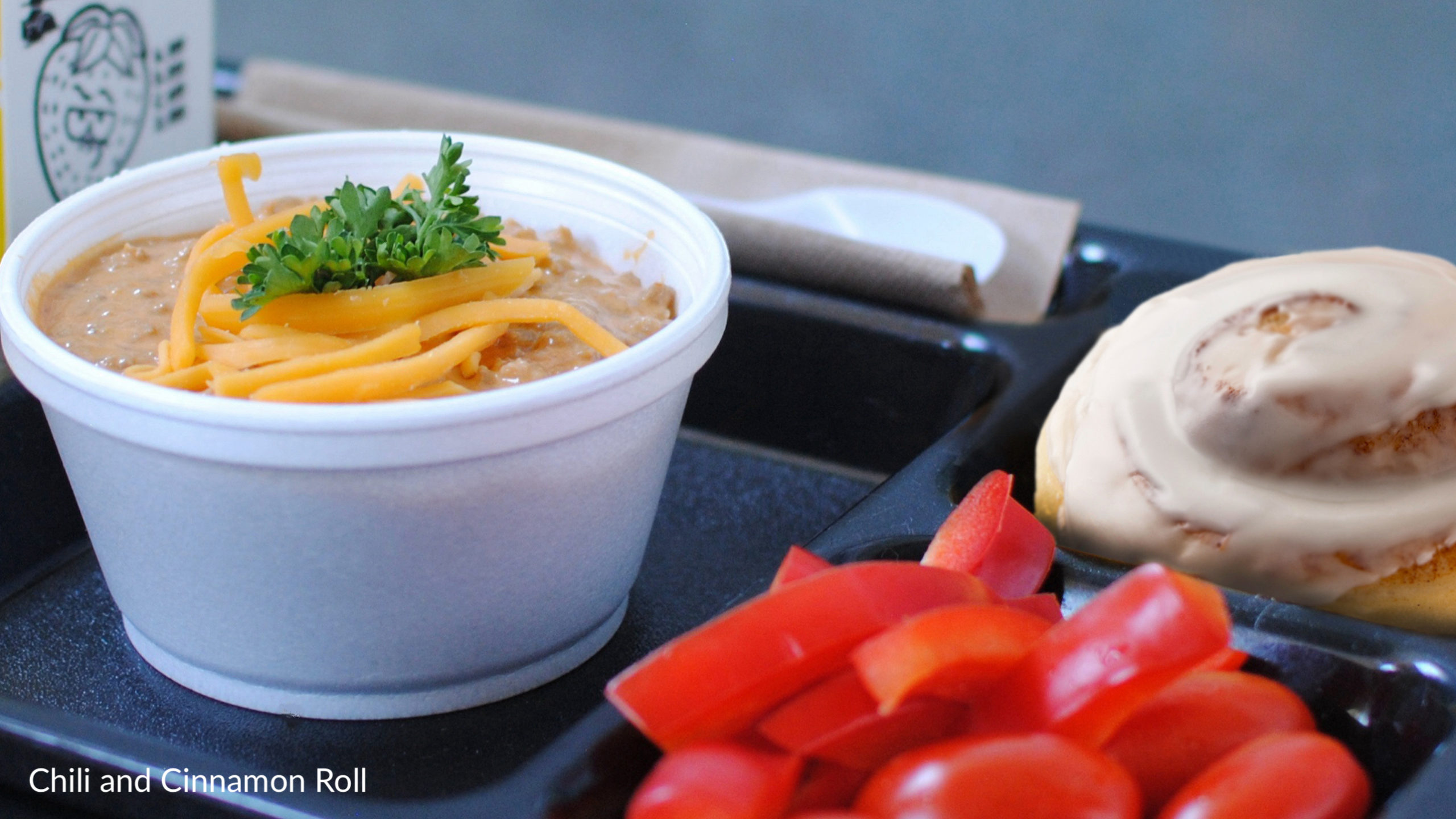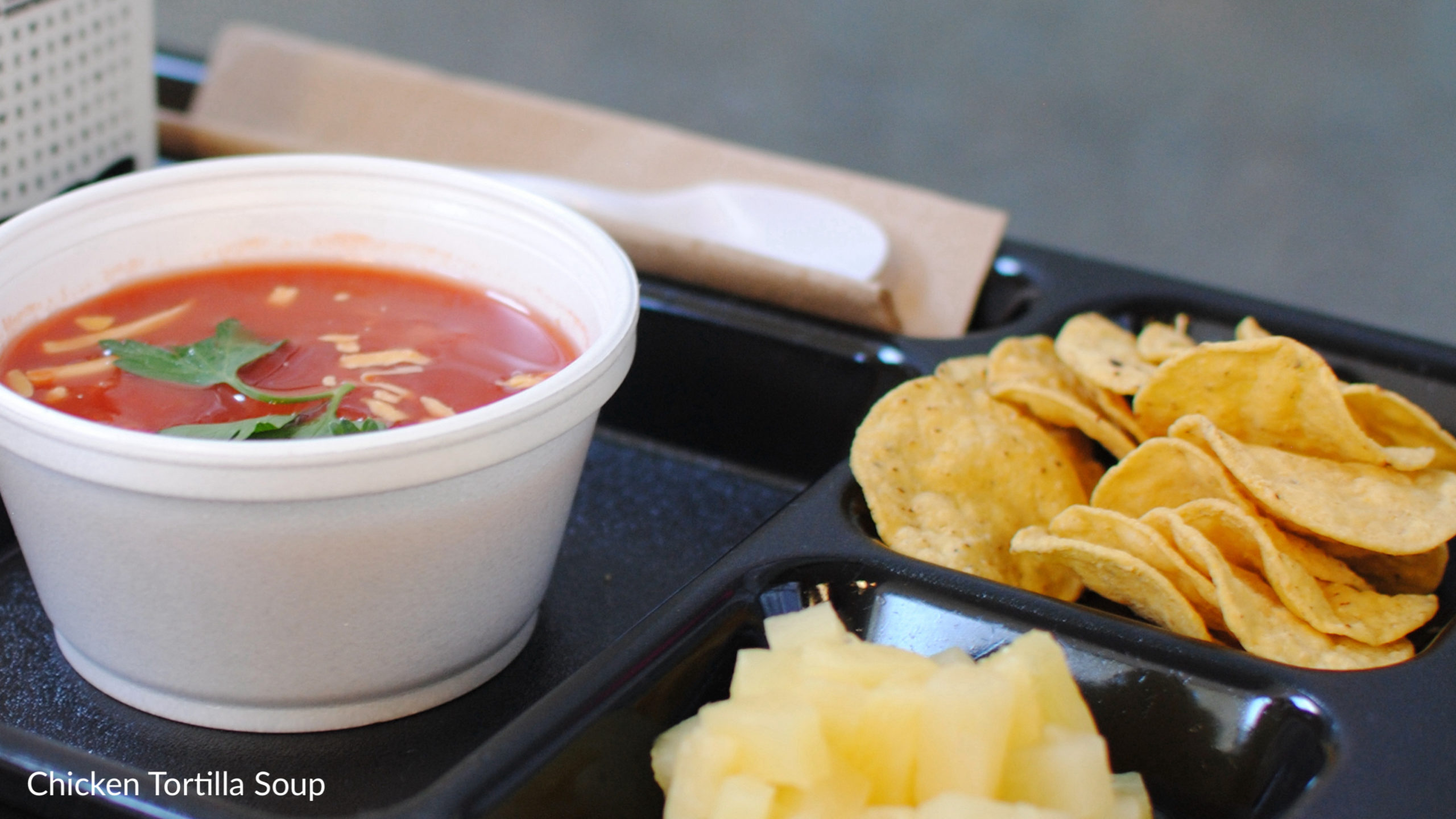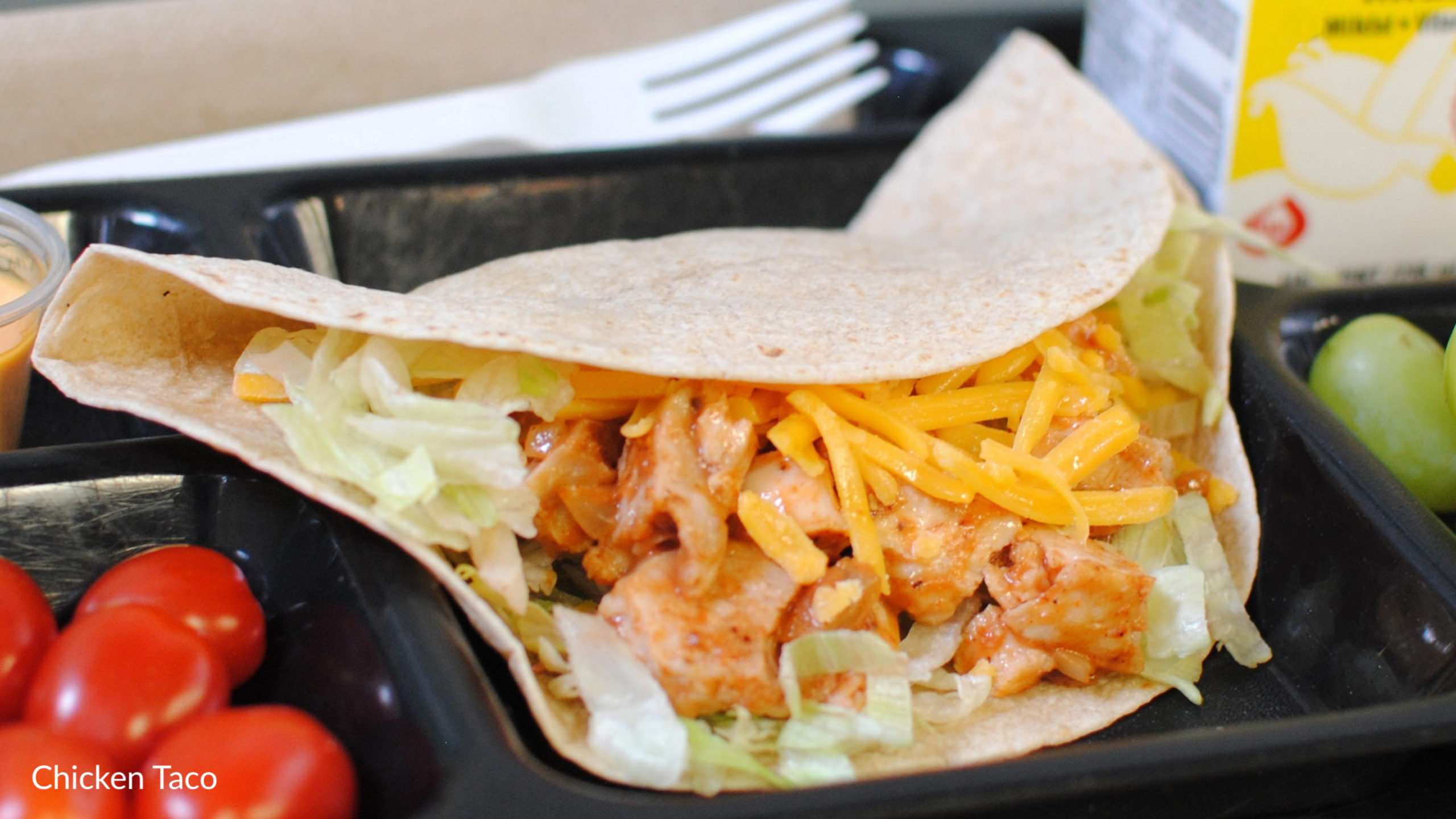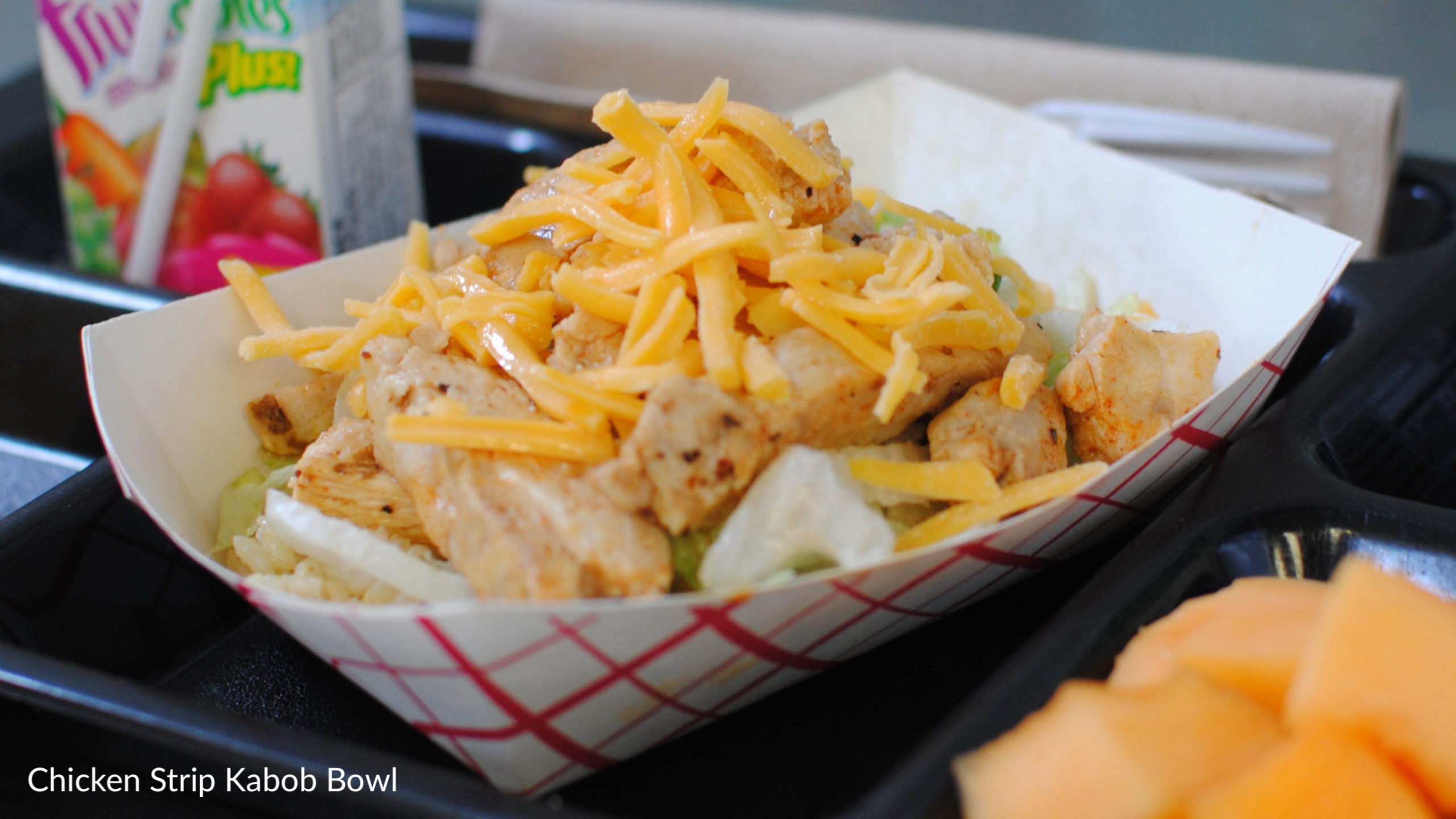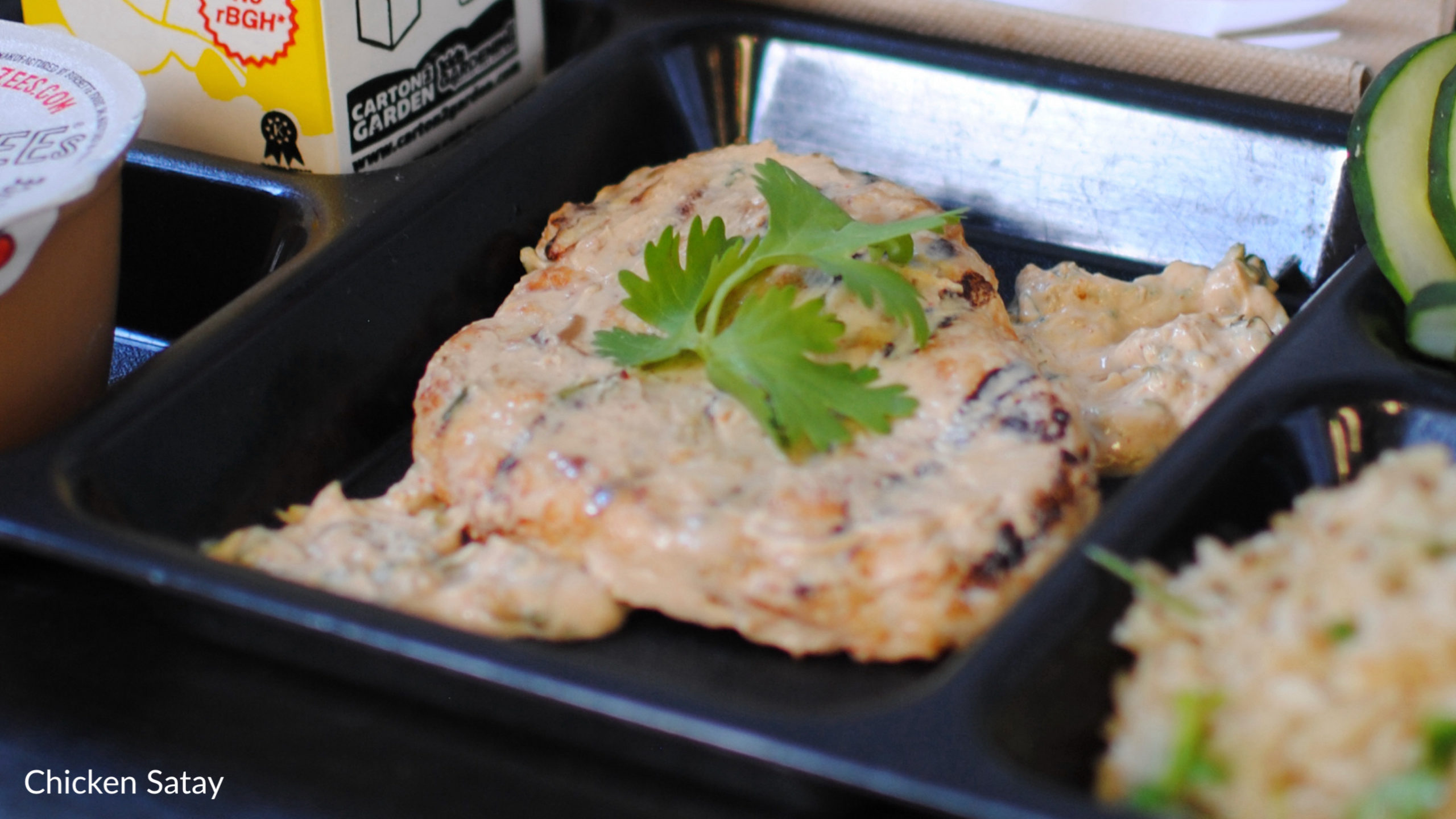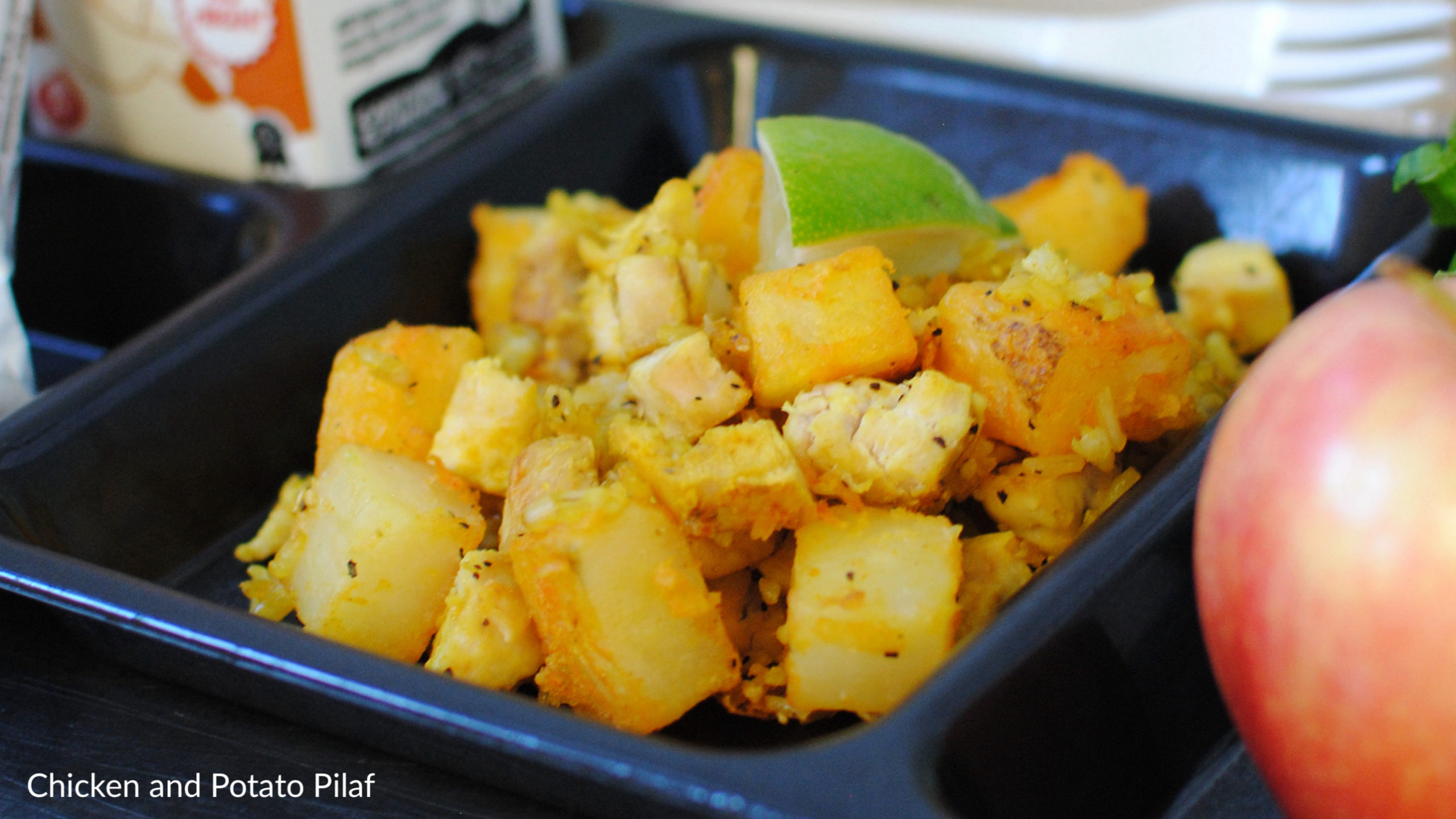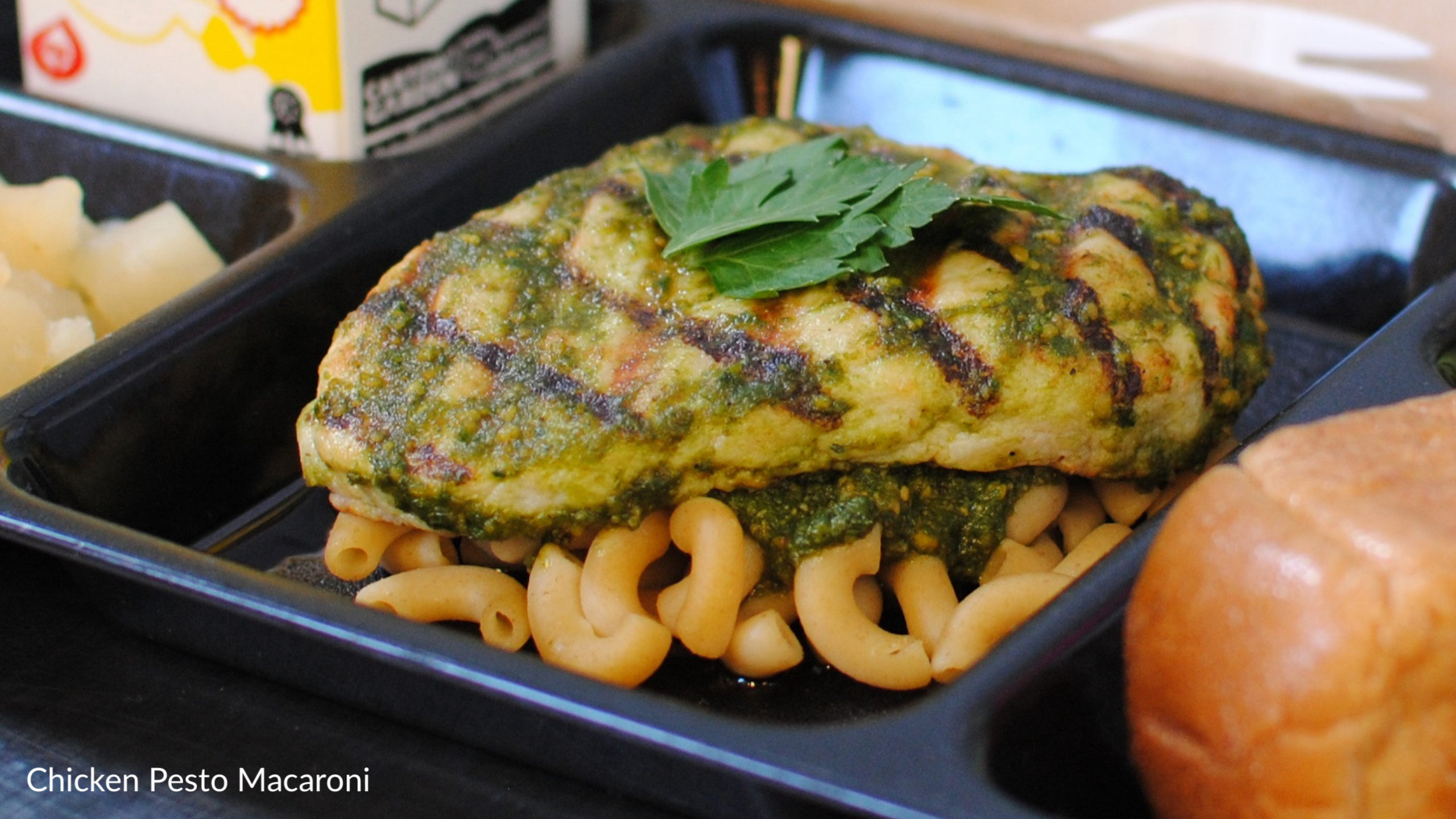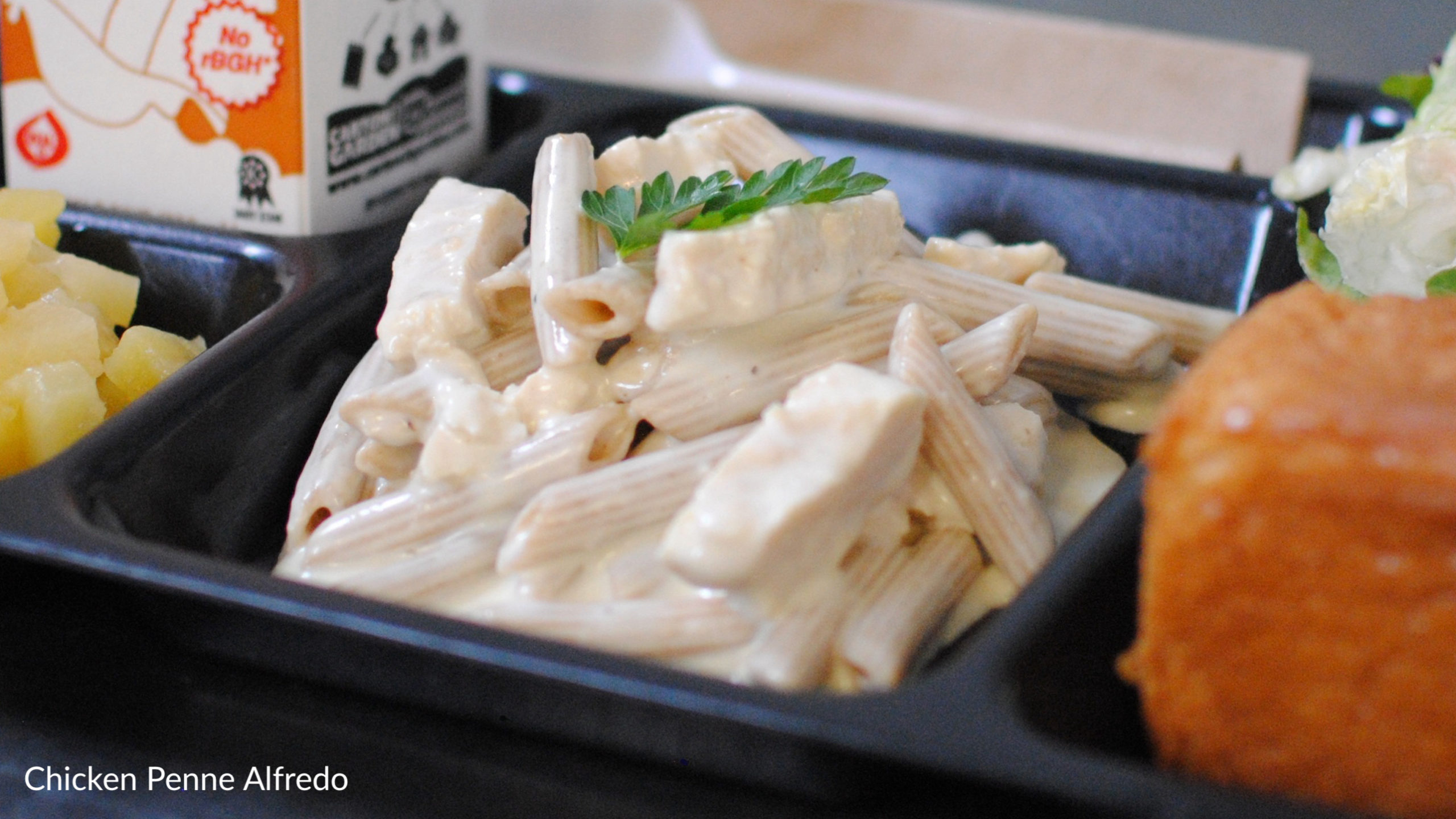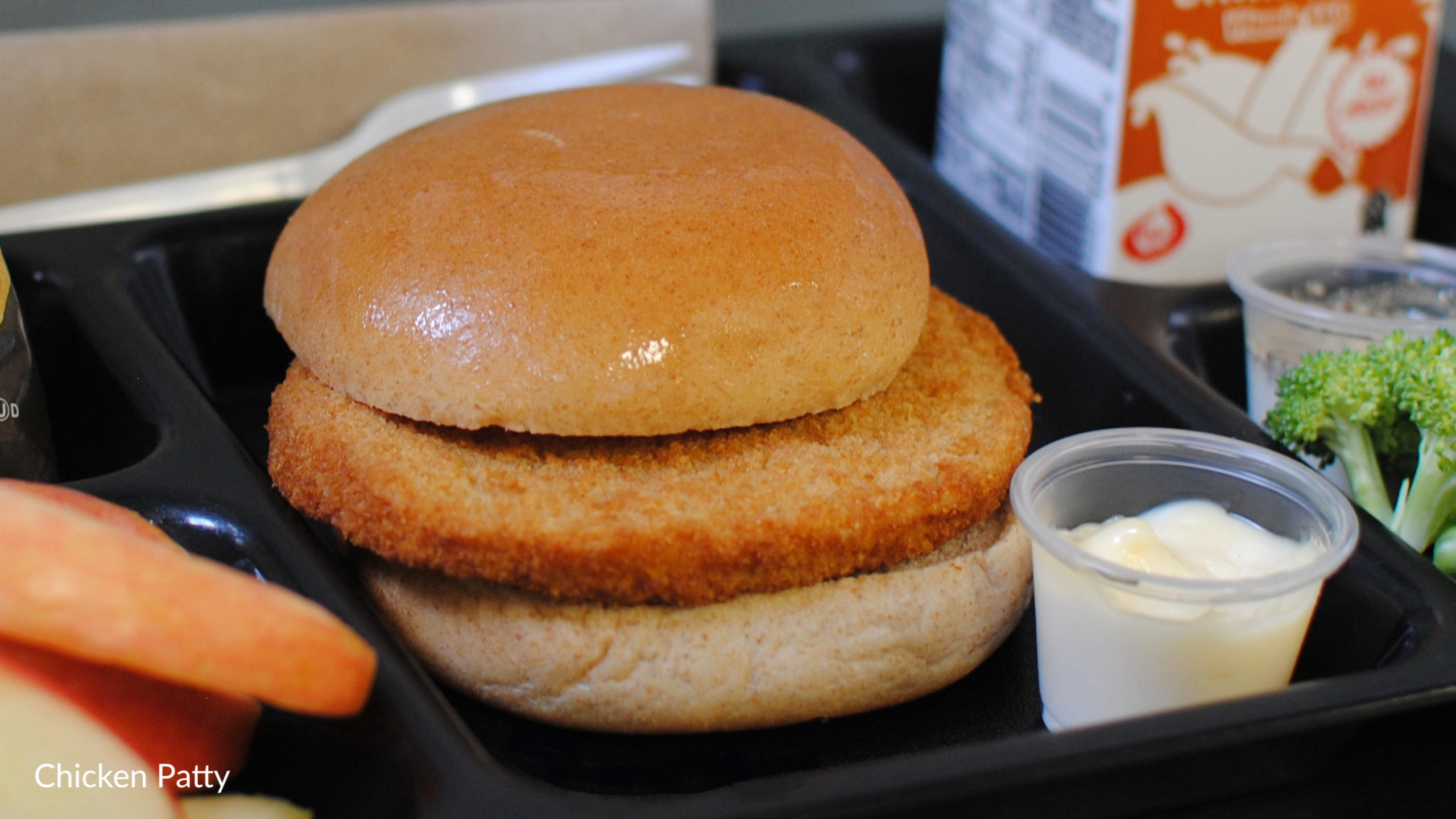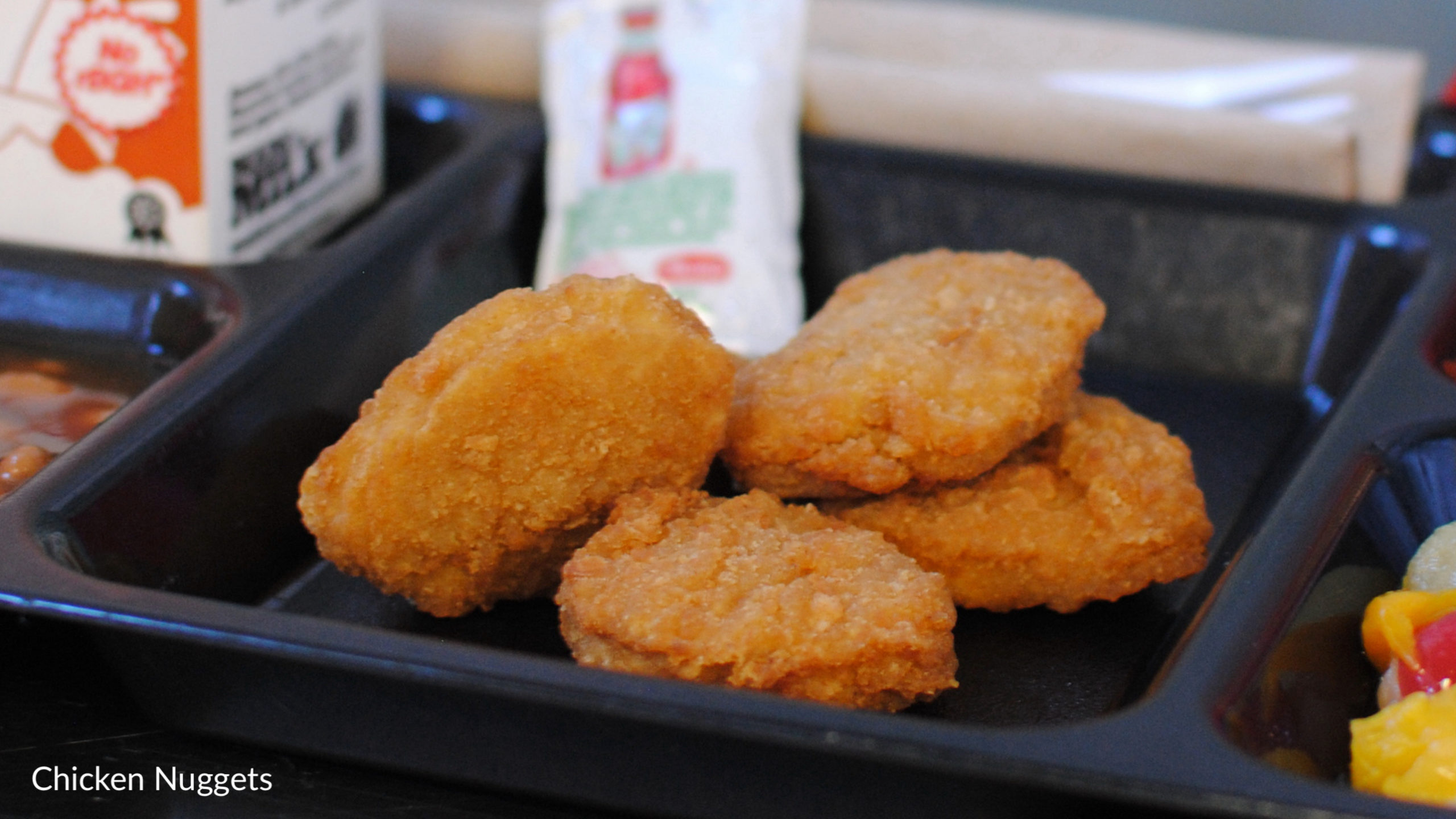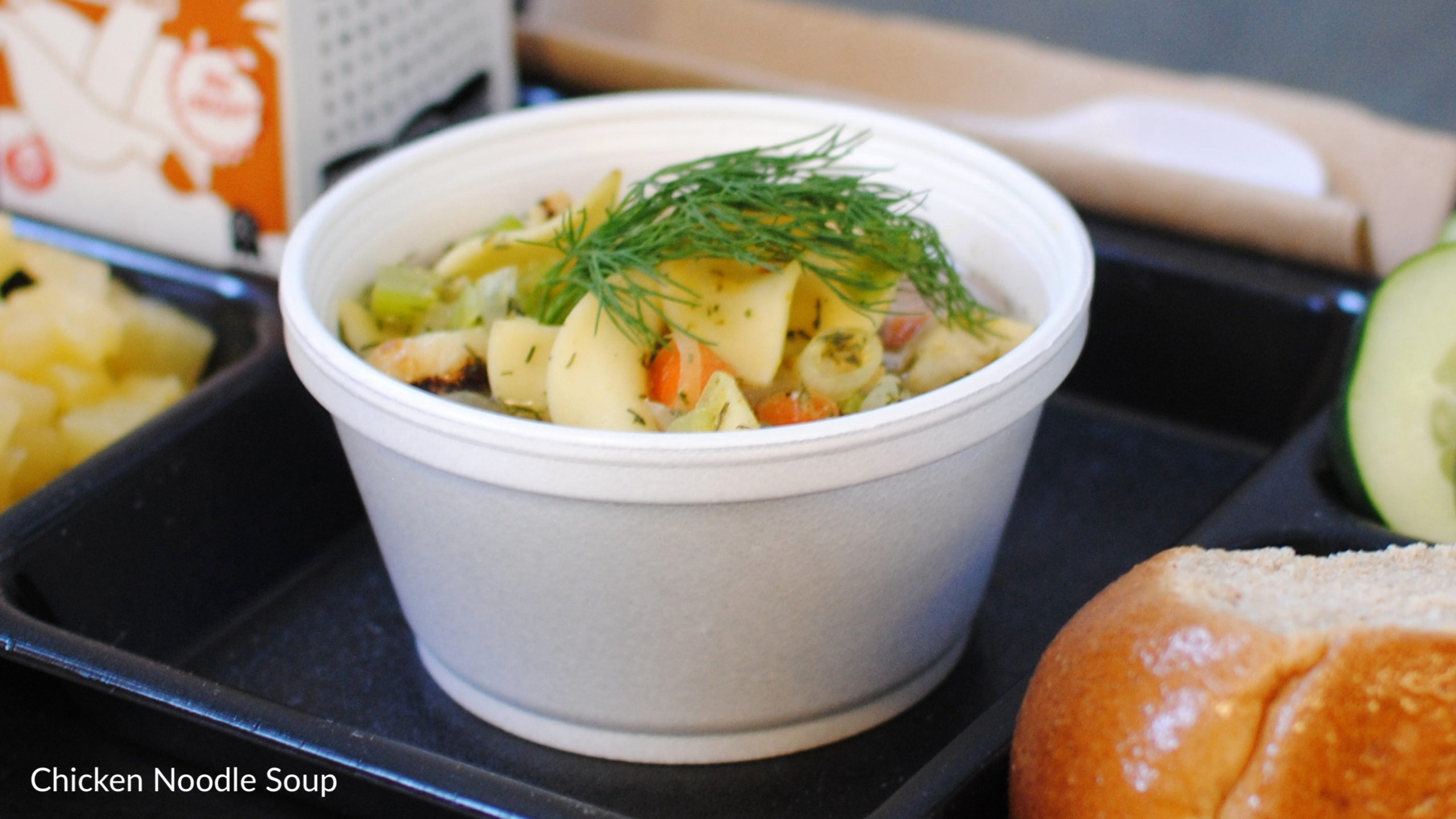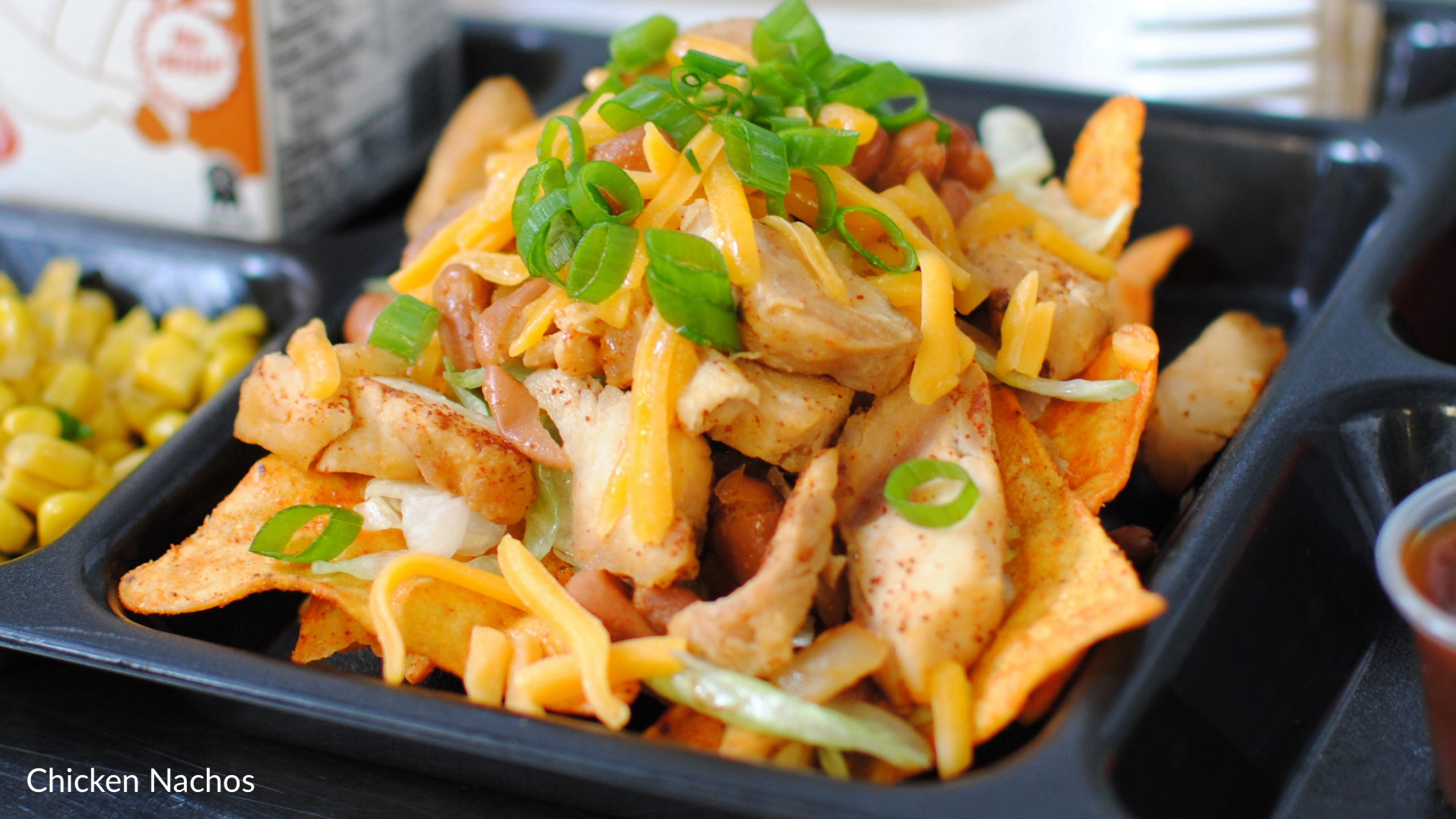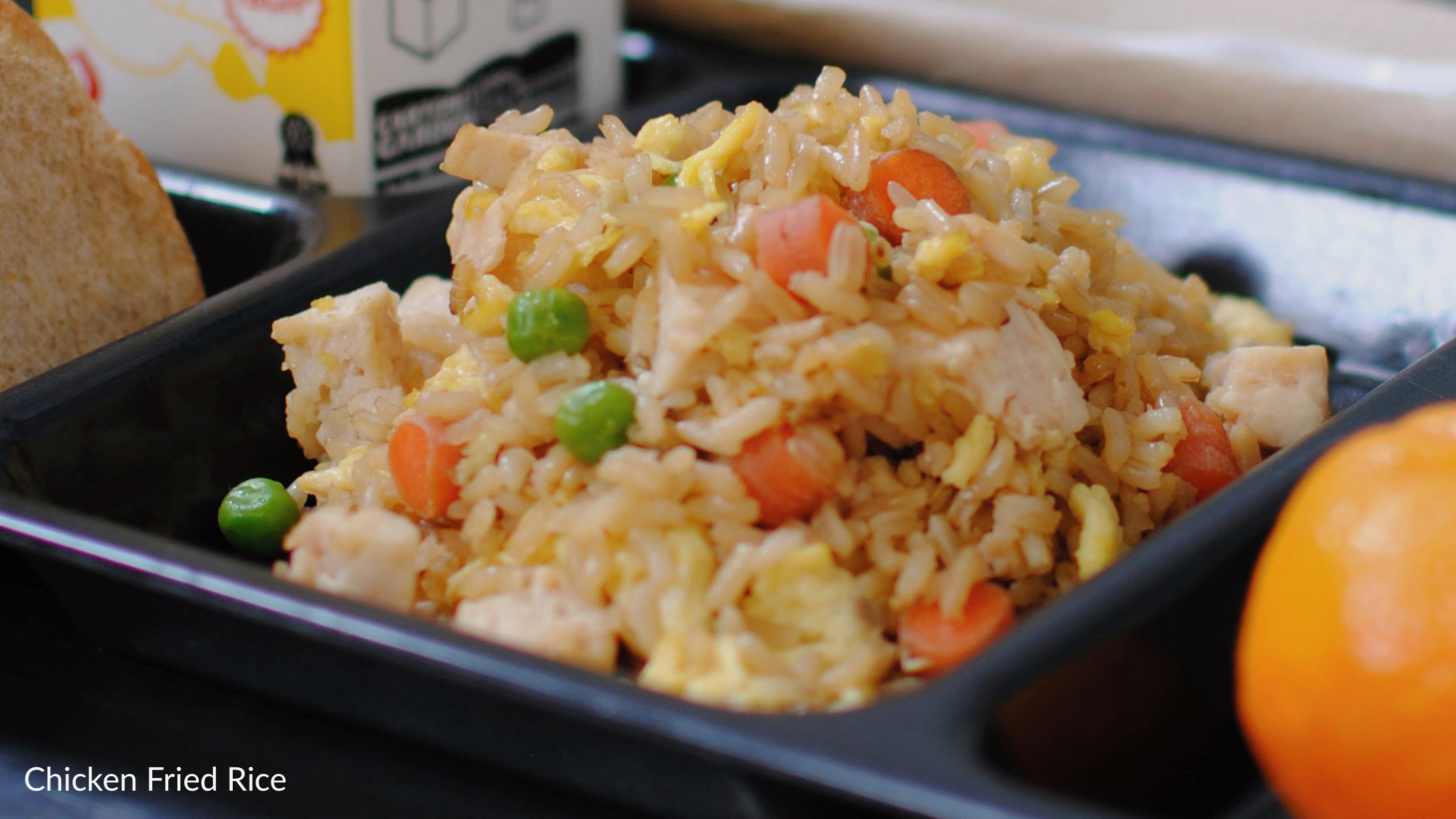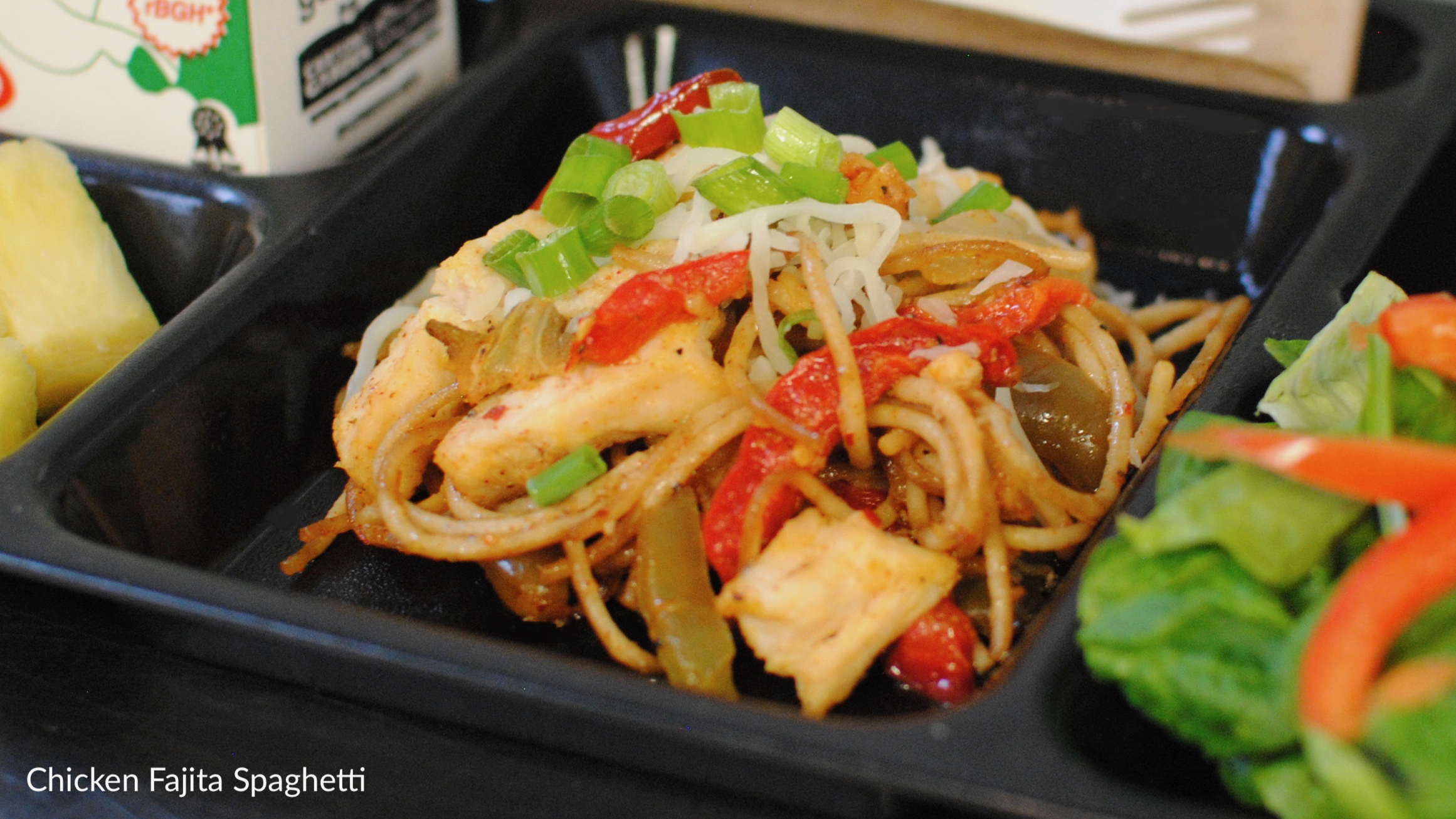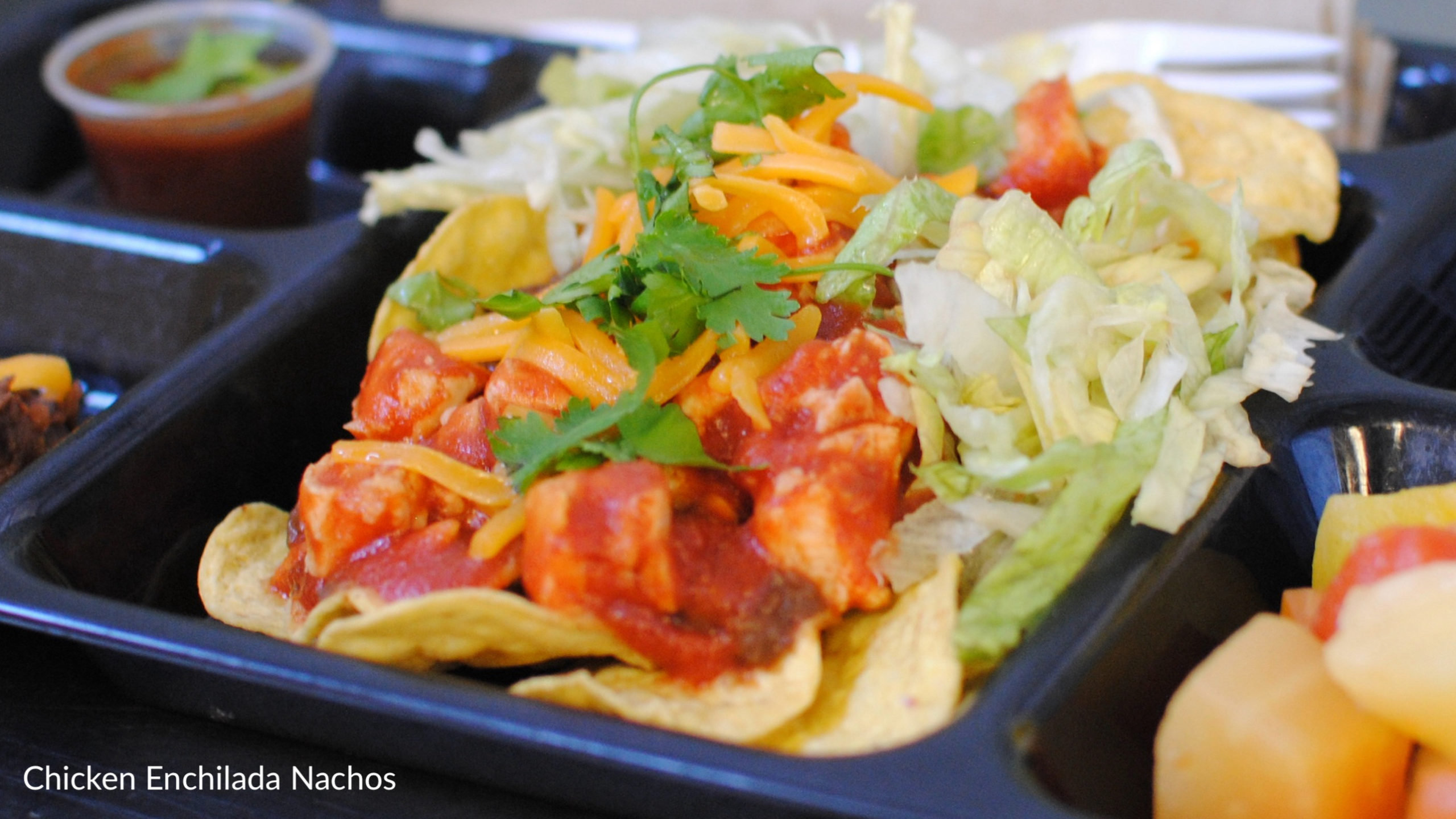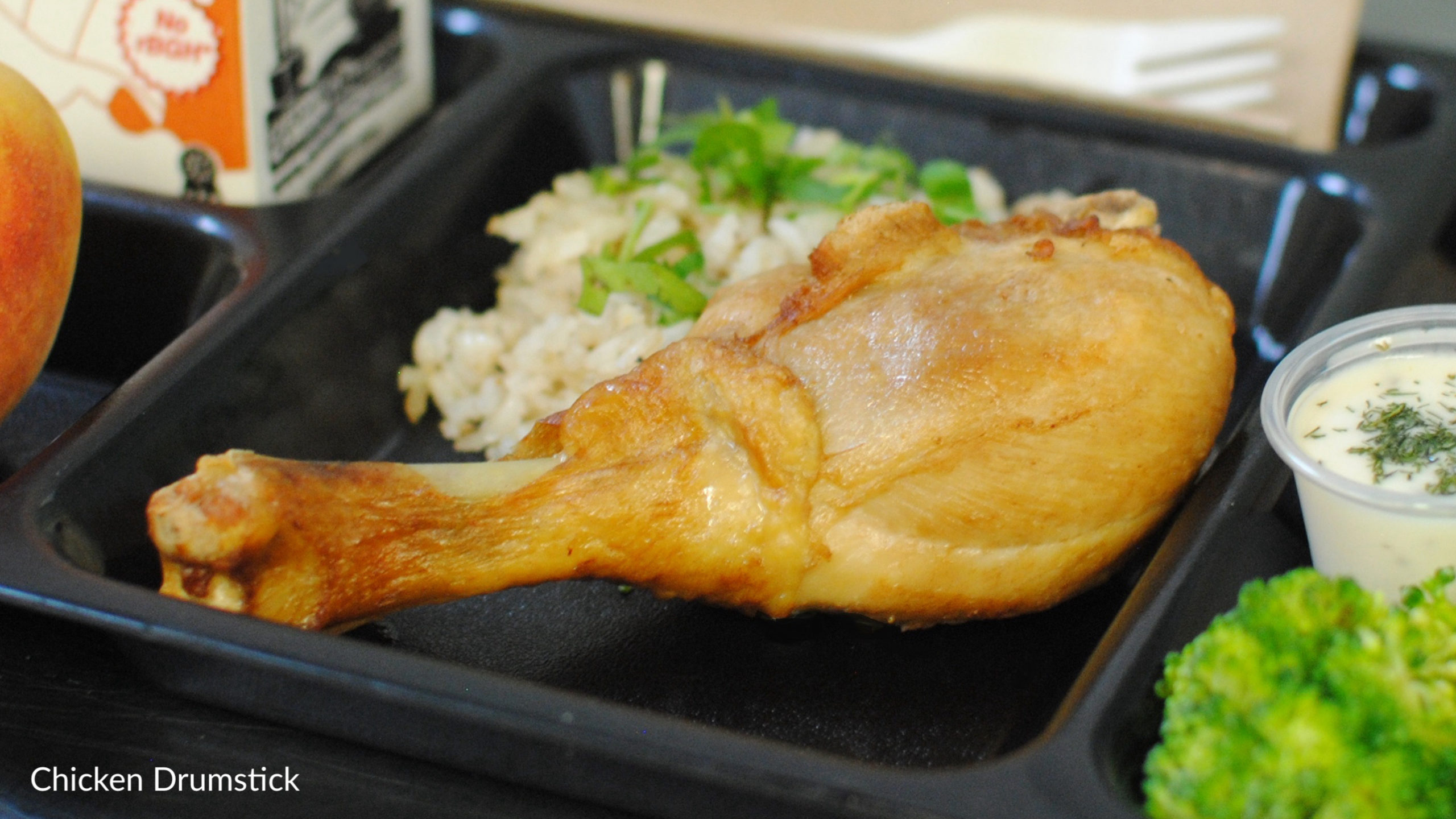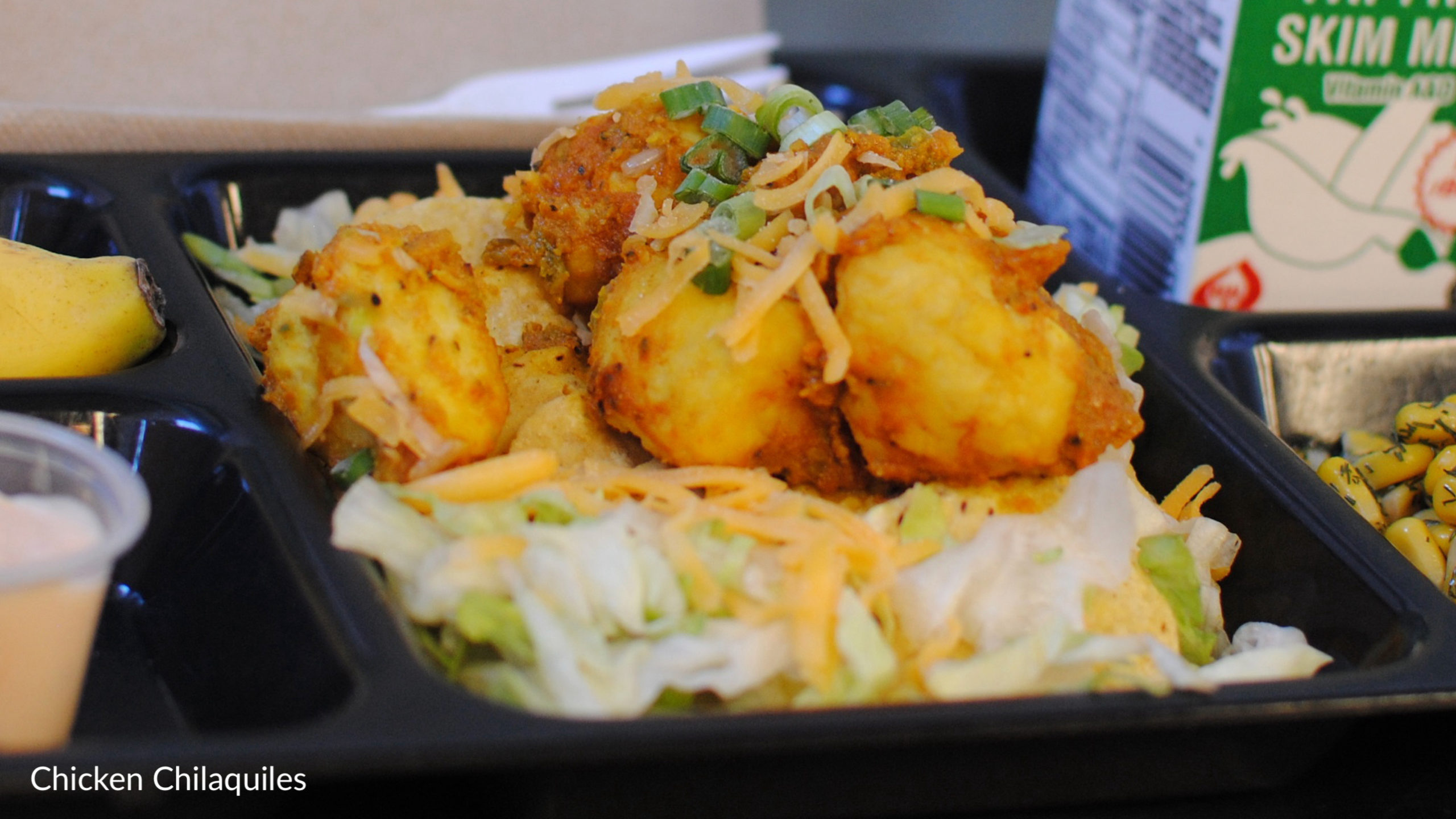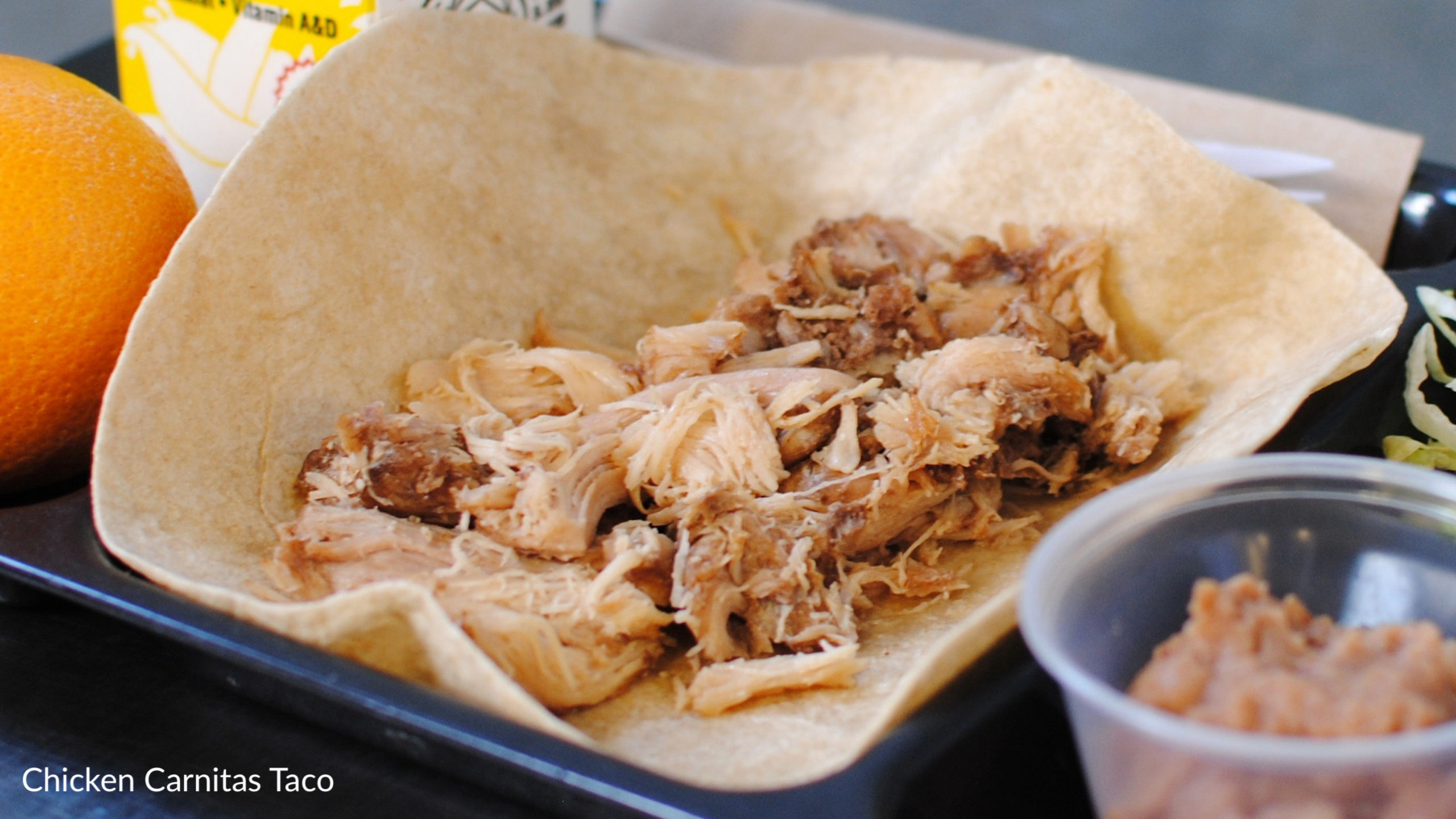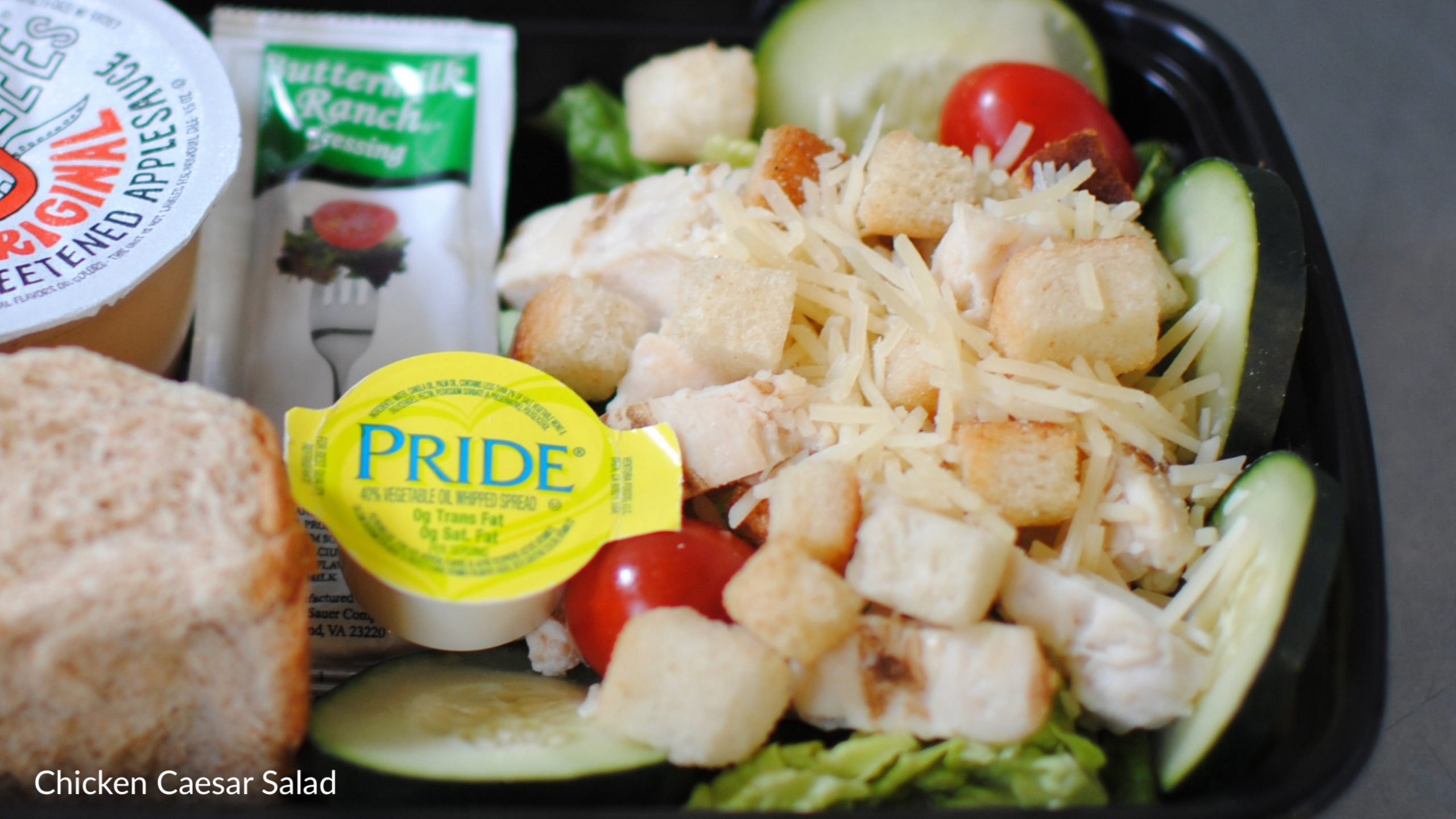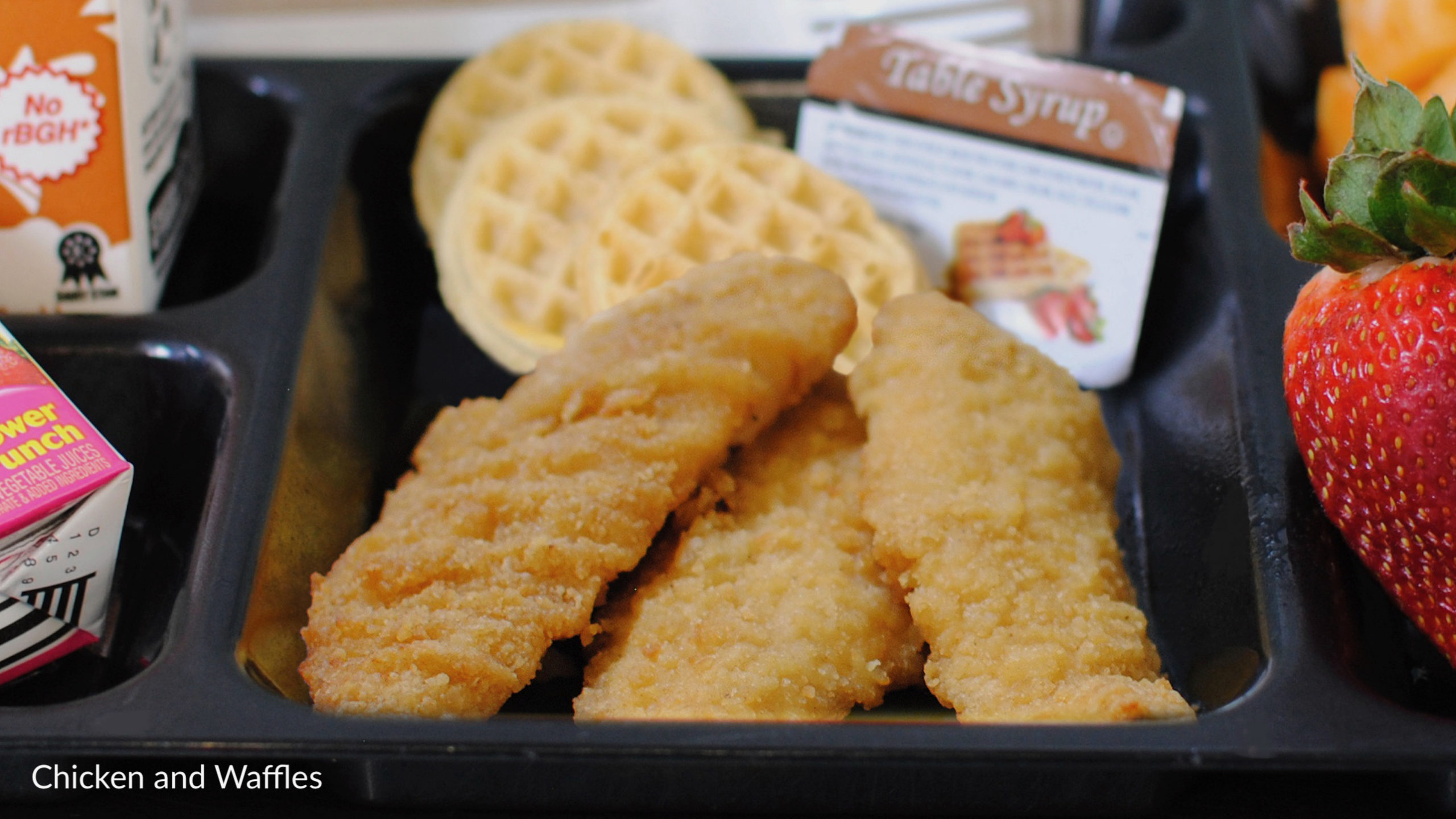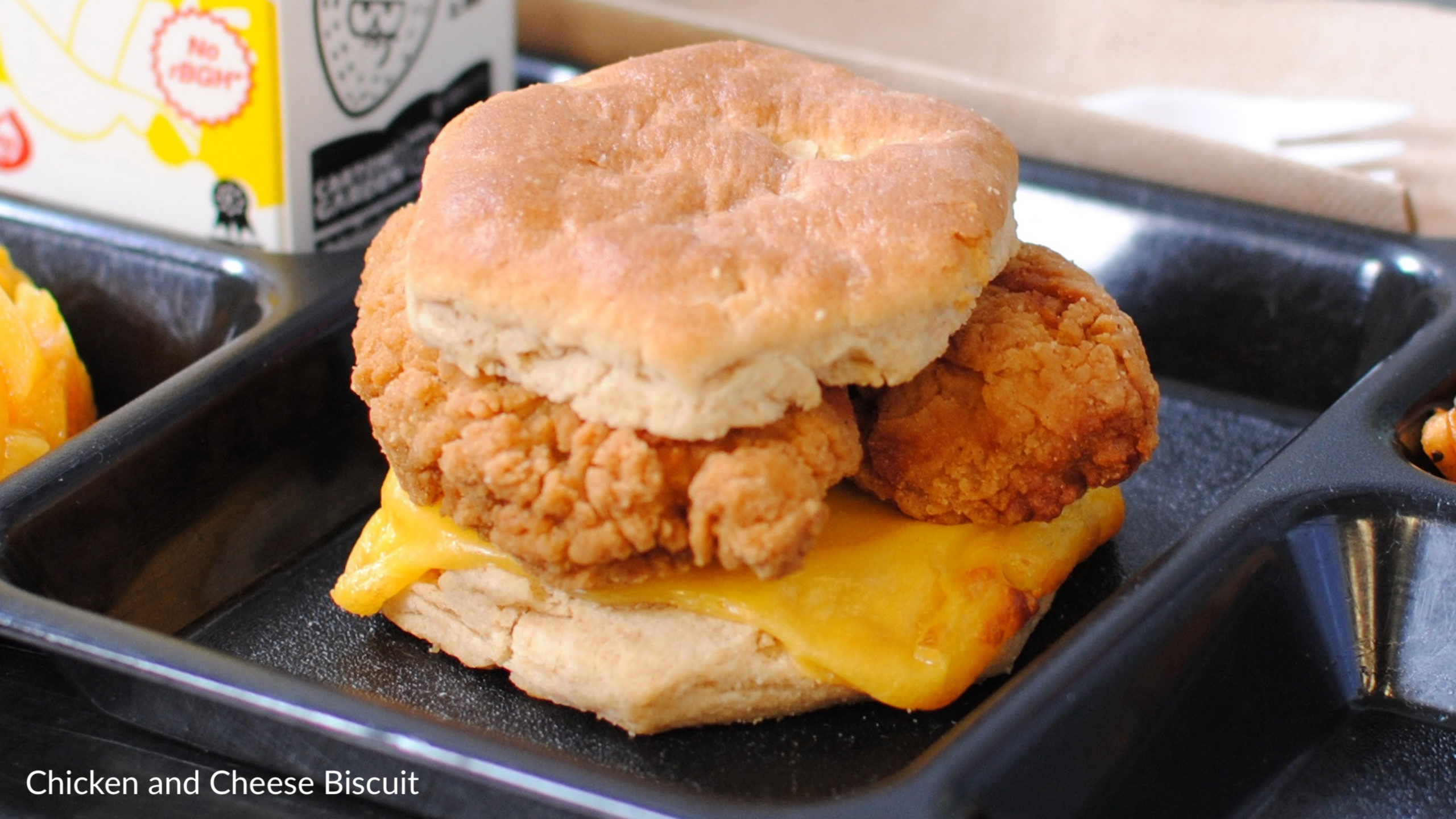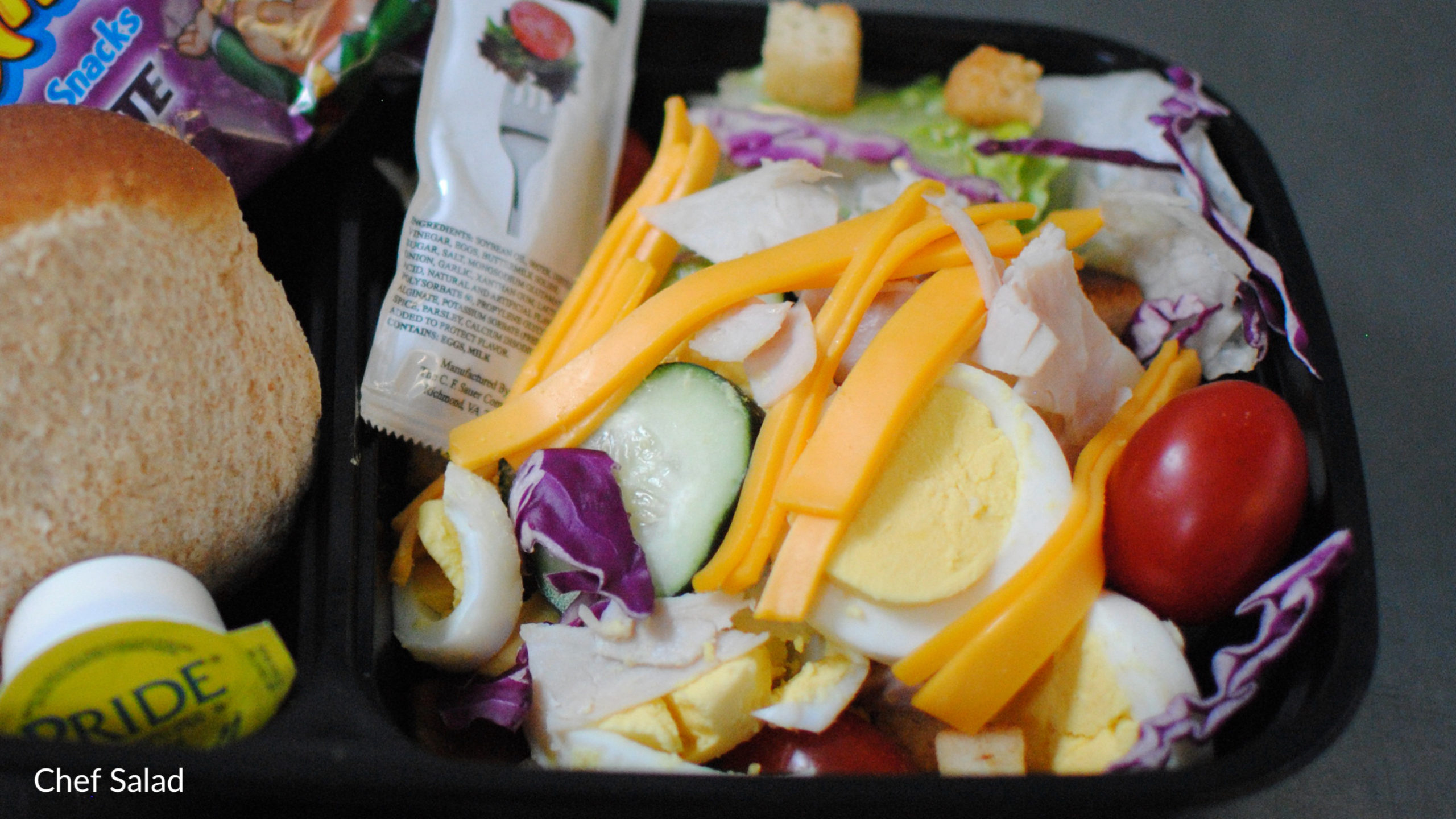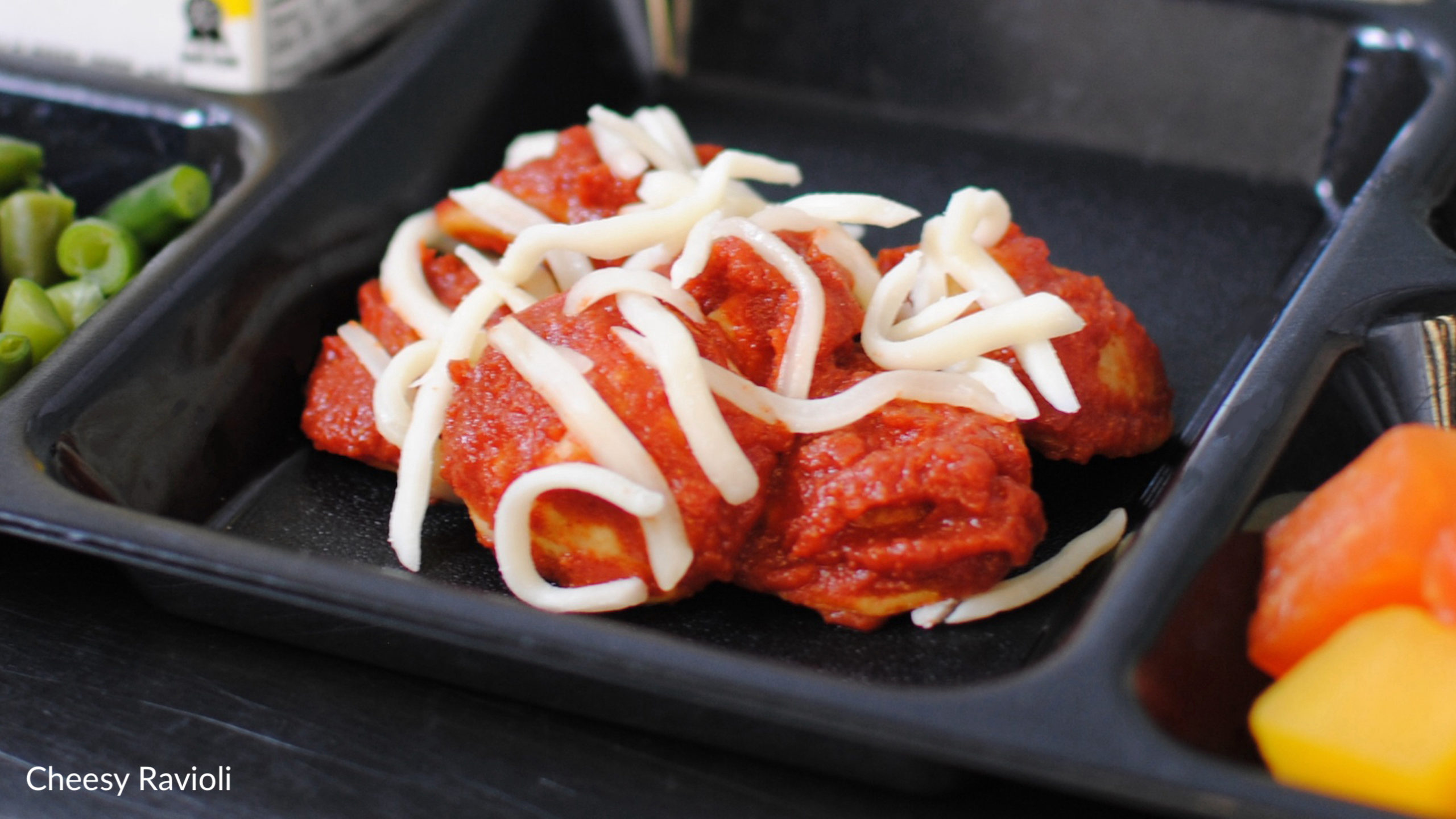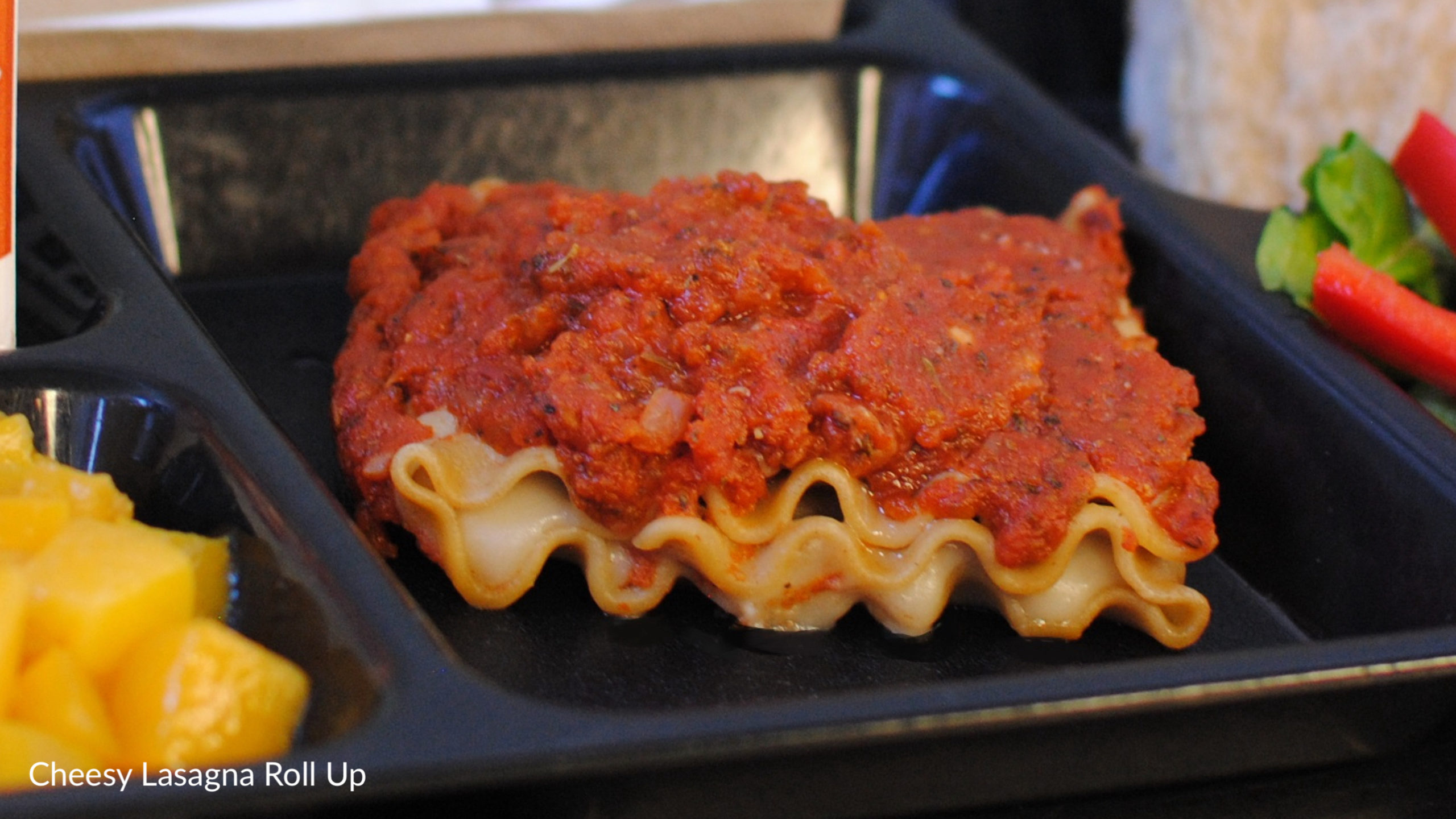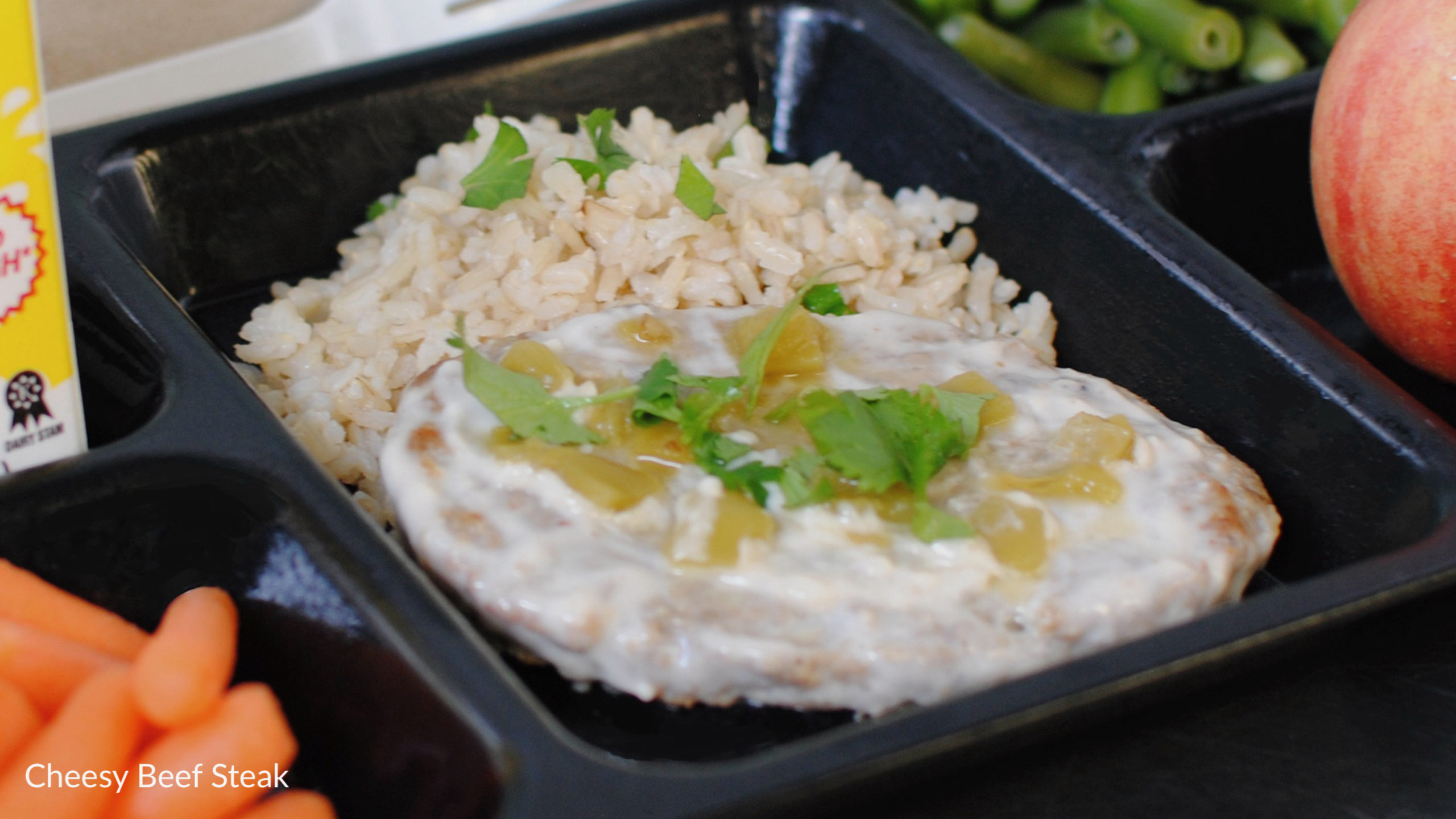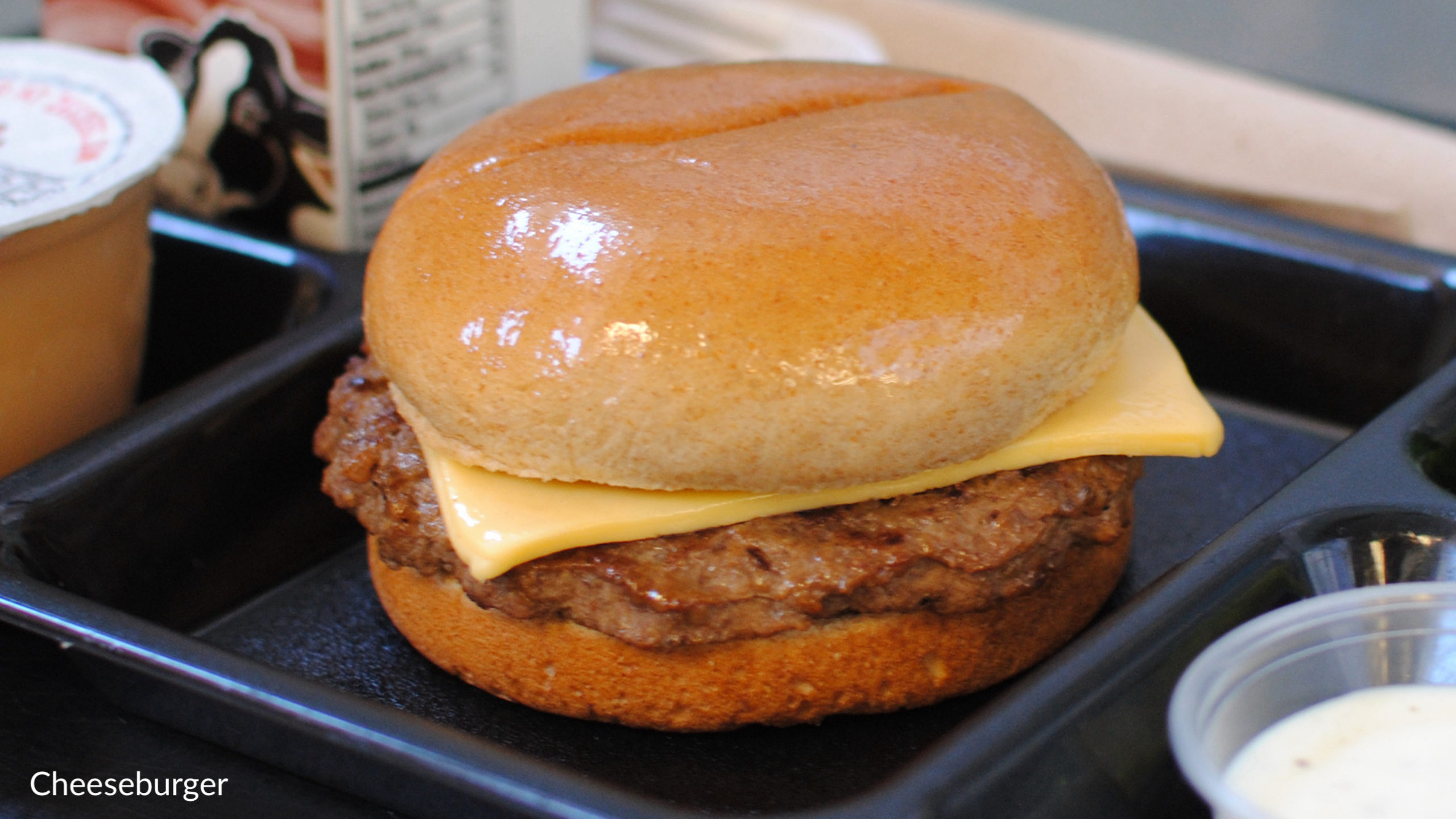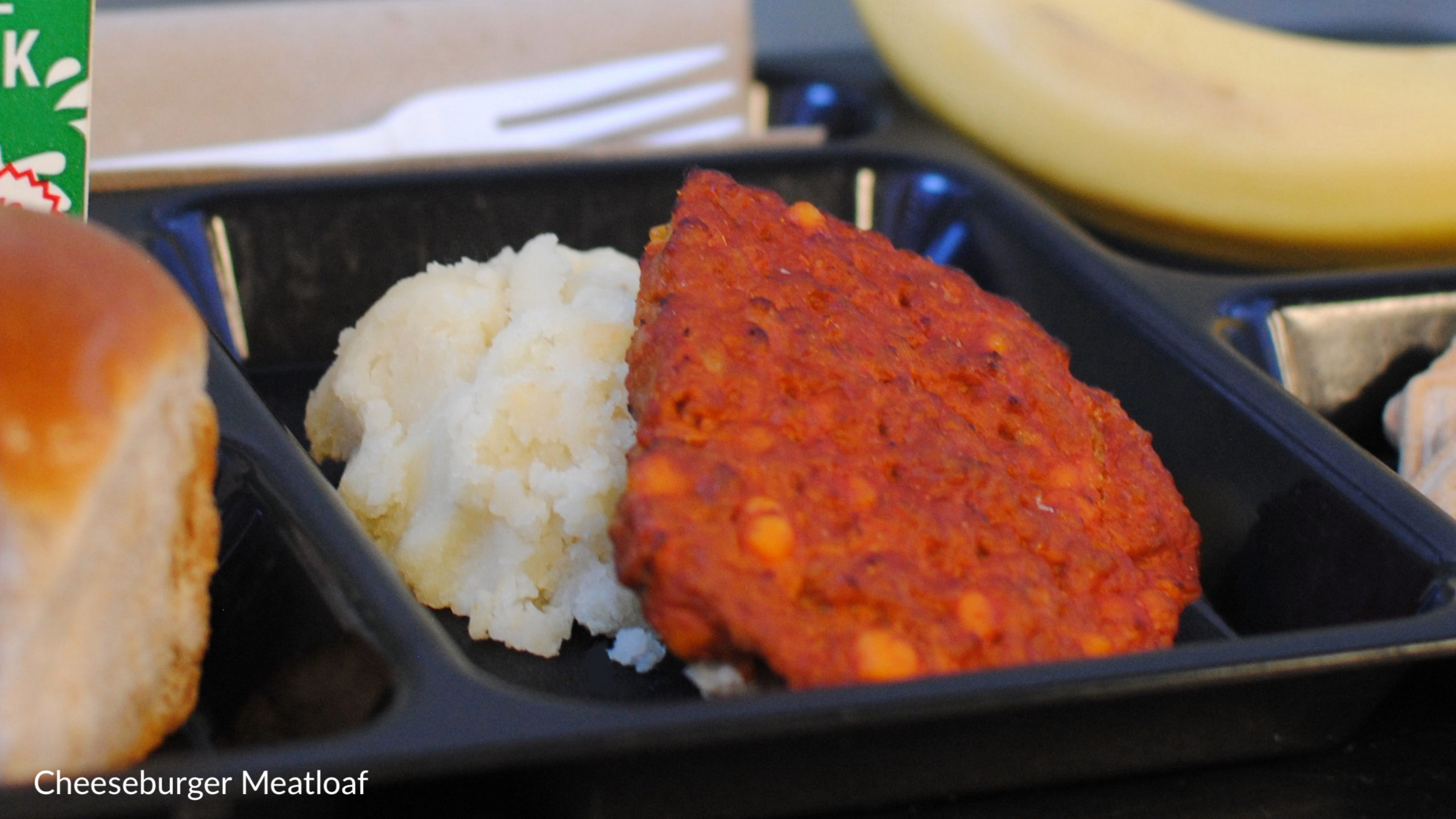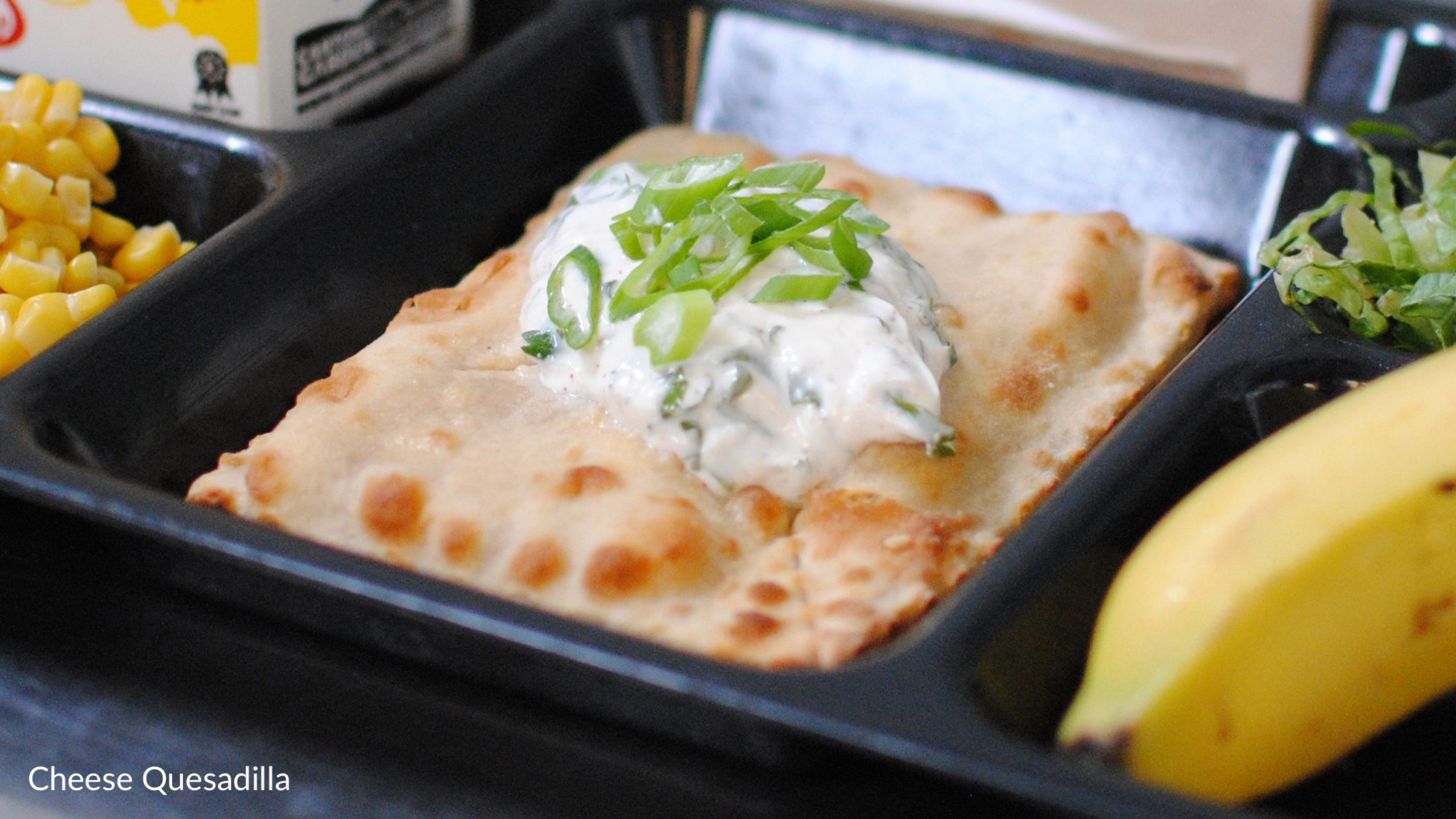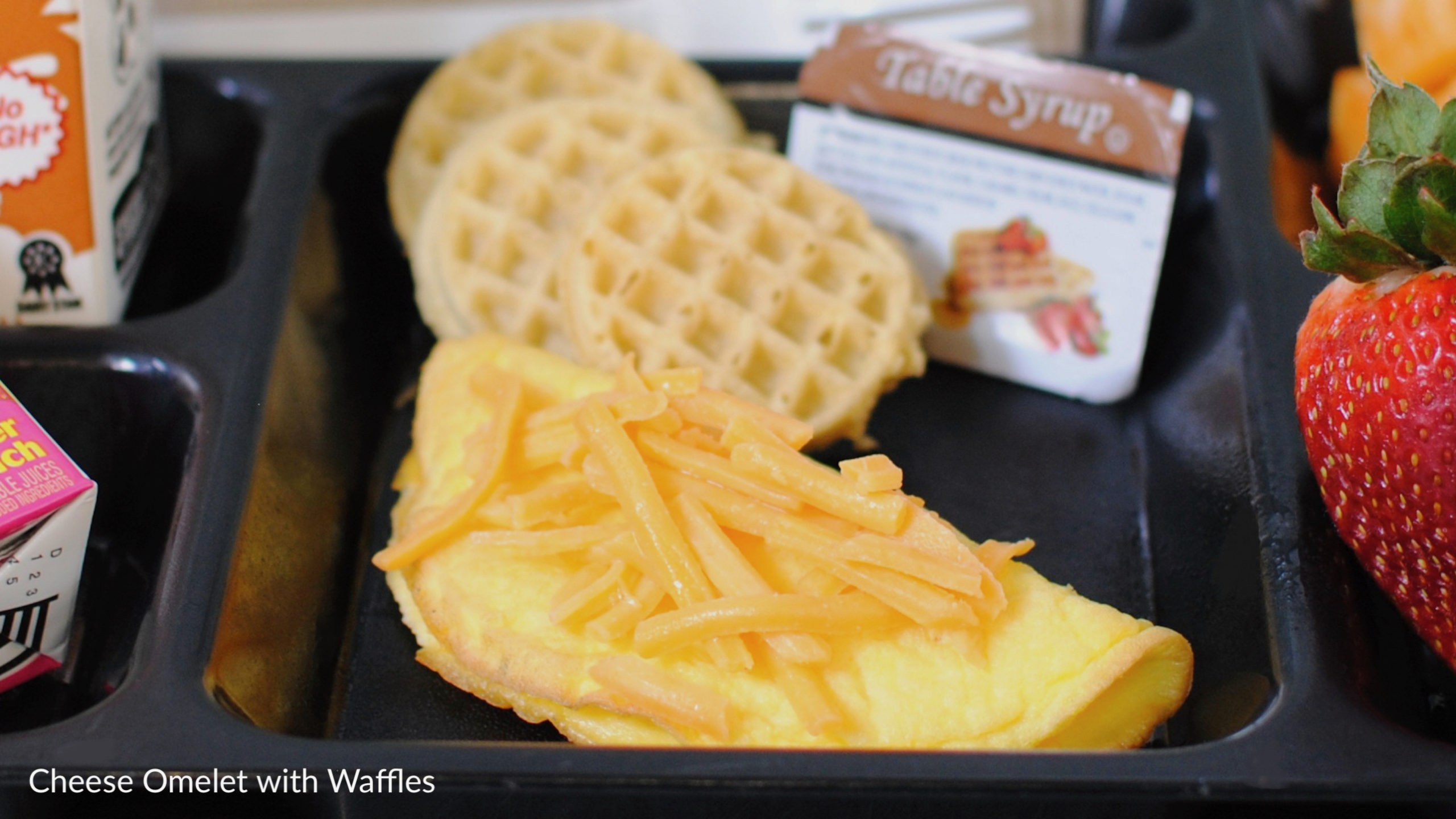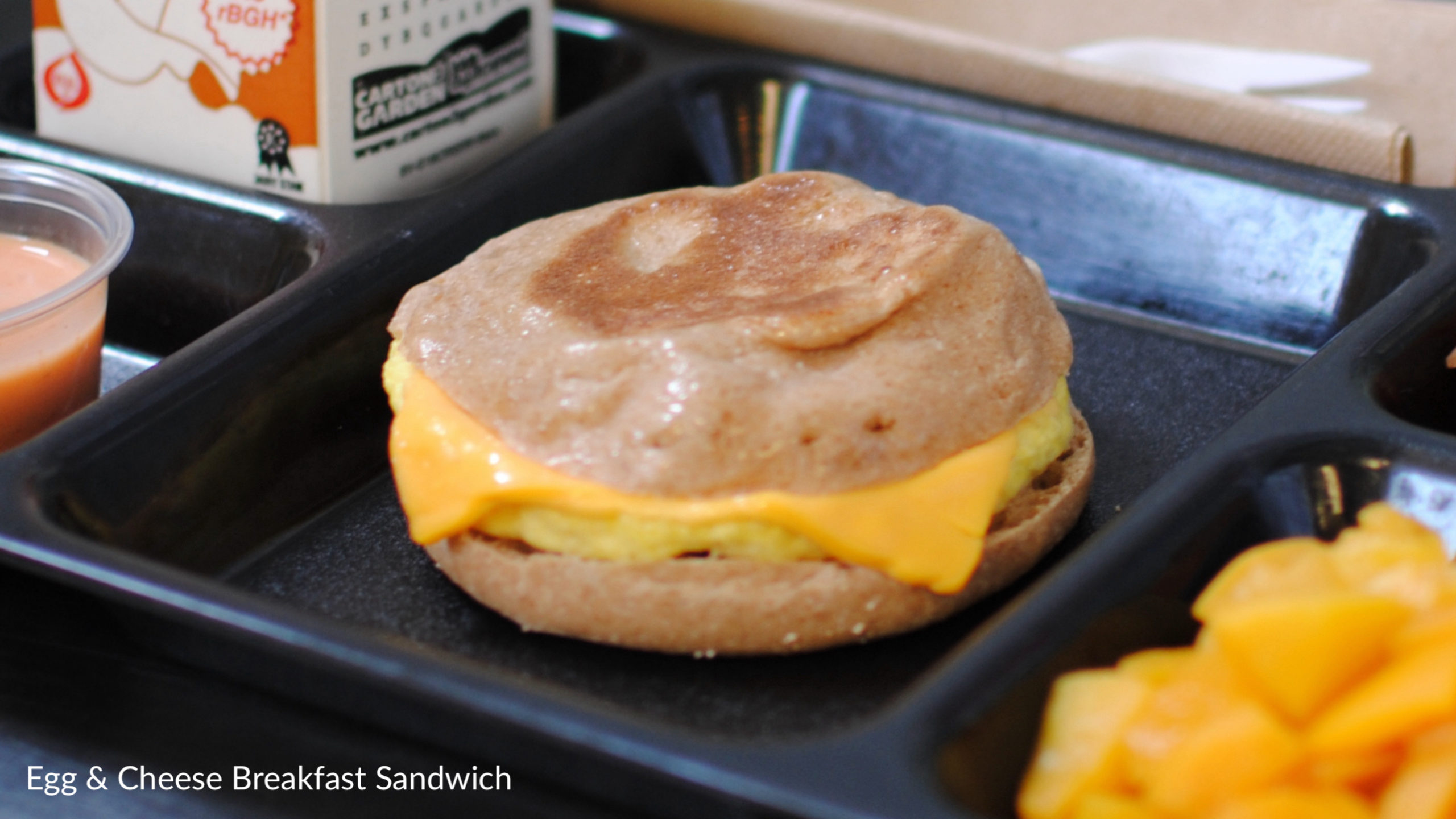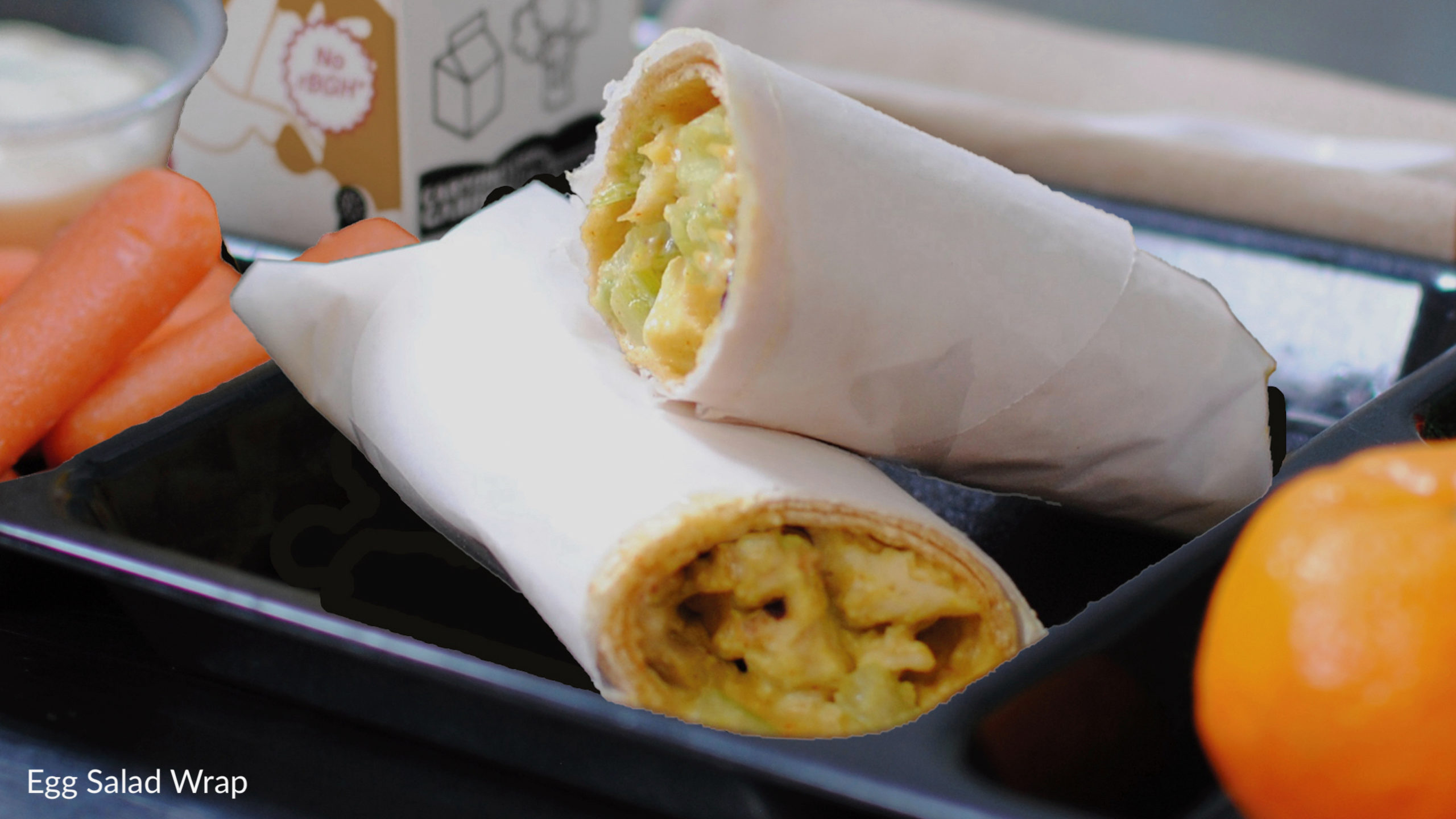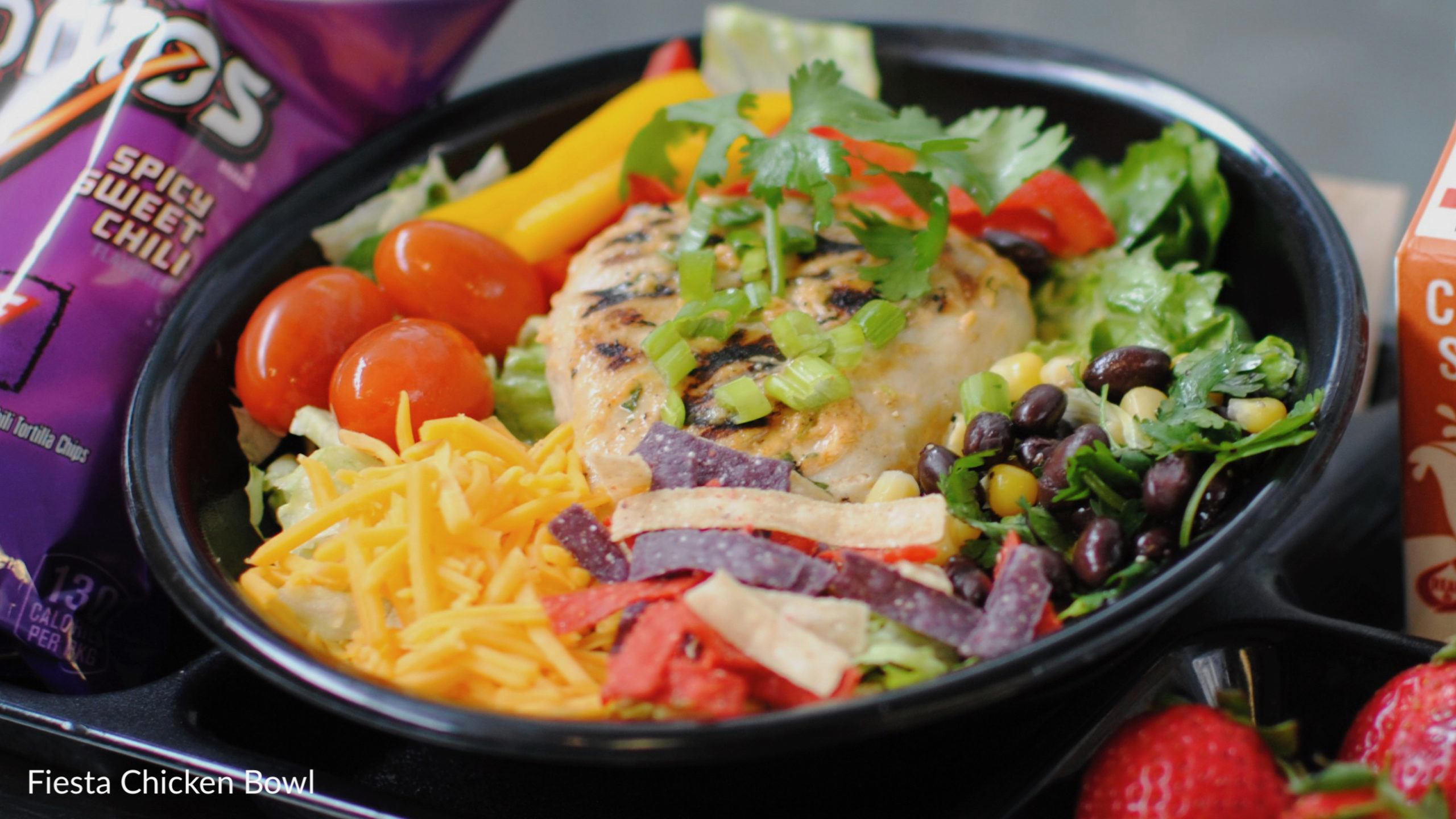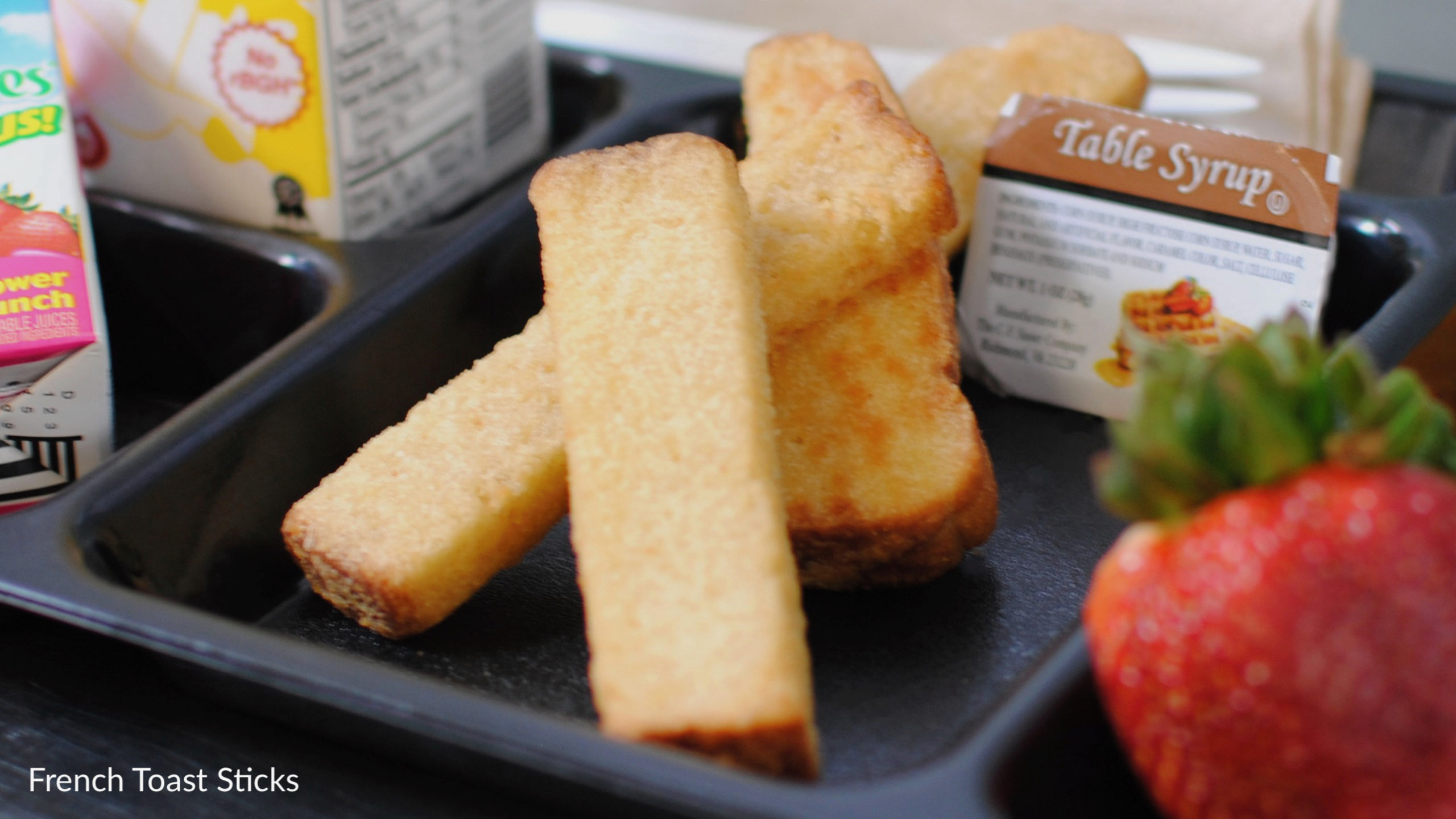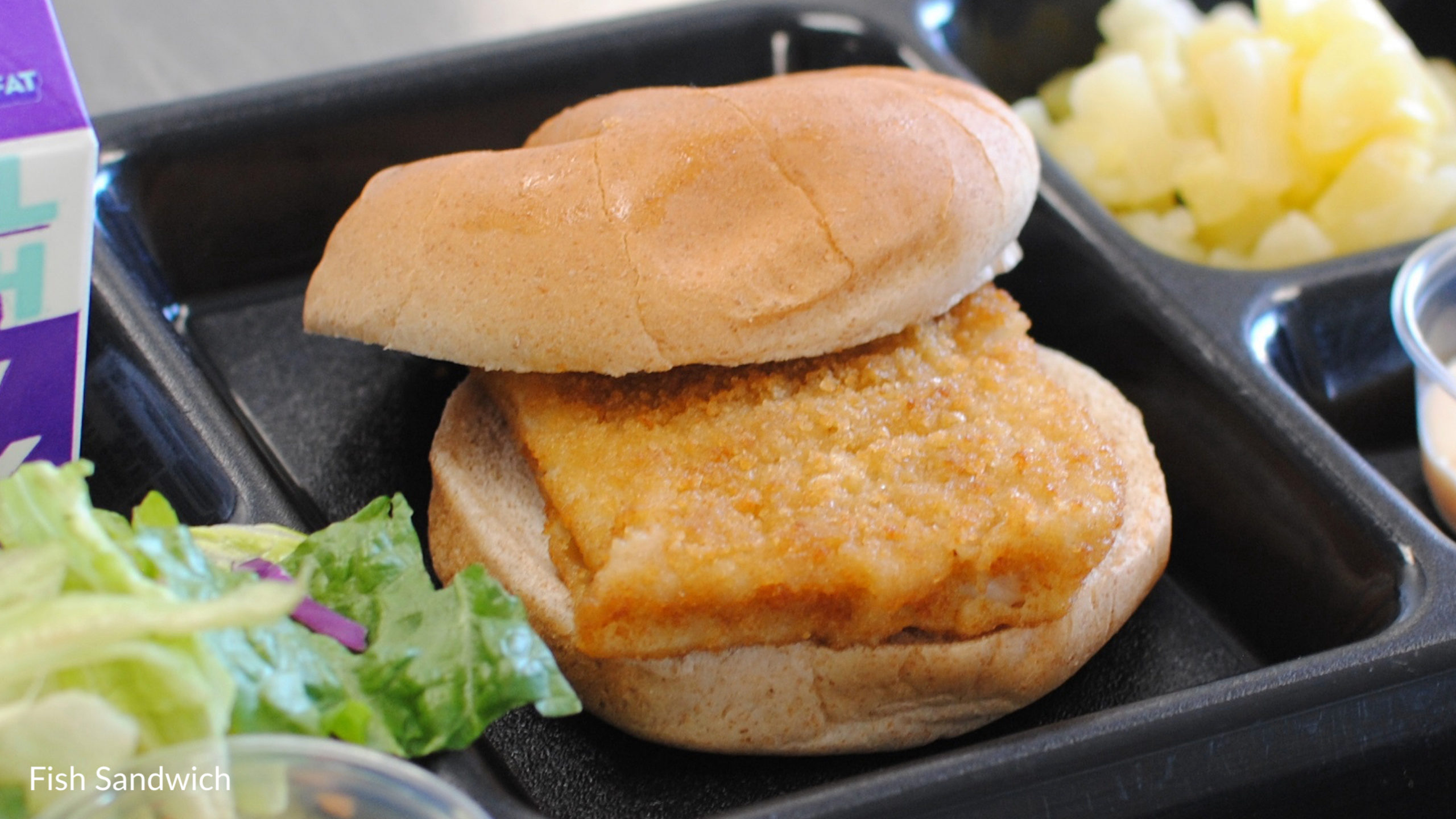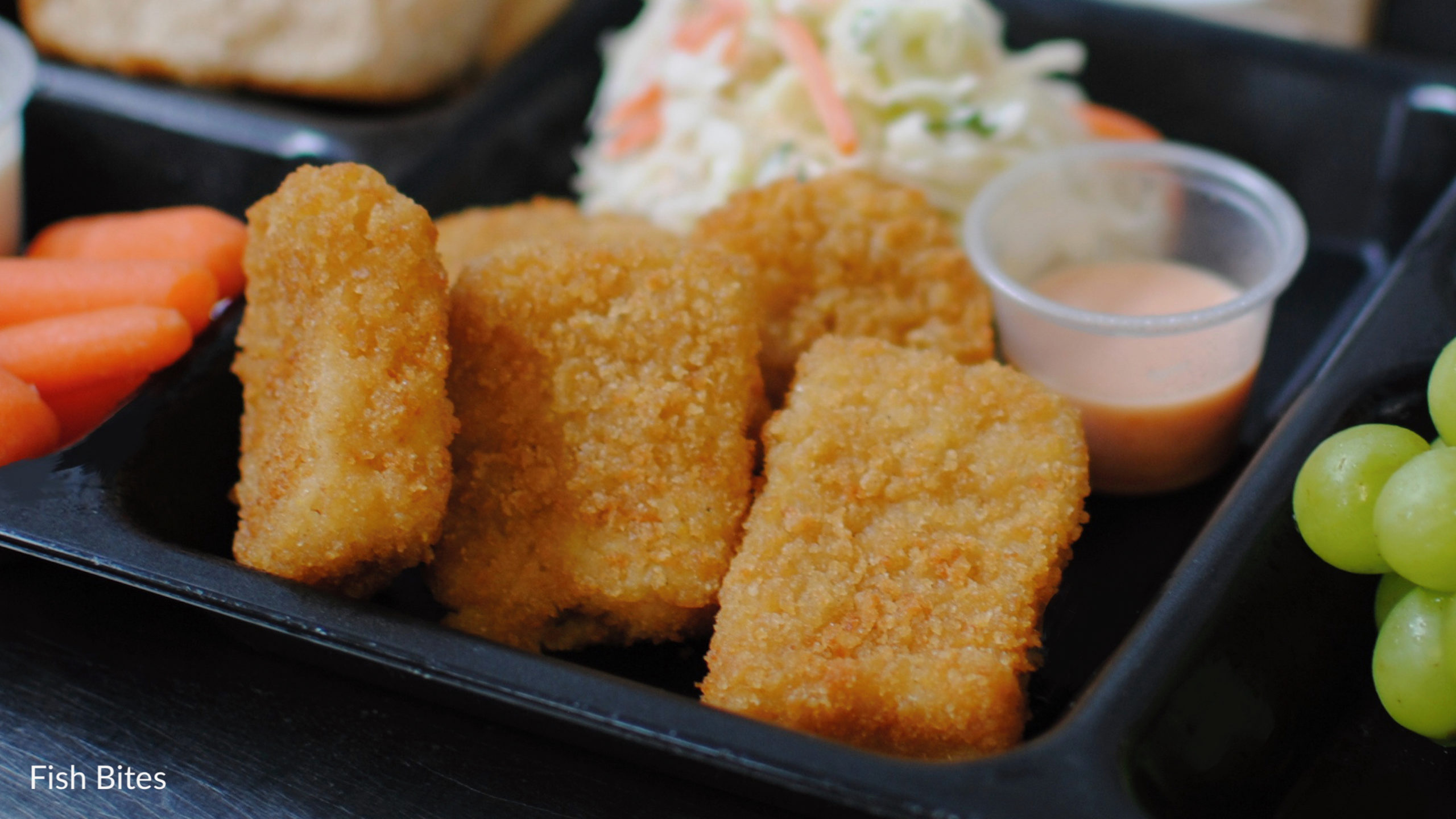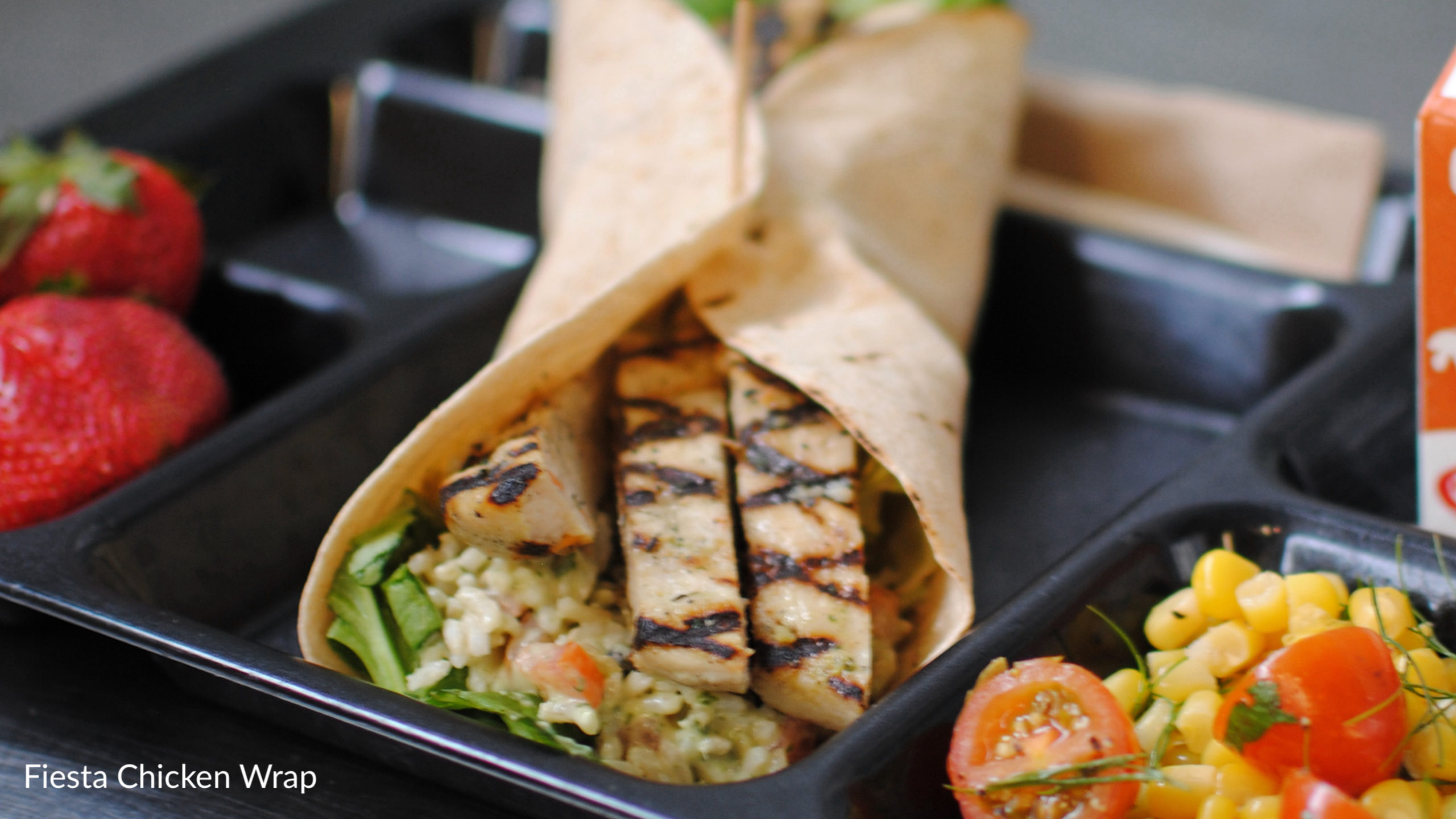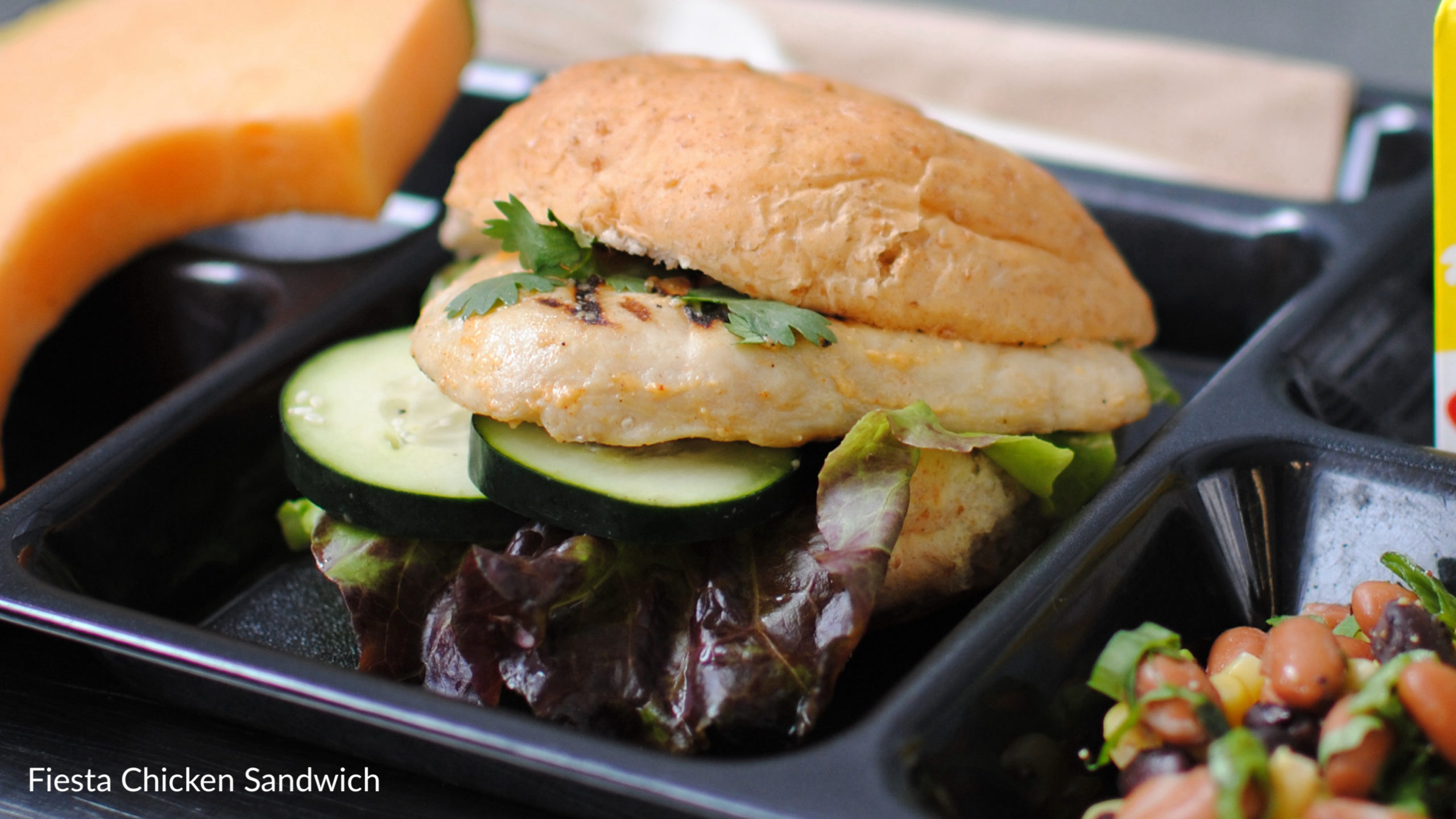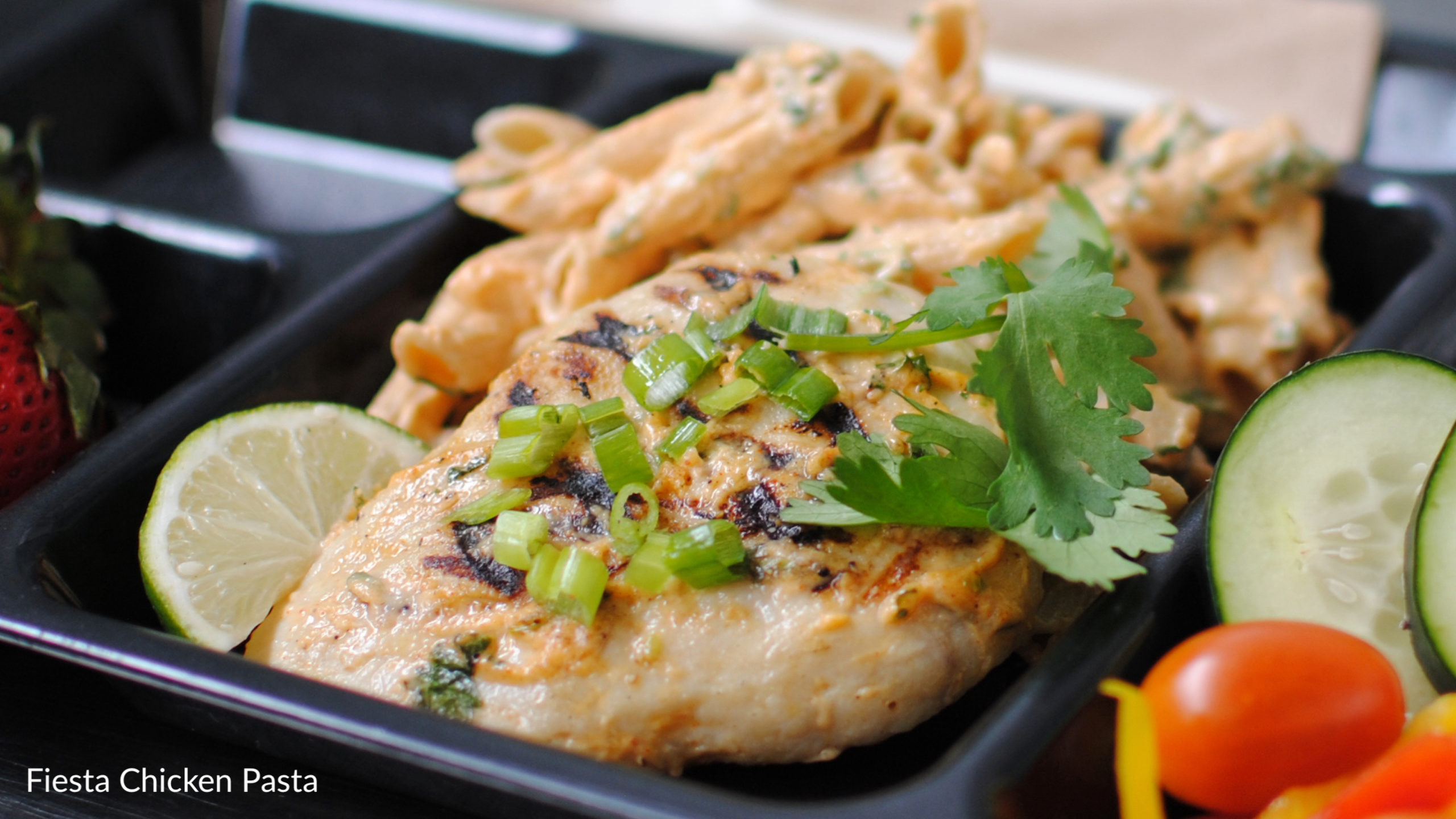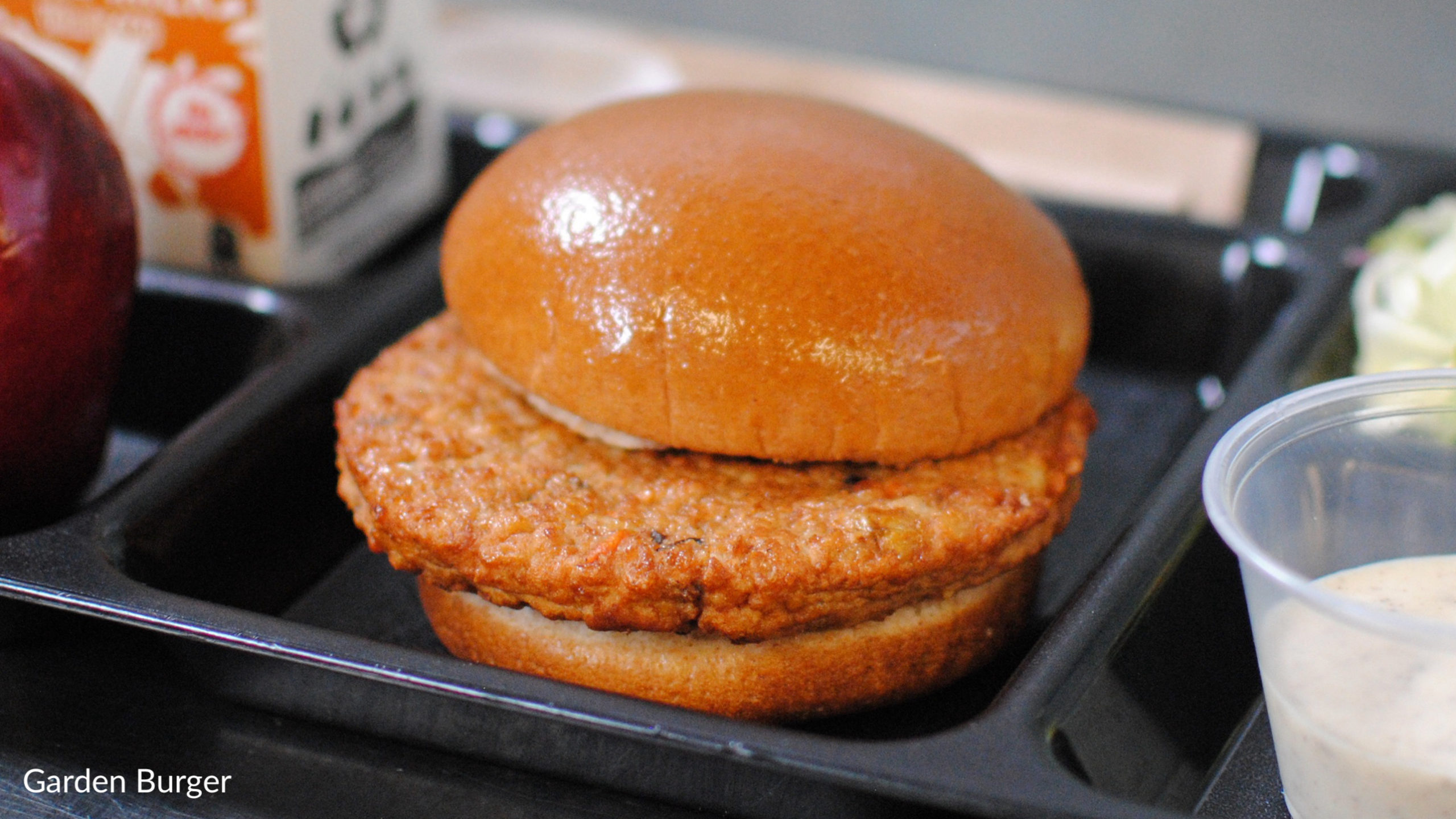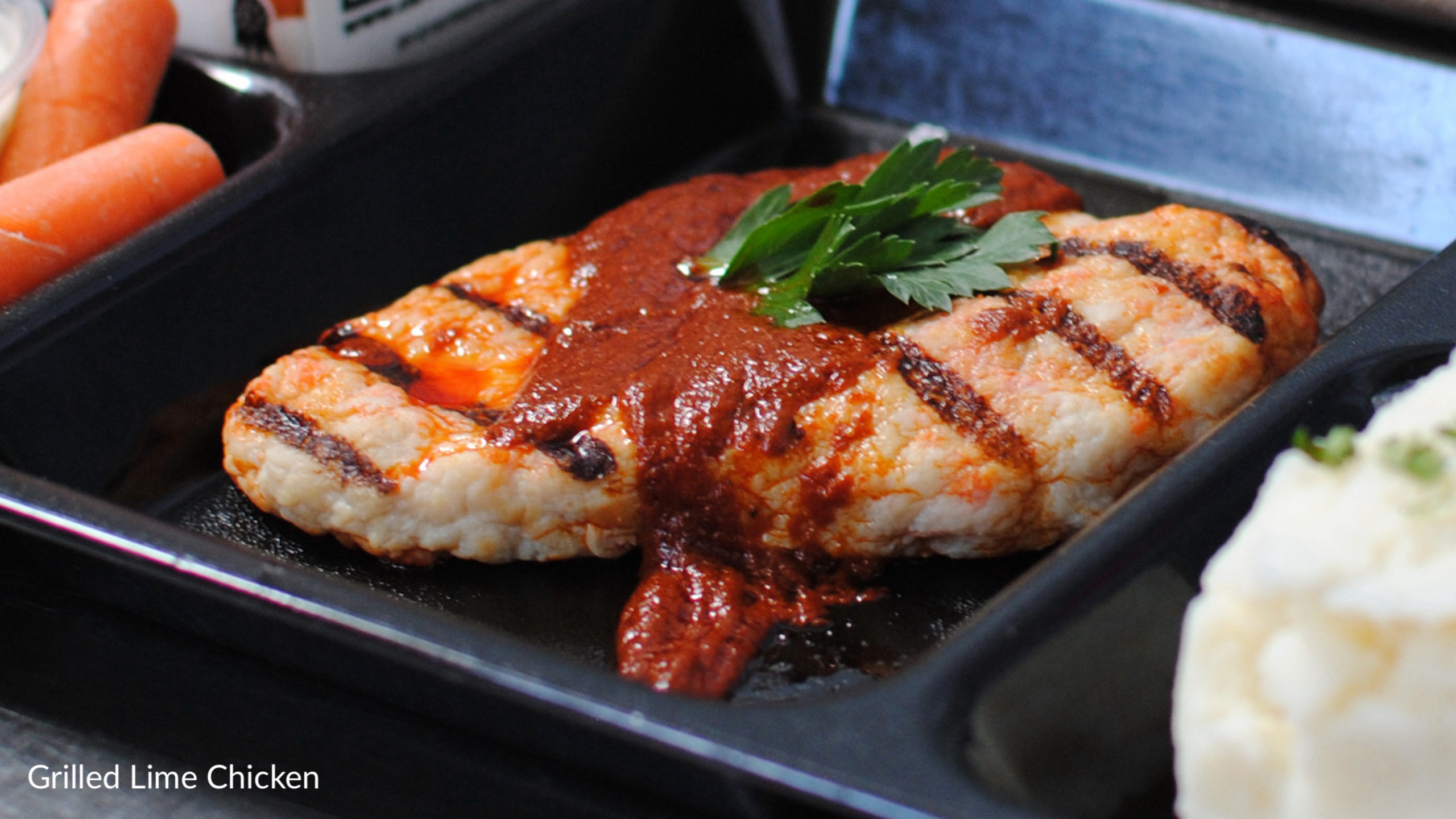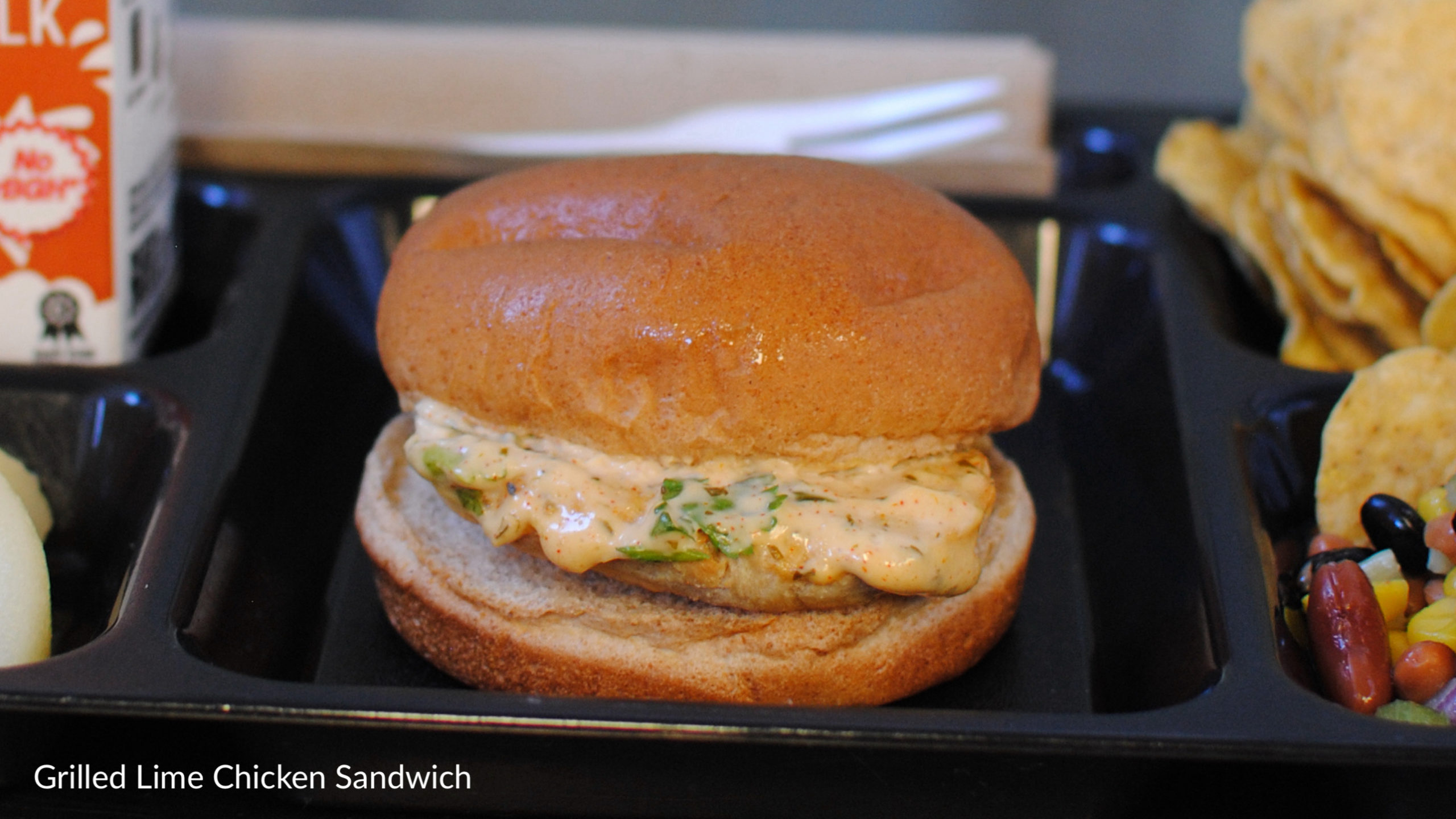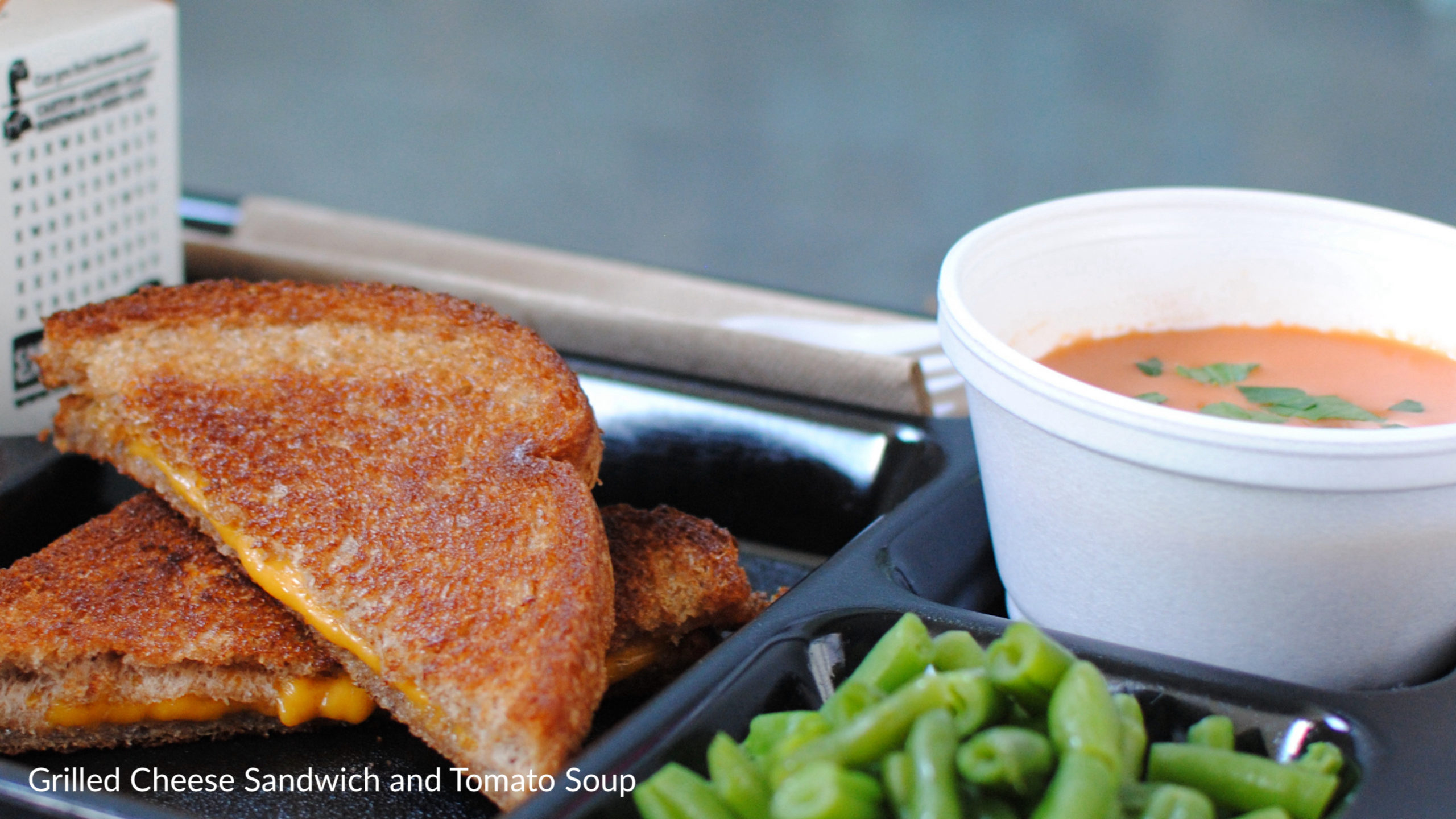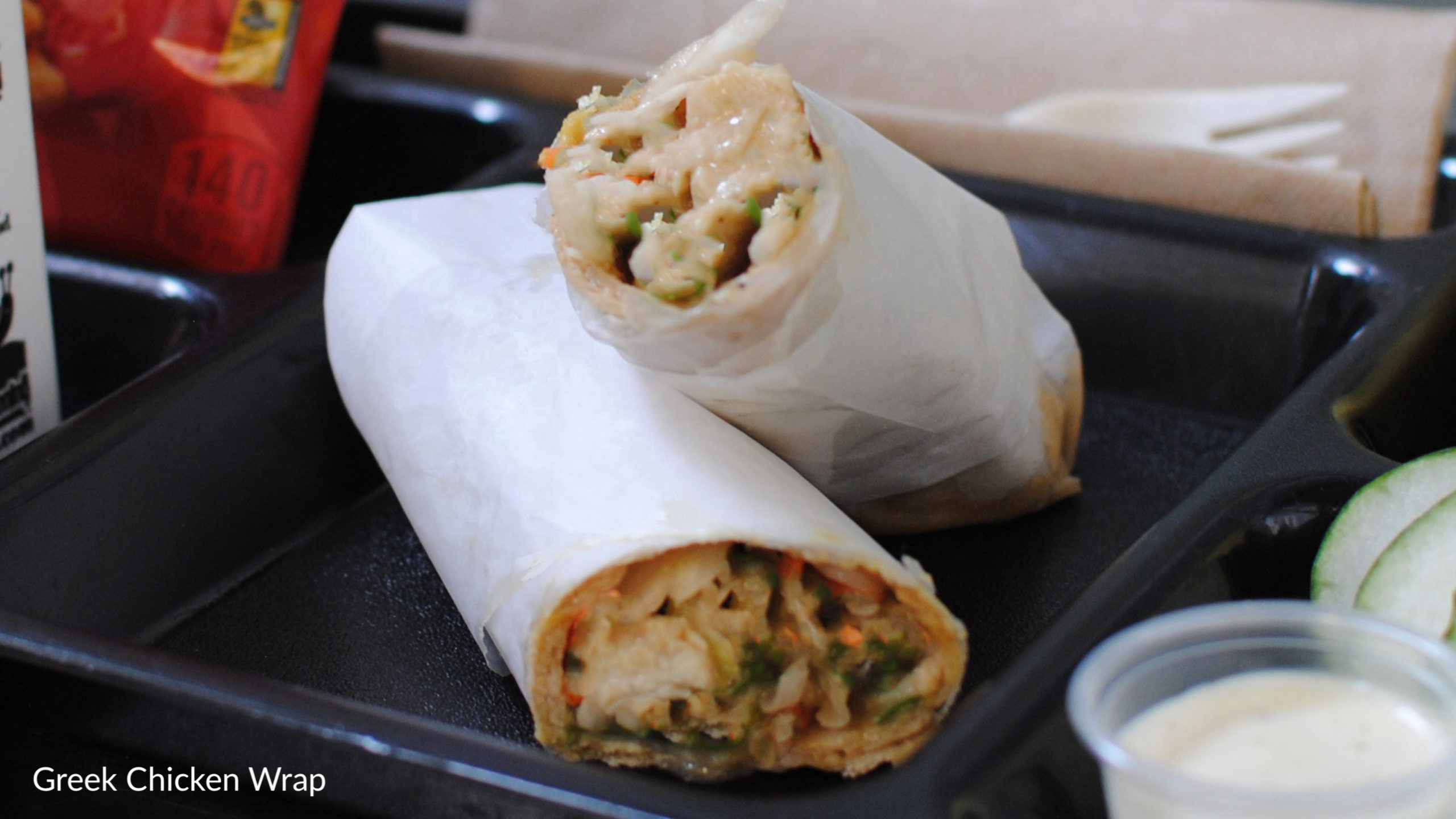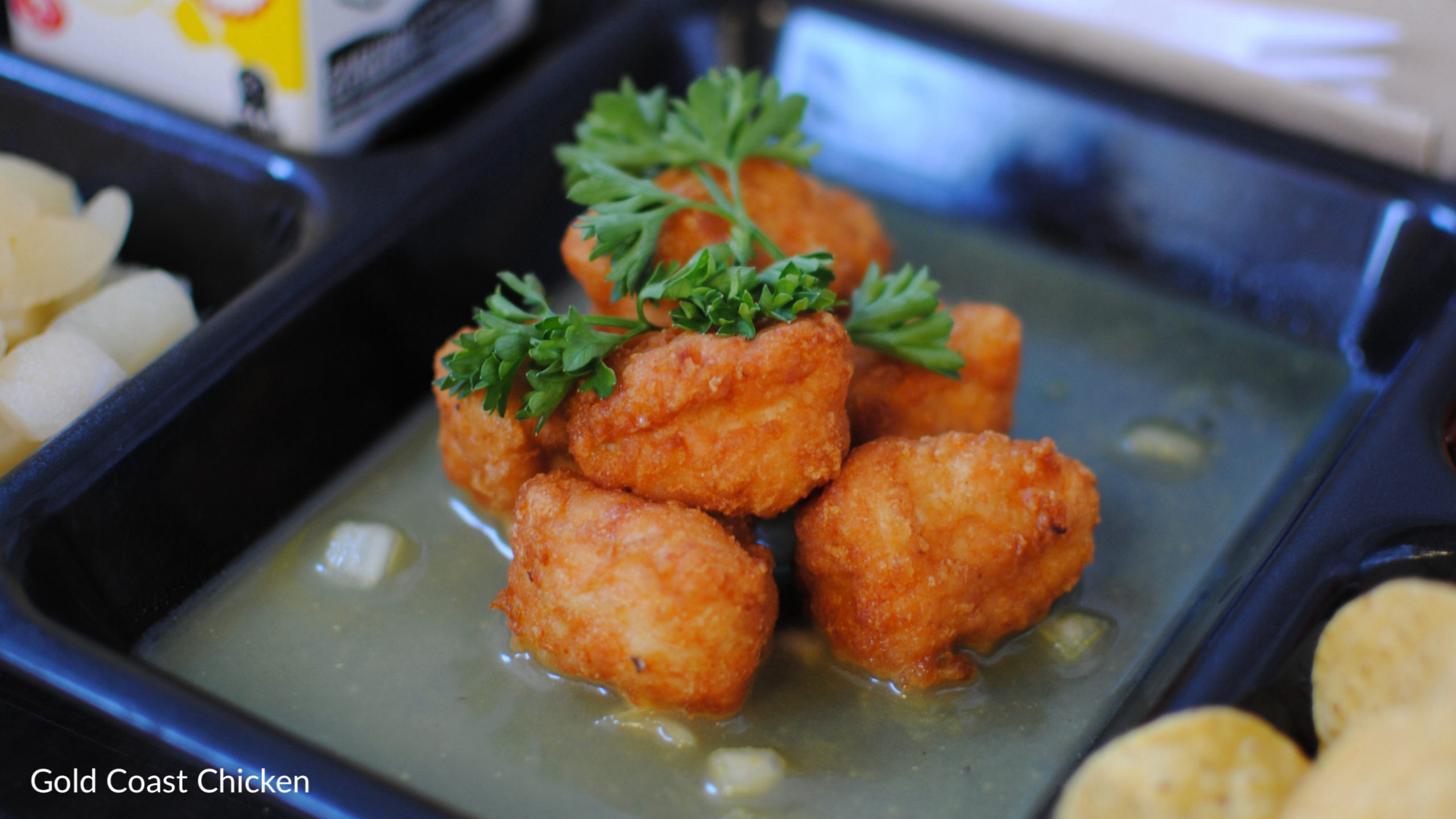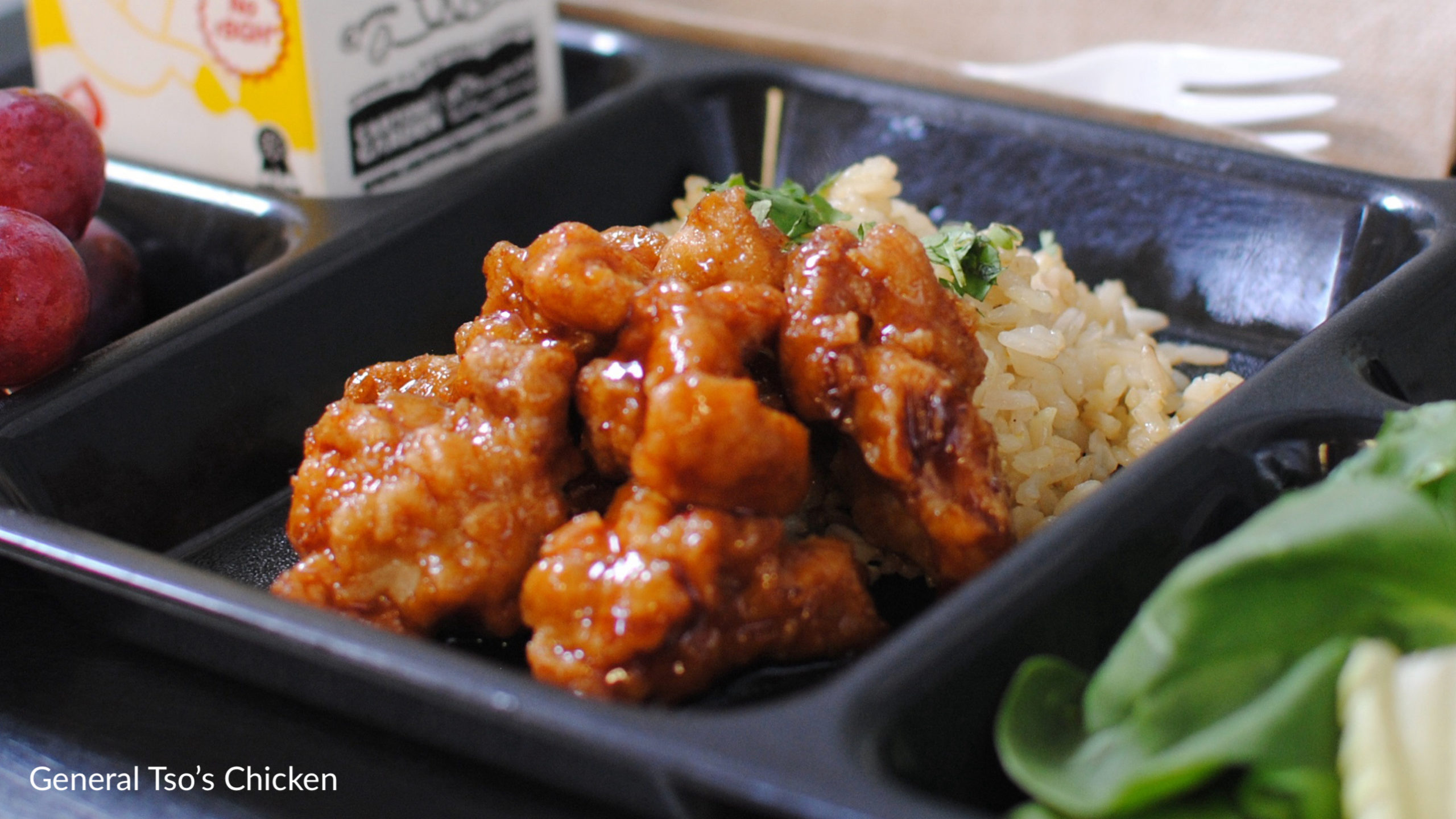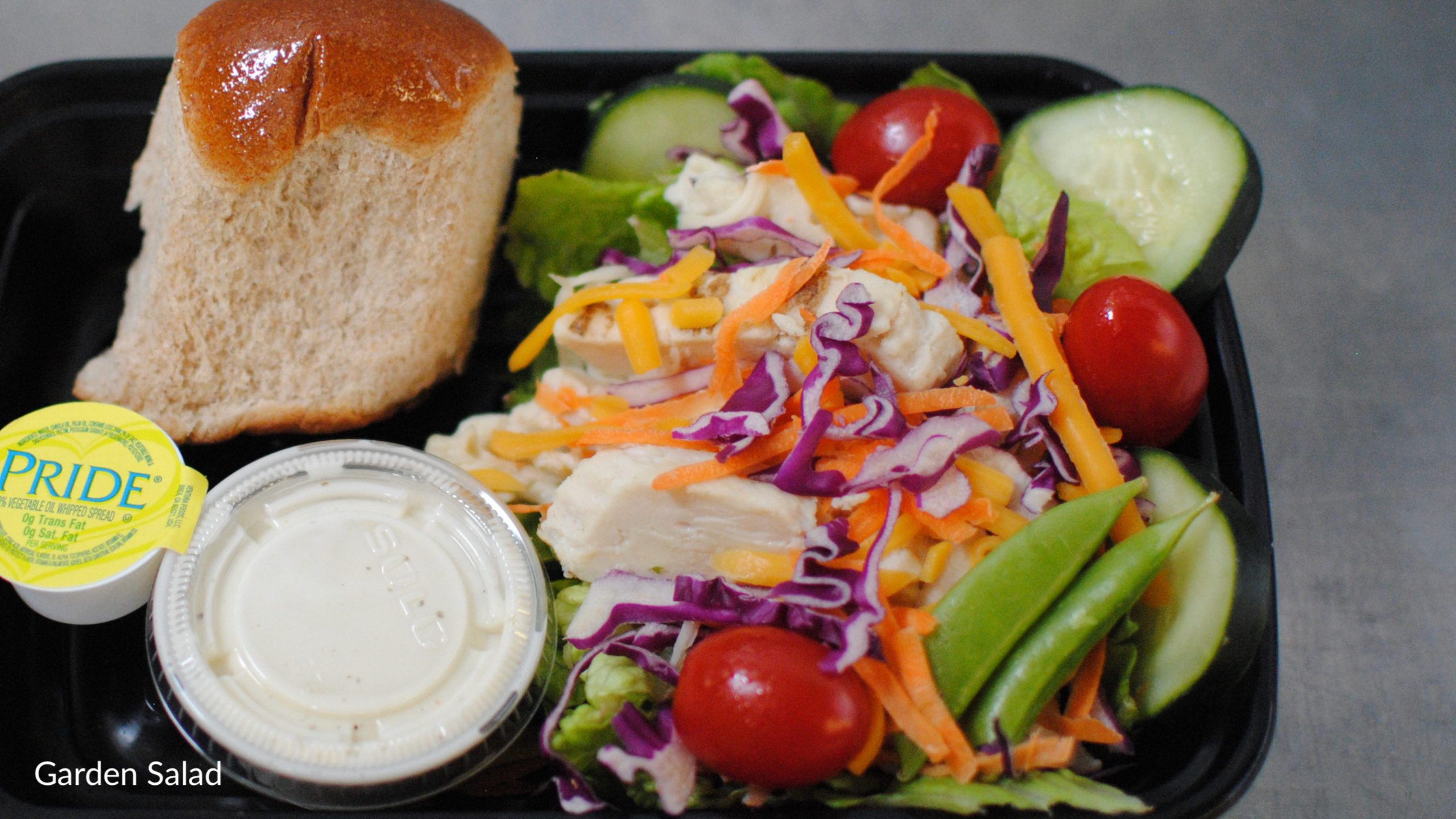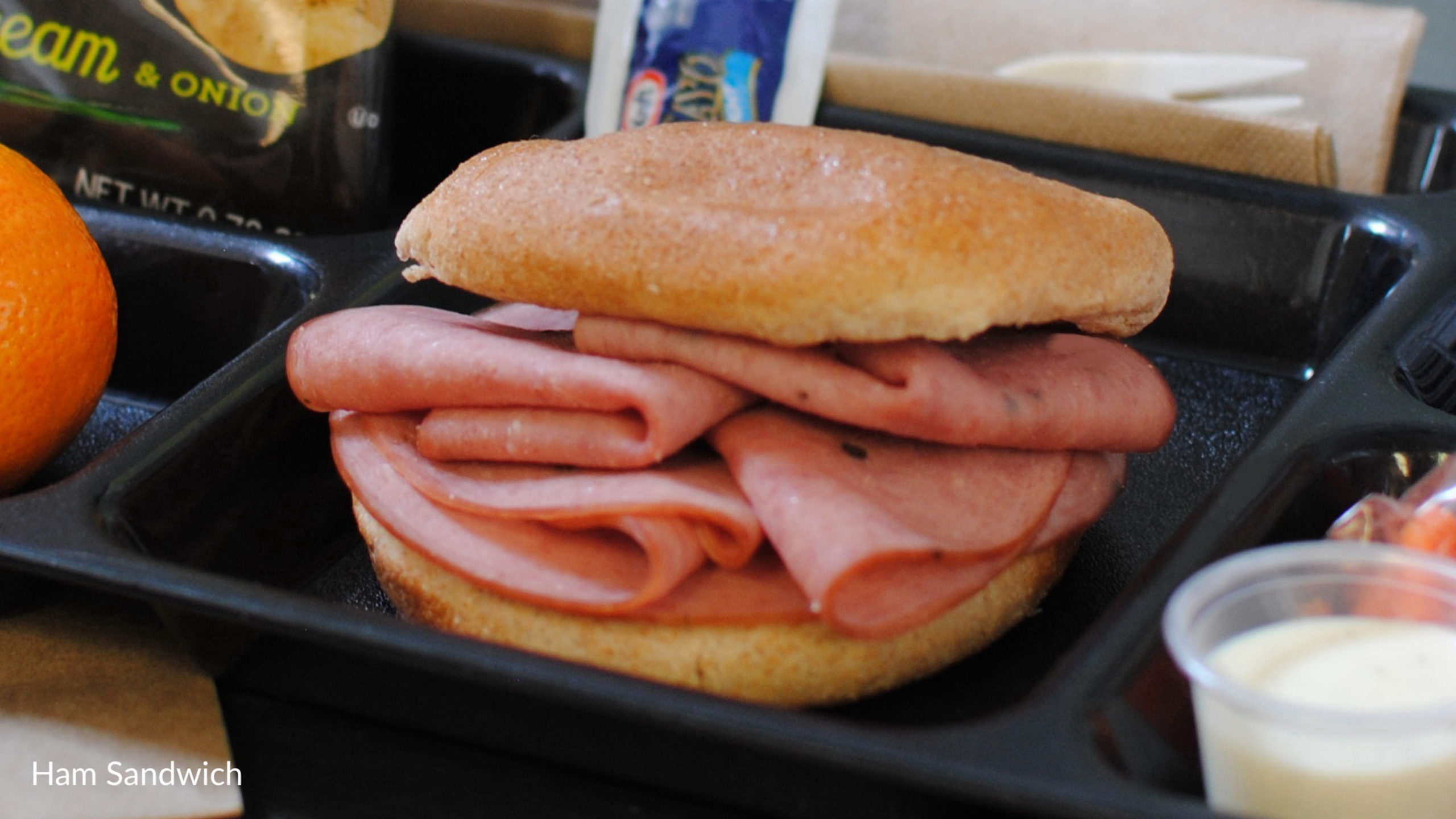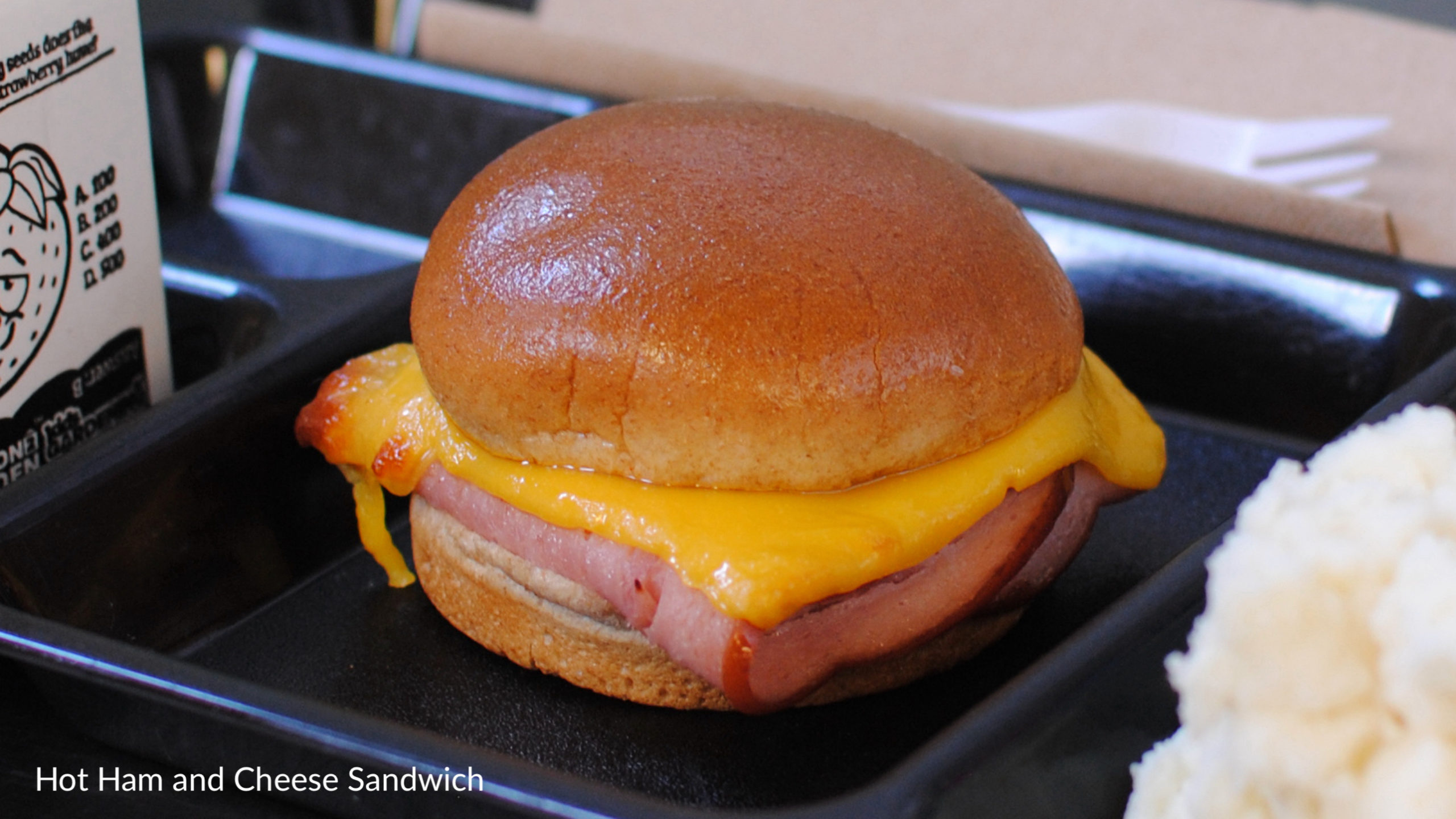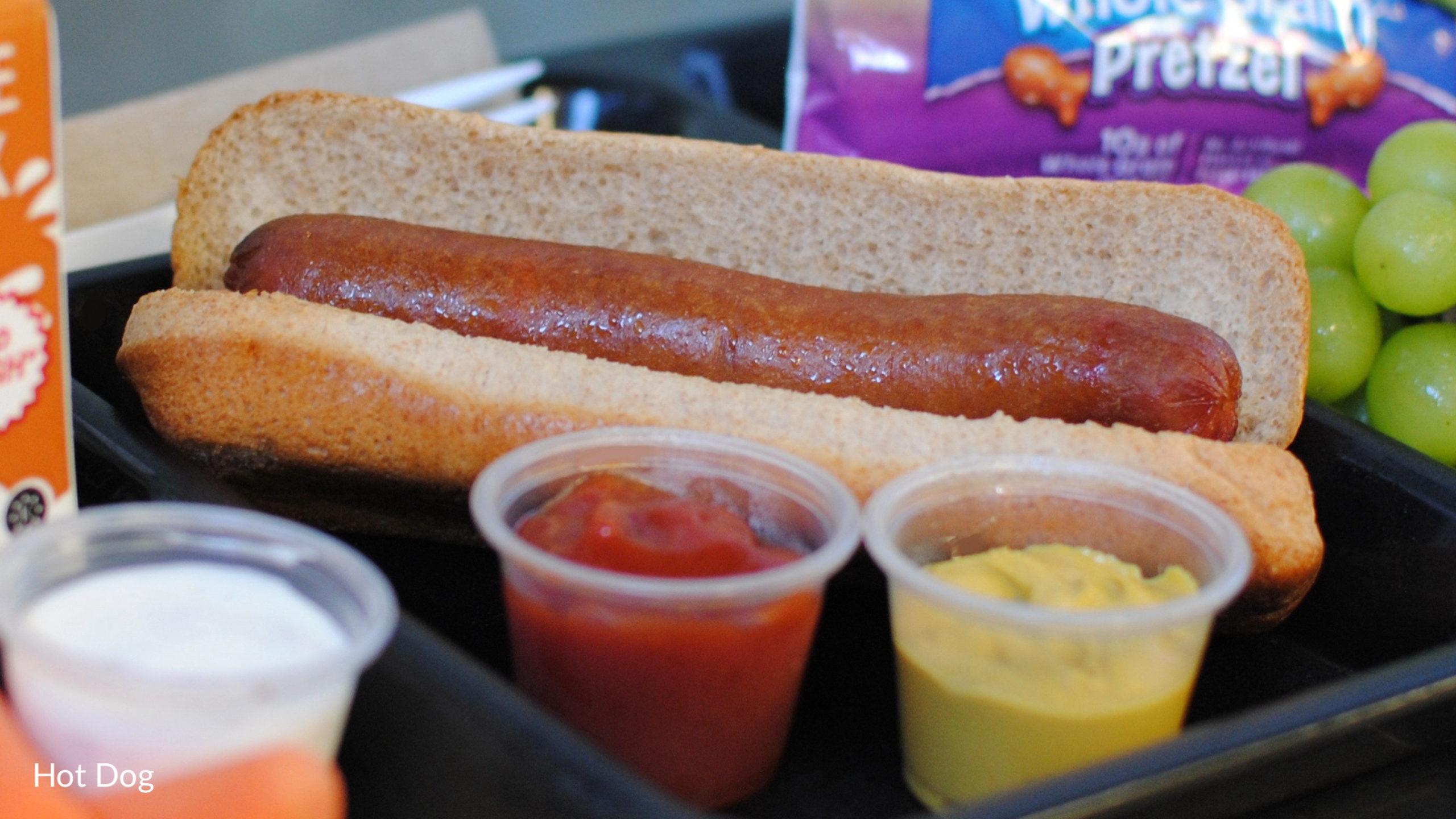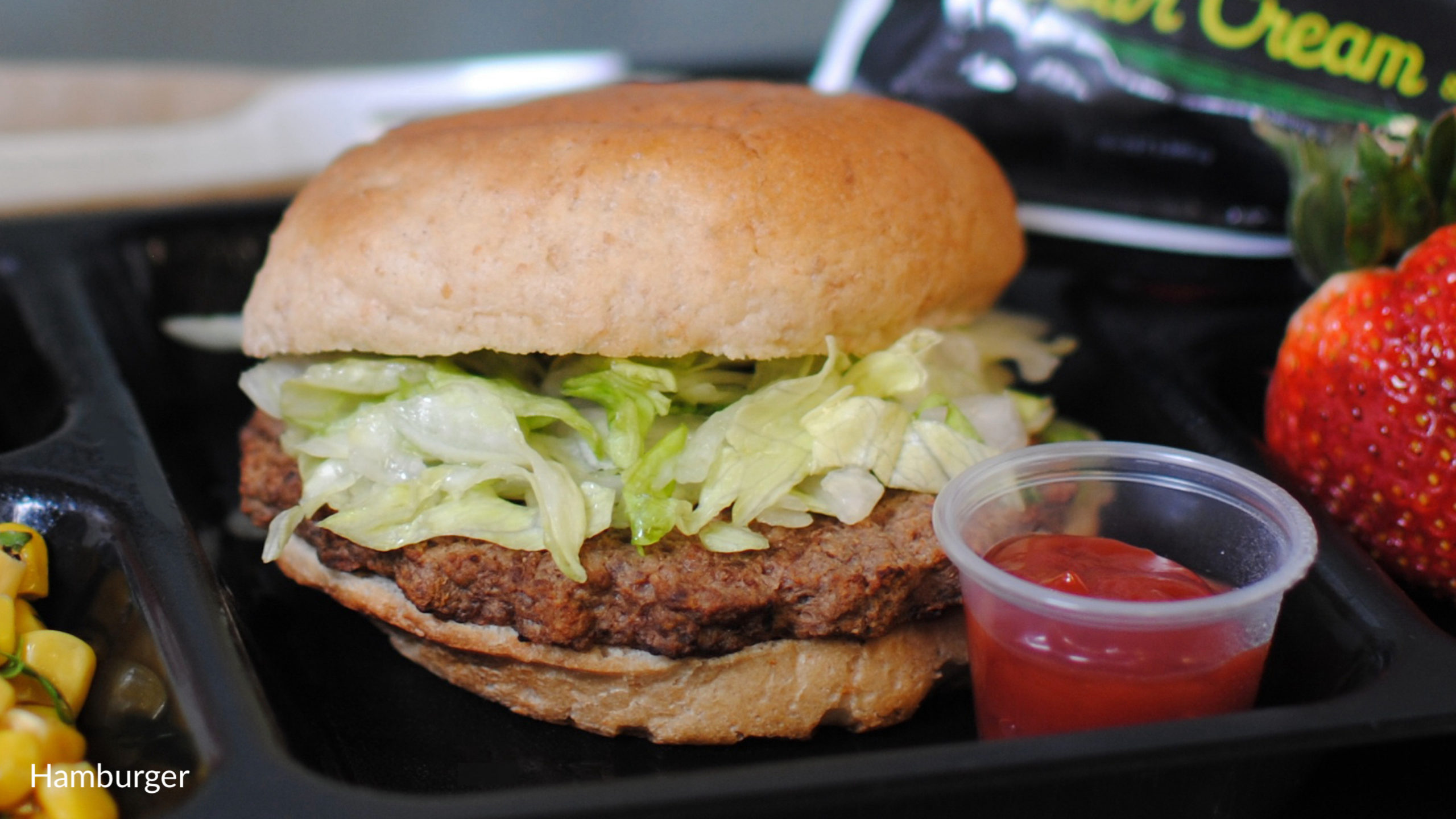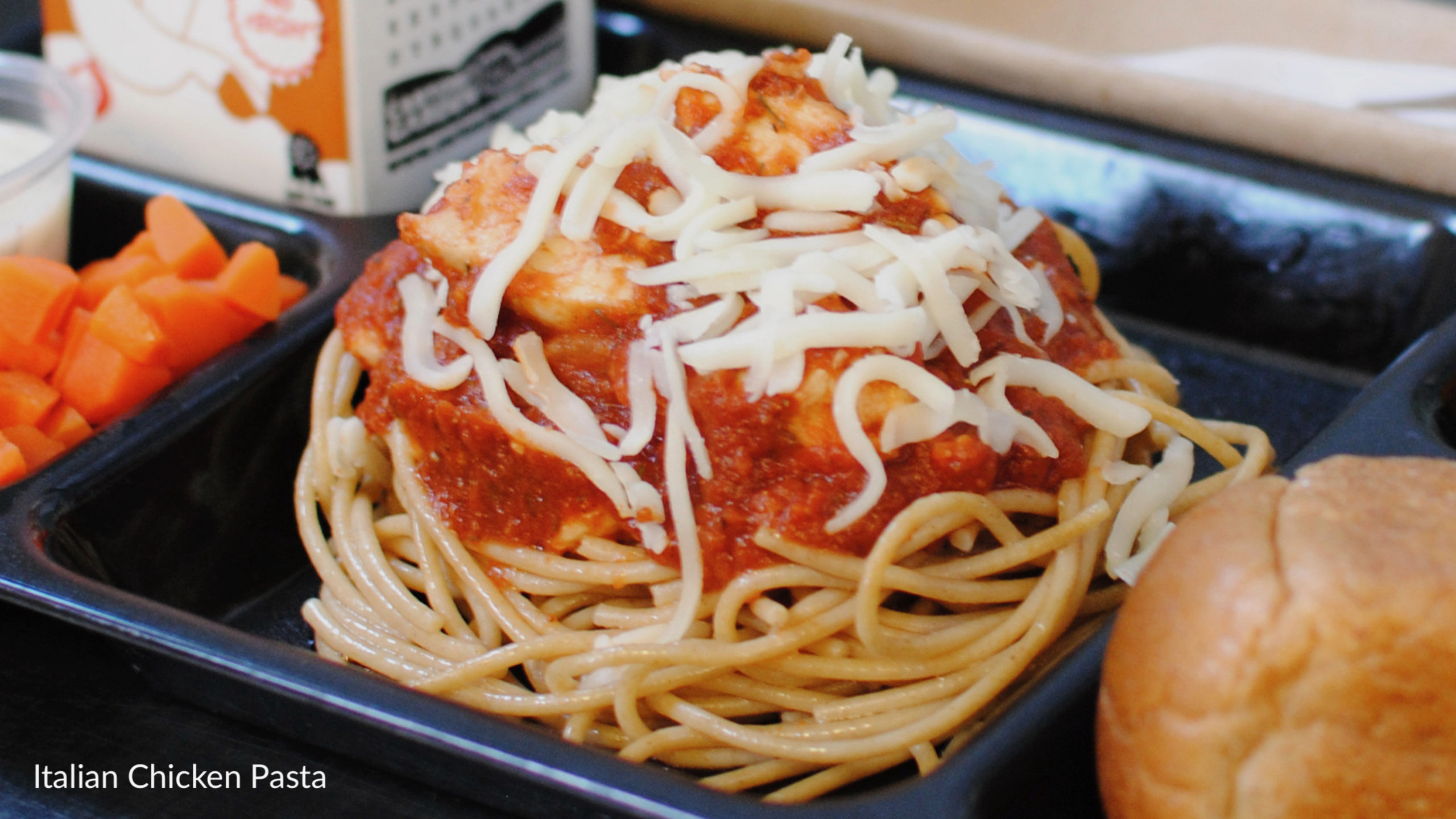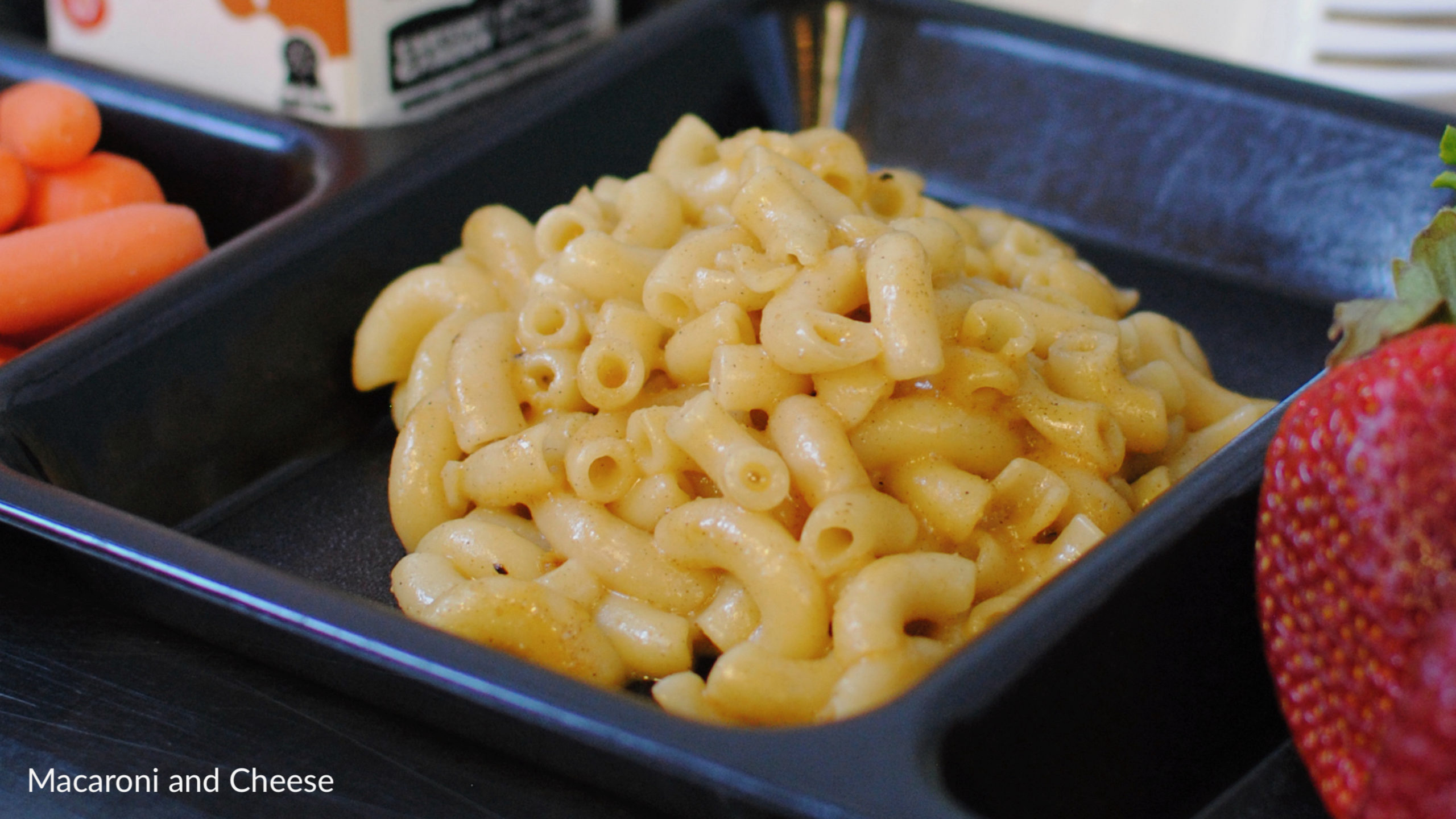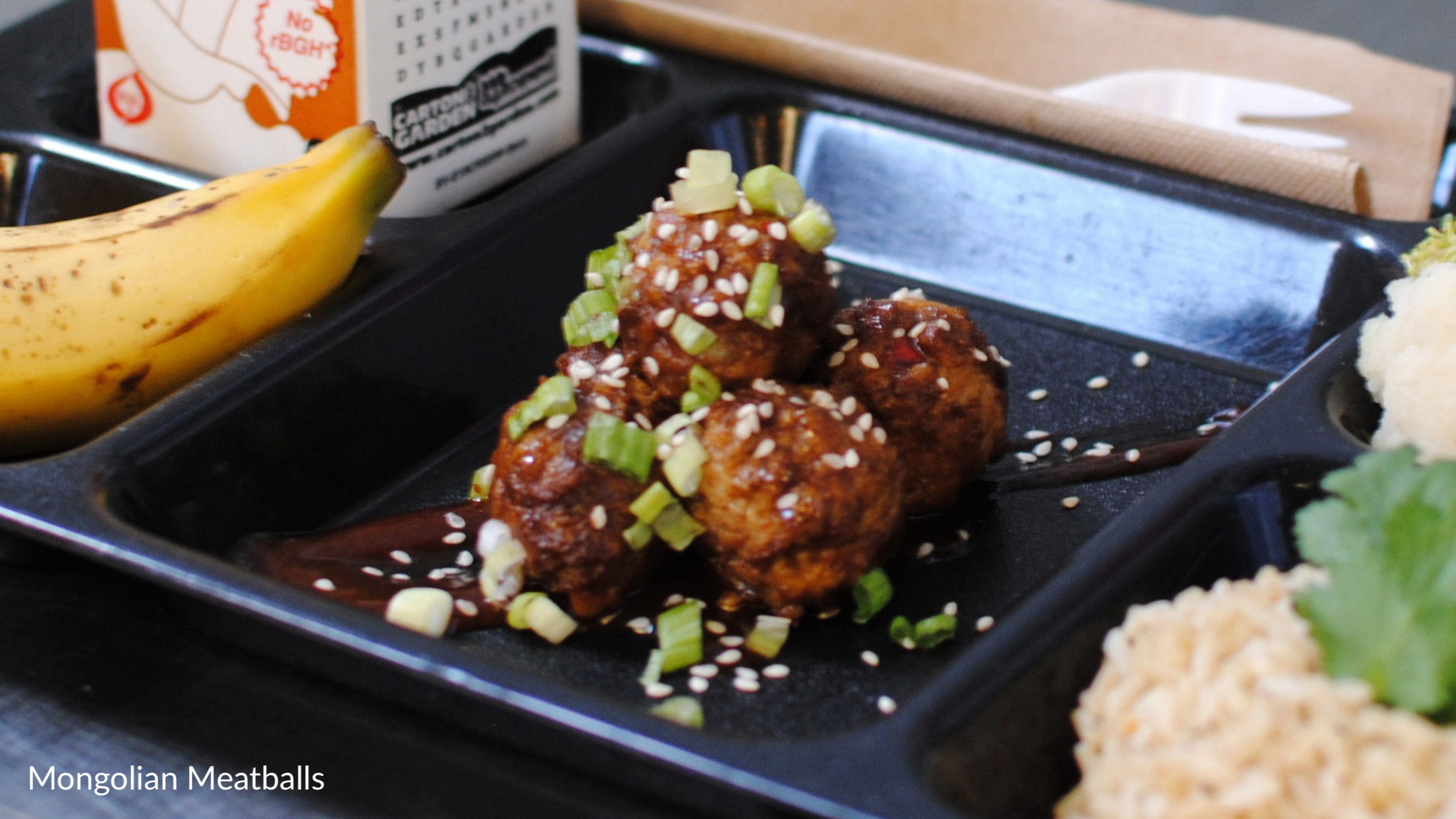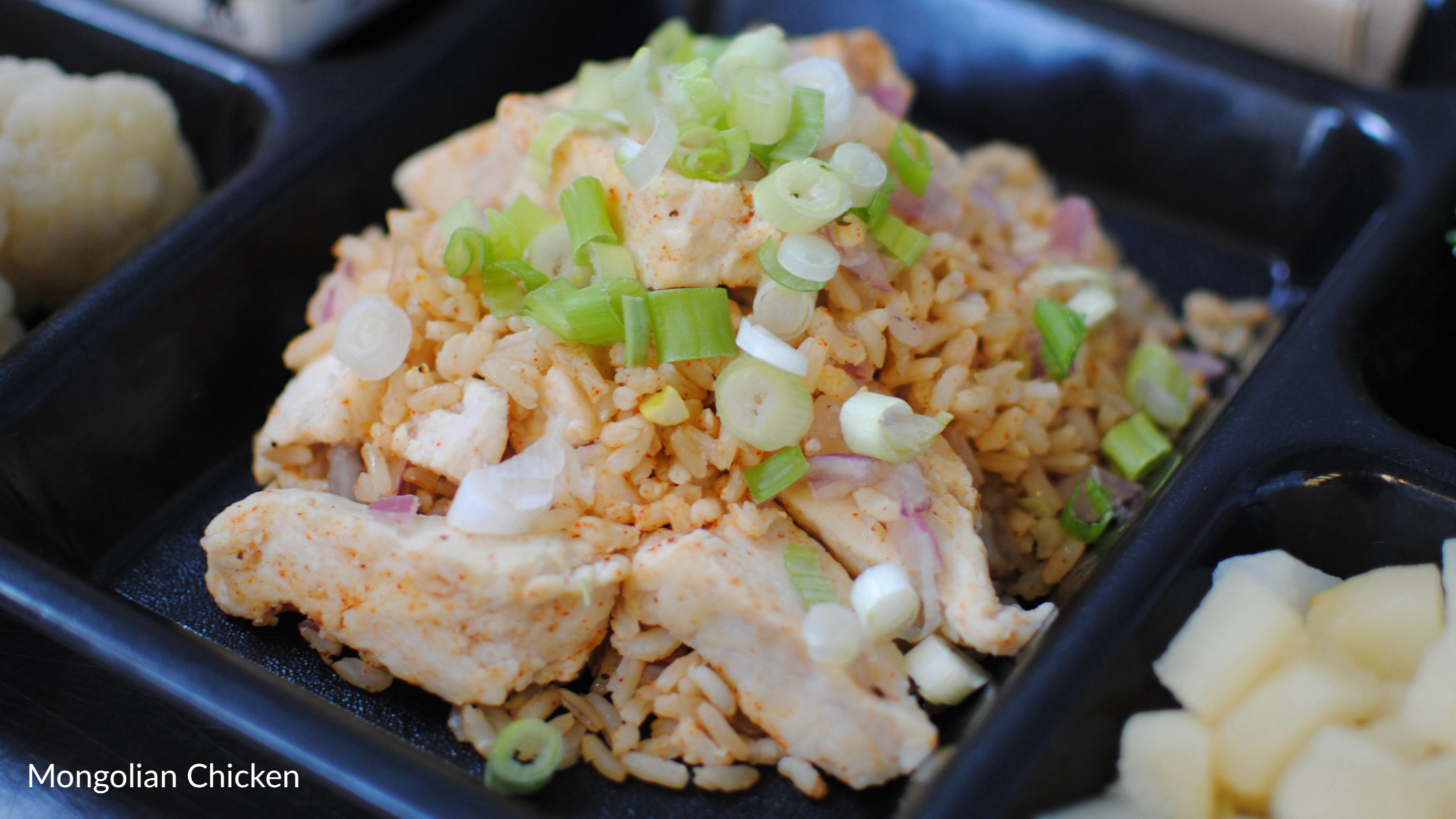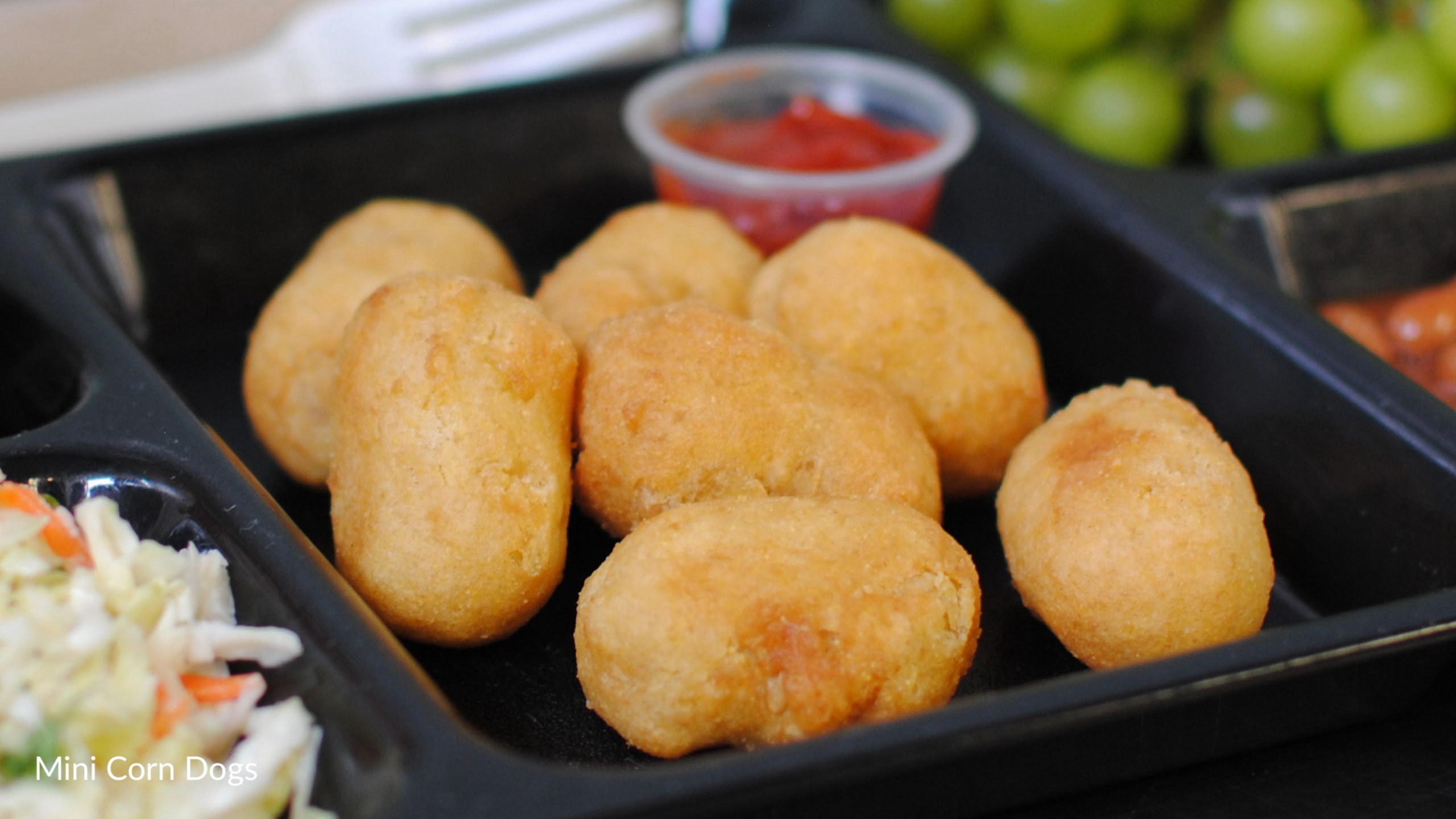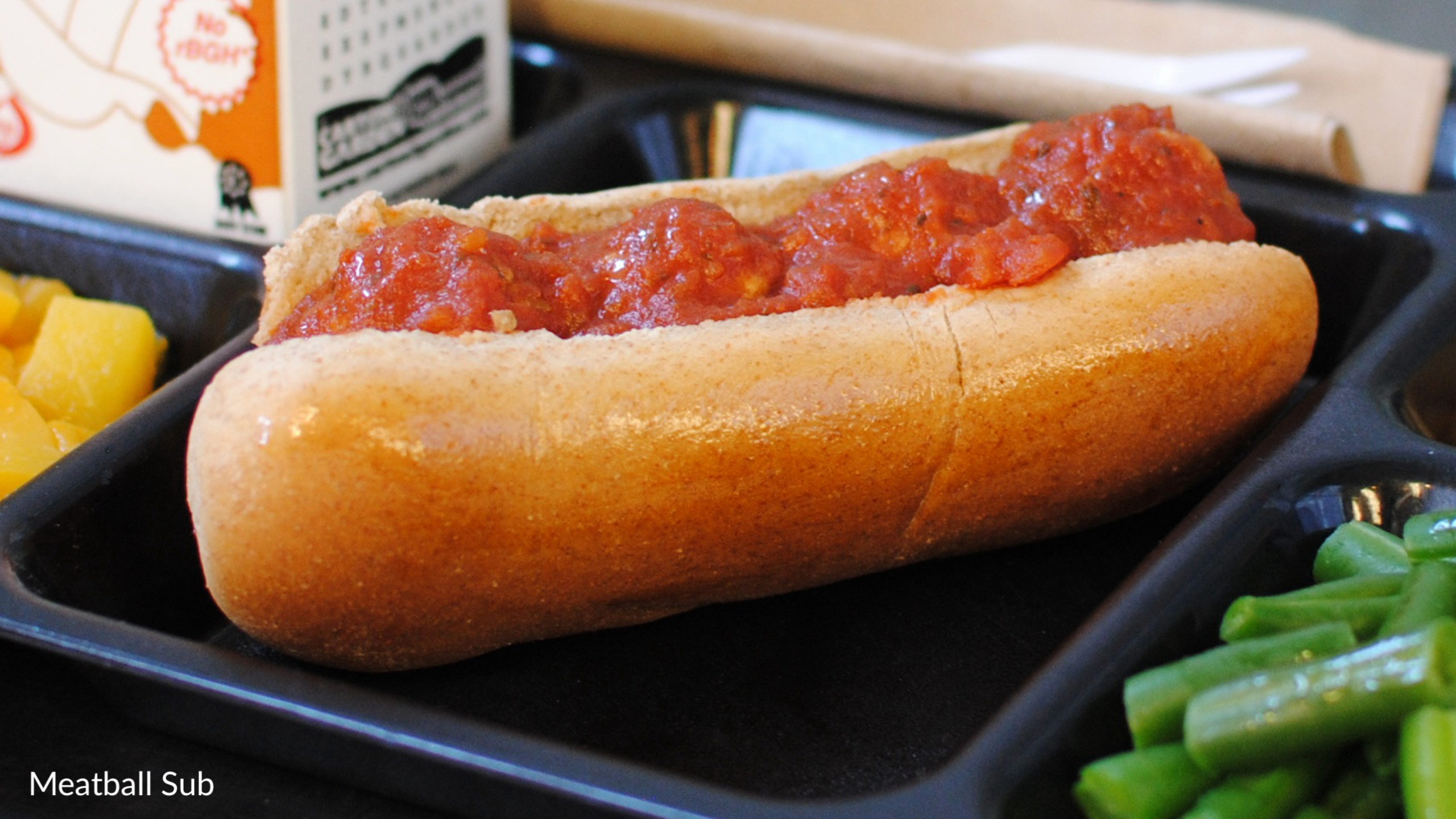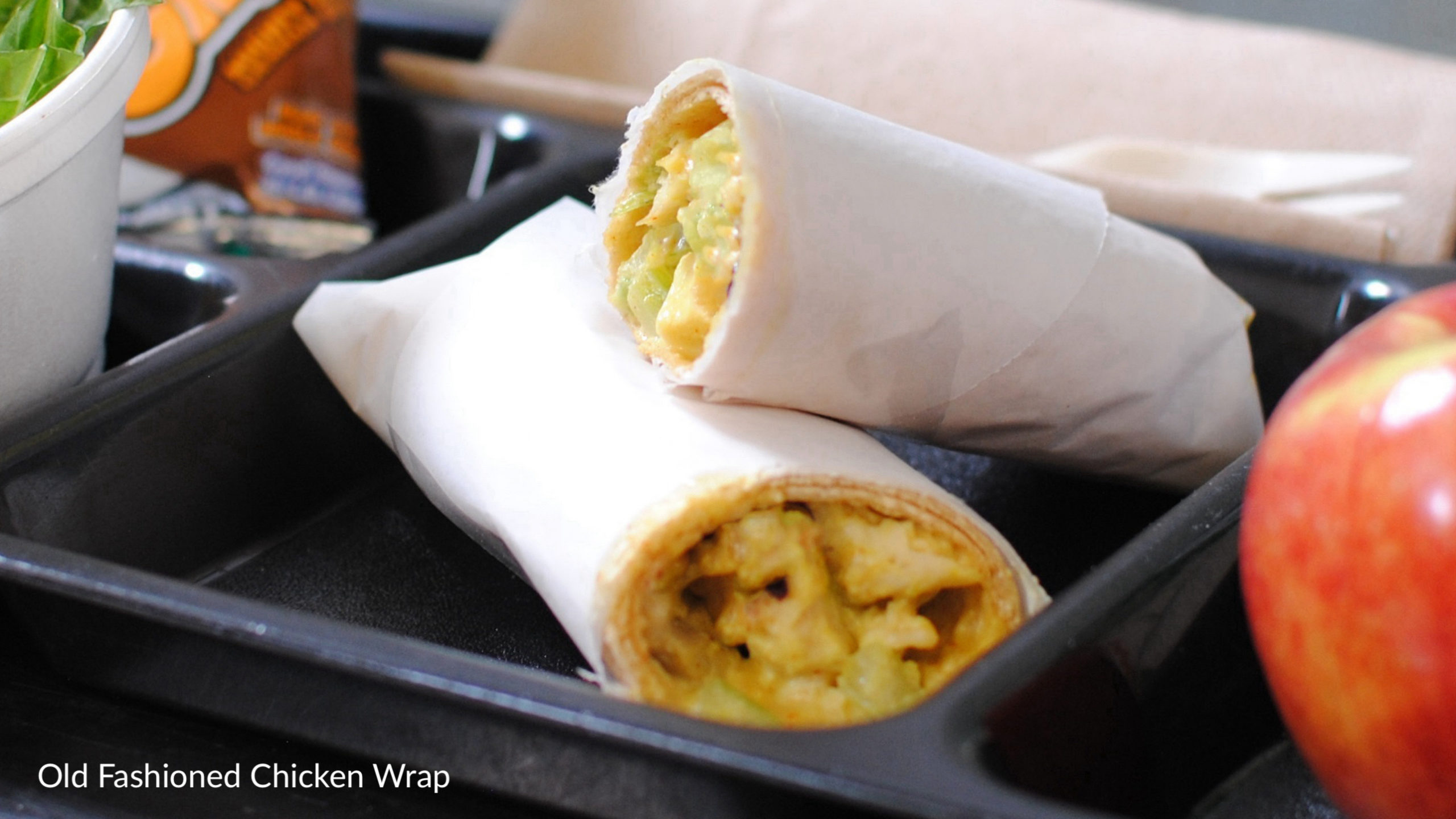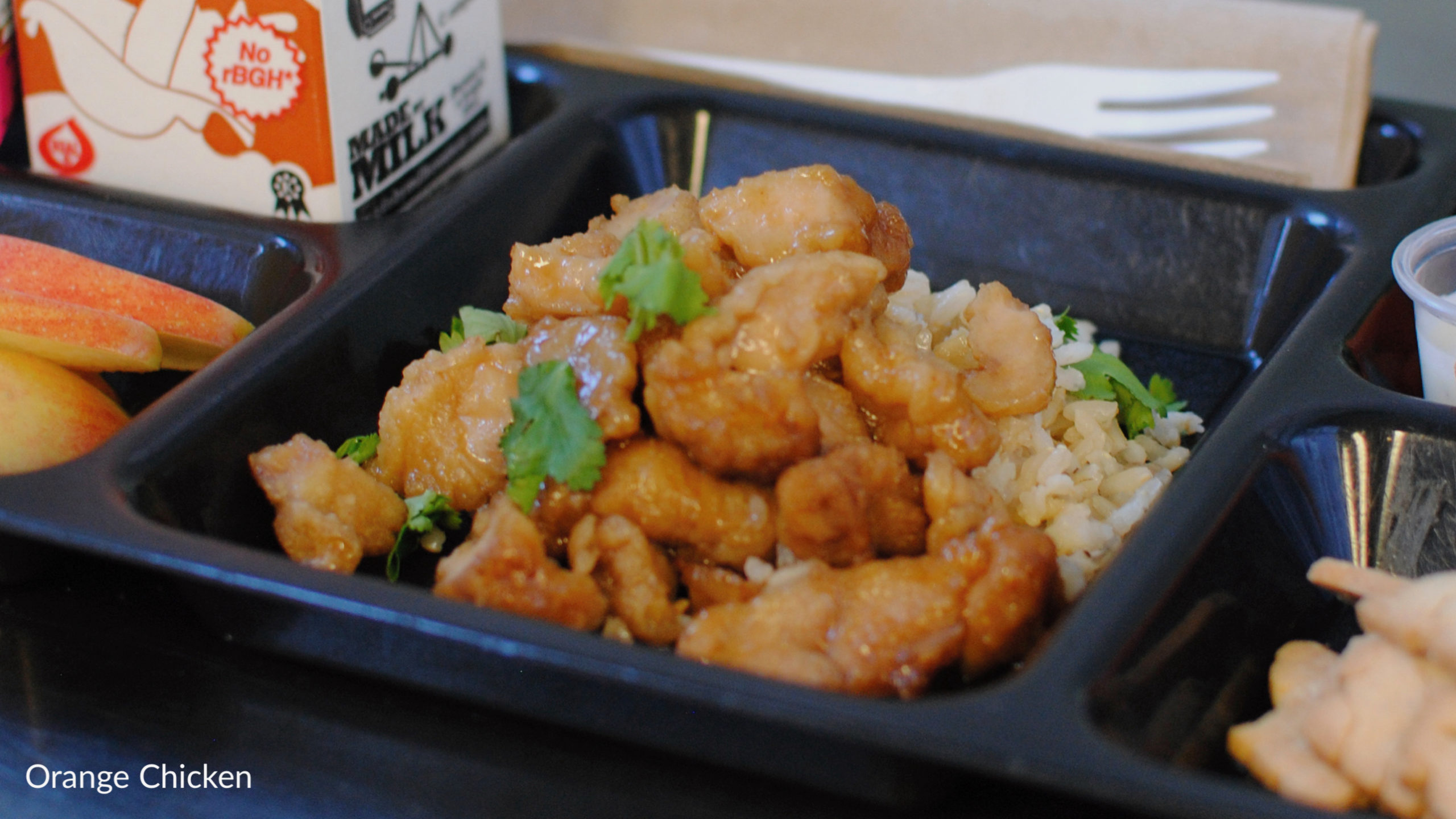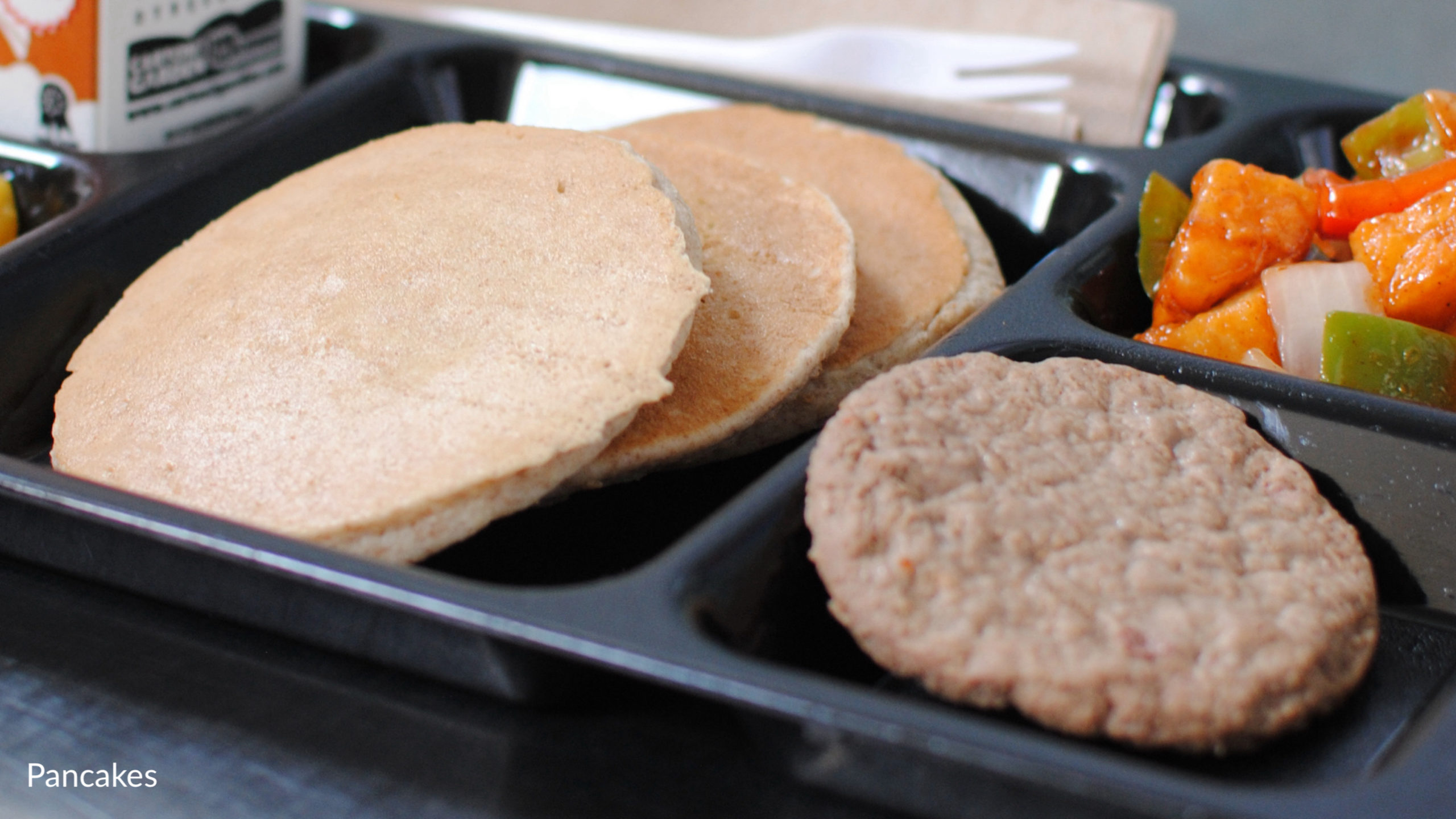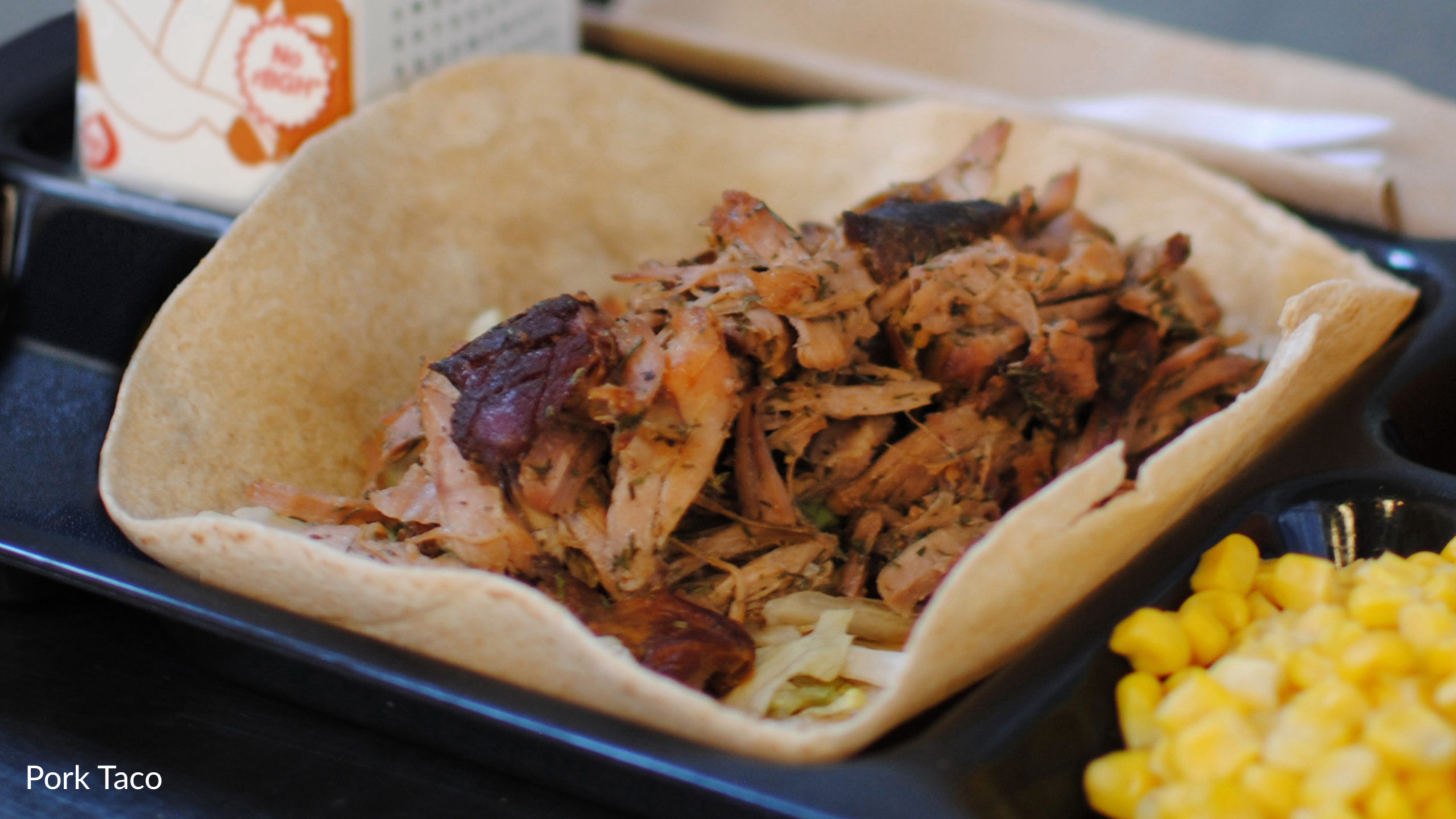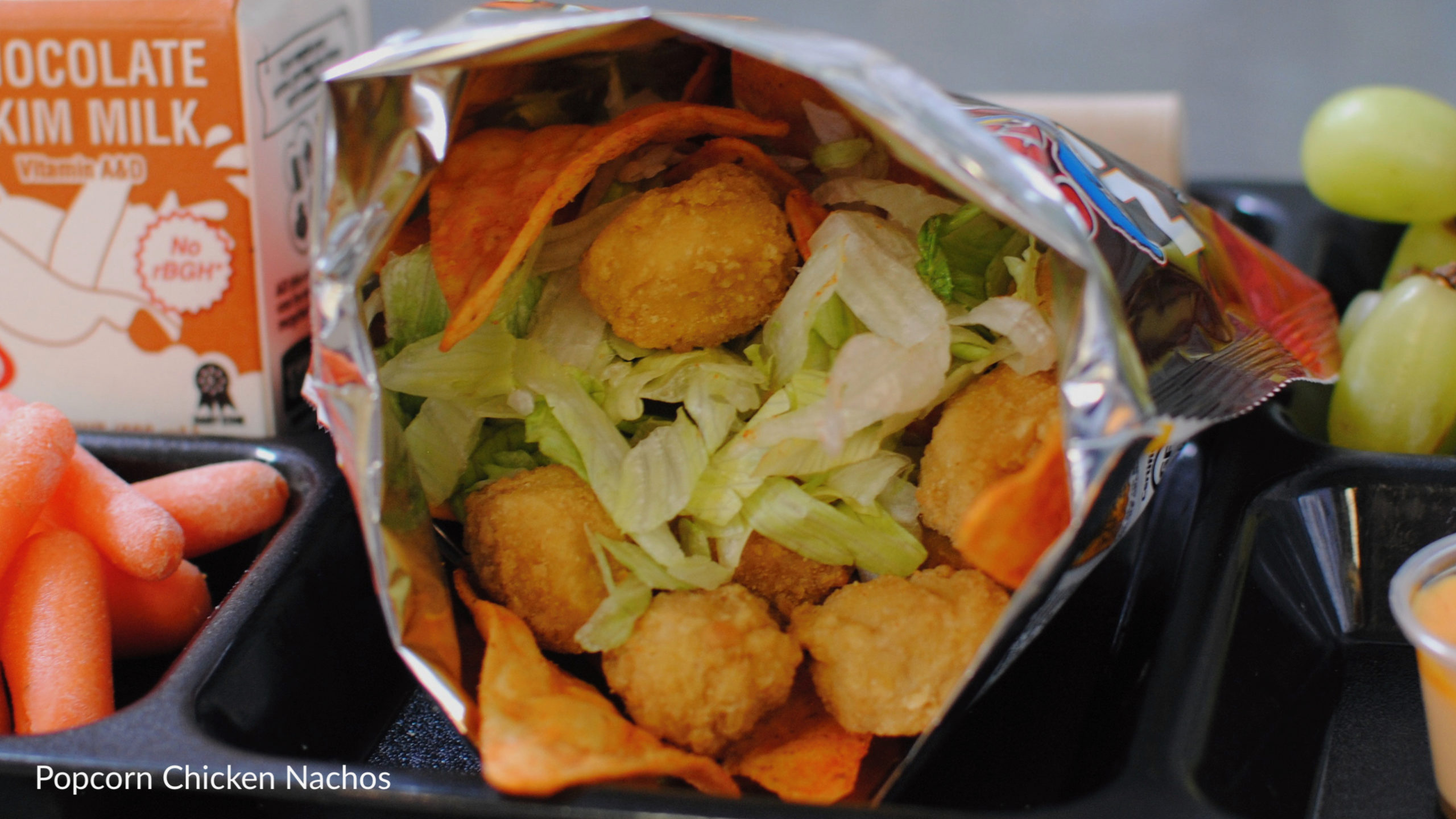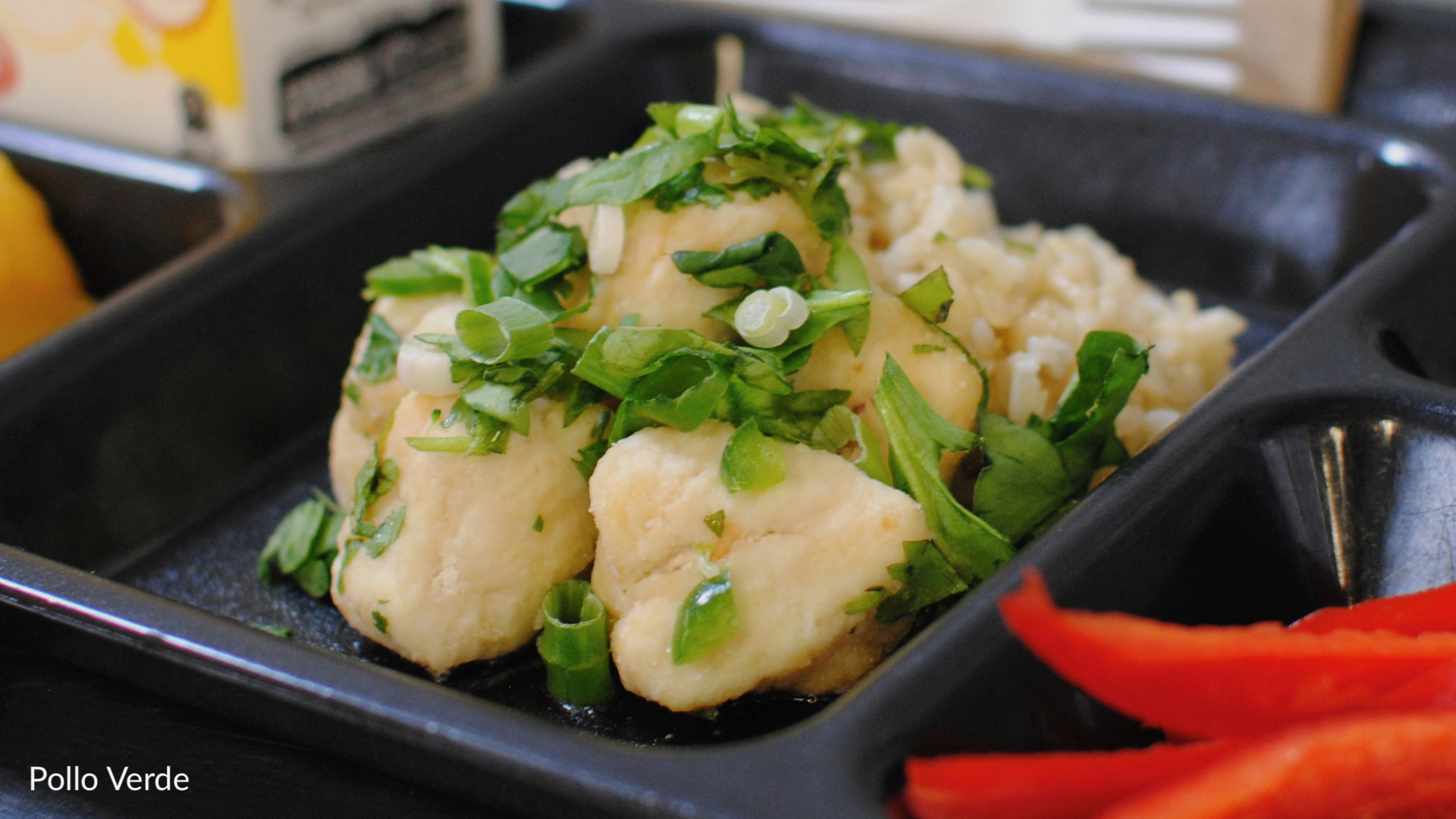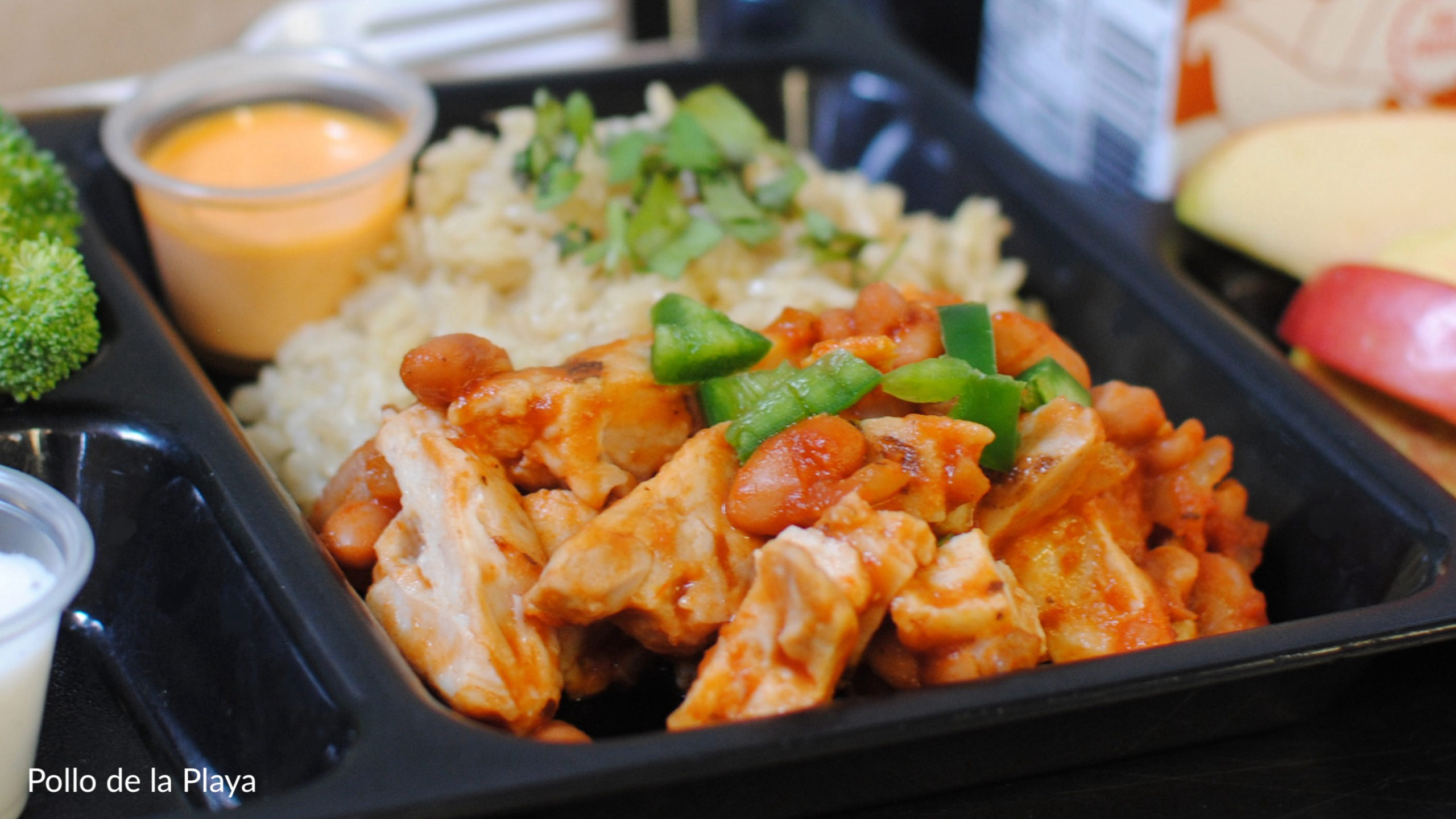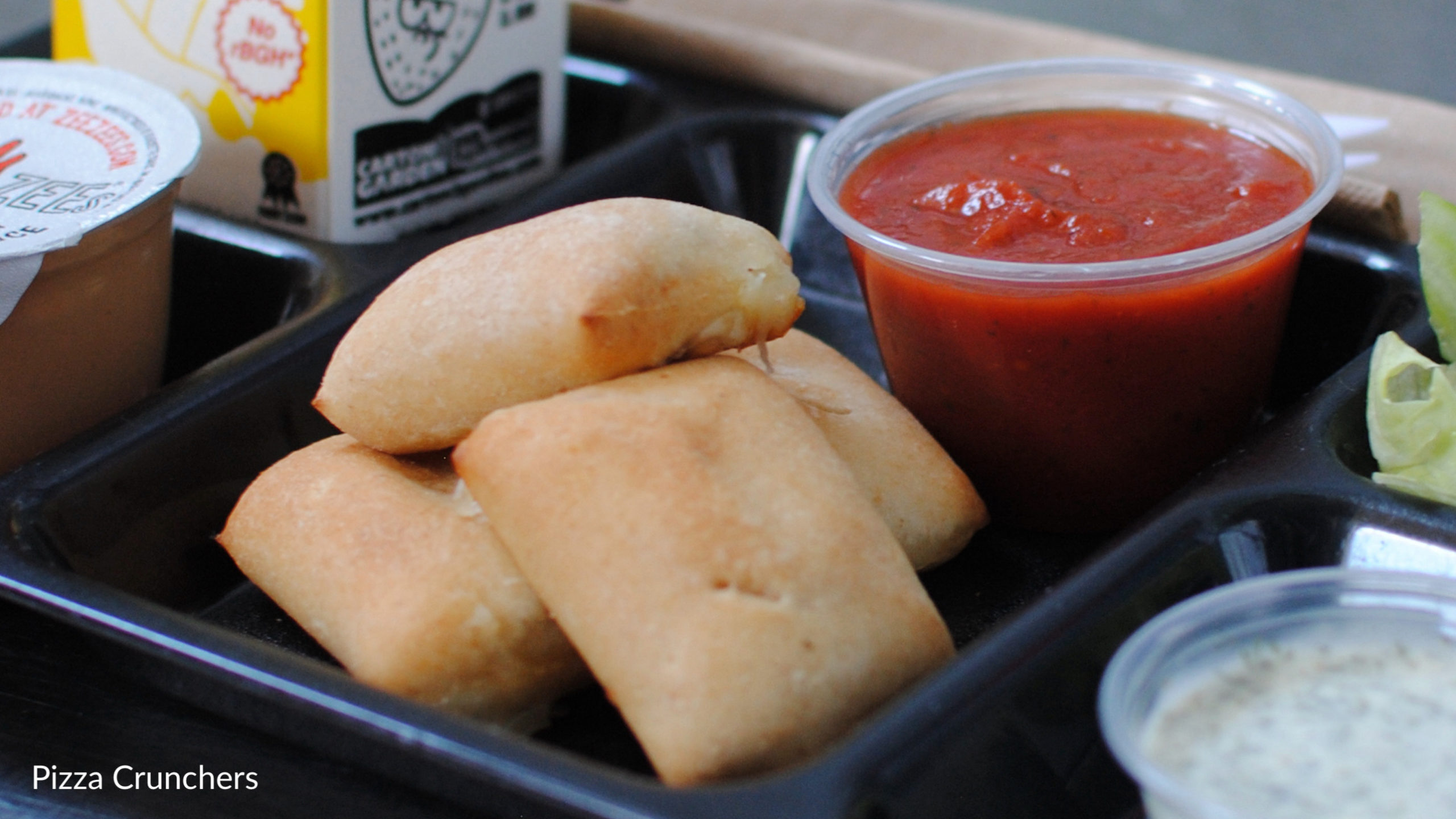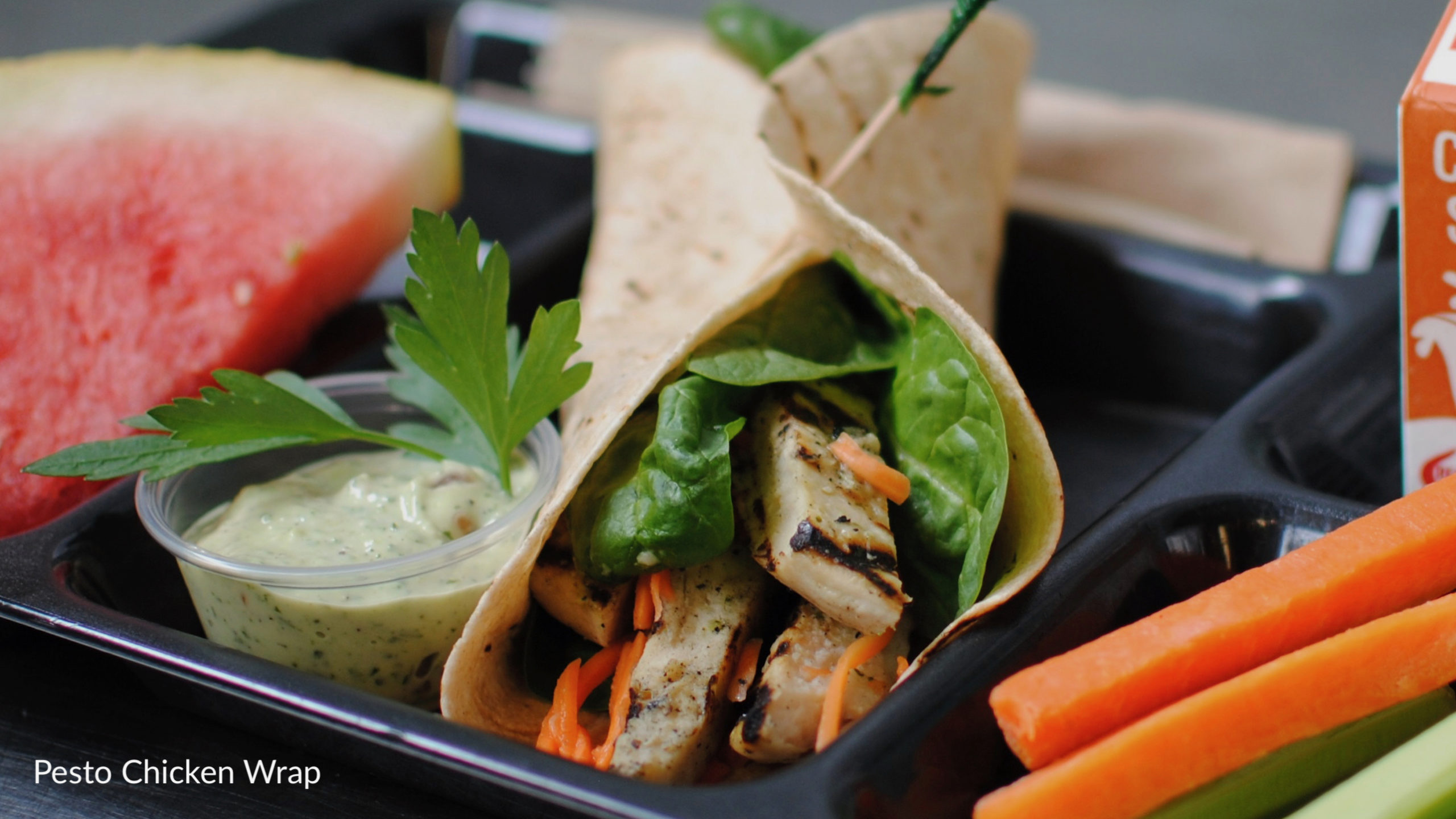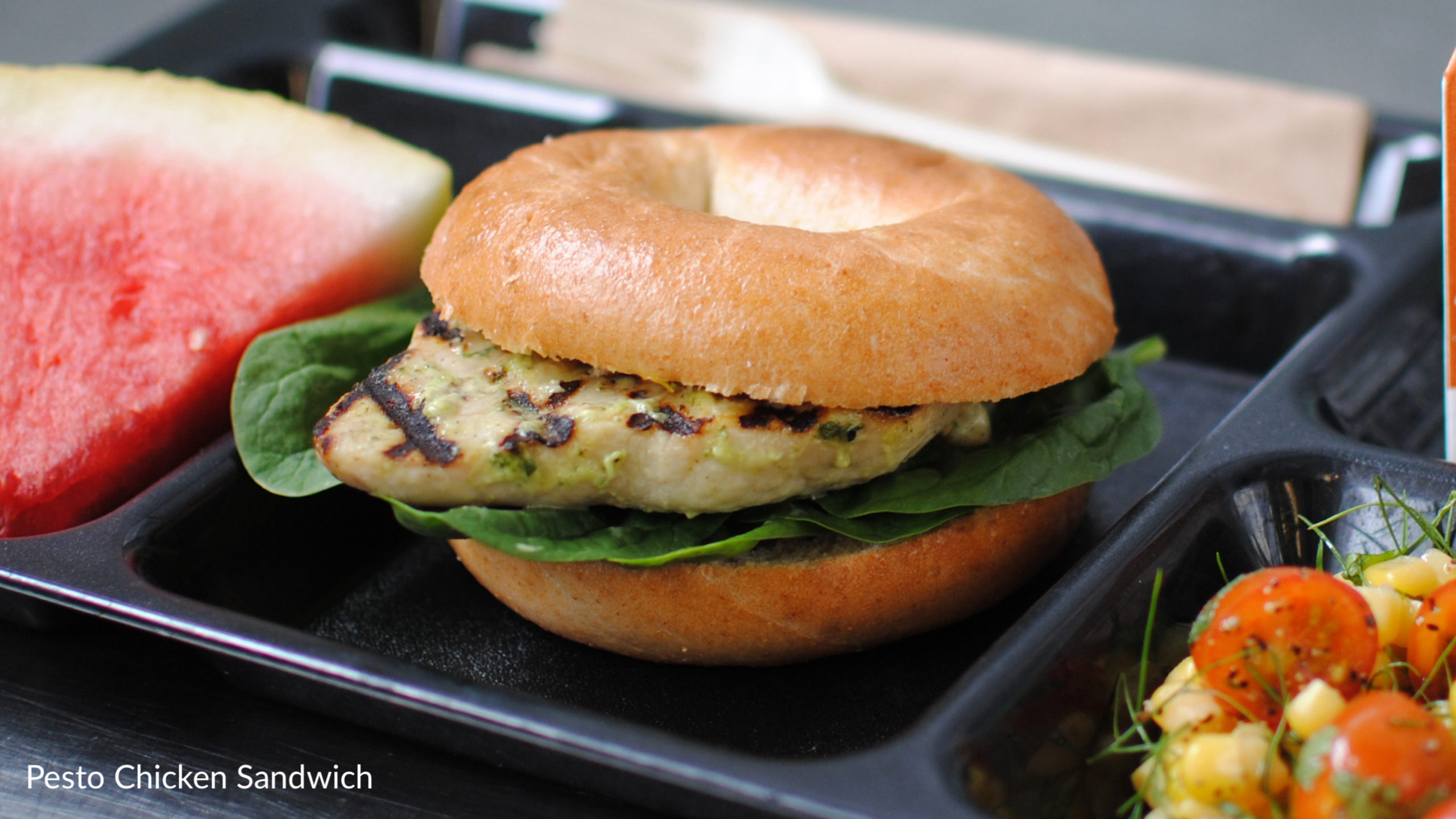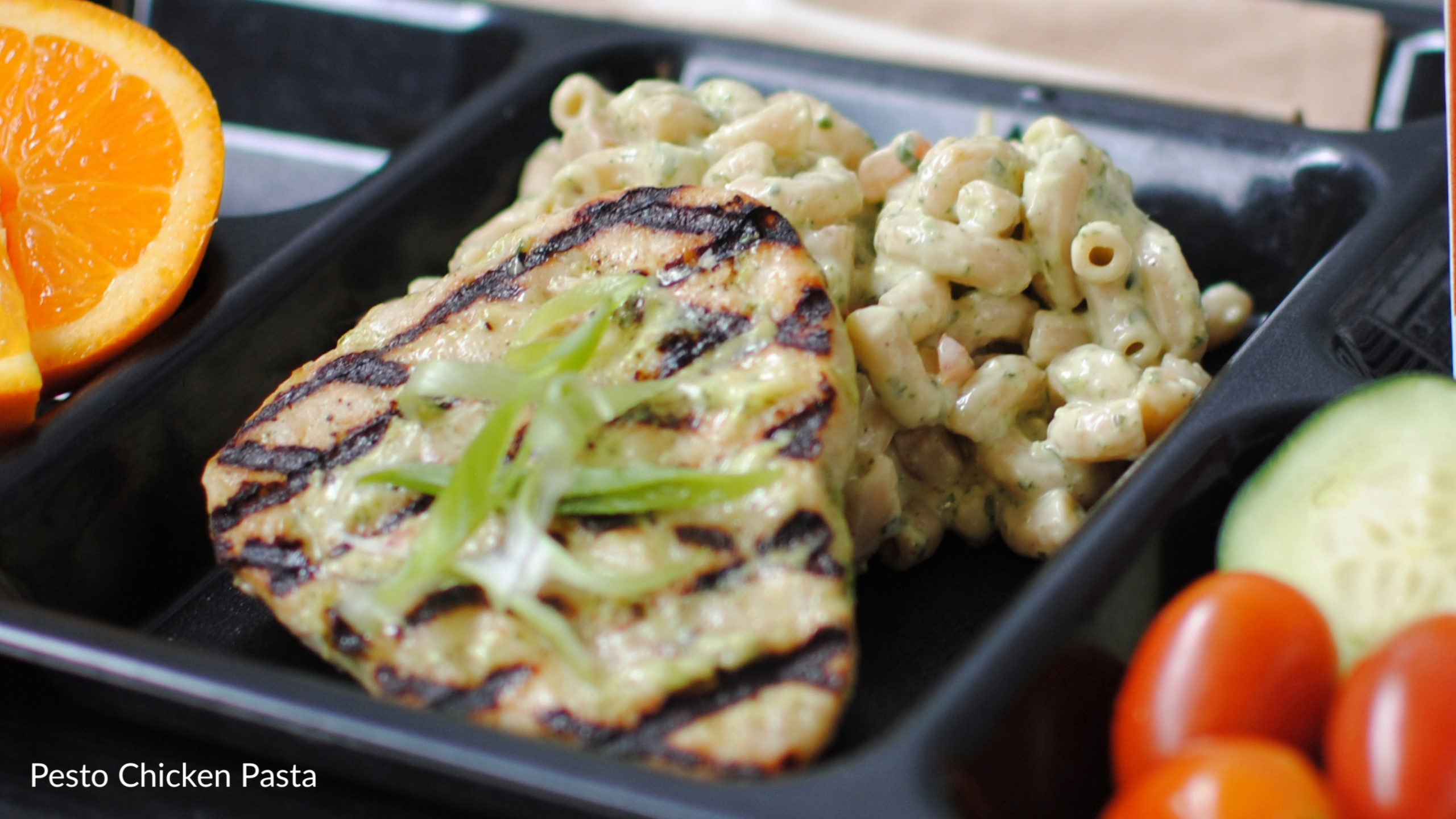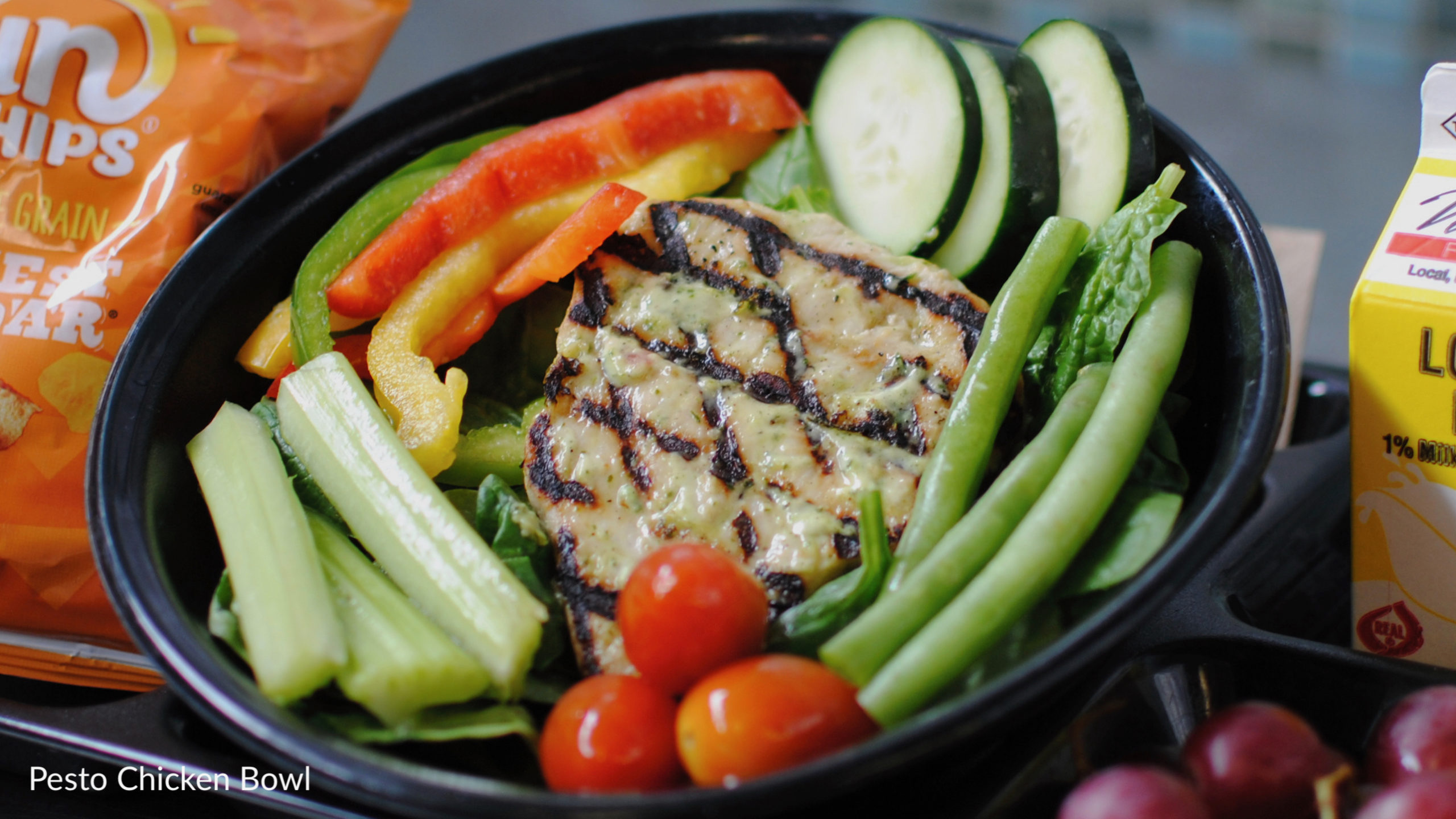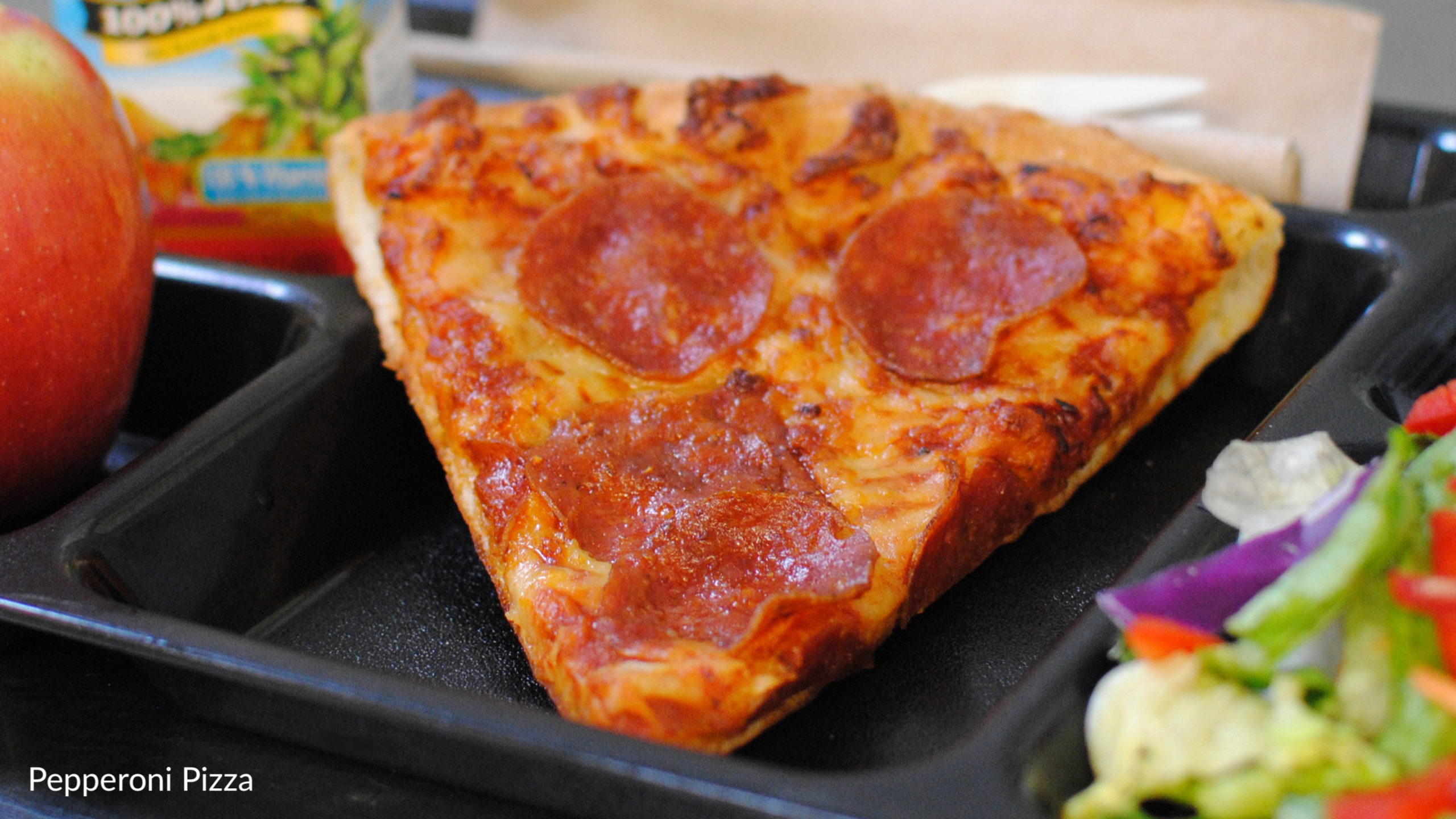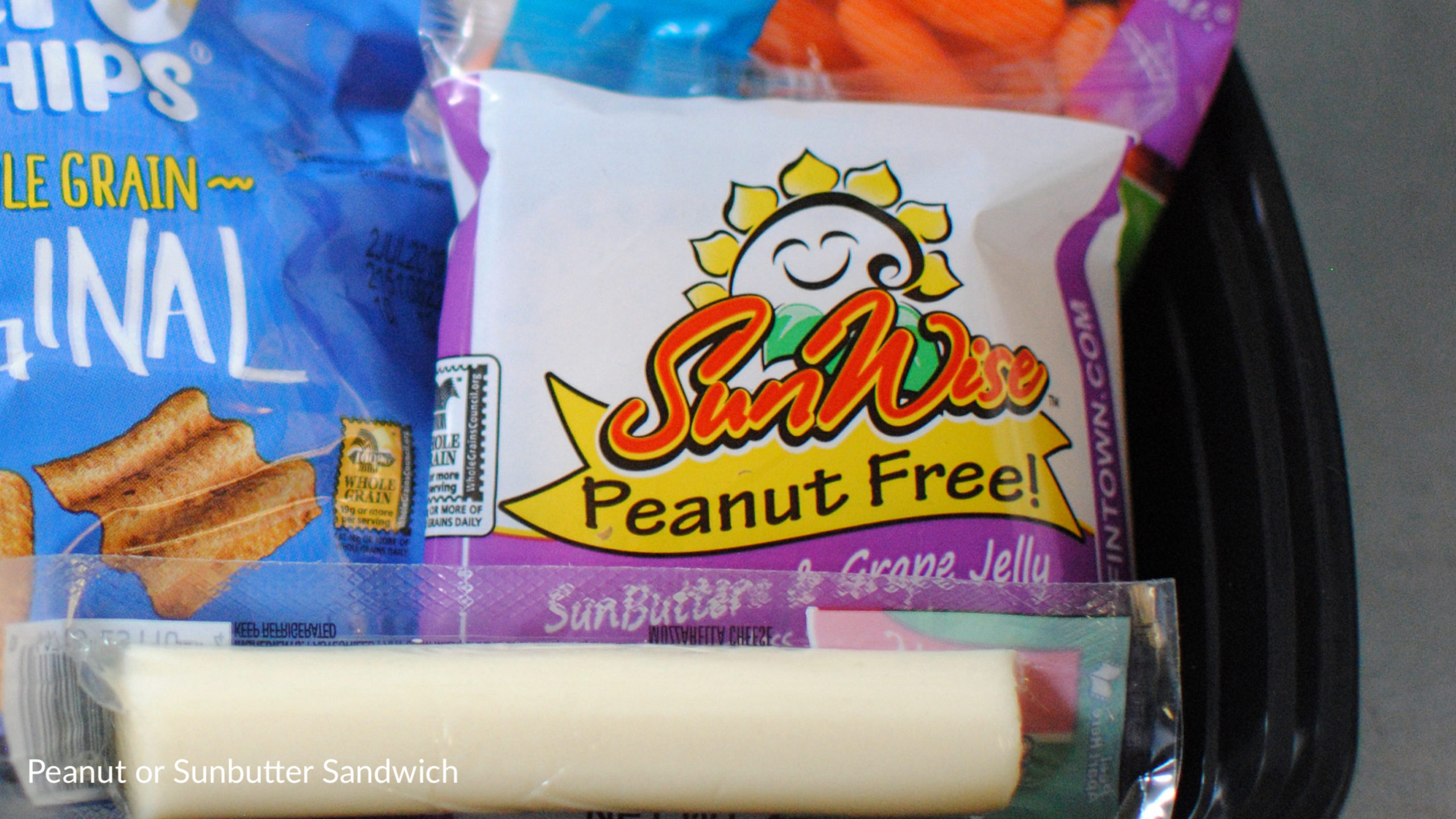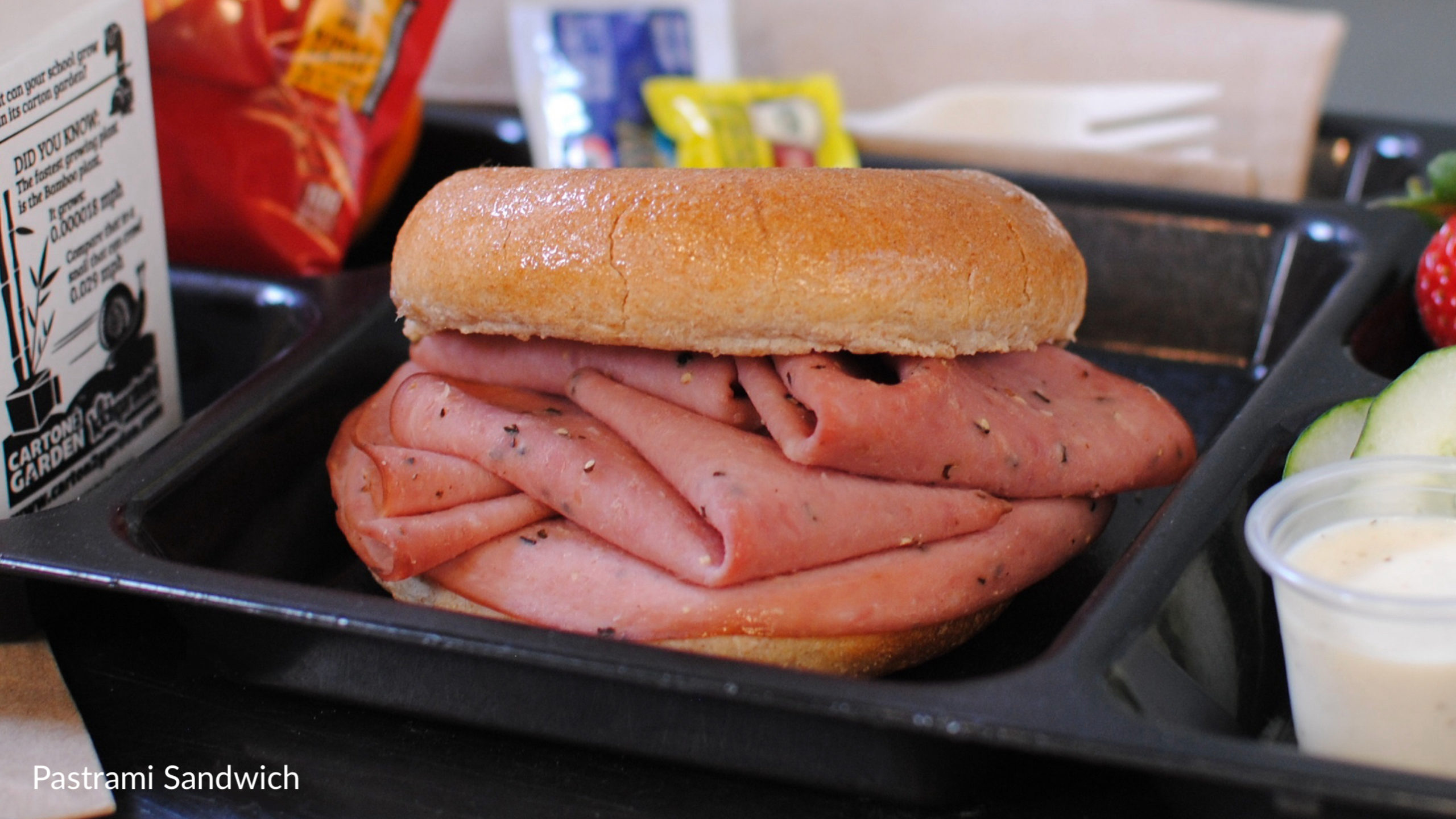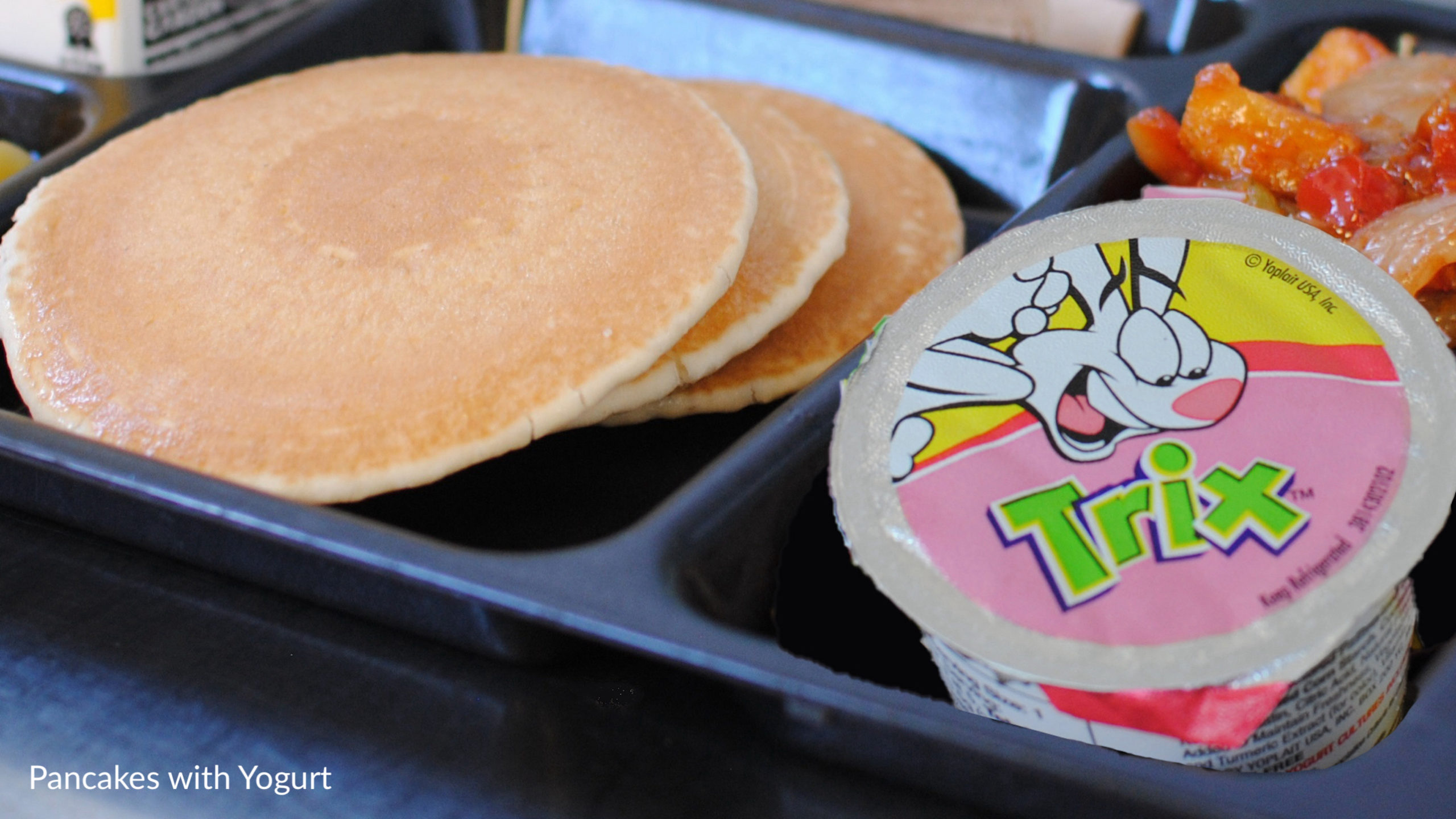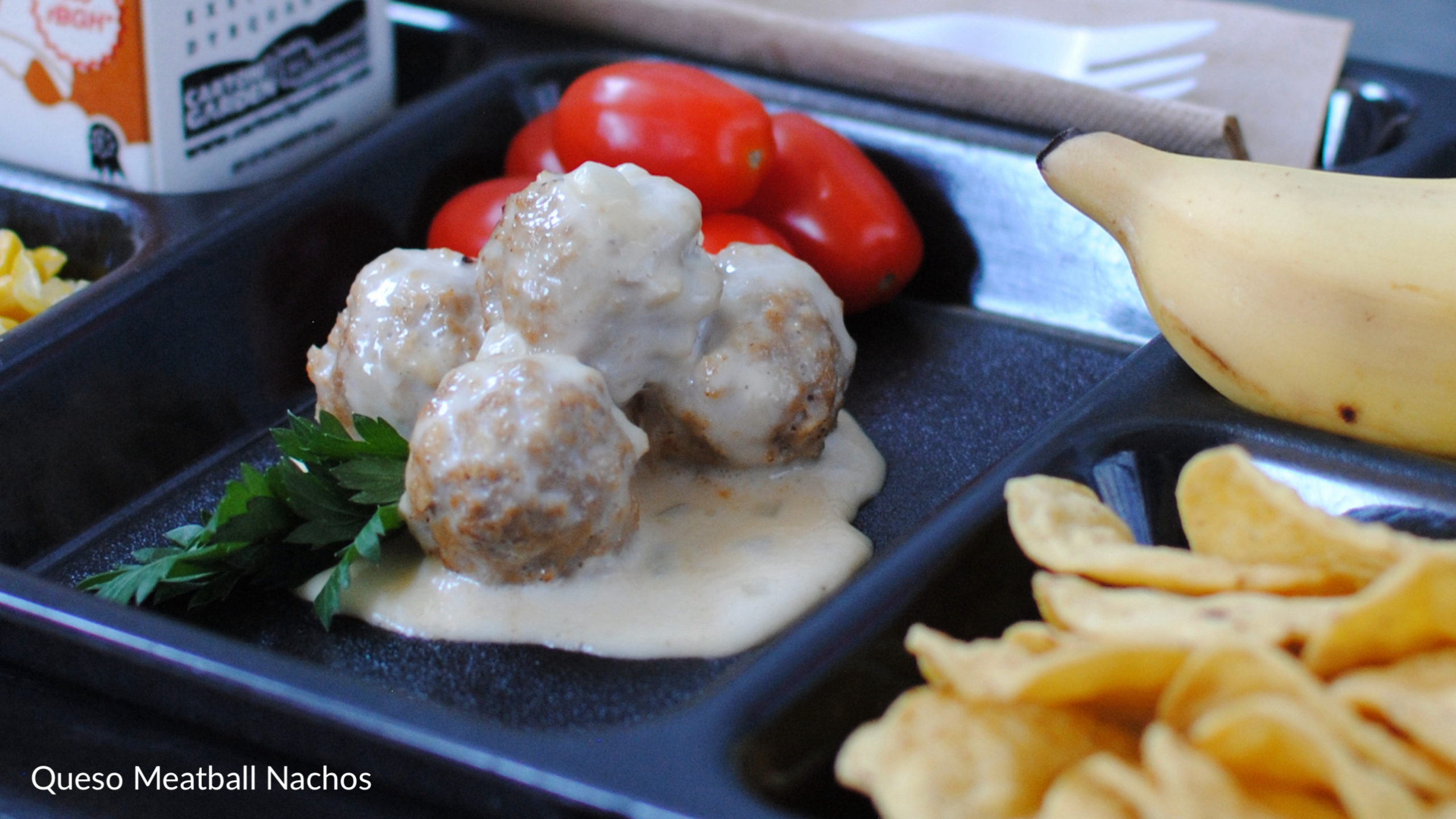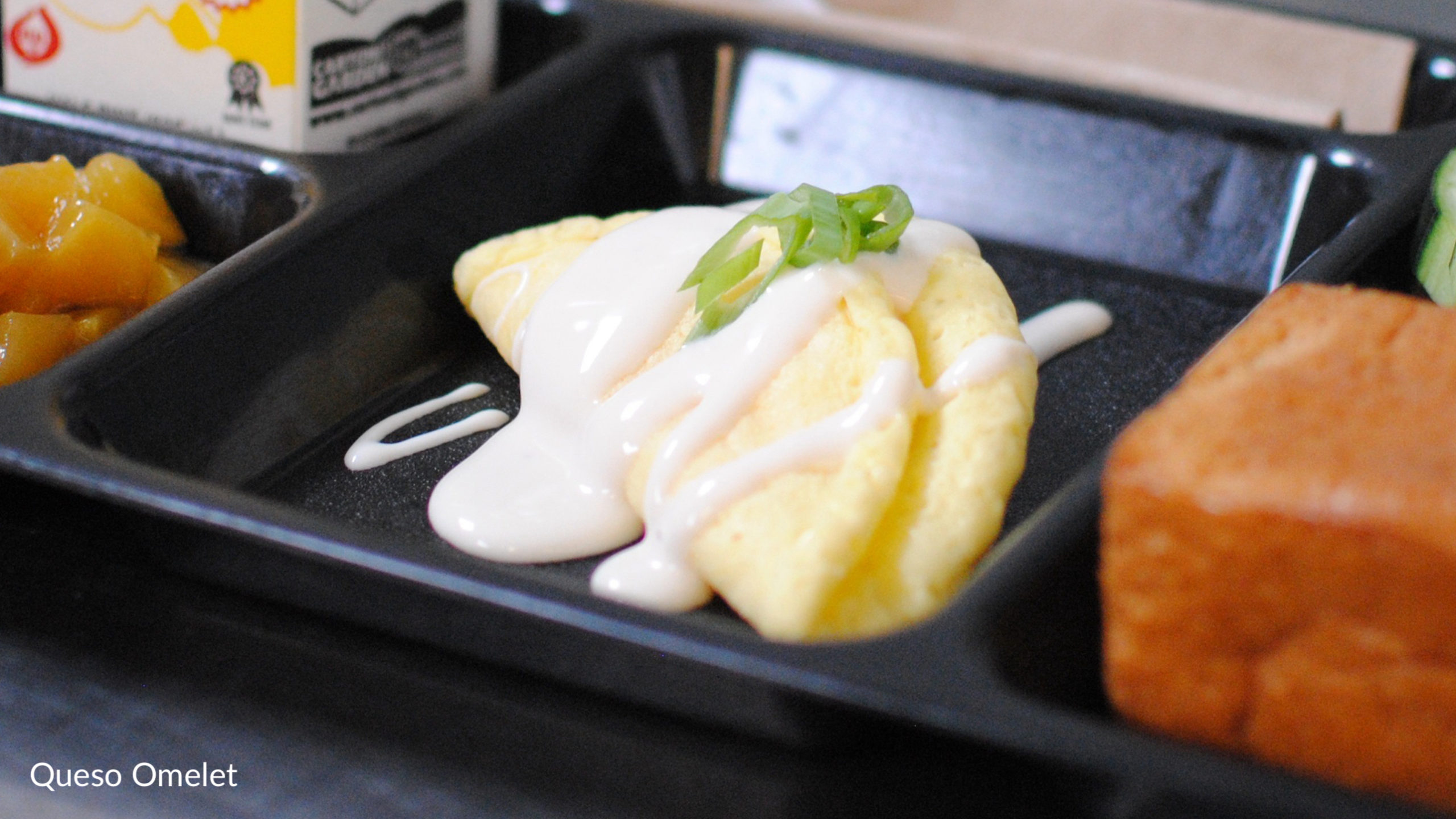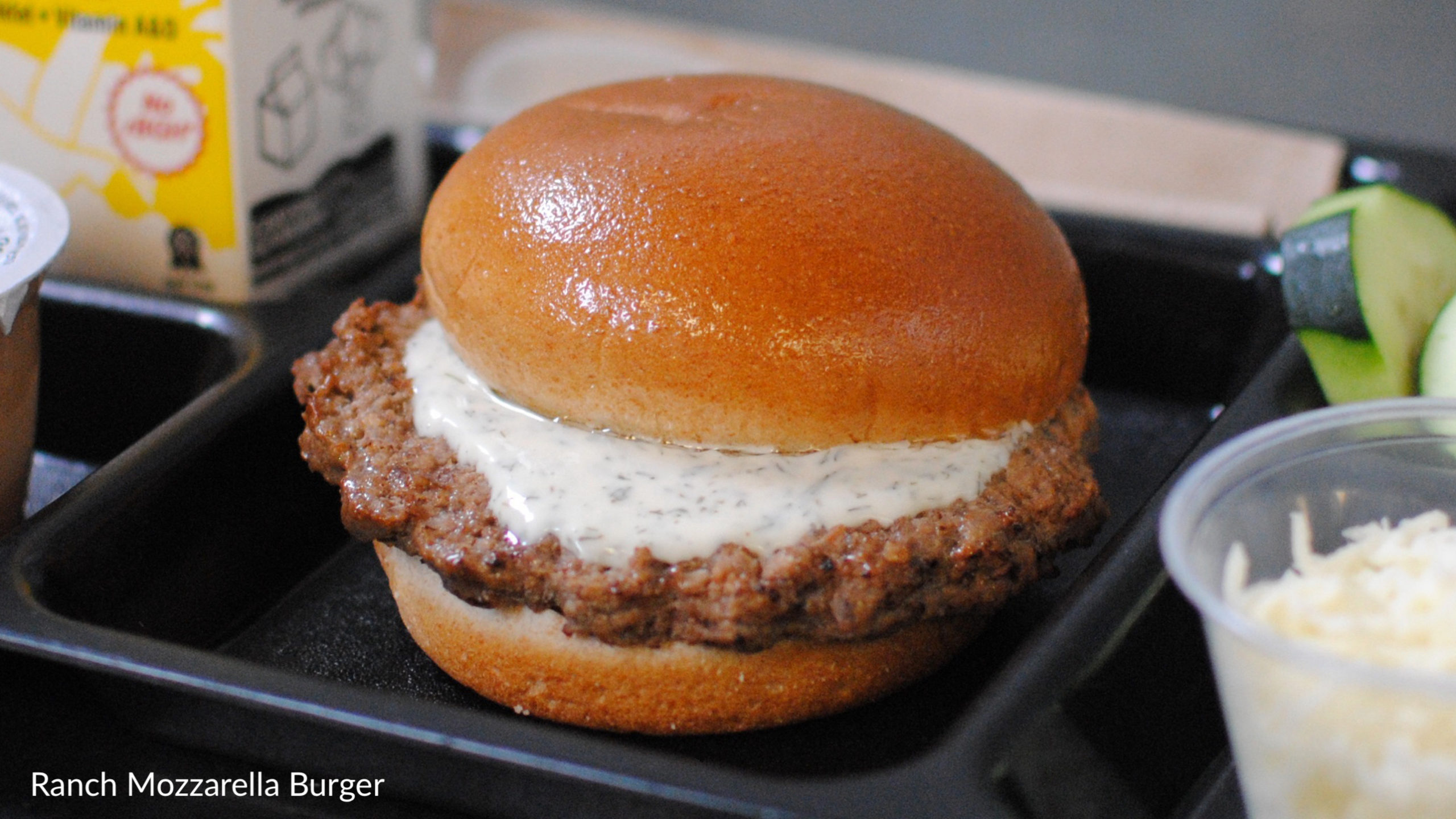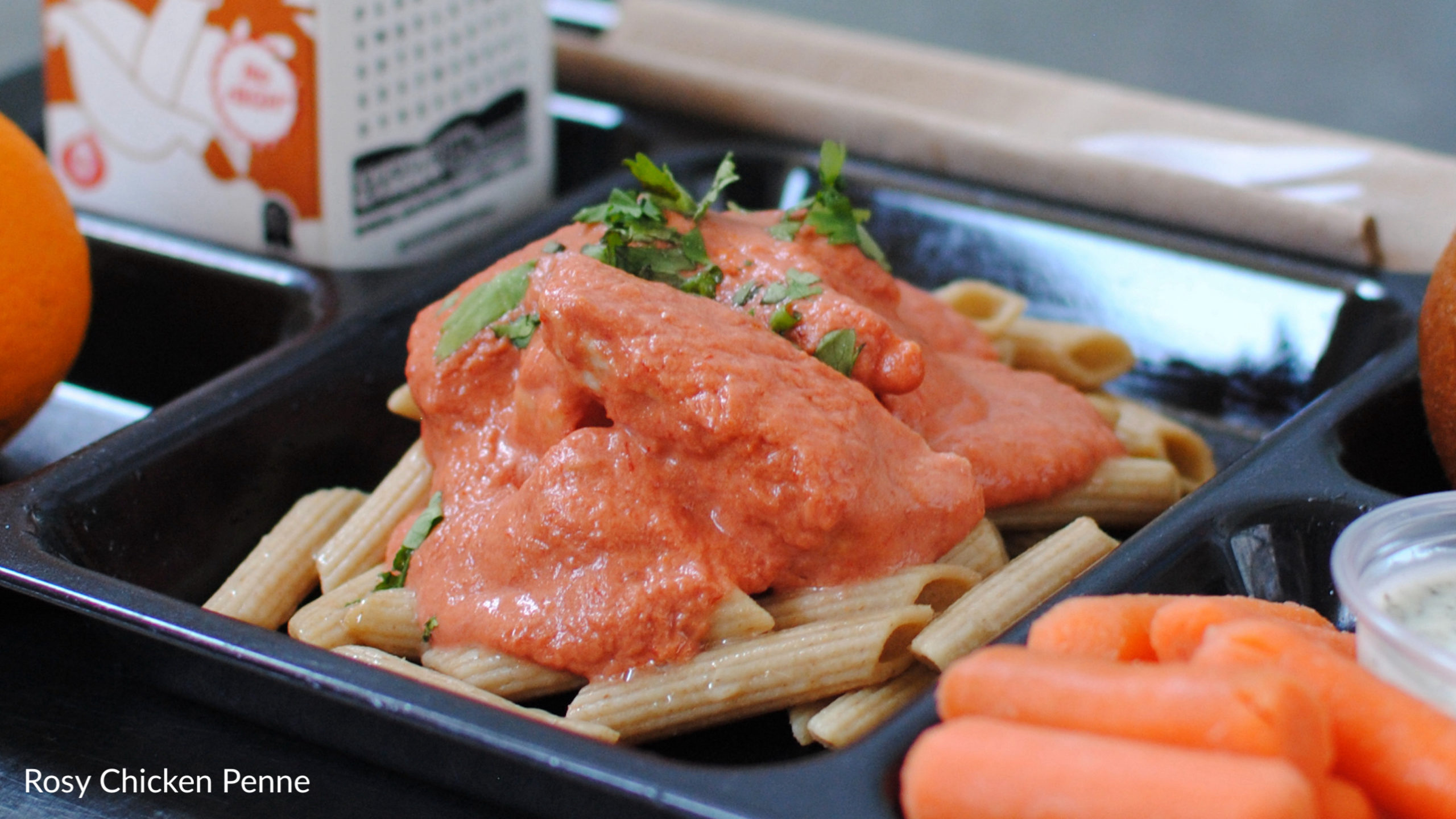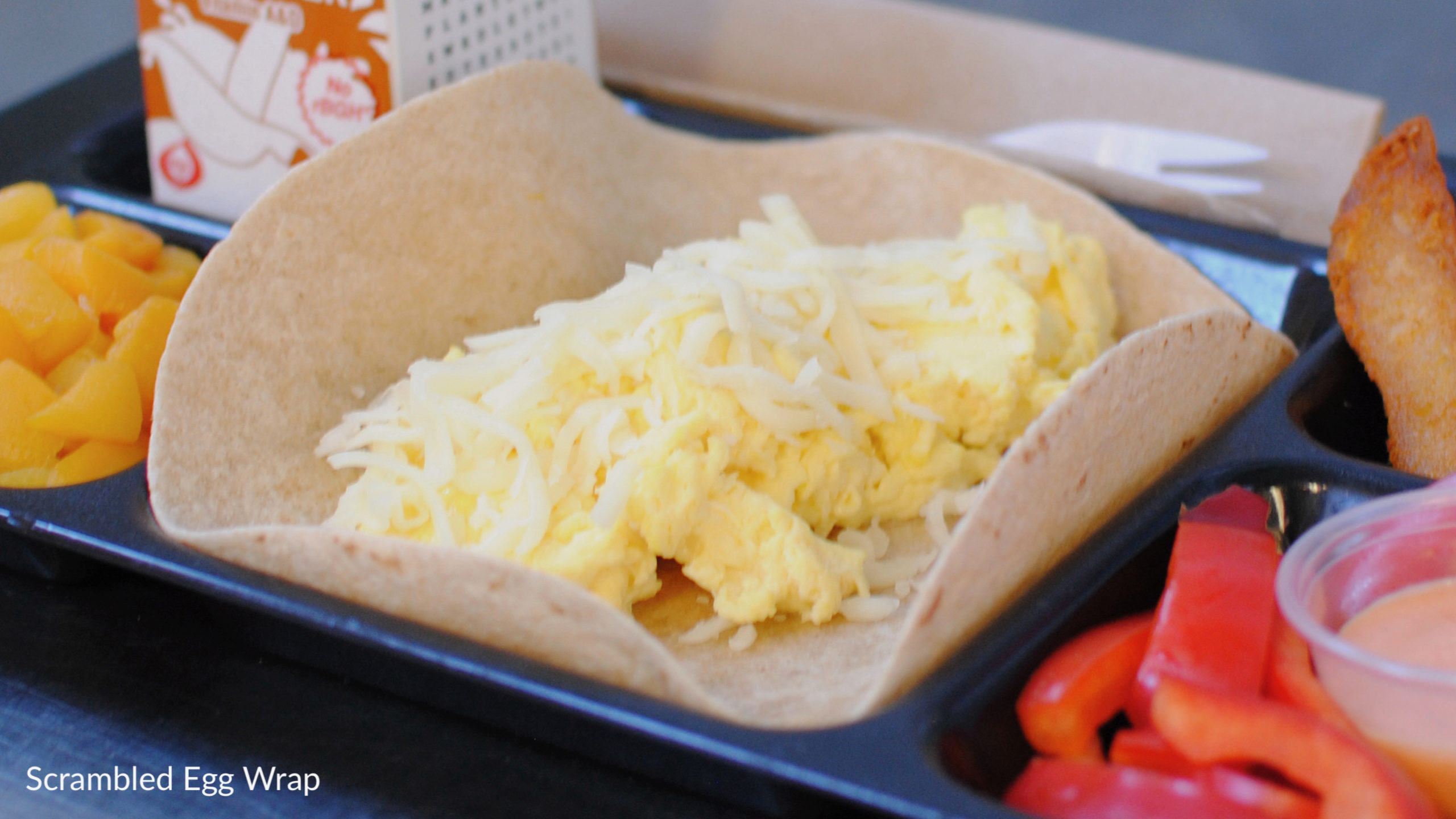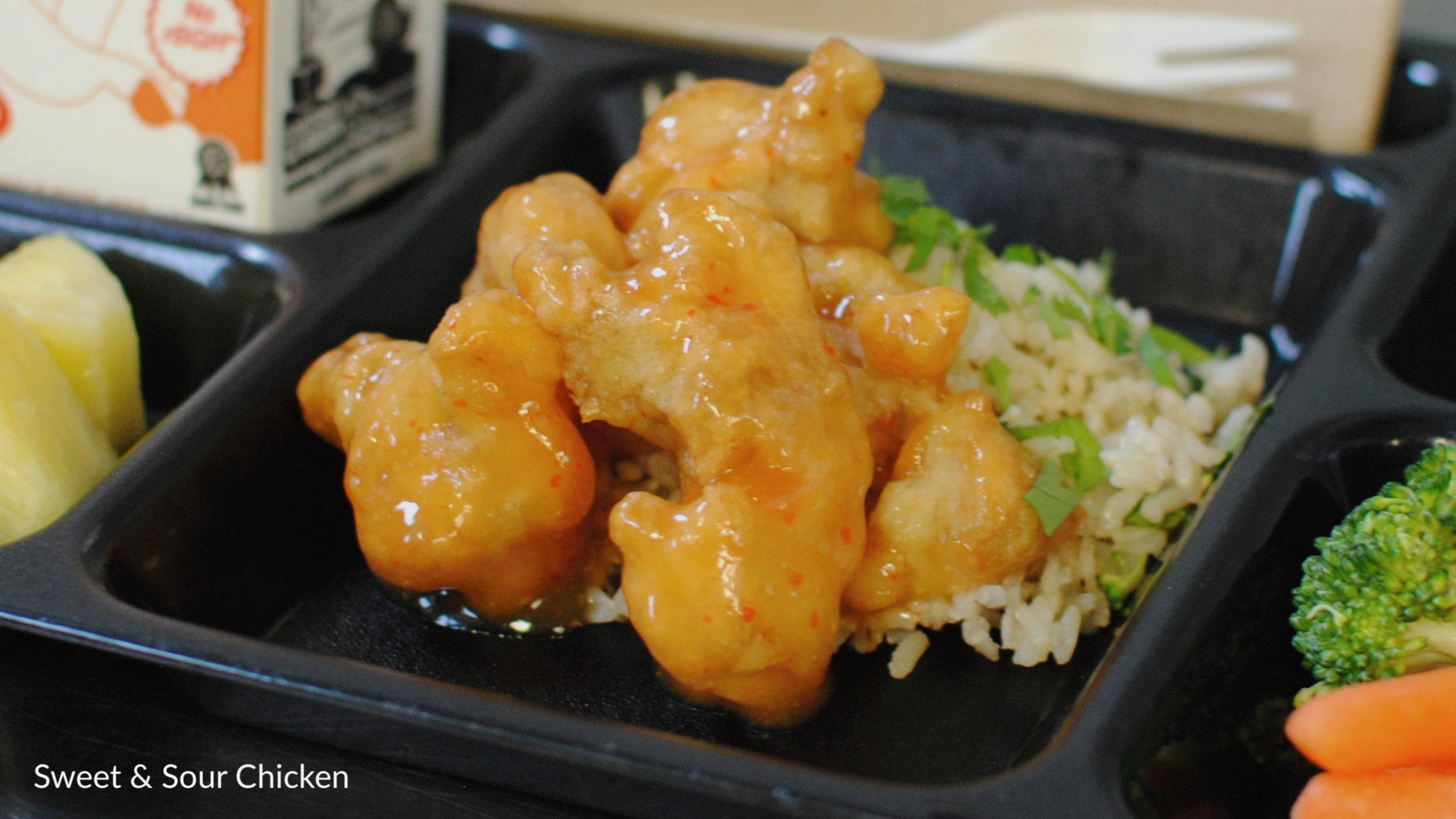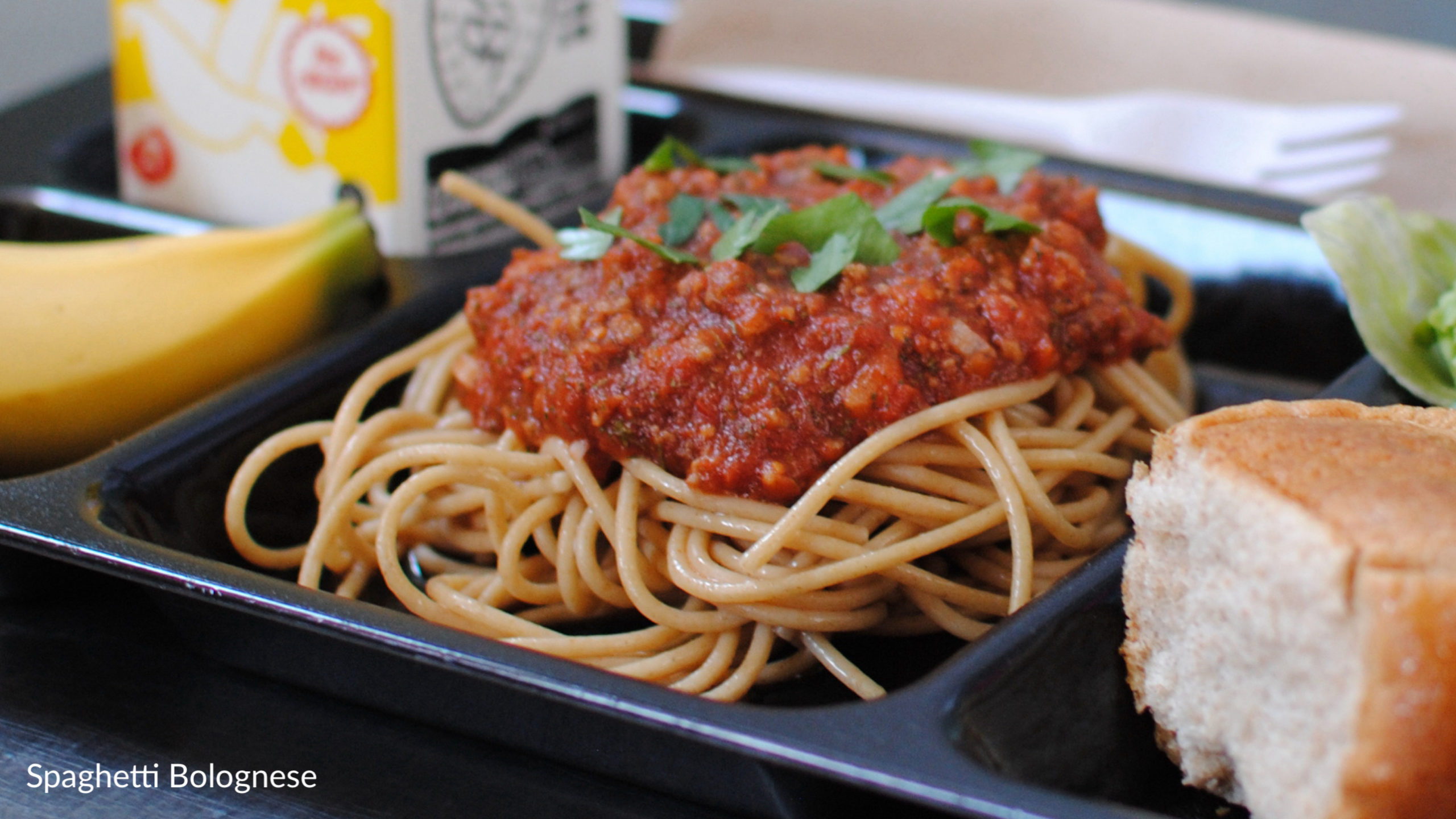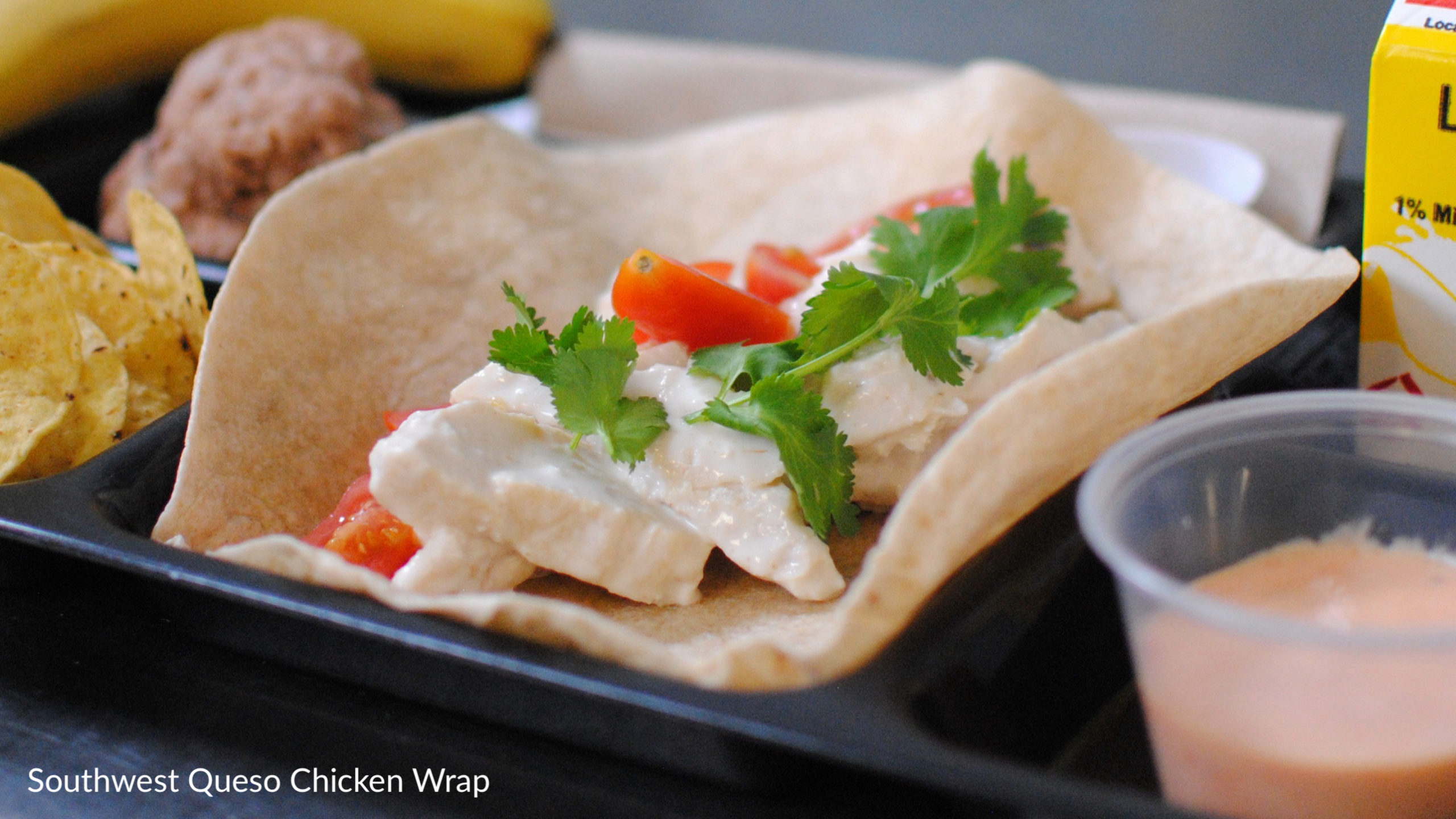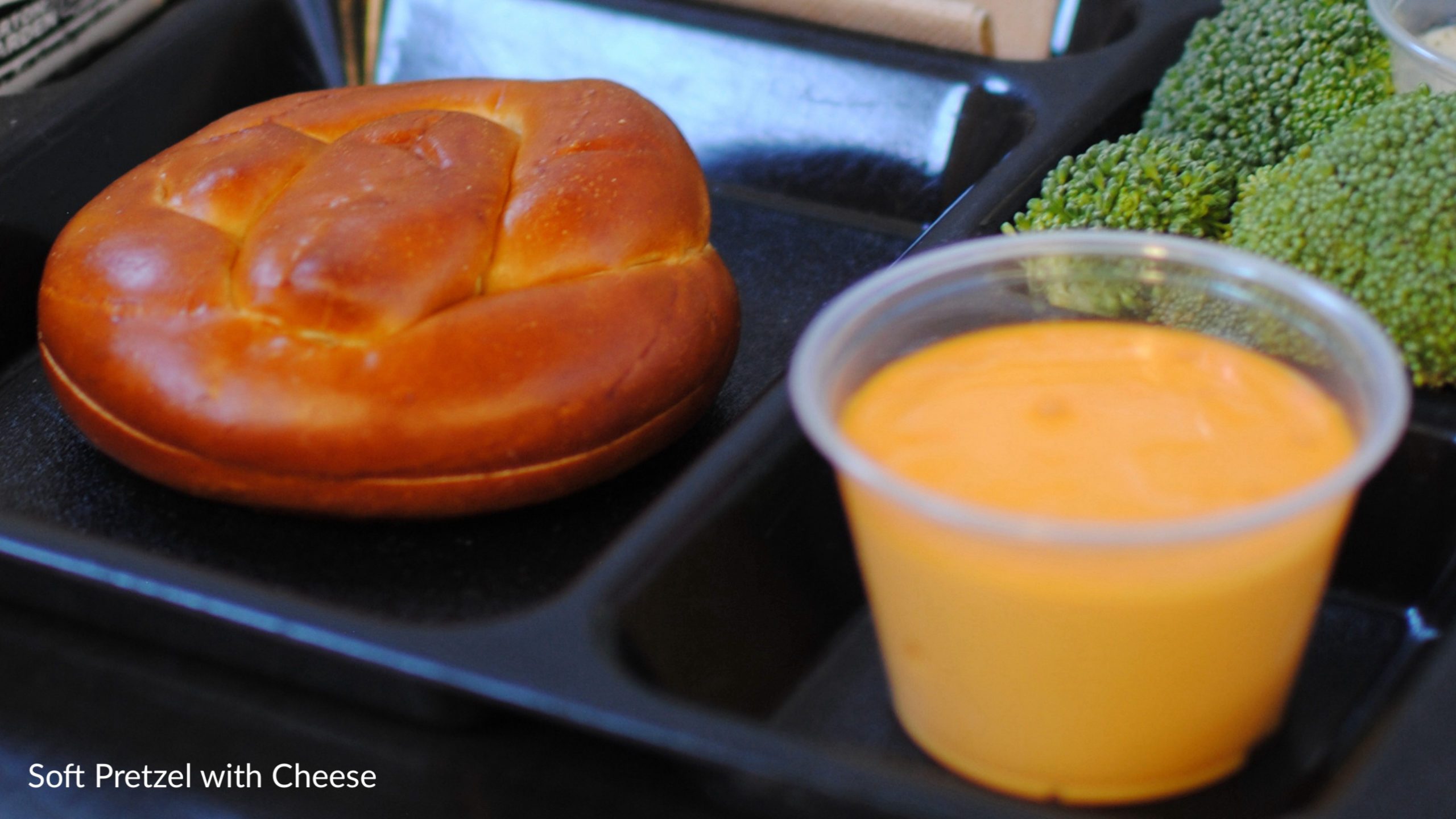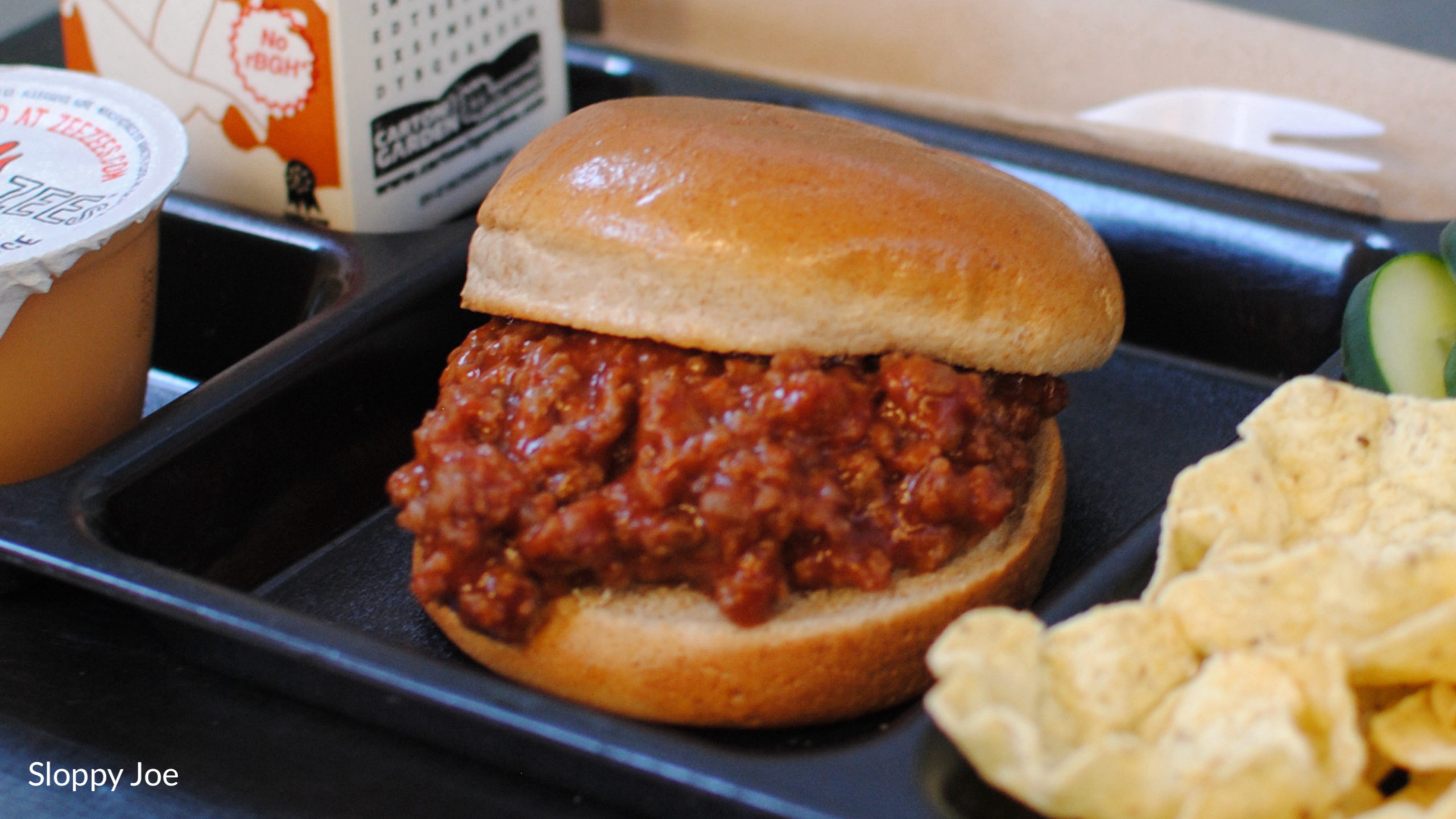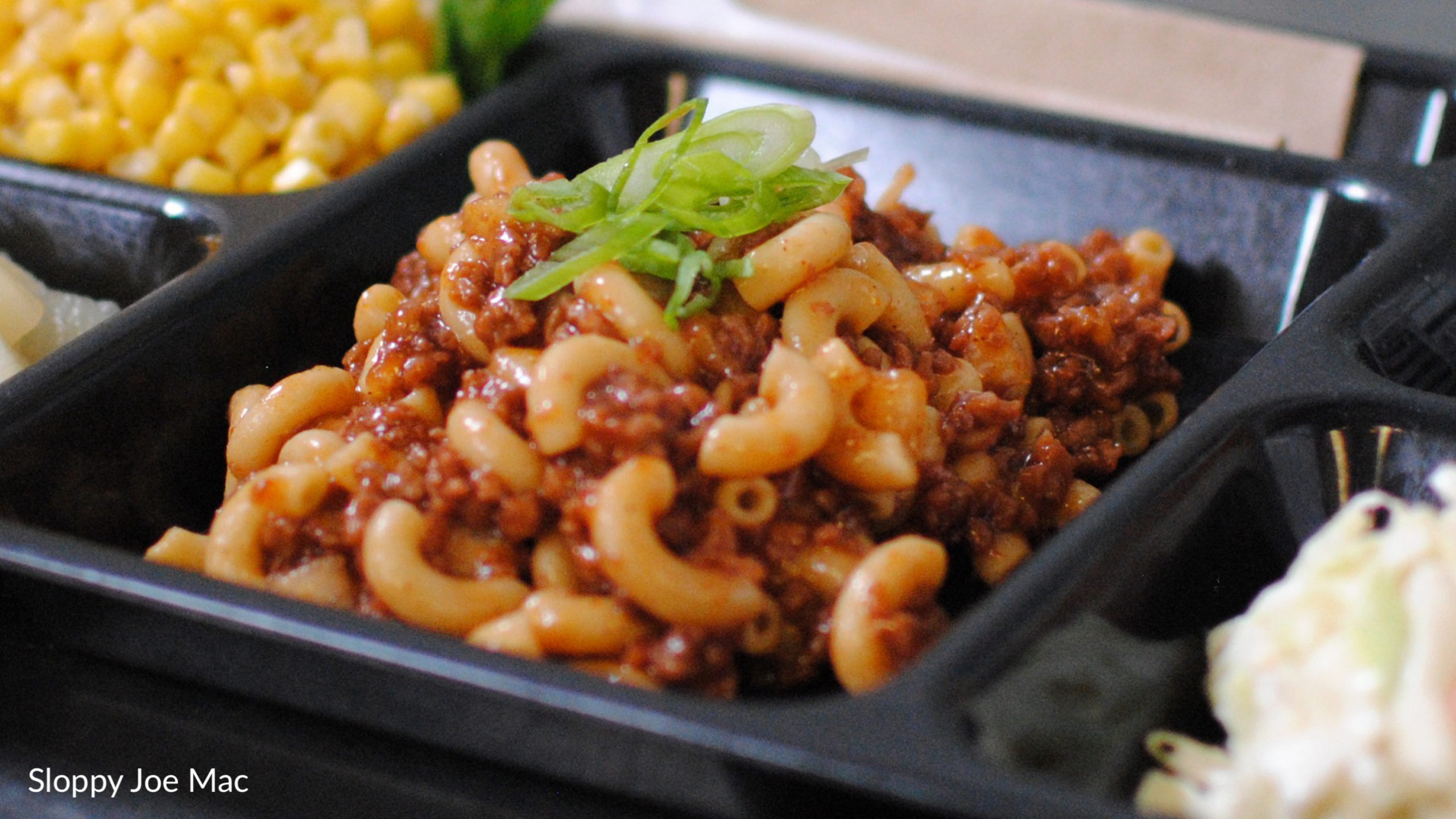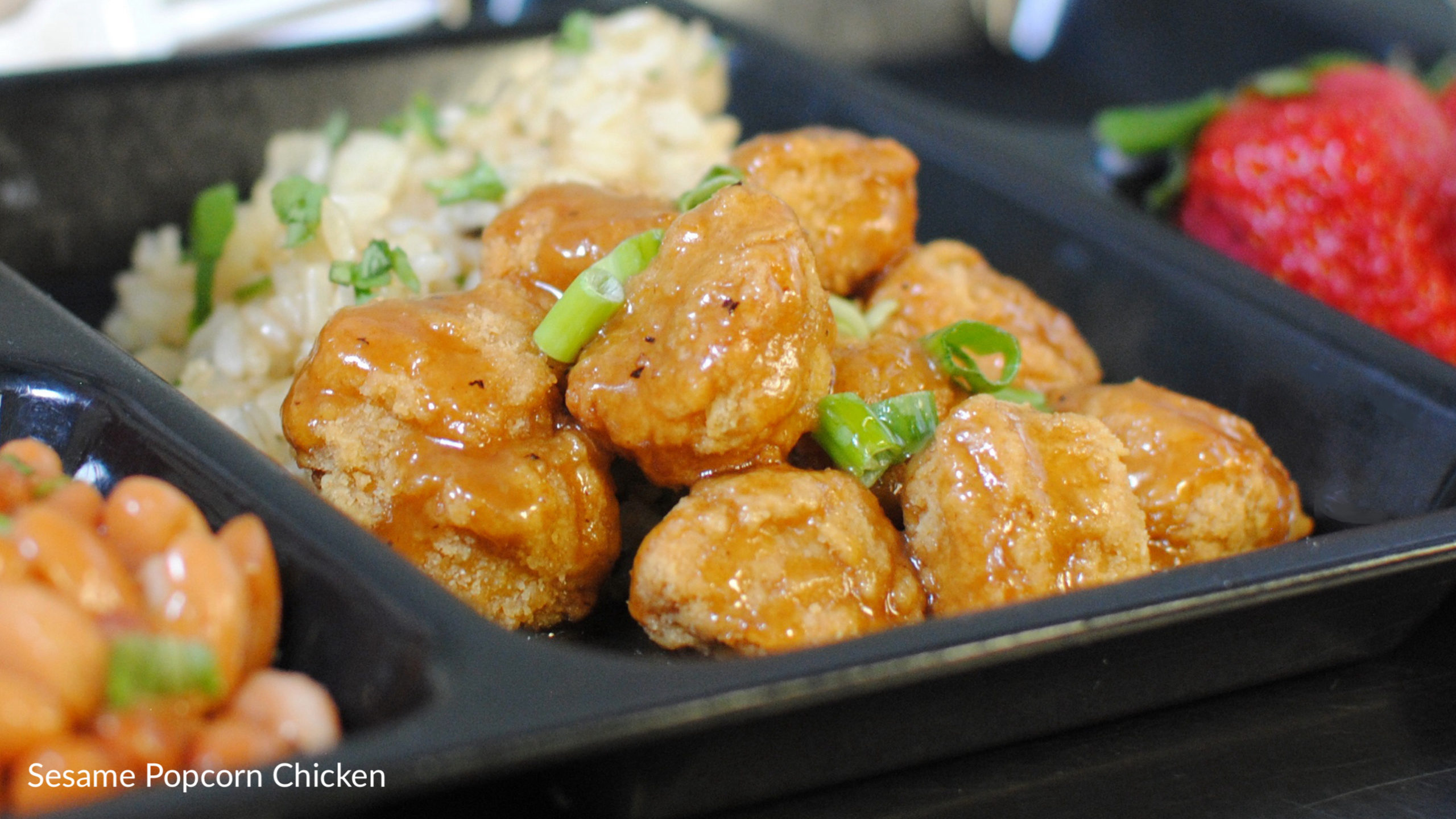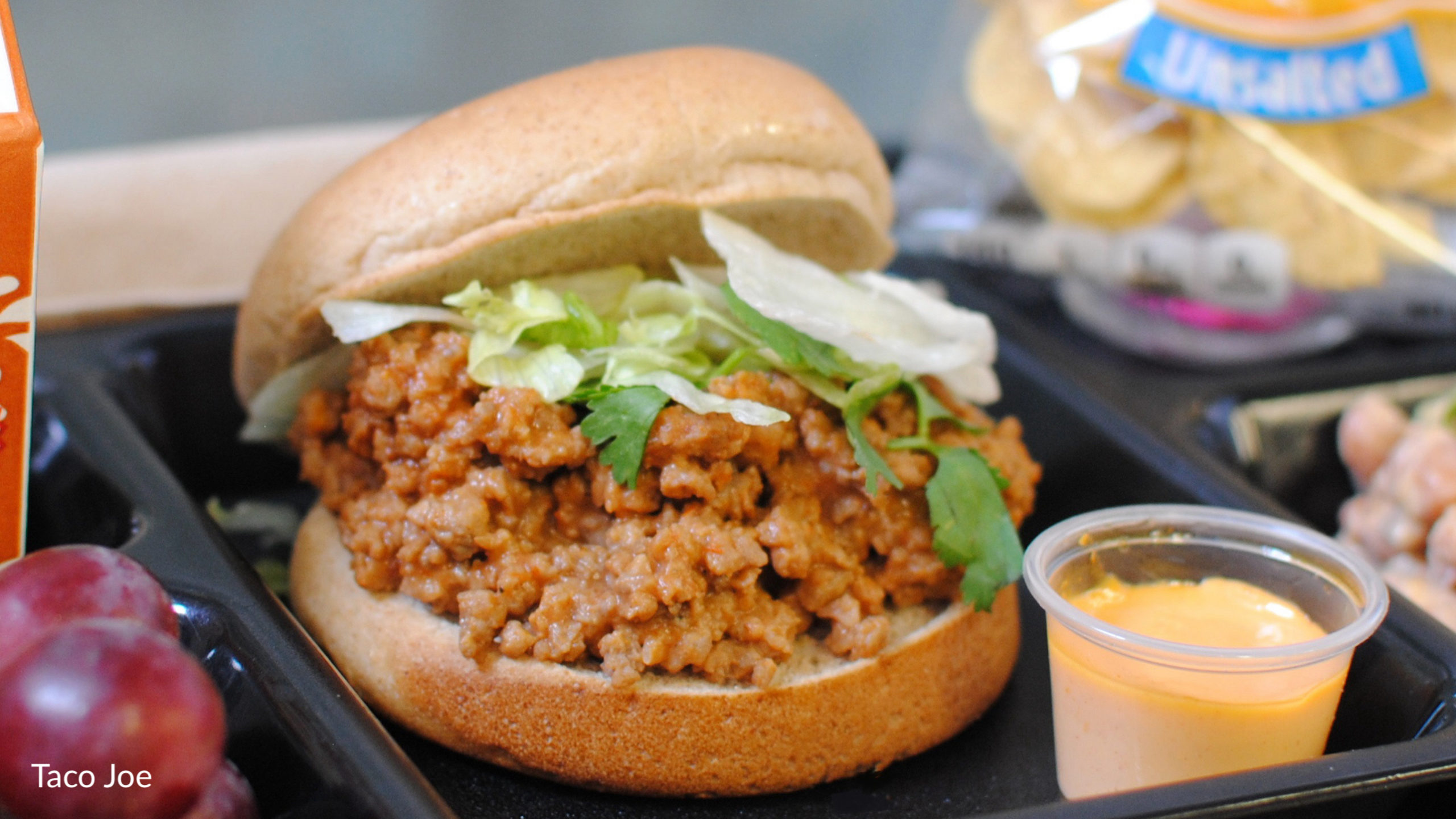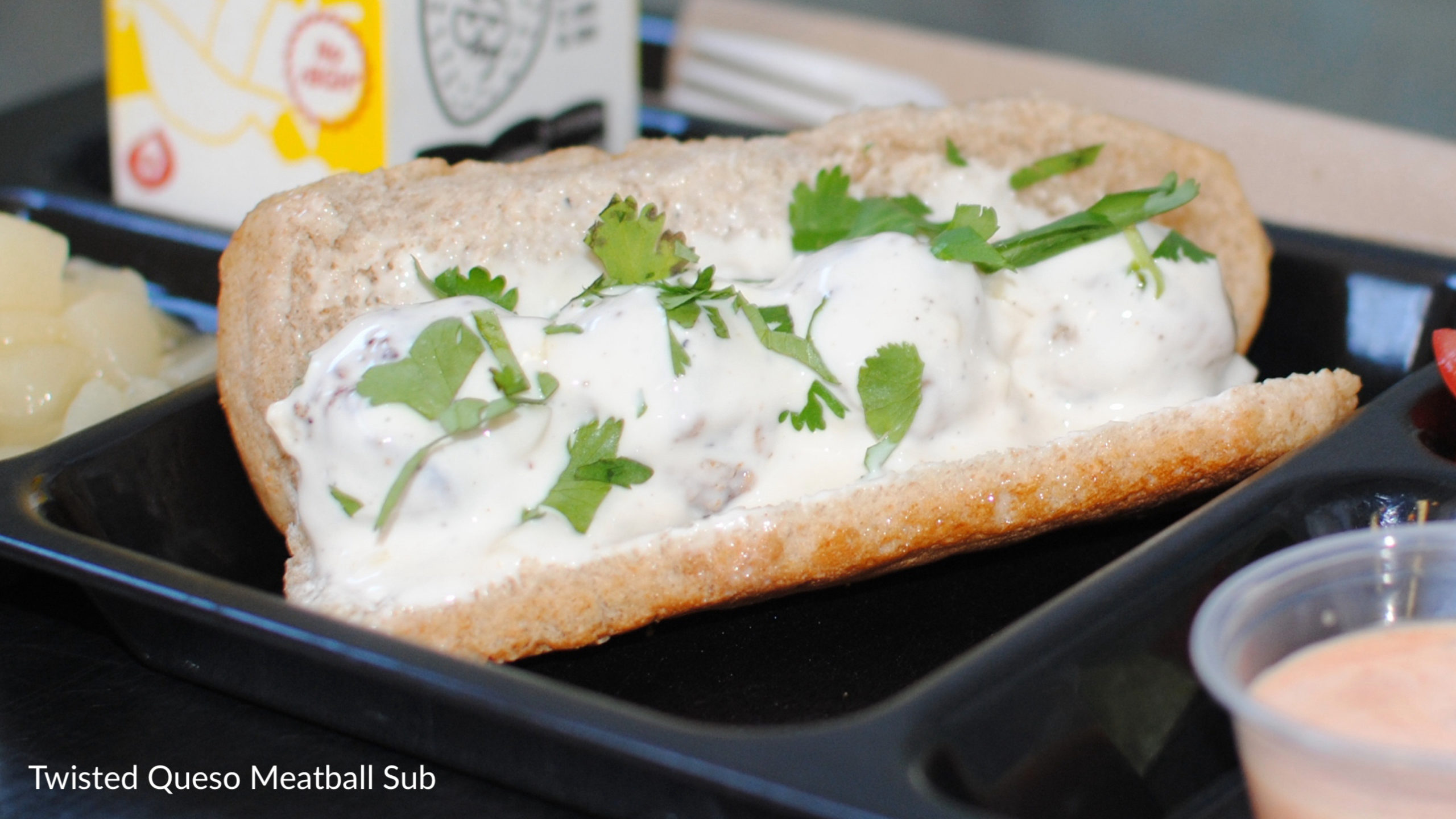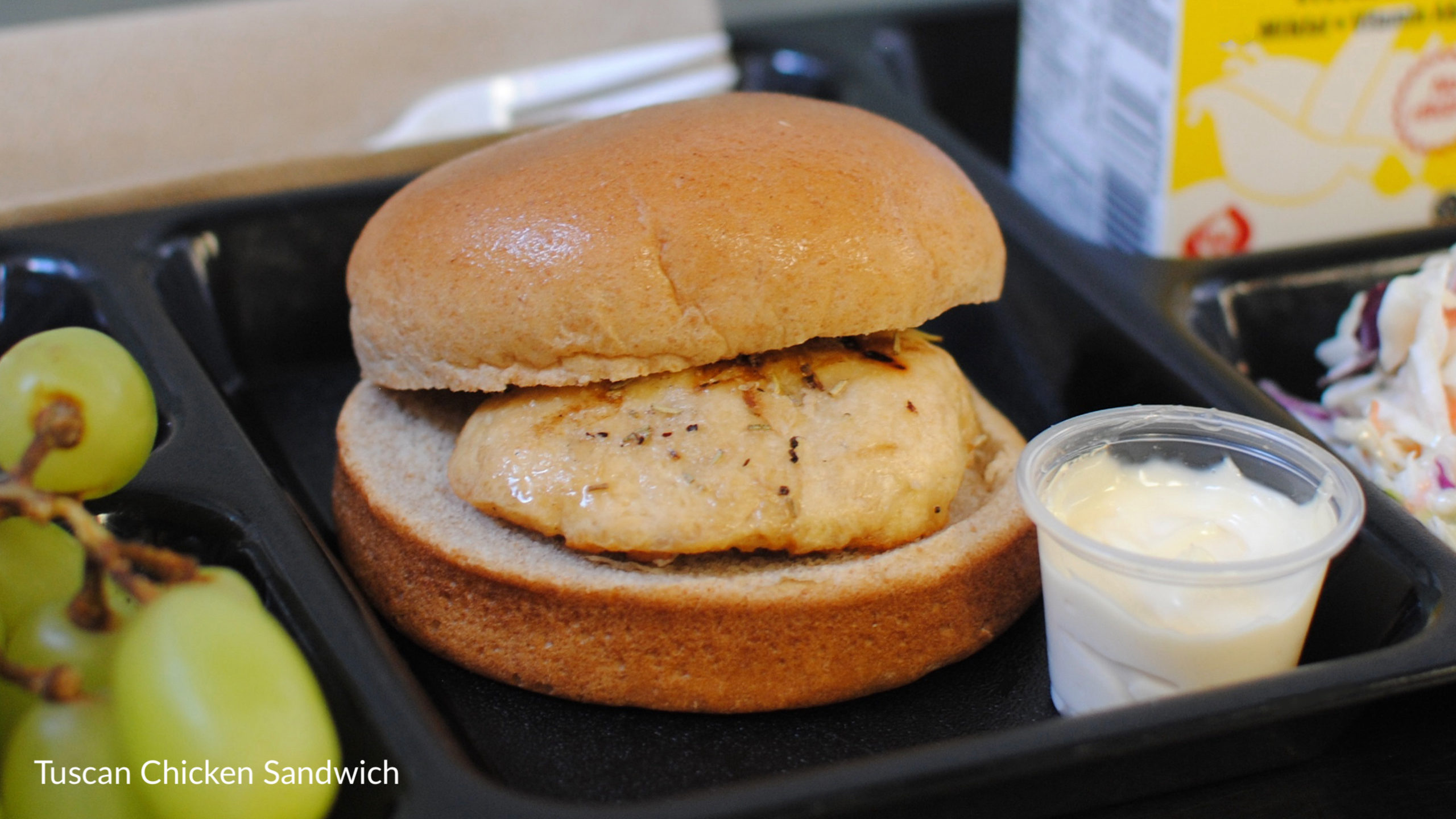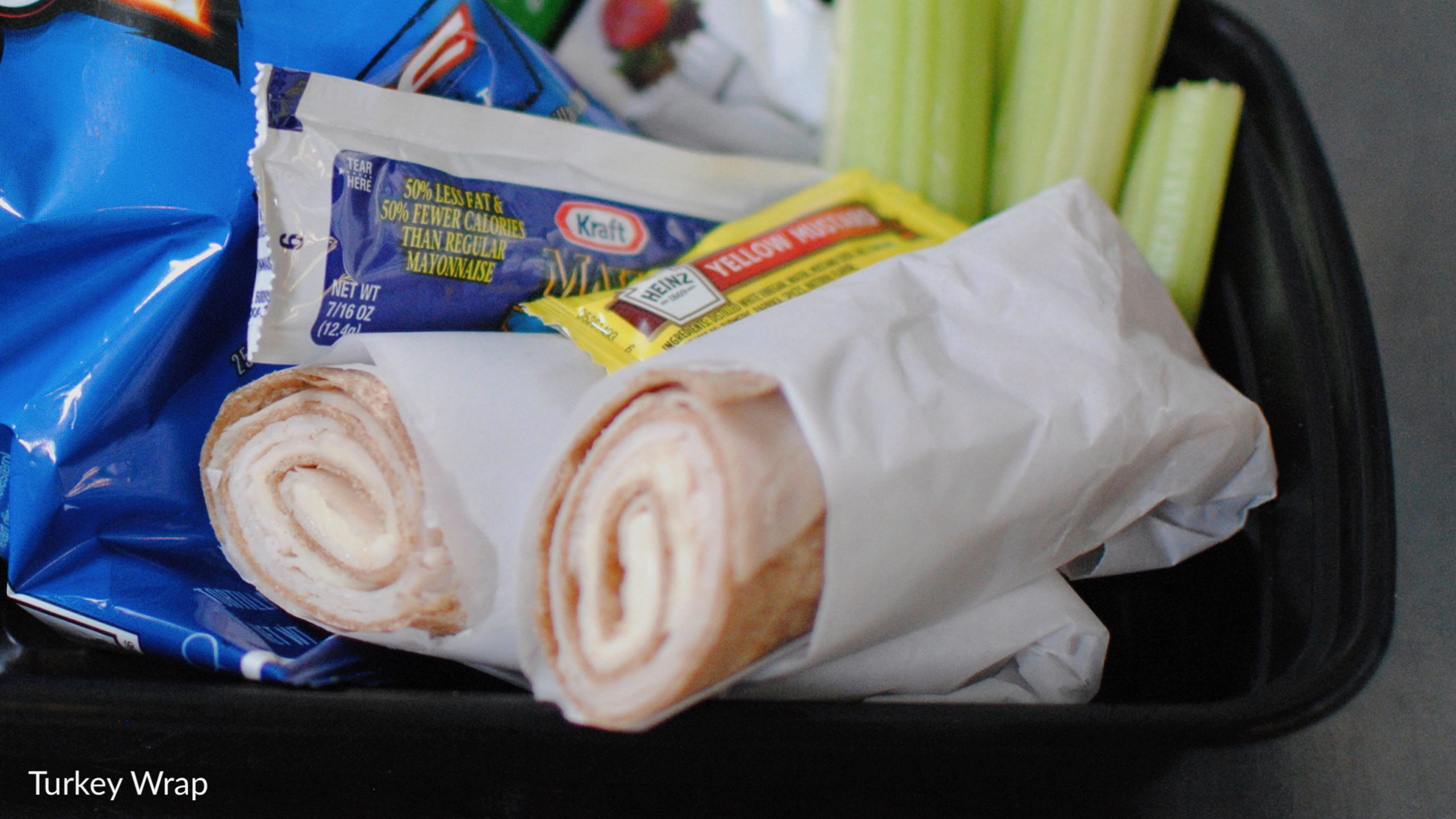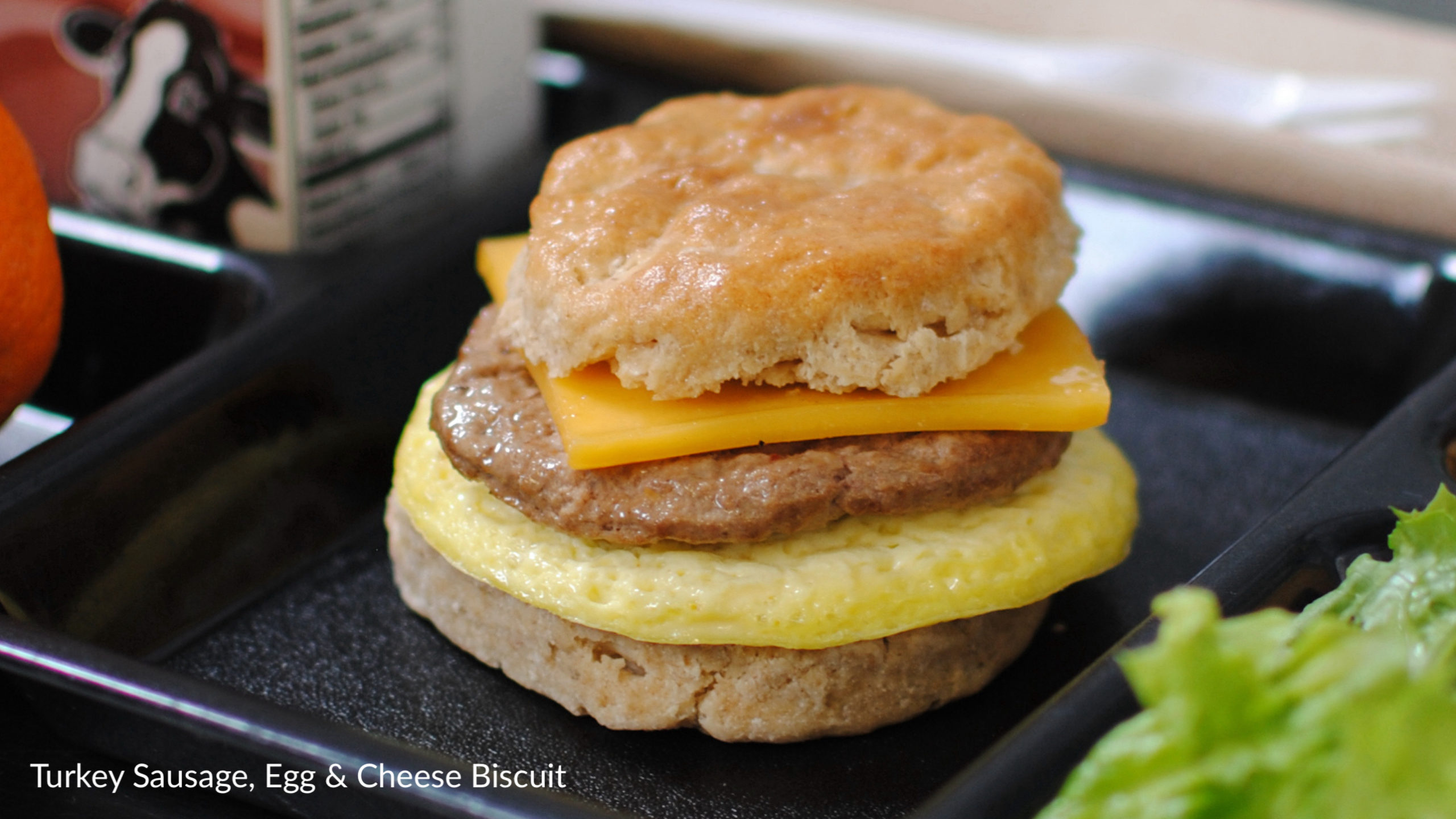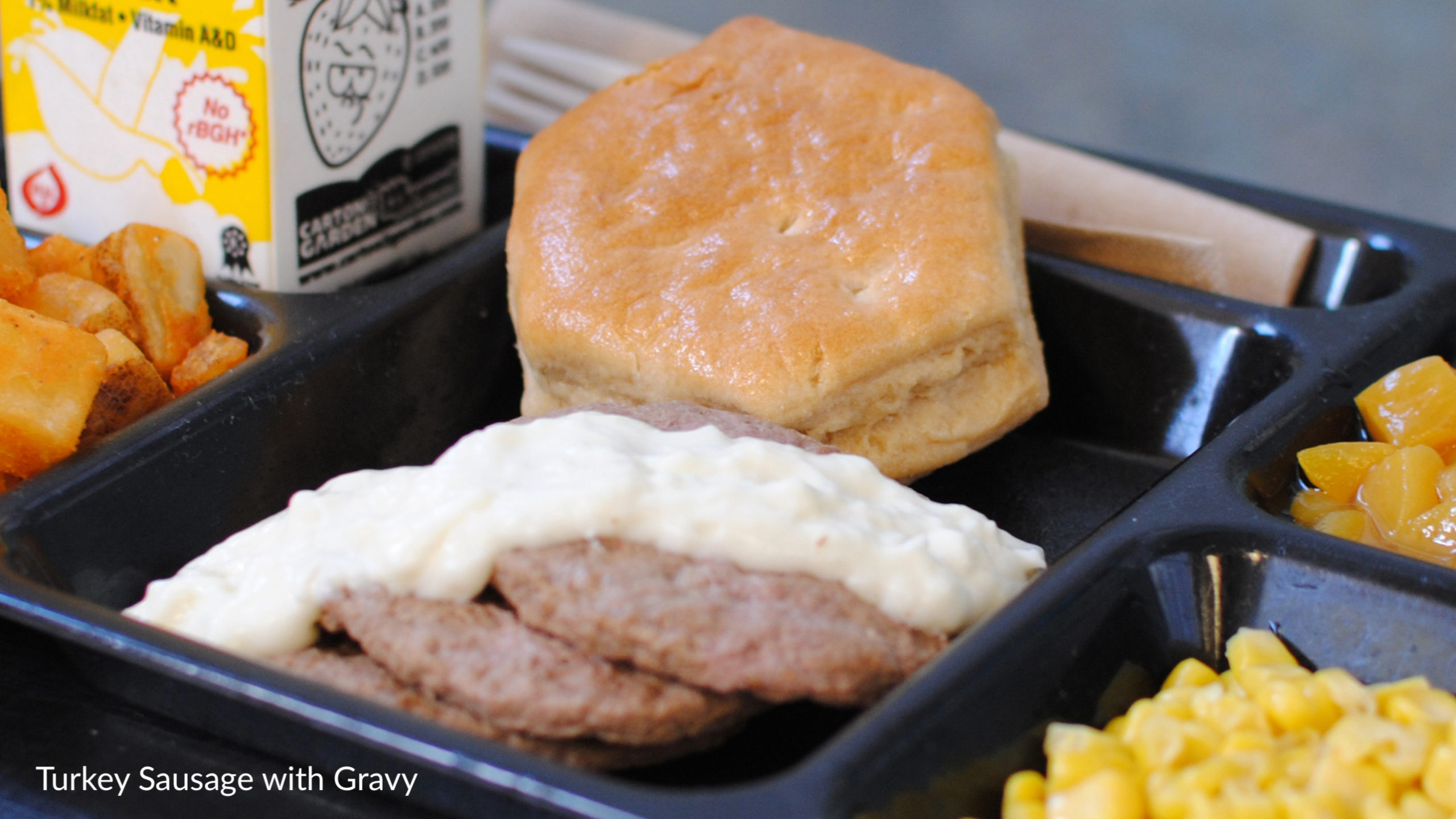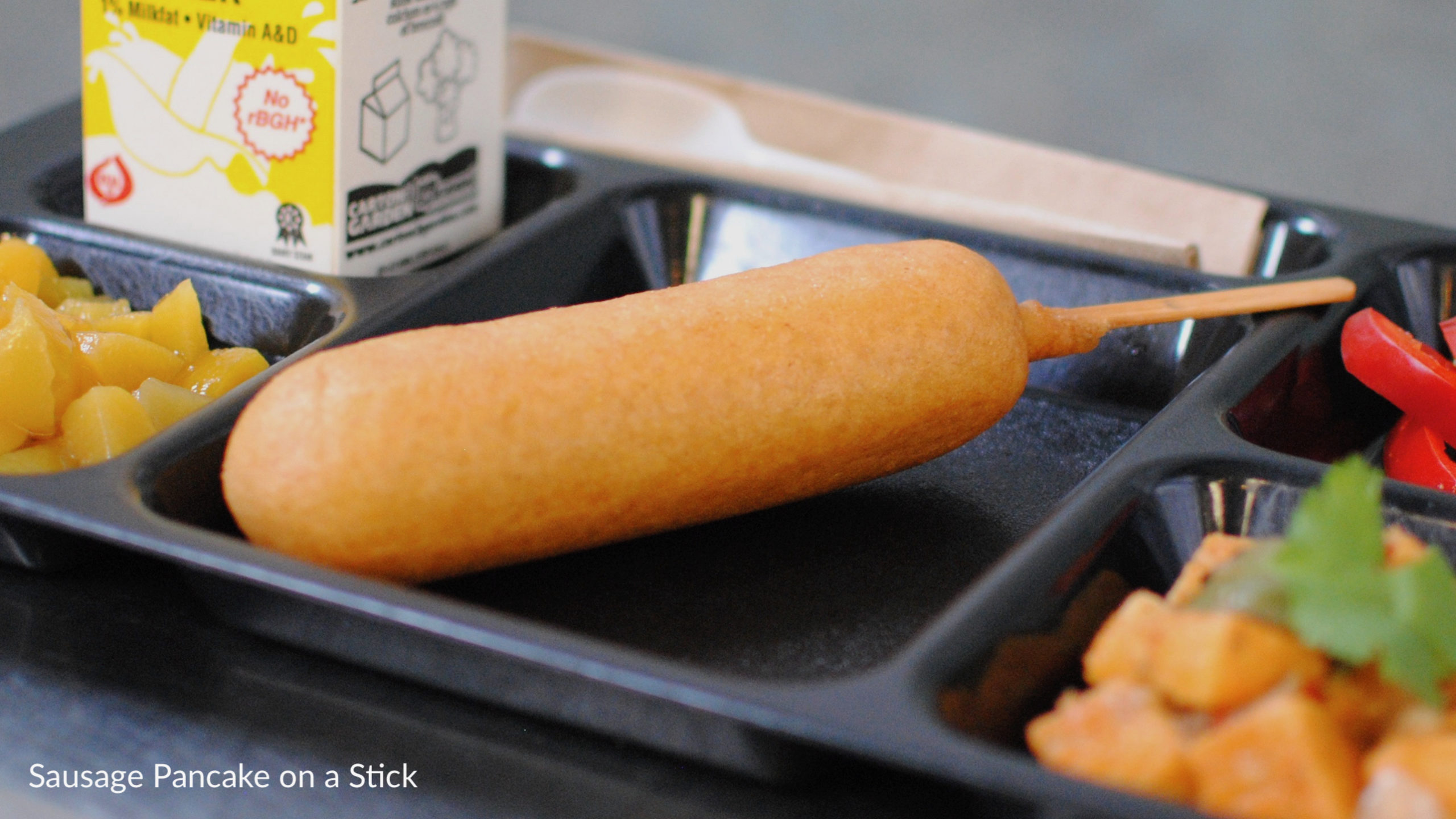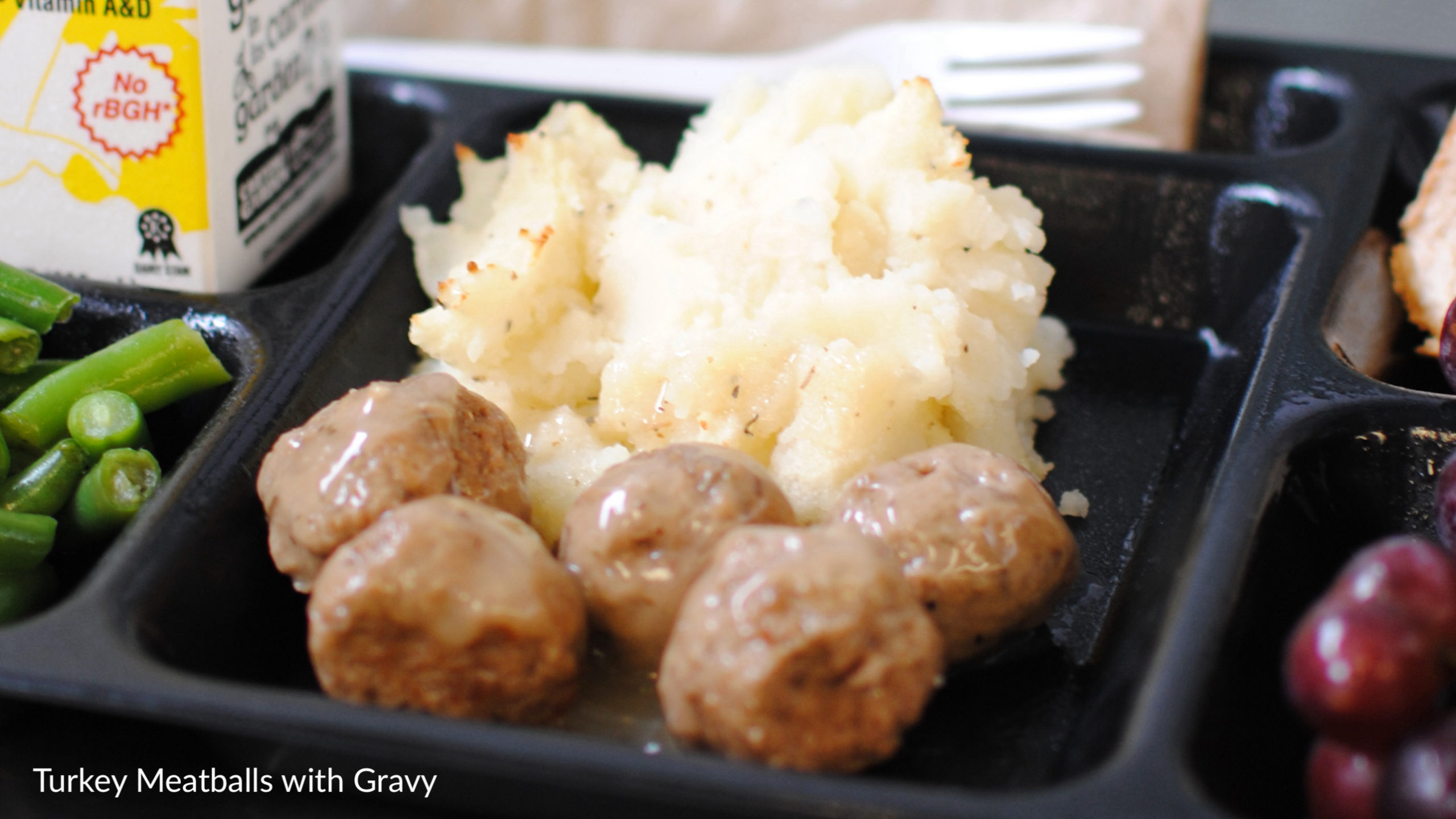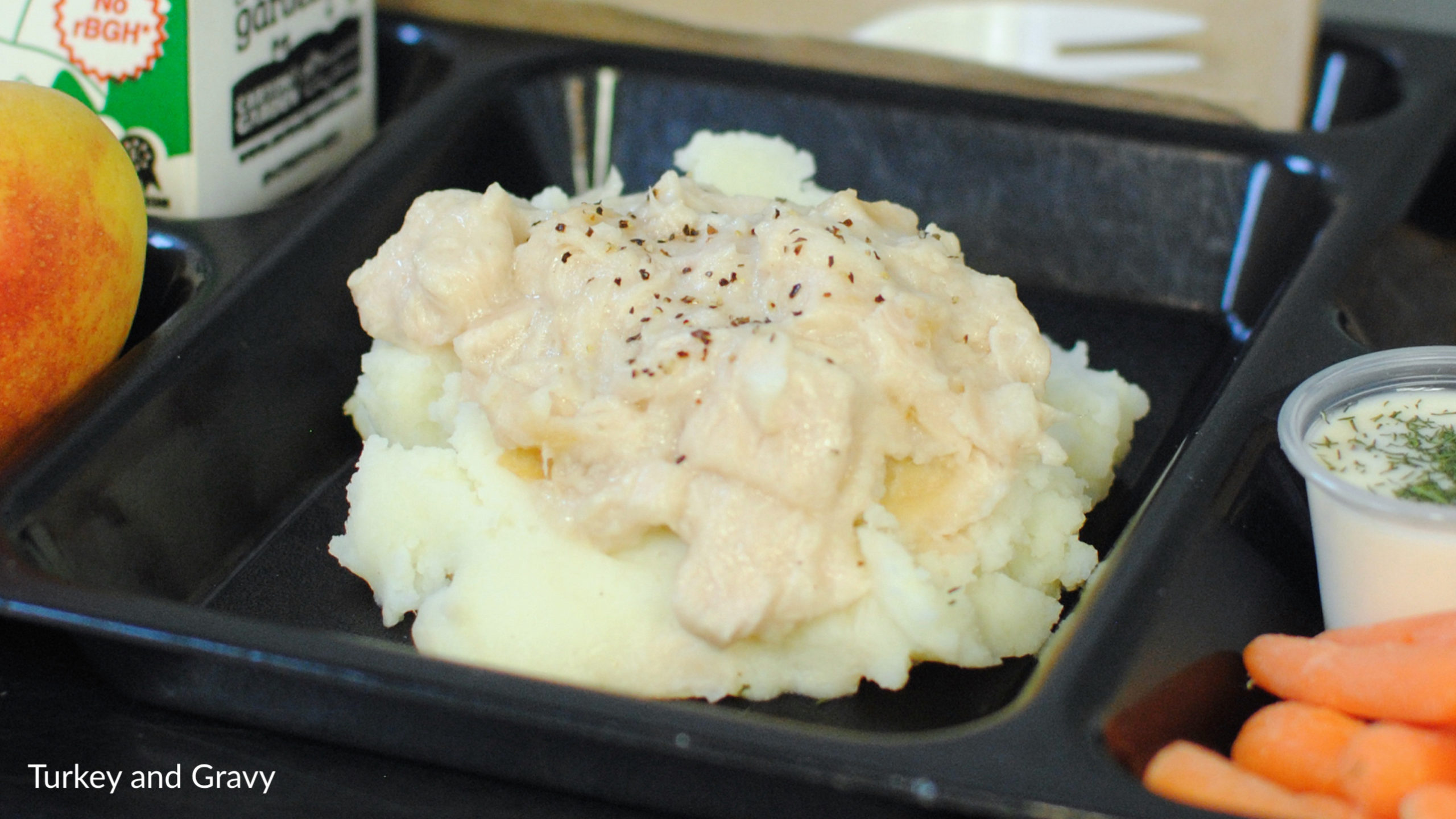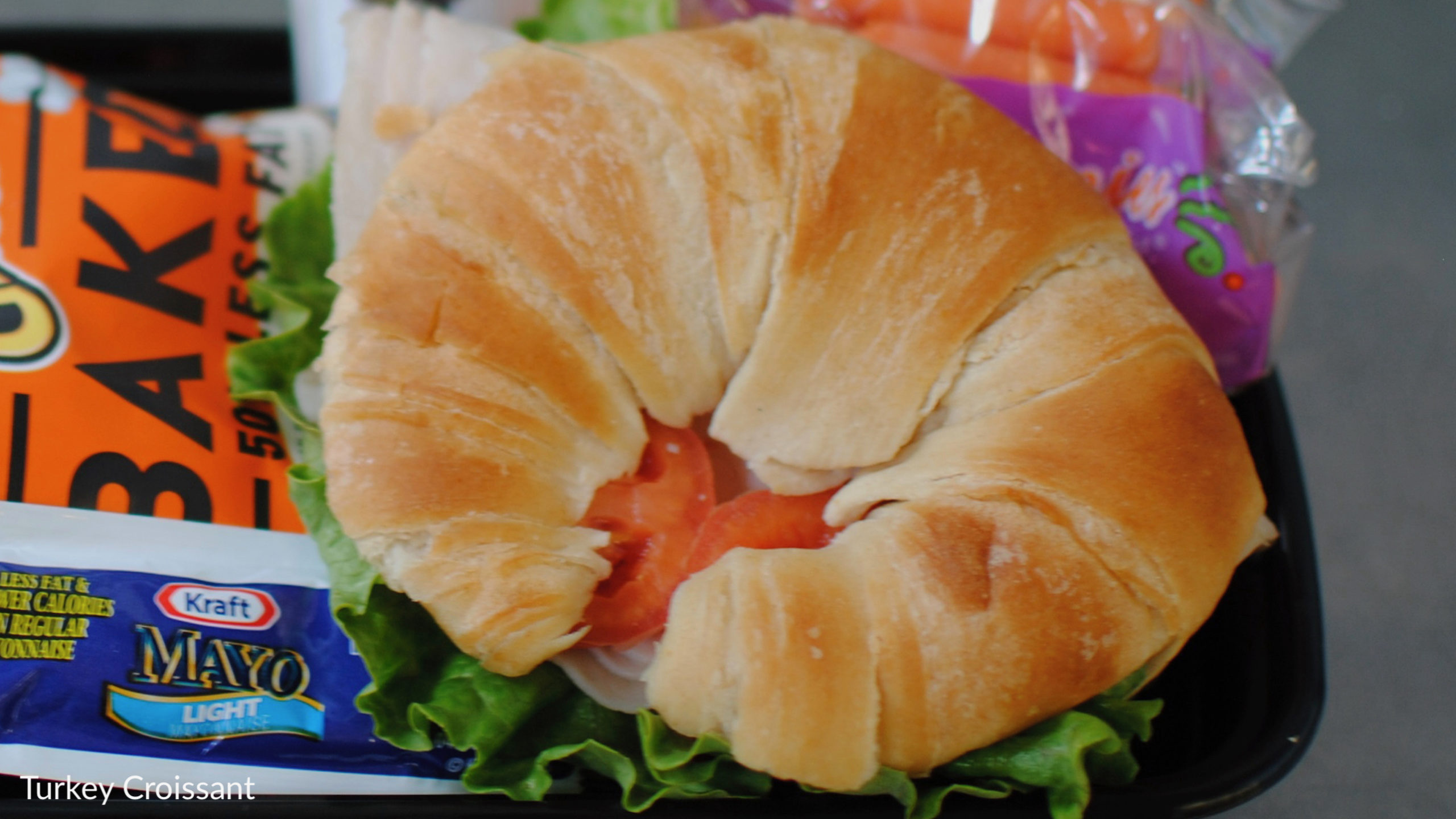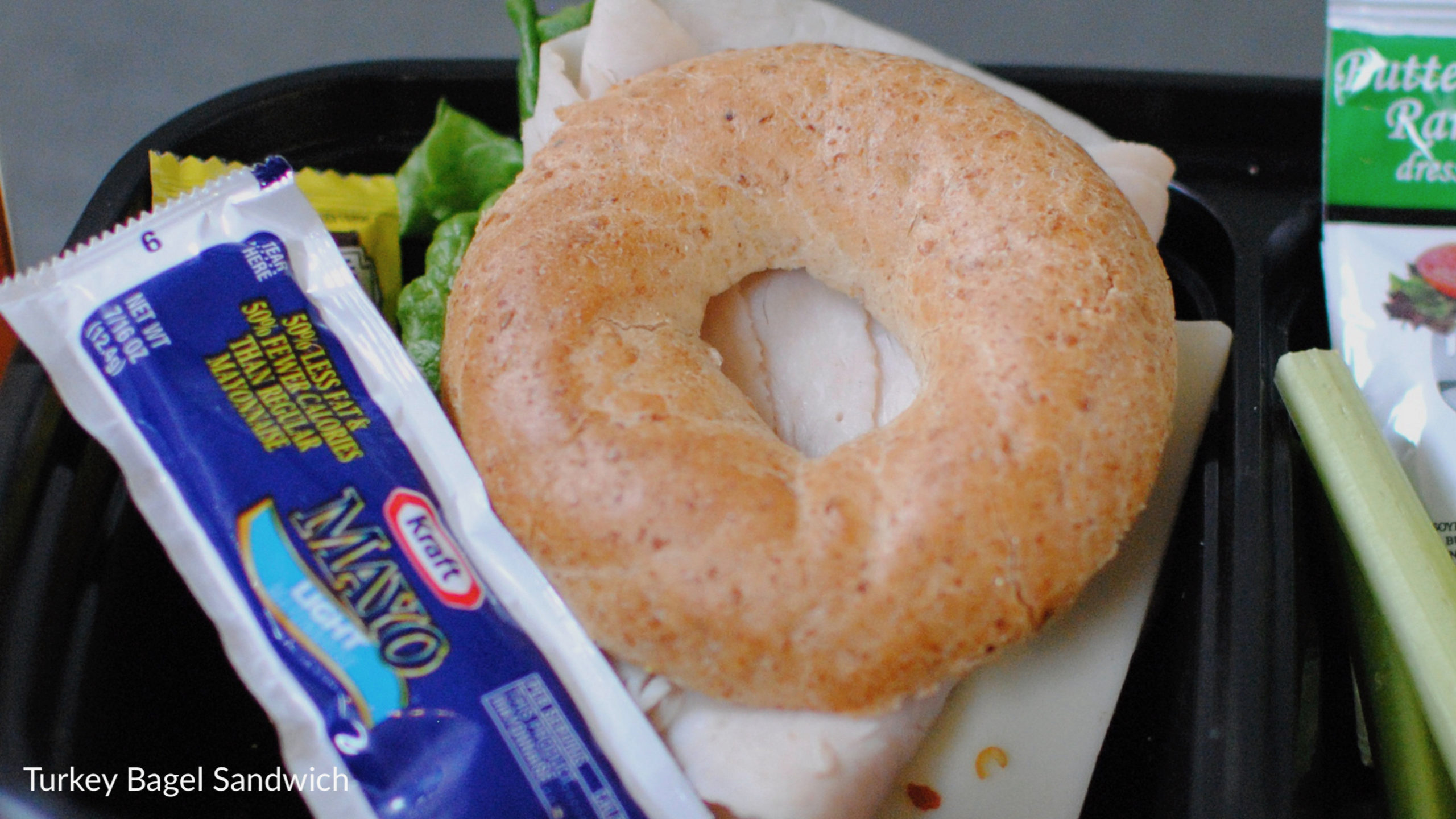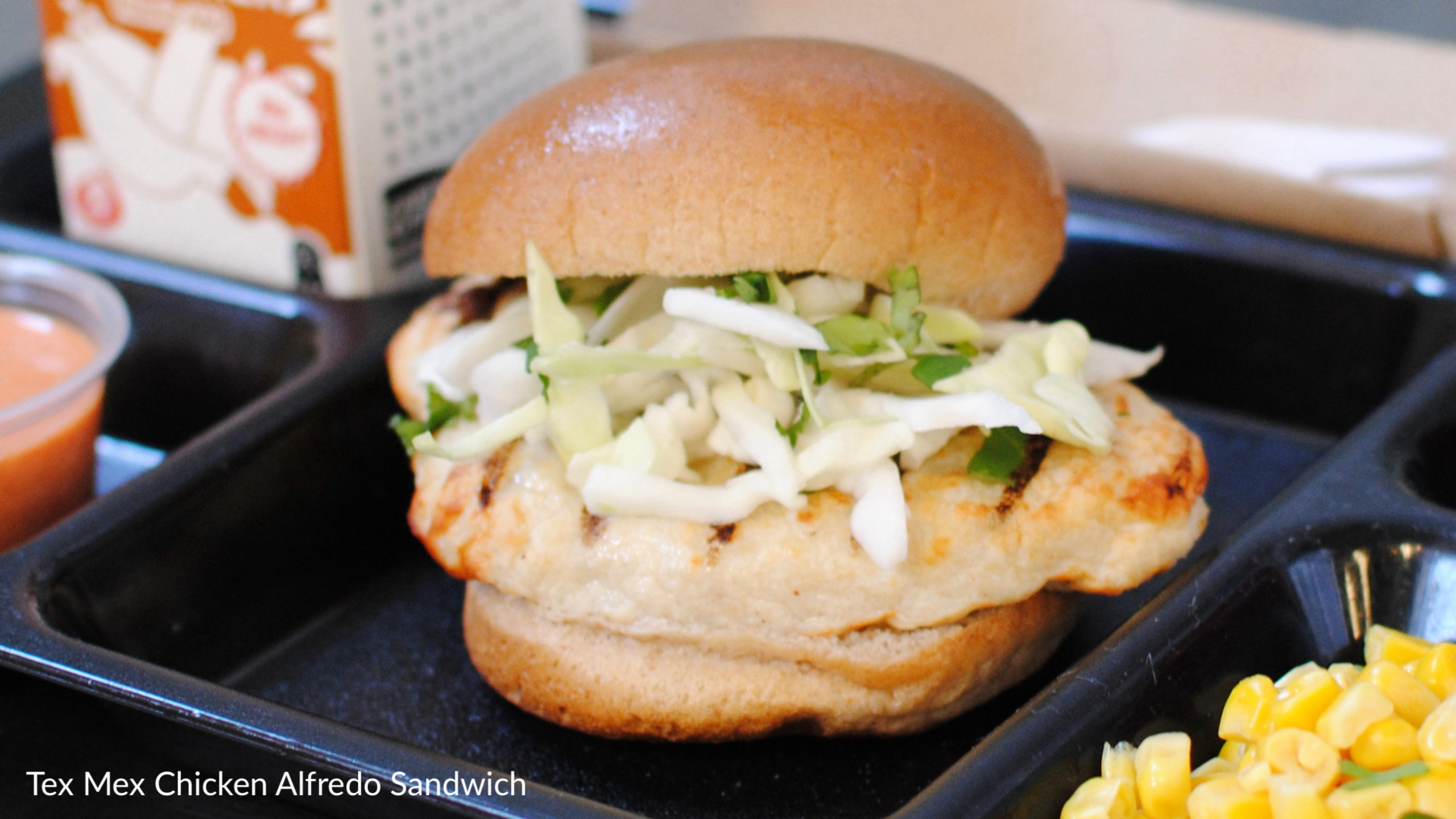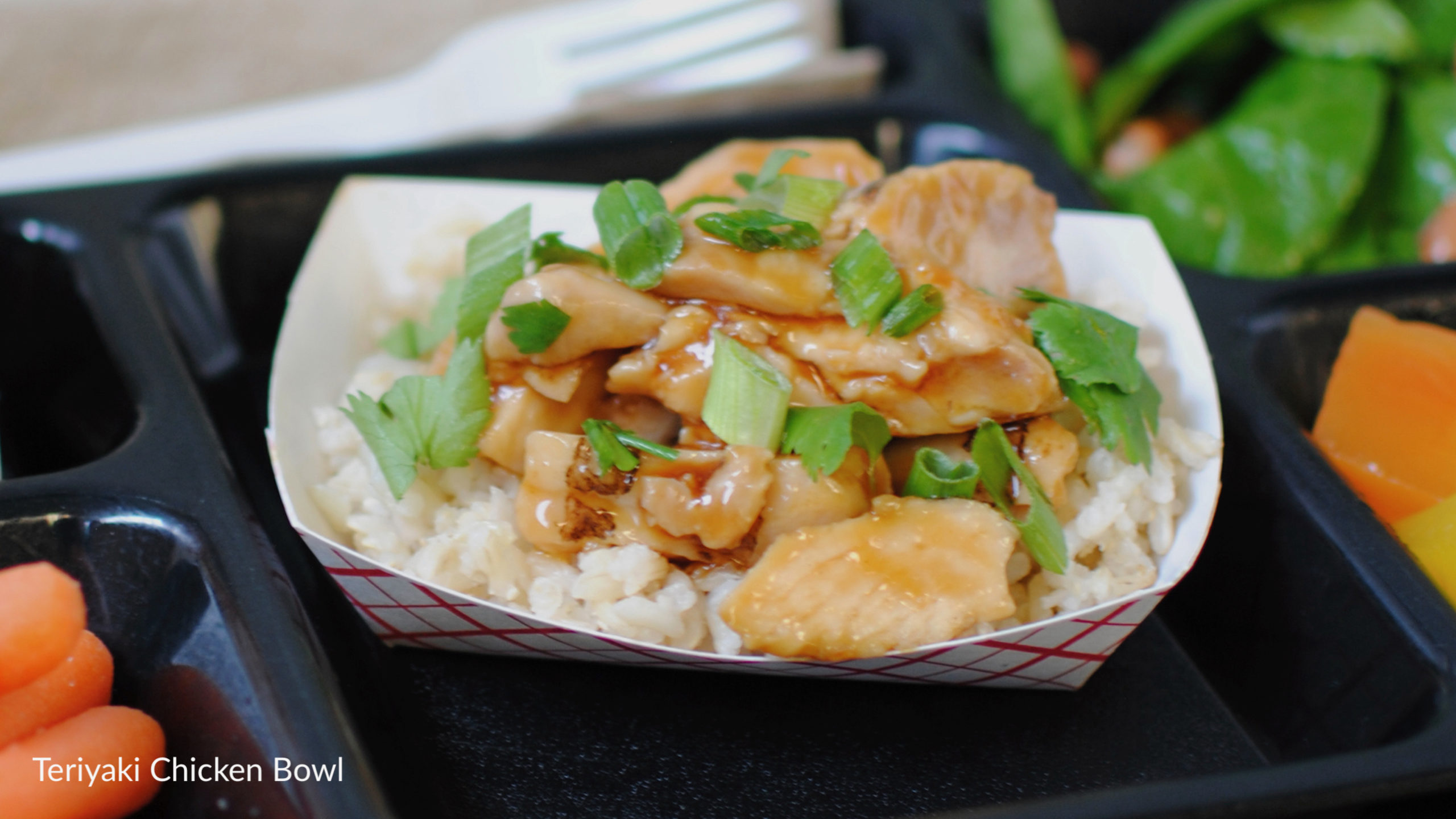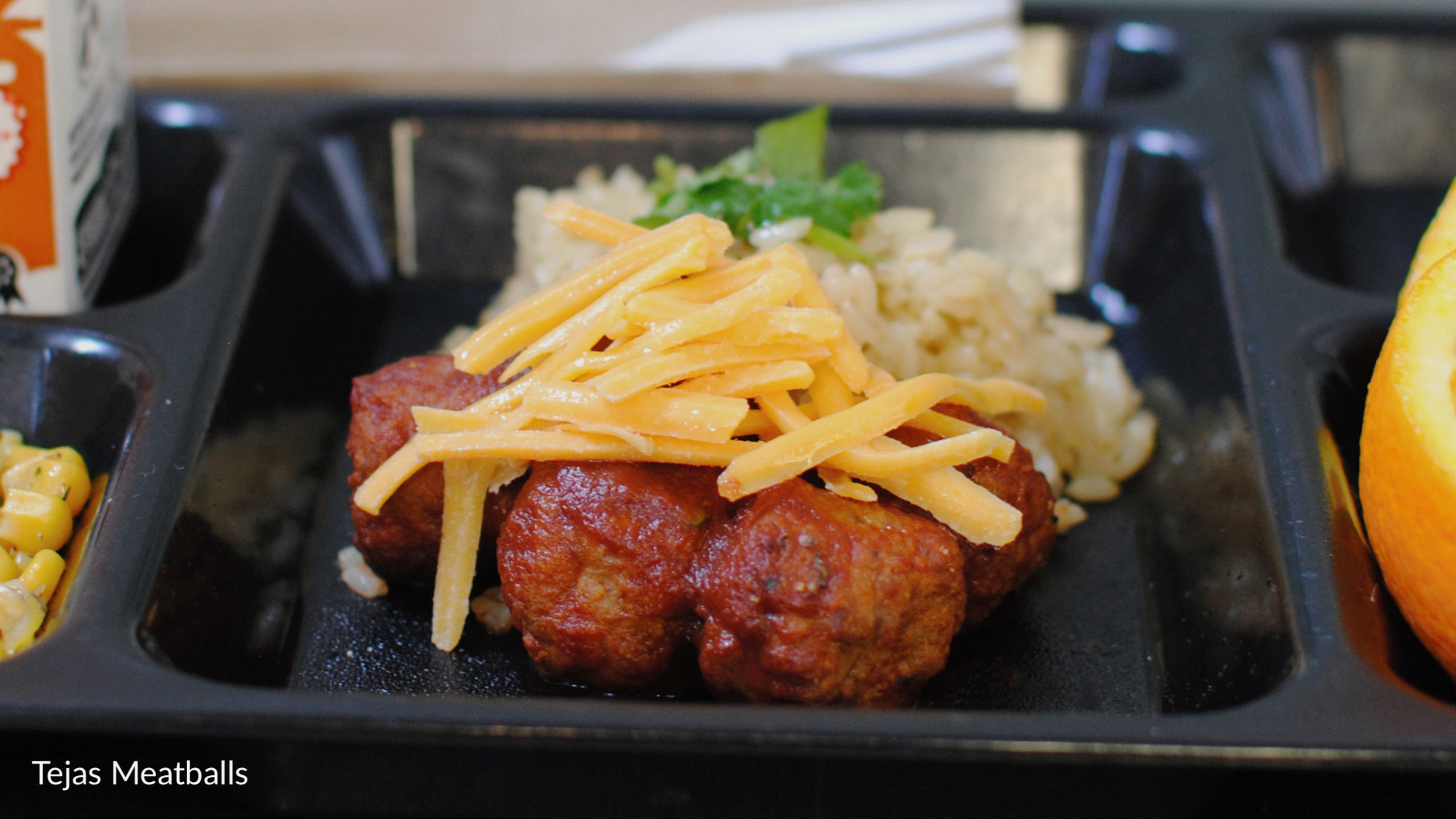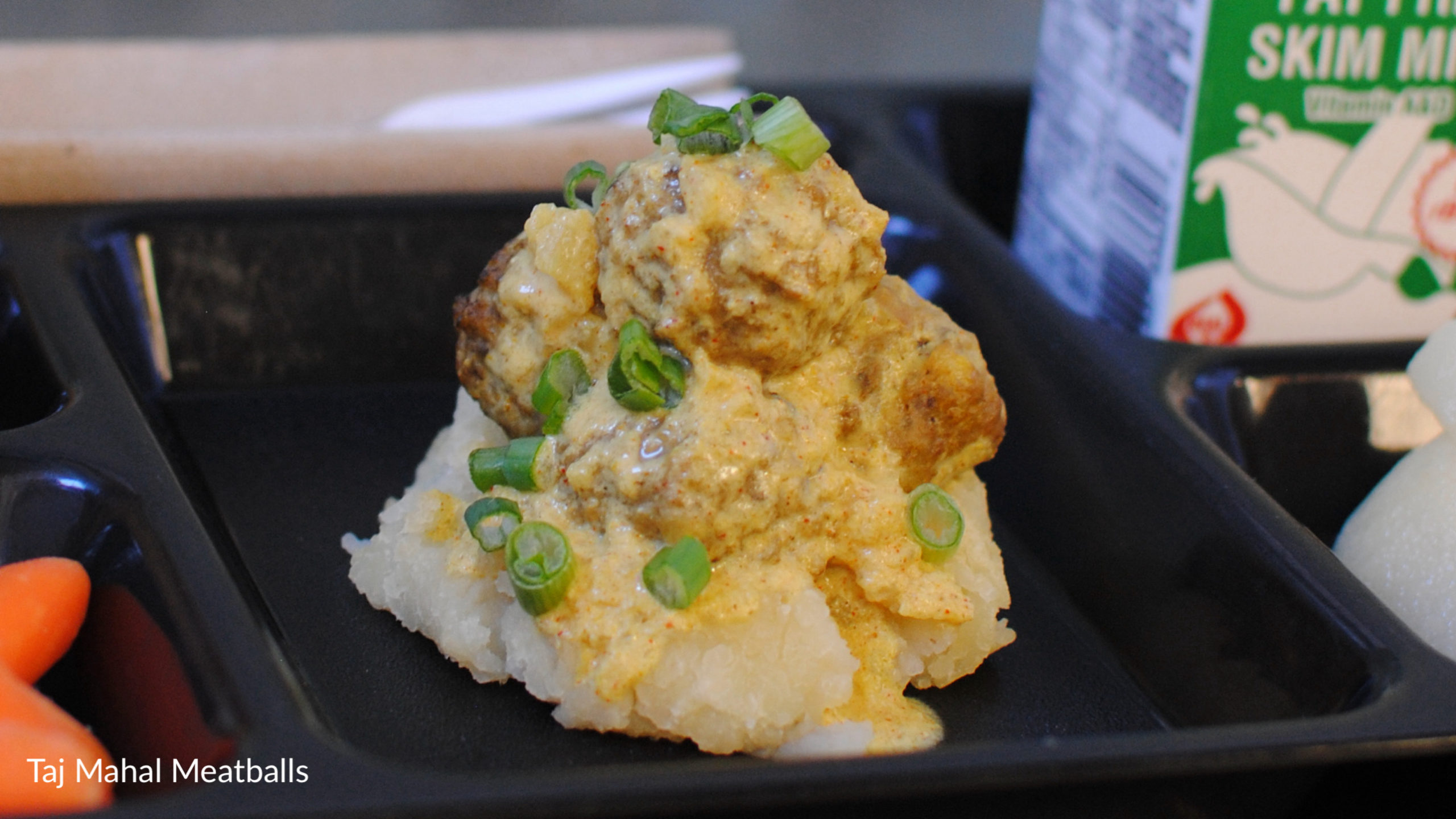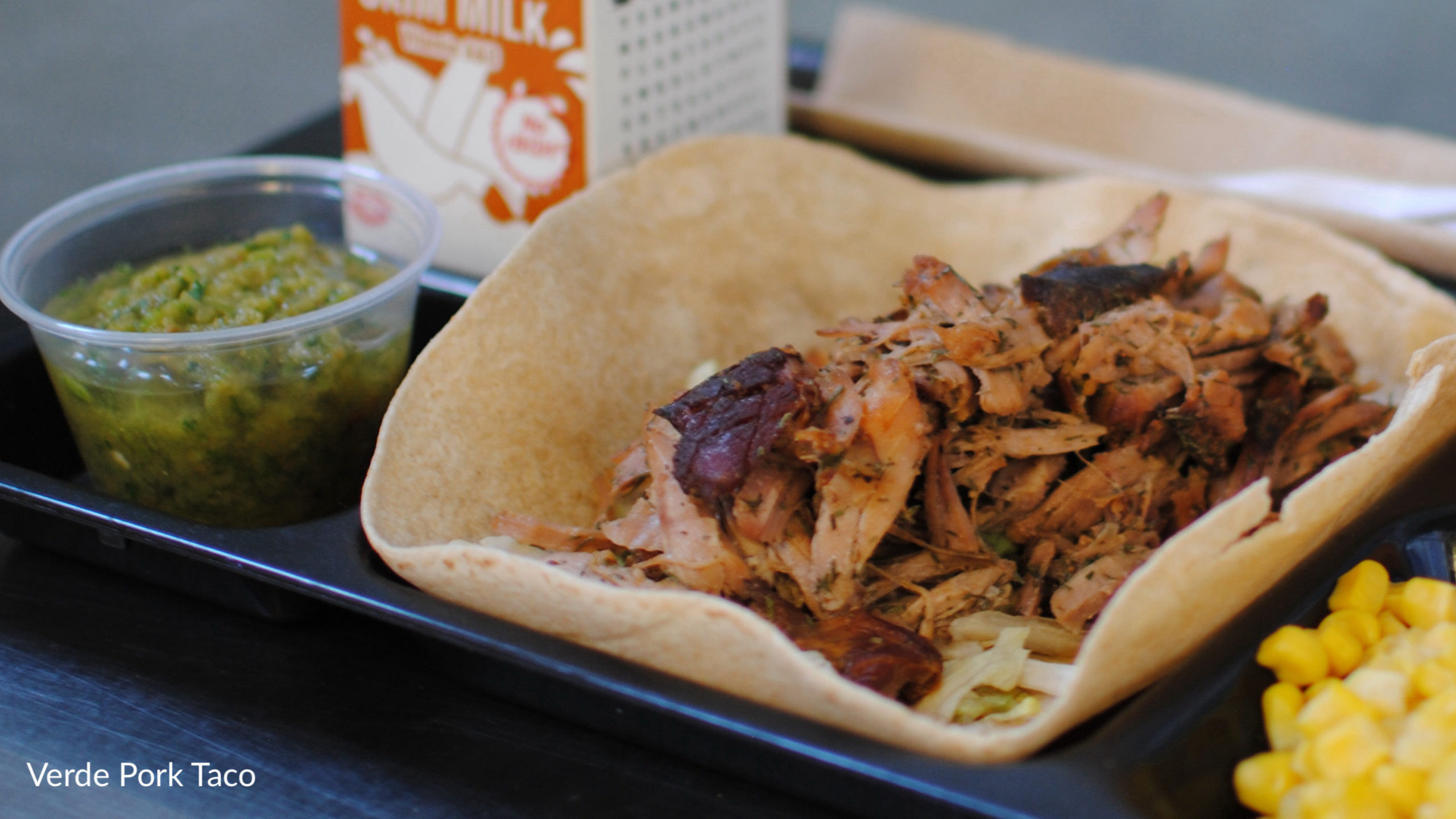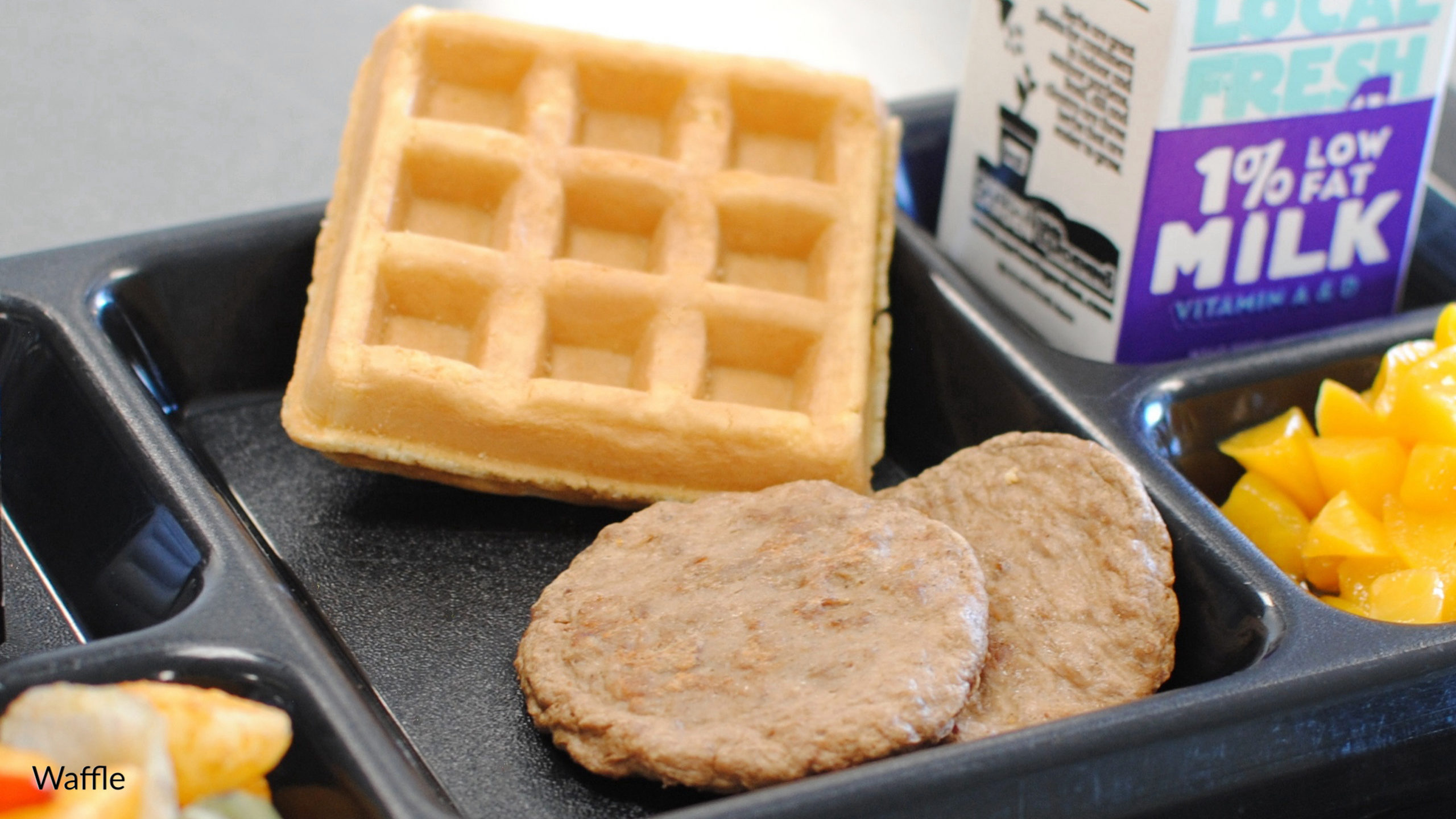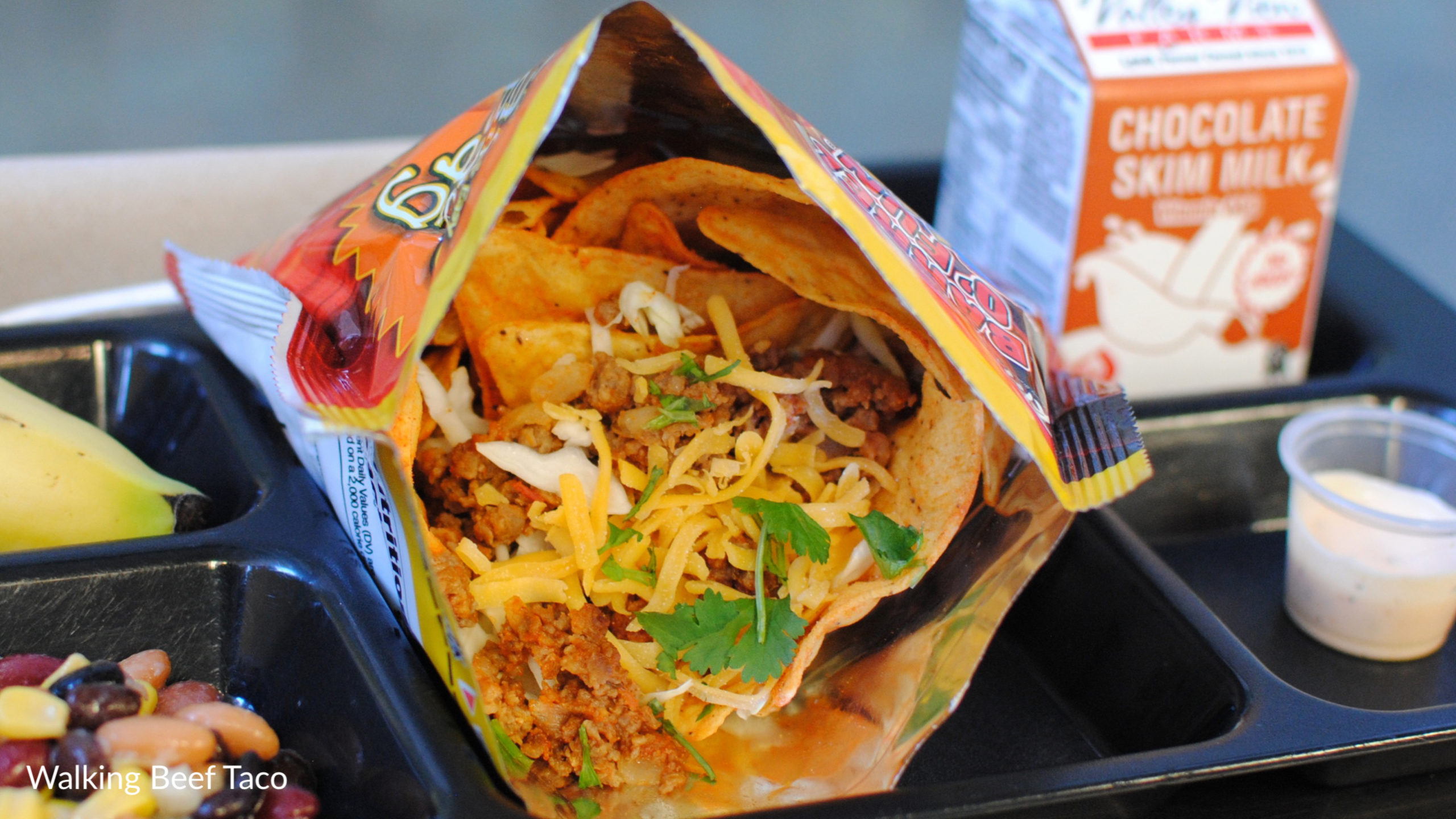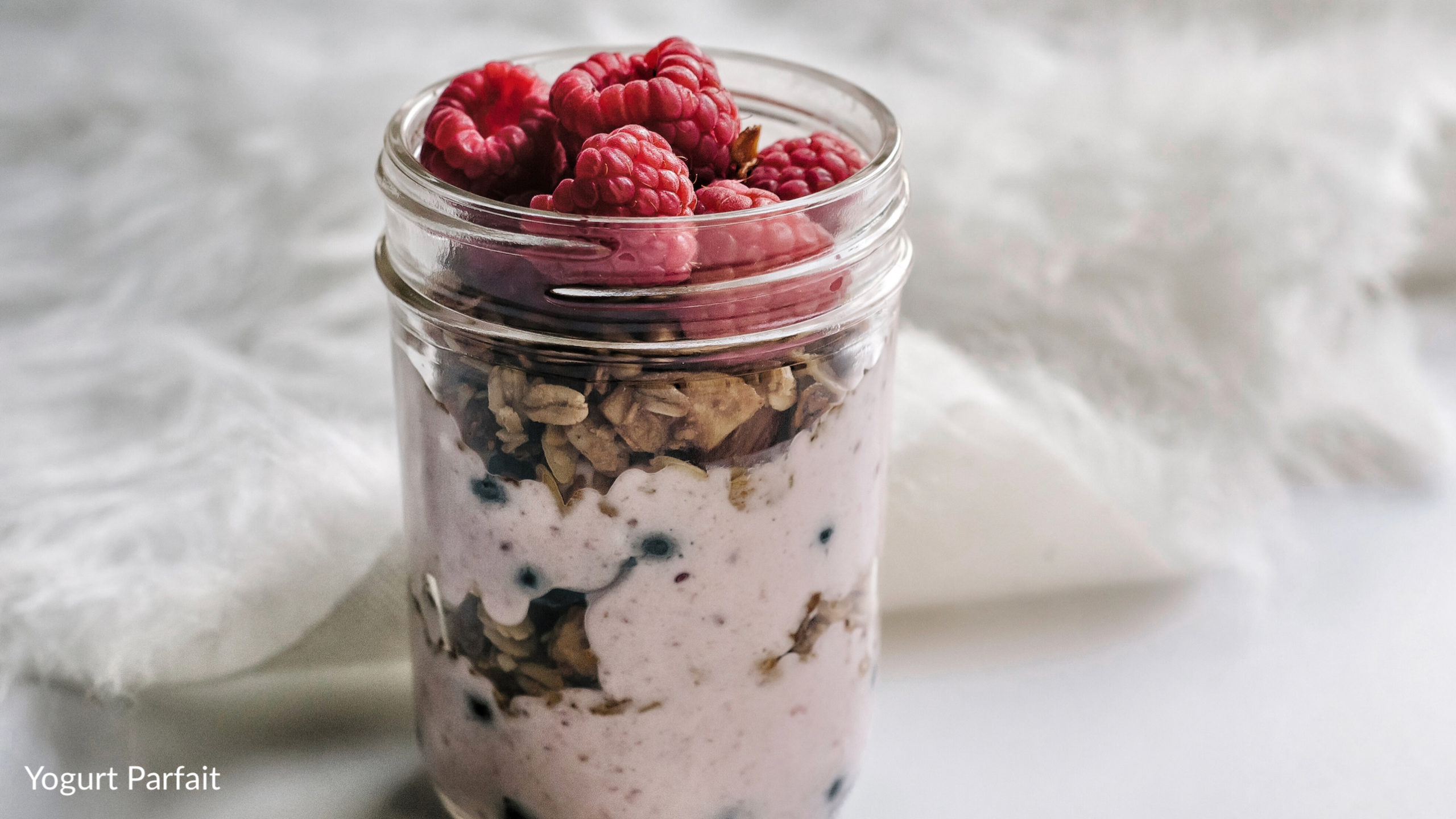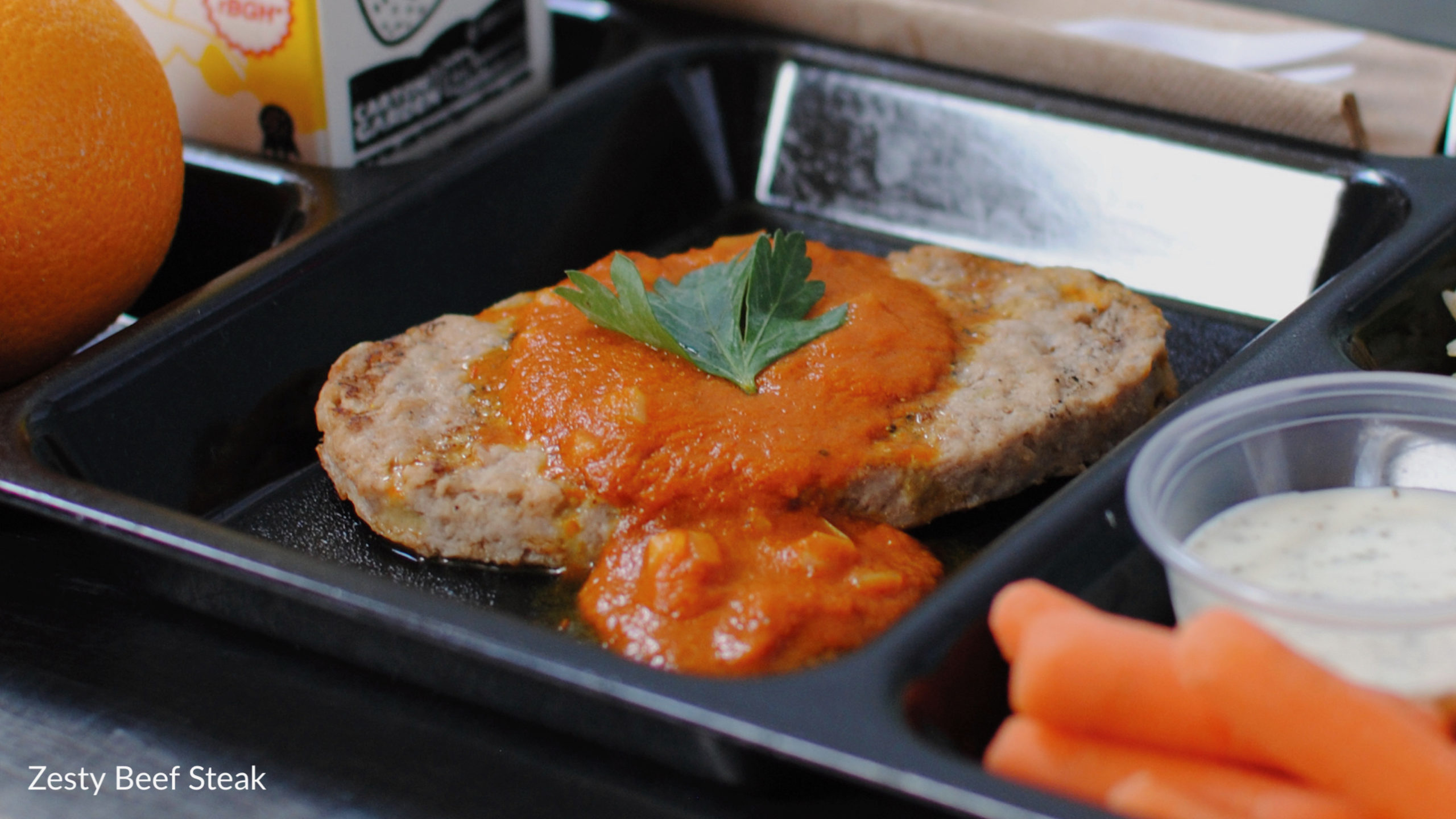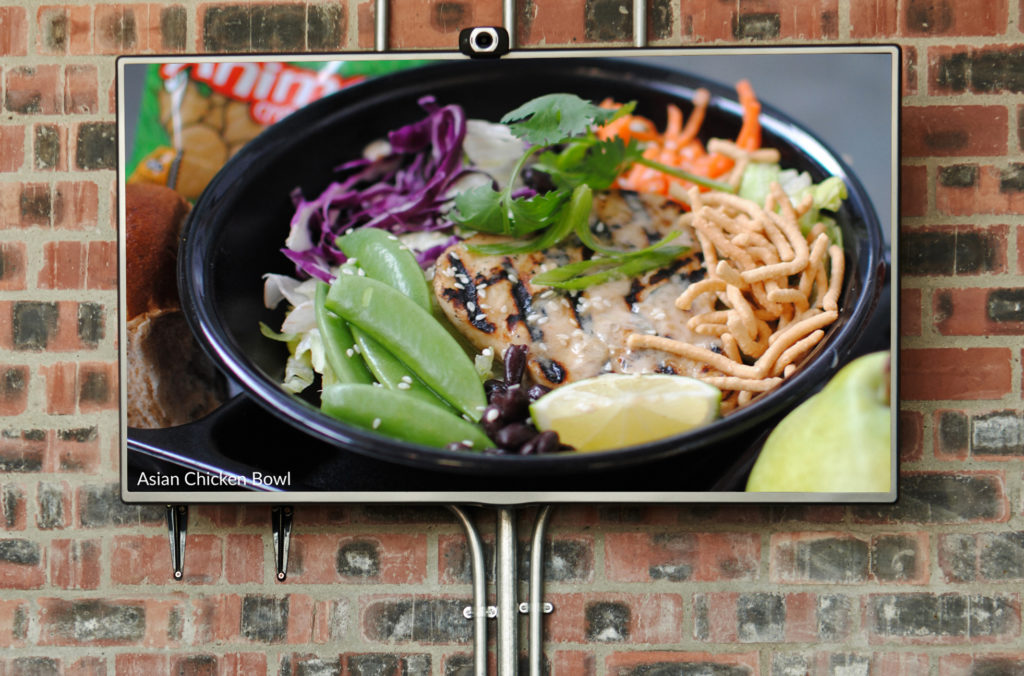

Want a sneak peek at some of the bonus marketing resources available to Menu Freedom subscribers? Sign up to gain instant access to download our calendar menu templates, available as Word Doc and Google Doc files in English and Spanish.
Complete the form to receive download access.